How to Turn On Instagram Hidden Words to Block Abusive Comments and Scam Messages in Pakistan
Turn on Instagram Hidden Words in Pakistan: filter abusive comments, send scam message requests to spam and add your own blocked words, phrases and emojis.
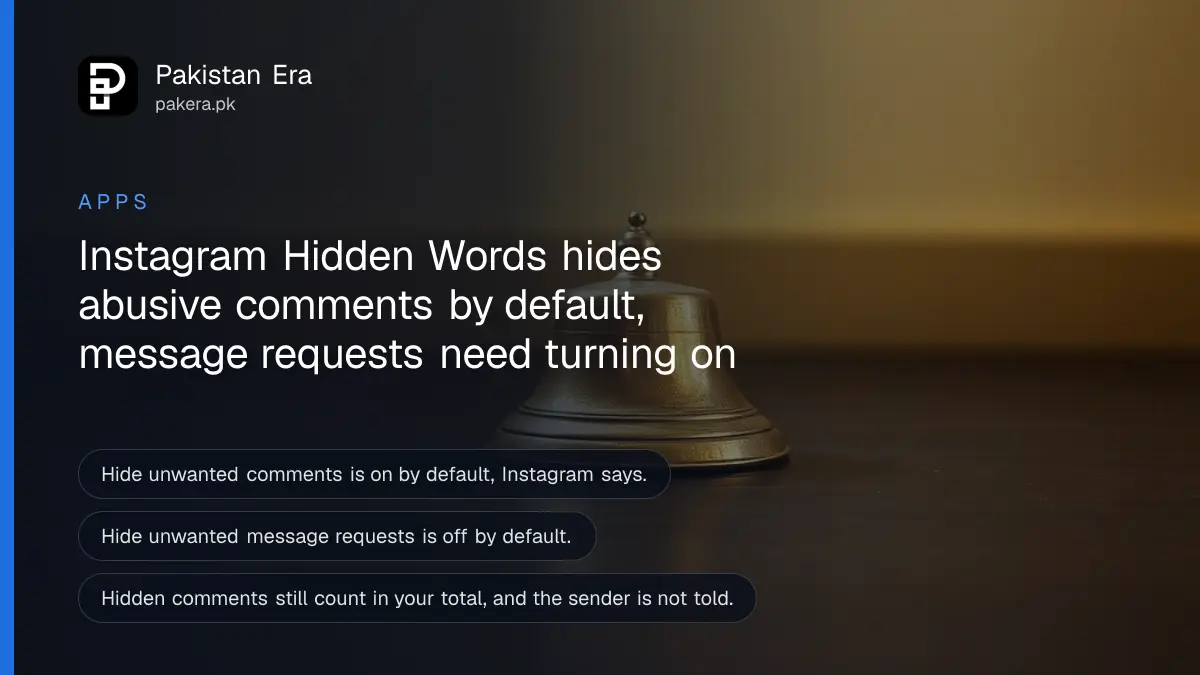
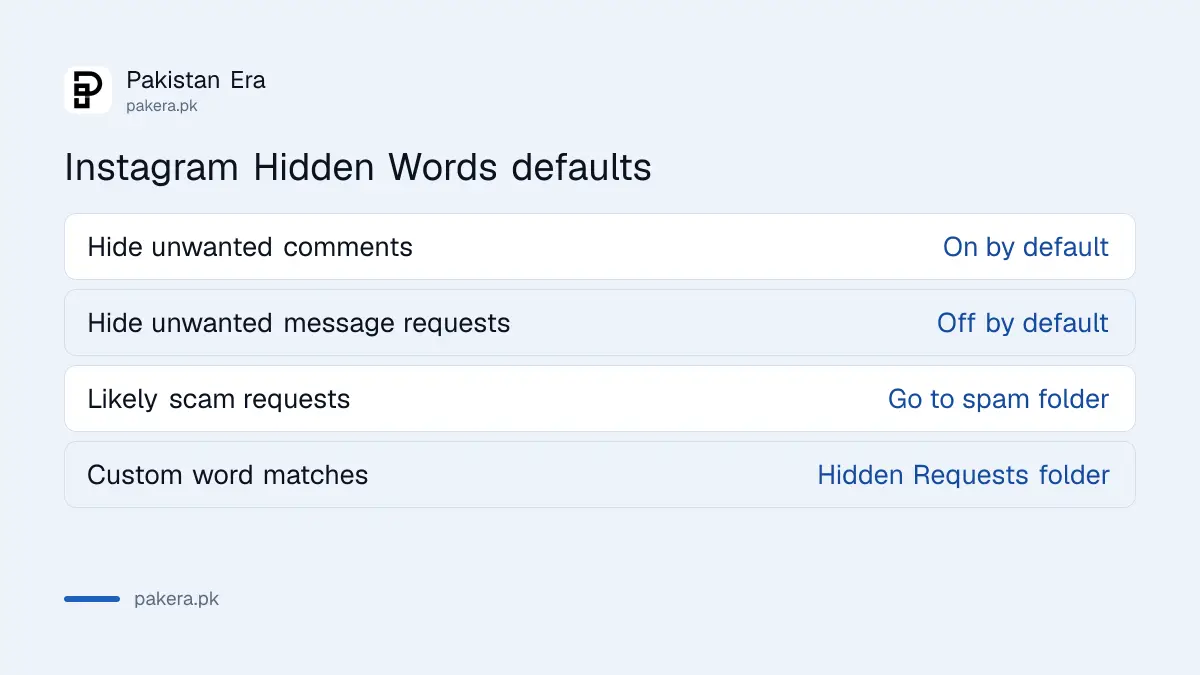
Instagram's Hidden Words hides rude comments and sends scam or offensive message requests to a separate folder. The comments filter is on by default. The message requests filter is off by default, so you have to turn it on yourself. You can also add your own words, phrases, numbers and emojis to block.
A new Instagram account with a few thousand followers gets two kinds of unwanted attention fast: abusive comments and strange message requests with links. Hidden Words is a free filter for both. The defaults and limits below follow Instagram's Help Center. Menu names move often, so use the search box in Settings if a label looks different.
Hidden Words covers comments and message requests
Instagram's help page says the Hide unwanted comments setting is on by default. It hides comments that contain common offensive words, emojis or personal attacks. You can add your own words, phrases, numbers and emojis to a custom list.
For message requests, the setting is Hide unwanted message requests. Instagram says it is off by default. When it is on, requests that may contain scams or offensive language go to your spam folder. Requests hidden because of your Hidden Words choices appear in a separate Hidden Requests folder.
| Filter | Default | Where hidden items go |
|---|---|---|
| Hide unwanted comments | On | Hidden from view, still counted |
| Hide unwanted message requests | Off | Spam folder |
| Your custom words | Empty until you add words | Hidden Requests folder for messages |
Find Hidden Words in your Instagram settings
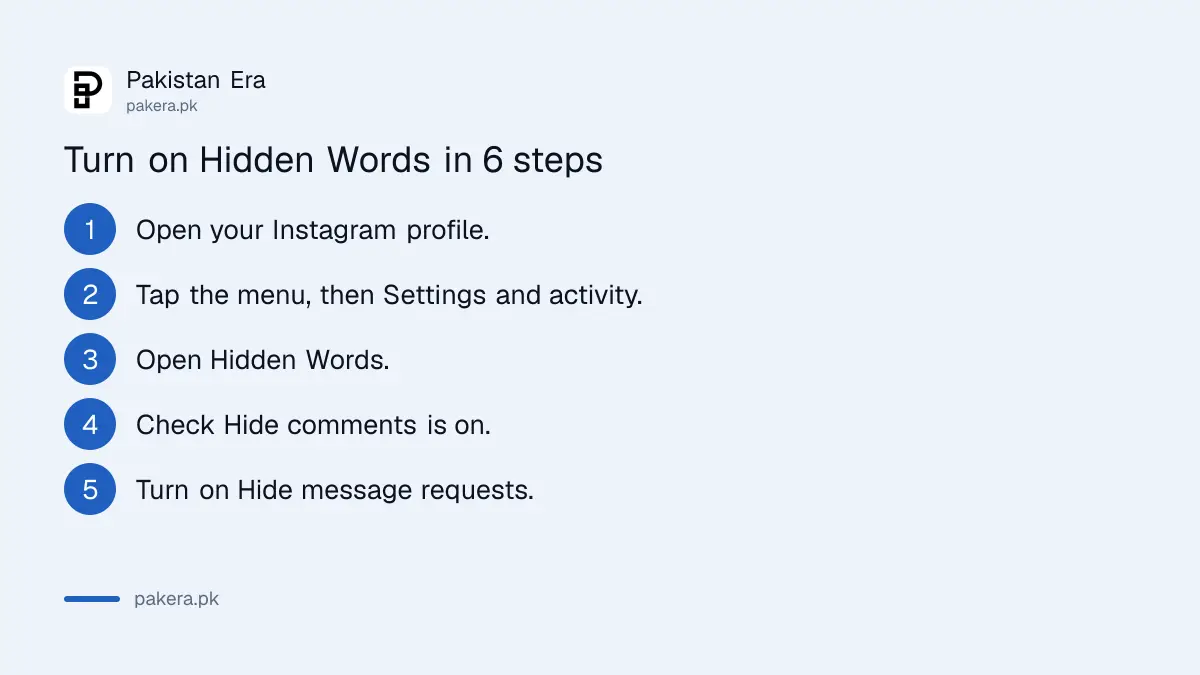
The setting sits in your account settings under Hidden Words. In the app, open your profile, tap the menu, then Settings and activity, and look for Hidden Words. If you cannot find it, type "hidden" into the search box at the top of Settings.
- Open Instagram and go to your profile.
- Tap the menu at the top right, then Settings and activity.
- Open Hidden Words.
- Check that Hide comments is on.
- Turn on Hide message requests.
- Add custom words, phrases, numbers or emojis you want to block.
Instagram says hiding message requests is not supported on web browsers or Meta Quest. Use the phone app. If you run a business page, you can set the filter from the app on the account that owns the page.
Add your own words to catch local scams and abuse
The default list is general. Your custom list is where you catch what your followers actually see. Add the words scammers use in your area, a rival's name, phone number patterns, or an abusive phrase in Urdu or Roman Urdu.
Be careful with common words. A word like "price" will hide real customers asking about your product. Add specific scam phrases and phone numbers instead. Check the Hidden Requests folder often, because the filter can catch a real message by mistake.
Instagram says hidden comments still count towards your total comment count, and the person is not told that something was hidden. So a post can show 40 comments while you see fewer. That is normal.
A simple routine works well. Once a week, open the Hidden Requests folder and the spam folder, and read what was caught. If a real customer or friend is in there, remove the word that caught them from your custom list. If a new scam phrase shows up, add it. This takes two minutes and keeps the filter useful instead of stale.
Creators and shop owners should also think about who manages the account. If a staff member handles messages, tell them how the filters work, so they do not assume a missing message was ignored. Agree on a short list of words that should always be hidden, and write it down so the list survives a change of staff.
Combine Hidden Words with private, restrict and teen settings
Hidden Words handles text. It does not stop someone from following you or tagging you. For that, make your Instagram account private and restrict someone. If the person pretends to be you, report them, as in the steps to report a fake profile using your name.
Instagram says Teen Accounts start with these protections turned on automatically, and that teens under 16 need a parent's permission to loosen them. Parents can read how to set up Instagram Teen Accounts and parental supervision. The same family of tools exists on WhatsApp, in the guide to WhatsApp parental controls for your teen.
Filters do not replace caution. If a message request asks for a code, a payment or your login, do not reply. If your account is taken over, follow the steps to recover a hacked Instagram account.
Common questions about Instagram Hidden Words
Is Instagram Hidden Words free?
Yes, Instagram's help page lists no charge. It is a setting inside the app.
Does the person know I hid their comment?
No. Instagram says the sender is not notified when something is hidden.
Why is Hide message requests off?
Instagram says it is off by default. You have to turn it on yourself in Hidden Words.
Where do hidden message requests go?
Instagram says likely scams or offensive requests go to your spam folder. Requests hidden by your Hidden Words choices go to a Hidden Requests folder.
Can I use Hidden Words on the website?
Instagram says hiding message requests is not supported on web browsers. Use the phone app.
How we verified this
What we checked, where we read it, and what we could not confirm.
Last checked 14 October 2026. The defaults, folders, limits and Teen Account note come from Instagram's Help Center page on hiding comments or message requests (help.instagram.com). That page is built with scripts, so we could not read it as plain text. We relied on its search summary, so the exact menu names in your app may differ. We did not test the filter.
About the author

Technology Journalist & Multimedia Producer
Ahmad Ali is a technology journalist and multimedia producer at Pakistan Era, joining the team in October 2026. He covers consumer technology and digital life for Pakistani readers, combining research with hands-on product testing.