Al Baraka Bank Pakistan App: Fingerprint Check, 3 Trusted Devices and the 2 Hour Wait Explained
The Al Baraka Bank Pakistan app needs a NADRA fingerprint check for 5 actions, allows 3 trusted devices and pauses payments 2 hours. Here is how to get through.
Short answer: the Al Baraka Bank Pakistan mobile app asks for a NADRA fingerprint check, done inside the app, at five moments: a new registration, a new or changed phone, a higher transaction limit, a username or password reset, and an email change. Most of these start a 2 hour cooling-off period with no transactions. You can keep at most 3 trusted devices. Forgot Credentials works only on a phone already marked trusted. If the fingerprint check keeps failing, you must visit an Al Baraka branch. The 24/7 helpline is 111-113-442.
Al Baraka changed how its app handles security after State Bank of Pakistan rules on digital fraud, and the bank published a short FAQ to explain the new steps. Customers still get stuck at the same points: a new phone, a forgotten password, a screenshot that will not save. We read the FAQ and the bank's mobile banking page on 6 November 2026. This guide explains each rule and what to do about it.
Five moments that need a NADRA fingerprint check
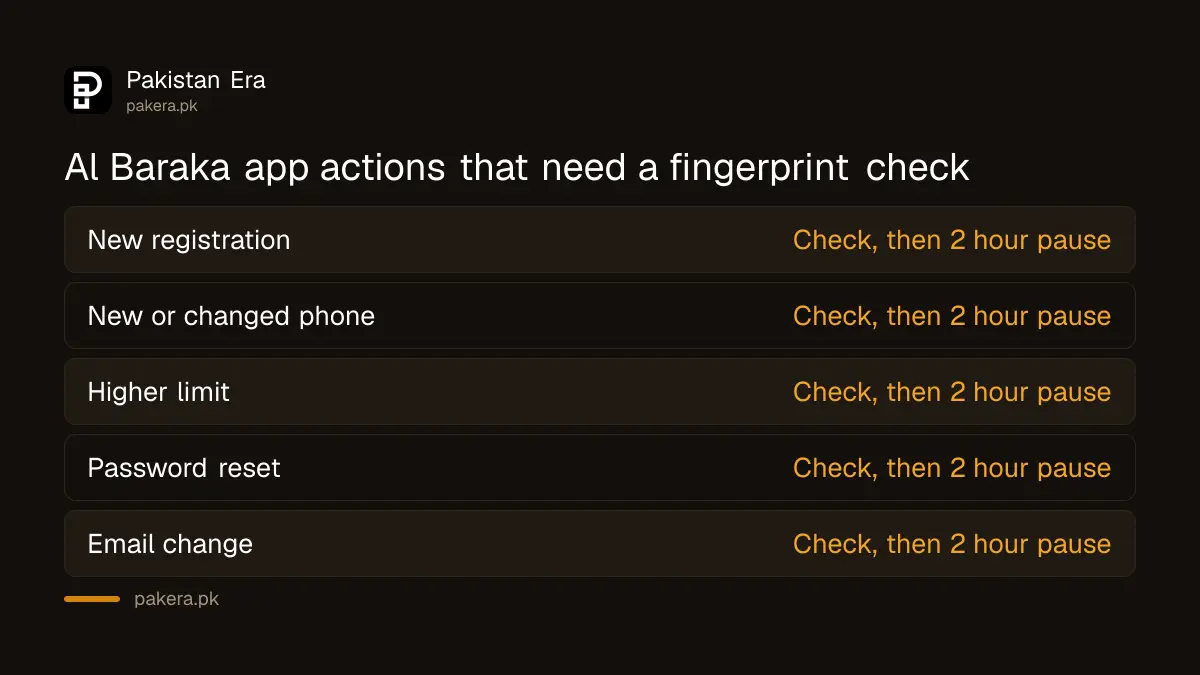
Al Baraka Bank makes in-app biometric verification mandatory for five actions. Your fingerprints are scanned through the phone and matched against NADRA's records. The check proves that the person asking is the account holder, not someone holding a stolen phone.
The bank lists these five actions:
| Action | Fingerprint check | 2 hour cooling-off |
|---|---|---|
| New digital banking registration | Yes | Yes |
| New phone or extra trusted device | Yes | Yes |
| Raising your transaction limit | Yes | Yes |
| Username or password reset | Yes | Yes |
| Email address change | Yes | Yes |
Lowering a limit is not on the list. Only an upward change needs the check. That matches the wider State Bank approach, which lets customers cut their own limits easily. Our guide on checking your bank app's devices and limits explains why that is worth doing.
What the 2 hour cooling-off period blocks
During the 2 hour cooling-off period you cannot make any transactions in the Al Baraka app. The bank says the pause applies after a new registration, a password reset, a higher limit or an email change, once the fingerprint check succeeds. It ends on its own.
Plan around it. If you are changing phones, do it a few hours before you need to pay a bill or a fee, not at the counter. If a family member needs money urgently, use another channel such as an ATM or the branch while the pause runs.
The bank says these steps follow State Bank of Pakistan directions. Our page on the 2 hour wait after a new phone shows the same rule at other banks and wallets.
Add a new phone as a trusted device
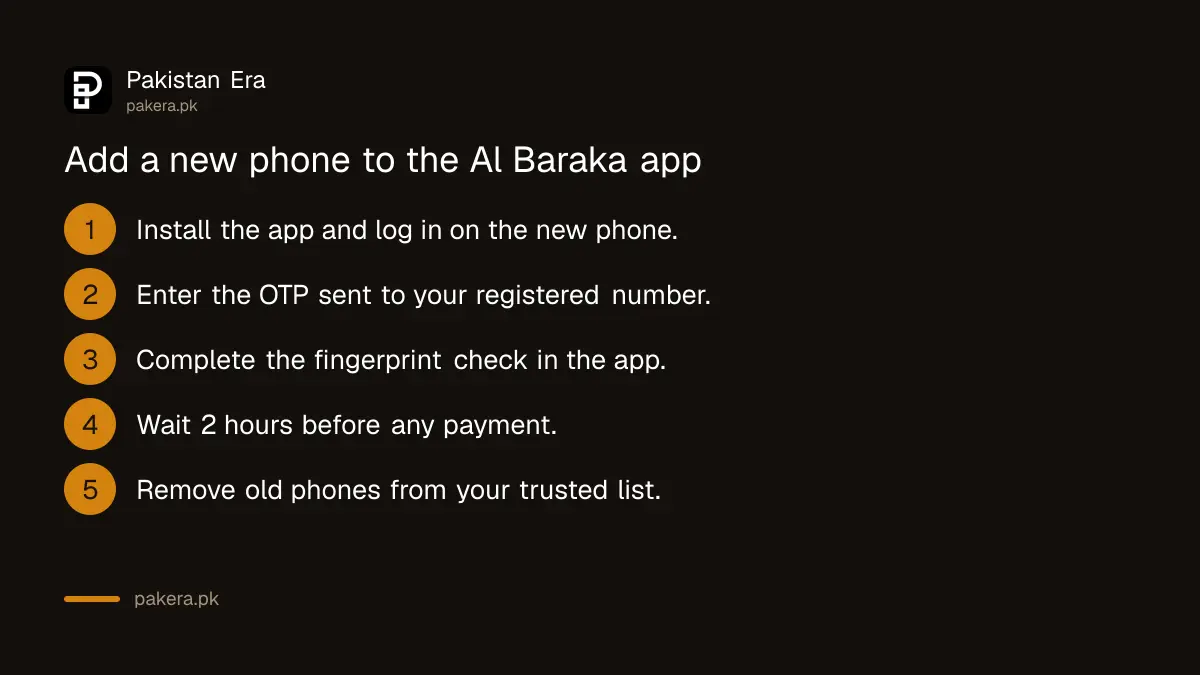
A trusted device is a phone you have already verified for Al Baraka digital banking. To add one, log in on the new phone. The app opens the device binding steps by itself: an OTP, then the fingerprint check, then the 2 hour pause. You can keep a maximum of 3 trusted devices.
- Install the Al Baraka mobile app on the new phone from the Google Play Store or Apple App Store.
- Log in with your username and password.
- Let the app read the OTP sent to your registered mobile number, or type it in.
- Complete the fingerprint check inside the app.
- Wait 2 hours before making a transaction.
- Open the trusted devices list in the app and remove any phone you no longer use.
The last step matters if you have sold or lost a phone. A device you no longer hold should not stay on the list. If you already have 3 trusted devices, you will need to remove one before adding another.
Forgot your Al Baraka app username or password
Use Forgot Credentials on the app's login page, but only from a phone that is already a trusted device. The reset needs the fingerprint check and is followed by the 2 hour pause. On a new or untrusted phone, the option will not complete.
This is the trap most people fall into. They lose their phone, buy a new one and try to reset a forgotten password on it. Al Baraka's rule says the reset must happen on a trusted device. If you have no trusted phone left, call the helpline on 111-113-442 or visit your branch to restore access.
A good habit is to keep a second trusted device, such as an older family phone kept at home. You are allowed up to 3, so one spare does not cost you anything.
When the fingerprint check keeps failing
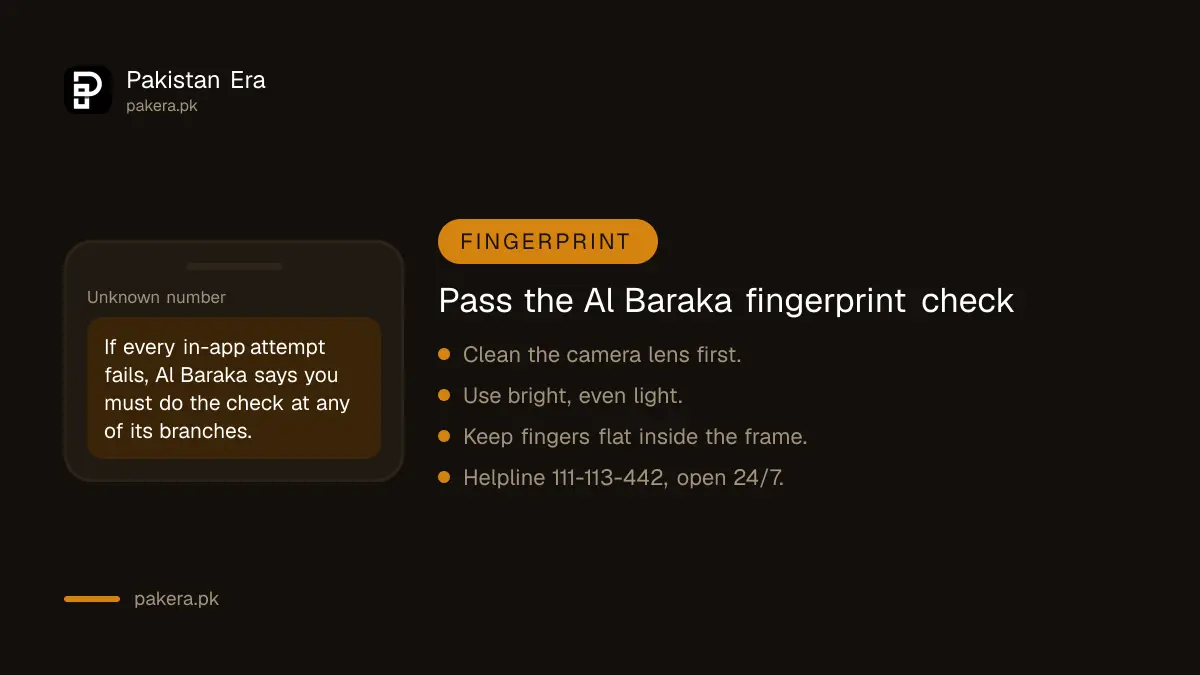
If you use up all your fingerprint attempts in the app, Al Baraka will not let you continue. The only way forward is an in-branch biometric check at any Al Baraka branch. Take your original CNIC, as for any identity check at a bank.
Before you run out of attempts, try the basics. Clean the phone's camera lens. Wash and dry your hands. Use bright, even light and place your fingers flat inside the frame on screen. Worn fingerprints, common among people who do manual work, often fail on phones and pass on the branch scanner.
Screenshots, malware warnings and fees
Al Baraka tells customers who need a record of a payment to use the Download Receipt button on the success screen, not a screenshot, as screenshots may not work in the app. A malicious software warning is a safety check, not a sign your account was hacked. Raast and payments within Al Baraka are free.
The bank's FAQ says the security features apply to all digital banking users from 15 July. If the app warns about harmful software, remove apps you do not recognise, especially screen sharing or remote control apps, and restart the phone. Our guide to checking an app is official helps you decide what to delete.
On fees, Al Baraka's July to December 2026 schedule of charges lists Raast transfers, transfers within the bank and utility bills as free. Interbank transfers are free up to Rs 25,000 a month, then 0.1 per cent or Rs 200, whichever is lower. The full list is on our Al Baraka schedule of charges page.
The app itself covers Raast and IBFT transfers, more than 600 billers, QR payments, Zakat and donations, and instant transaction alerts.
Common questions
How many phones can I use with the Al Baraka app?
Up to 3 trusted devices. You can manage the list from inside the app.
Why can I not make a payment after changing my password?
A password reset starts a 2 hour cooling-off period. No transactions are allowed until it ends.
Can I reset my Al Baraka password on a new phone?
No. Forgot Credentials works only on a trusted device. Without one, call 111-113-442 or visit your branch.
Does a malware warning mean my account was hacked?
No. Al Baraka says it is a preventive security measure, not a response to a confirmed breach of your account.
How do I save proof of a payment in the Al Baraka app?
Tap the Download Receipt button on the transaction success screen. The bank recommends this instead of a screenshot.
What is the Al Baraka Bank helpline?
The bank lists a 24/7 helpline at 111-113-442.
How we verified this
What we checked, where we read it, and what we could not confirm.
Last checked on 6 November 2026. Security rules are from Al Baraka Bank Pakistan's digital banking FAQ. App features and FAQ answers on screenshots and malware are from its mobile banking page. Fees are from the bank's July to December 2026 schedule of charges, as recorded on our own charges page. We read these pages; we did not use the app or call the helpline.
About the author

Technology Journalist & Multimedia Producer
Ahmad Ali is a technology journalist and multimedia producer at Pakistan Era, joining the team in October 2026. He covers consumer technology and digital life for Pakistani readers, combining research with hands-on product testing.