Check Your Bank App's Linked Devices and Transfer Limit in Pakistan: SBP Lets You Cut Both
SBP rules let you see the phones linked to your bank app and lower your daily transfer limit. See how, why Meezan's default is Rs 1 million and what to remove.
Short answer: State Bank of Pakistan (SBP) rules make banks let you see and manage the phones linked to your banking app, and raise or lower your own transfer limits after checking it is you. Lowering your daily limit caps what a fraudster can take. Meezan Bank's app, for example, allows Rs 1 million a day to other banks by default, and lets you set a lower figure.
Most people never open these two settings. They matter most on the worst day: when a phone is stolen, a SIM is swapped or someone talks a parent into sharing a code. We read SBP's 2023 rules on digital banking security and Meezan Bank's own app limits page on 20 October 2026. This is a five minute check you can do tonight.
SBP makes banks show you every linked device
SBP's BPRD Circular No. 04 of 2023 says banks must register customers' devices through device binding, and must give customers a way to manage those devices in the app or internet banking. Any new device registered must be notified to you at once on your registered number, and by email if you gave one.
Device binding means the bank ties your login to a particular phone, using details such as its device ID or SIM. So a new phone cannot simply log in with your password. The same circular tells banks to cap how many devices you can register, and to reset passwords only from a registered device.
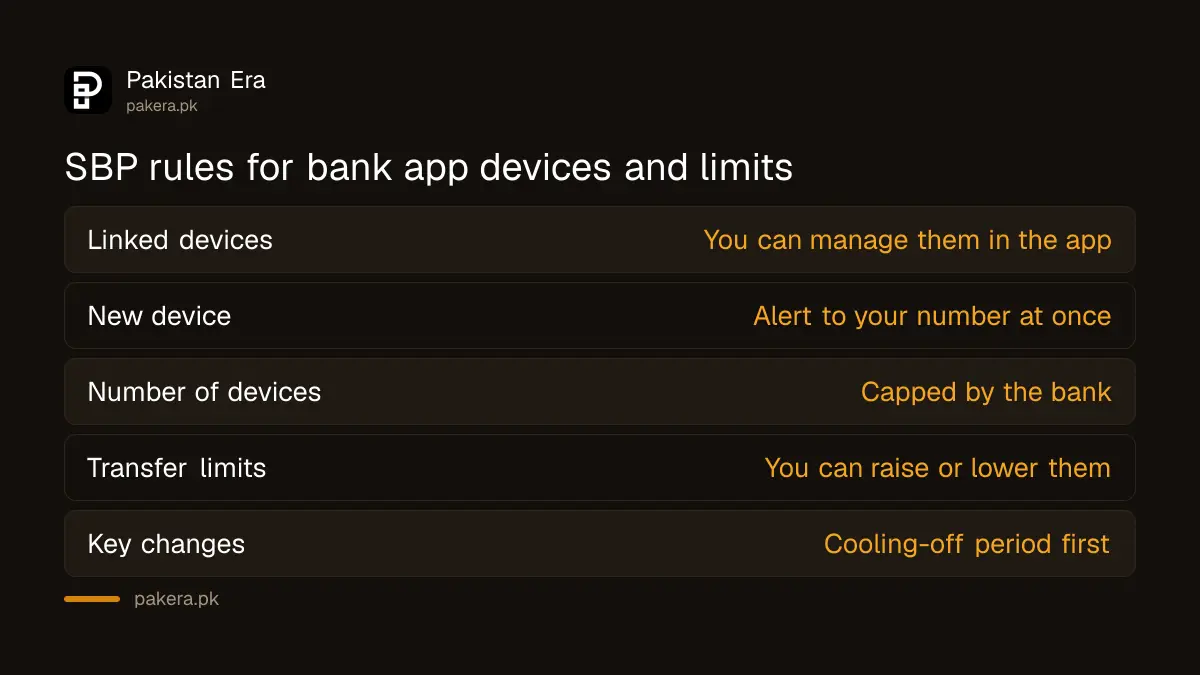
That is why a new phone waits before it can pay. The circular sets a 2 hour cooling-off period for new app users and before key changes such as a new device, mobile number, email or transaction limit. The wait is explained in why your banking app blocks payments for 2 hours on a new phone.
Remove phones you no longer use
Open your app's device or security settings and look at the list. Remove any phone you sold, lost, replaced or never recognised. An old phone left on the list is a way in for whoever has it now. SBP's rules require that the app let you manage this list yourself.
- Open your bank app and go to Settings, Security or Profile.
- Find the screen for registered or trusted devices. Names differ by bank.
- Remove every phone that is not in your hand or your family's daily use.
- If a device you do not recognise appears, call the bank's helpline at once.
- Check that alerts reach your current mobile number and email.
If you get an SMS that a new device was added and it was not you, treat it as fraud. Call the bank, ask it to block digital access, and change your password from your own phone. Bank numbers are in our list of bank helpline numbers.
Lower your daily transfer limit to what you really need
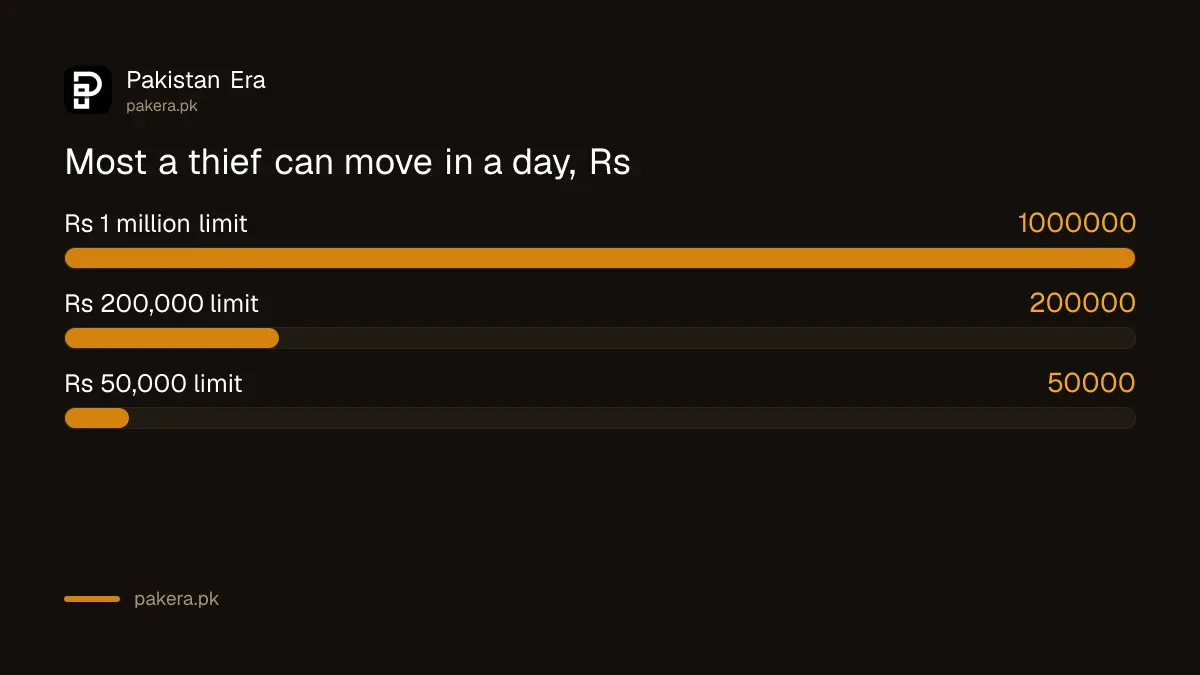
The same SBP circular says banks must set reasonable default limits on digital channels and let customers raise or lower them after due checks. It also says customers must be able to manage limits for all digital channels. Your limit is the most a thief can move in a day, so a lower one caps the damage.
Meezan Bank's mobile banking page shows how high defaults can be. It lists Rs 5 million a day between your own Meezan accounts, Rs 2 million a day to other Meezan accounts you have registered, and Rs 1 million a day to registered accounts at other banks. The same page offers "Funds Transfer Limit Management" to set your own figures.
| Meezan app daily limit | Default per Meezan's page | What a lower limit does |
|---|---|---|
| Own accounts, Meezan to Meezan | Rs 5 million | Rarely a fraud route, can stay |
| Registered Meezan beneficiaries | Rs 2 million | Caps loss to another Meezan account |
| Registered accounts at other banks | Rs 1 million | Caps loss by IBFT to another bank |
| Debit card ATM, POS and online | Set in the app | Meezan lets you manage each one |
Take the example of someone who sends Rs 30,000 a month to family and pays a few bills. A Rs 1 million daily limit is 33 times what they move in a month. Cut it to Rs 50,000, and a thief who gets in can take Rs 50,000 that day, not Rs 1 million. Other banks set different defaults, so read your own app's limits screen.
Raising a limit later takes a short wait
SBP's circular puts a cooling-off period before changes to transaction limits, the same as for a new device. So plan ahead. If you are buying a car or paying a fee next week, raise the limit a day early, then lower it again afterwards. The wait is a safety feature, not a fault.
Card limits work the same way. Meezan's page says its app lets you manage permissions and limits for ATM, point of sale and online card use. If you rarely shop online or abroad, switching those off removes another route. The steps are in how to turn off online and international card payments. ATM cash limits by bank are in our page on ATM withdrawal limits.
Banks watch for the patterns fraudsters use
SBP's rules list fraud patterns banks must watch, such as a new device followed by a password reset, or a new device followed by several new beneficiaries and transfers. When your bank asks for extra checks at those moments, it is following those rules. Answer the checks yourself, never through a caller.
No setting helps if you hand over a code. Never share your PIN, TPIN or OTP, and never install a screen sharing app because a caller asks, as explained in how to stop the screen sharing app scam. If money does leave your account, report it within minutes and follow the steps to claim a digital fraud refund. For older relatives, the same checks are worth doing together: see how to protect elderly parents from phone scams.
Common questions
Can I lower my bank app's daily transfer limit?
Yes. SBP's 2023 rules require banks to let customers raise or lower their digital transaction limits after due checks. Look for a limits or limit management screen in your app.
Why did my bank make me wait after changing my limit?
SBP's rules set a cooling-off period before key changes such as transaction limits, a new device or a new mobile number. It gives you time to stop a change you did not make.
How do I see which phones are linked to my bank account?
Open the app's security or device settings. SBP's rules require banks to give customers a way to manage registered devices in the app or internet banking.
What is Meezan Bank's default IBFT limit in the app?
Meezan's page lists Rs 1 million a day to registered accounts at other banks, Rs 2 million to other Meezan accounts and Rs 5 million between your own accounts.
Will my bank tell me if a new phone is added?
It should. SBP's rules say any new device registered must be notified at once on your registered number, and by email if available.
Does a low limit stop all fraud?
No. It caps how much can leave in a day. Keeping your codes private and removing old devices matter just as much.
How we verified this
What we checked, where we read it, and what we could not confirm.
Last checked 20 October 2026. We read Annexure A of SBP's BPRD Circular No. 04 of 2023, covering device binding, device management, new device alerts, cooling-off periods, transaction limits and fraud patterns, on 20 October 2026. Meezan Bank's limits and its limit and card management features come from Meezan's mobile banking page, read the same day. The Rs 30,000 household and the Rs 50,000 limit are an example, and the comparison is our arithmetic. We did not test any bank app, and we did not read other banks' default limits.
About the author

Technology Journalist & Multimedia Producer
Ahmad Ali is a technology journalist and multimedia producer at Pakistan Era, joining the team in October 2026. He covers consumer technology and digital life for Pakistani readers, combining research with hands-on product testing.