Stop the Screen-Sharing App Scam in Pakistan: Never Install AnyDesk for a Caller
Fake bank callers in Pakistan ask you to install AnyDesk or TeamViewer, then empty your account without an OTP. How to spot it and what to do in the first hour.
If a caller claiming to be from your bank, JazzCash, Easypaisa or PTA asks you to install AnyDesk, TeamViewer, QuickSupport or any screen-sharing app, hang up. No bank asks for this. If you already installed it, switch off your phone or internet, call your bank's helpline from the number on your card, and change your passwords from another device.
This scam does not need your OTP. That is what makes it dangerous. The caller gets you to install a remote access app "so the bank can fix your account", and then watches or controls your phone while you open your banking app yourself.
We read the scam warnings published by Allied Bank and by AnyDesk, the company behind one of the apps scammers misuse, on 10 October 2026. Both say the same thing in plain words: a real bank or company will never ask you to download software over the phone.
How the screen-sharing scam works in Pakistan
The caller poses as your bank, wallet or a government office and says there is a problem with your account. They ask you to install AnyDesk, TeamViewer or QuickSupport and read out a code. That code lets them see your screen, and sometimes control it, while you log in to your bank.
Allied Bank's security page describes it exactly. The fraudster tells you to install the app "so the bank can fix the problem", then operates your banking session from your own device. No OTP is intercepted, because you approve everything yourself.
The story changes but the shape stays the same:
- "Your account will be blocked today unless we update your biometric details."
- "A wrong transfer came to your account, let us reverse it."
- "Your mobile banking has a fault, our technical team will fix it remotely."
- "You have won a prize from the bank, we need to transfer it to you."
The call often shows a real bank helpline number. Allied Bank warns that caller ID can be spoofed, so a call that appears to come from 042-111-225-225 is not proof that it is the bank. The same trick is used with PTA and NCCIA names, as set out in spoofed calls from fake PTA, NCCIA or bank officers.
No bank or wallet will ask you to install a remote access app
Allied Bank says it will never ask you to install a screen-sharing or remote-access application. AnyDesk's own scam page says no bank or company will ask you over the phone to download software. Treat any such request as fraud, whatever name the caller gives.
The two rules AnyDesk gives are worth learning by heart. Never give anyone you do not know access to your devices. Never share online banking login details or passwords with anyone.
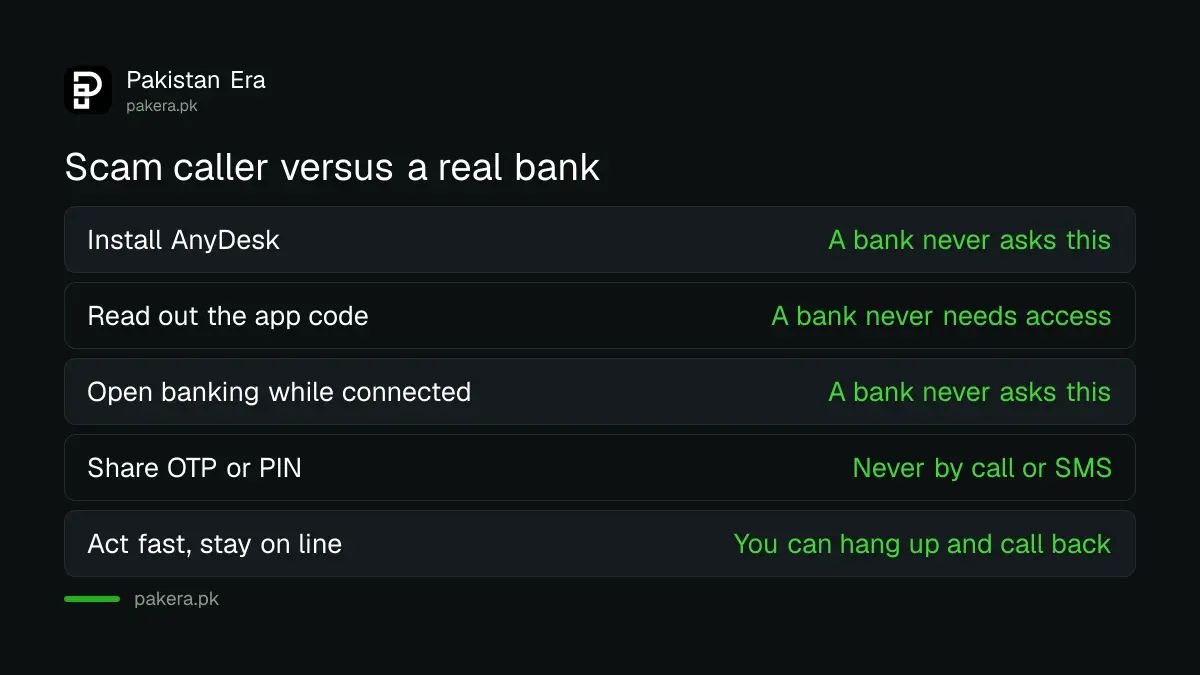
| What the caller asks | What a real bank does |
|---|---|
| Install AnyDesk, TeamViewer or QuickSupport | Never asks you to install any app on a call |
| Read out a code shown in the app | Never needs access to your phone |
| Open your banking app while connected | Never asks to see your banking screen |
| Share your OTP, PIN or password | Never asks for these by call, SMS or email |
| Stay on the line and act fast | Lets you hang up and call back yourself |
Remote access apps are legal and useful. IT staff use them every day to fix office computers. The danger is only in letting a stranger in.
What to do if you already installed the app
Cut the connection first: switch off the phone or turn off mobile data and Wi-Fi. AnyDesk says turning off your device ends any remote session. Then call your bank or wallet helpline from the number on your card or the official website, and ask them to block your account and cards.
- Switch off the phone, or turn off mobile data and Wi-Fi straight away.
- From another phone, call your bank's helpline using the number on the back of your card. For Allied Bank that is 042-111-225-225.
- Ask the bank to block mobile banking, cards and any transfers in progress.
- Change your banking, wallet and email passwords from a different, clean device.
- Uninstall the remote access app, then have the phone checked or reset.
- Report the fraud to the National Cyber Crime Investigation Agency (NCCIA) and keep the caller's number and time of call.
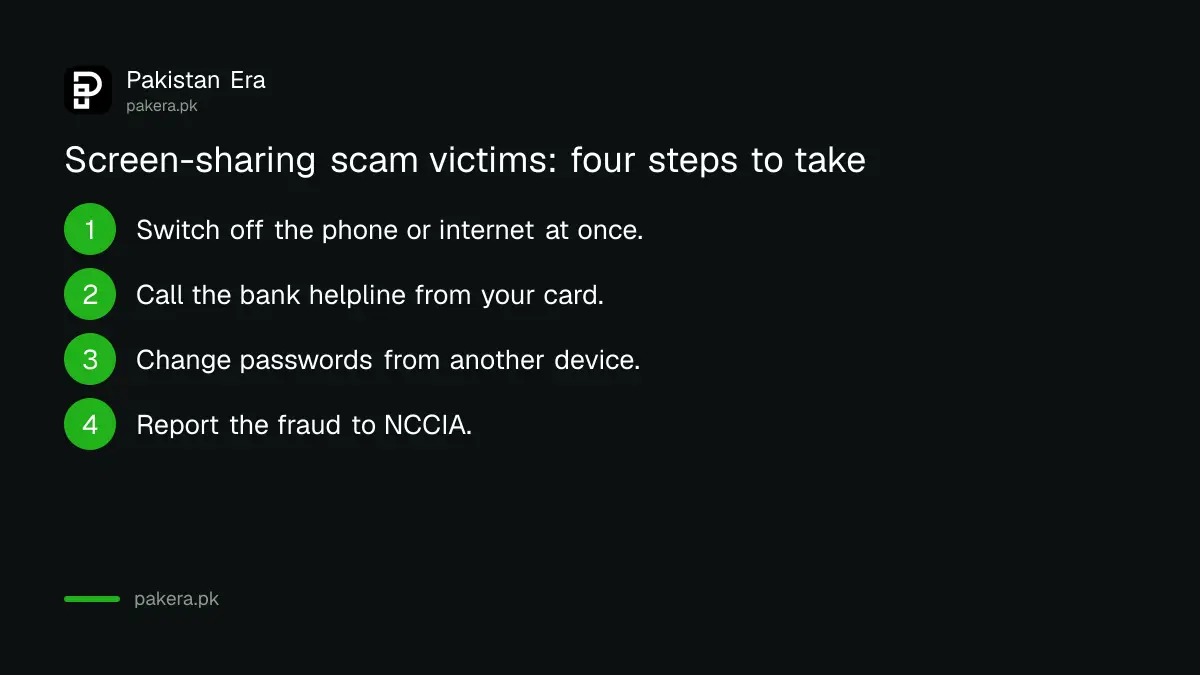
AnyDesk lists the same order: report to your bank and payment apps, change passwords, have the device checked by an IT specialist, and report to the police. Speed matters most in the first hour, while money may still be stopped.
If money has already left a JazzCash or Easypaisa wallet, the complaint route and time limits are covered in getting a refund for an unauthorised wallet transfer. For a bank app, the route is in filing a mobile banking fraud complaint.
Check your phone for remote access apps you did not install
Open Settings, then Apps, and look for AnyDesk, TeamViewer, QuickSupport, RustDesk or anything named "support" or "remote" that you do not remember adding. Uninstall it. Then check Accessibility settings for unknown apps with control permission.
On Android, an app with Accessibility access can read the screen and tap buttons. Scammers sometimes ask victims to switch this on "to complete setup". Go to Settings, then Accessibility, then Installed apps or Downloaded apps, and turn off anything you do not recognise.
Also check where your apps came from. Allied Bank advises downloading banking apps only from Google Play, the App Store or Huawei AppGallery, checking that the publisher is the bank, and never installing an APK file sent on WhatsApp. The checks for that are in verifying an official app before installing it.
Common questions
Is AnyDesk itself a virus?
No. AnyDesk is a legitimate remote access tool used by IT staff around the world. It becomes dangerous only when a stranger convinces you to install it and give them the connection code.
Can scammers steal money without my OTP through AnyDesk?
Yes, in effect. Allied Bank explains that no OTP is intercepted, because you approve every step yourself while the scammer watches or controls your screen. That is why the app request alone is the red flag.
The call came from my bank's real helpline number. Is it genuine?
Not necessarily. Allied Bank warns that caller ID can be spoofed and that it will never call you from its 042-111-225-225 helpline. Hang up and dial the helpline yourself.
How do I end a remote session quickly?
Switch off the phone or computer. AnyDesk's own guidance says turning off your device ends any remote session. Then uninstall the app before you switch your internet back on.
Where do I report a screen-sharing scam in Pakistan?
Call your bank or wallet helpline first so they can block transfers, then file a complaint with the National Cyber Crime Investigation Agency (NCCIA). Keep the caller's number, the time of the call and any transaction IDs.
How we verified this
What we checked, where we read it, and what we could not confirm.
We last checked these sources on 10 October 2026:
- Allied Bank, "Banking security in Pakistan", on abl.com, for the remote access scam description, the spoofed helpline warning, the 042-111-225-225 helpline and the official app store advice.
- AnyDesk, "How to Avoid Remote Access Scams", on anydesk.com, for the two rules, ending a session by turning off the device, and the four steps after a scam.
Allied Bank is used here because its page sets the scam out clearly. Every bank's helpline number is different, so always use the one printed on your own card.
About the author

Technology Journalist & Multimedia Producer
Ahmad Ali is a technology journalist and multimedia producer at Pakistan Era, joining the team in October 2026. He covers consumer technology and digital life for Pakistani readers, combining research with hands-on product testing.