New Phone? Why Your Banking App Blocks Payments for 2 Hours in Pakistan
Banking app or wallet blocked after a new phone, number or password reset? SBP rules ask for a 2 hour wait. See what it covers and how to avoid the delay.
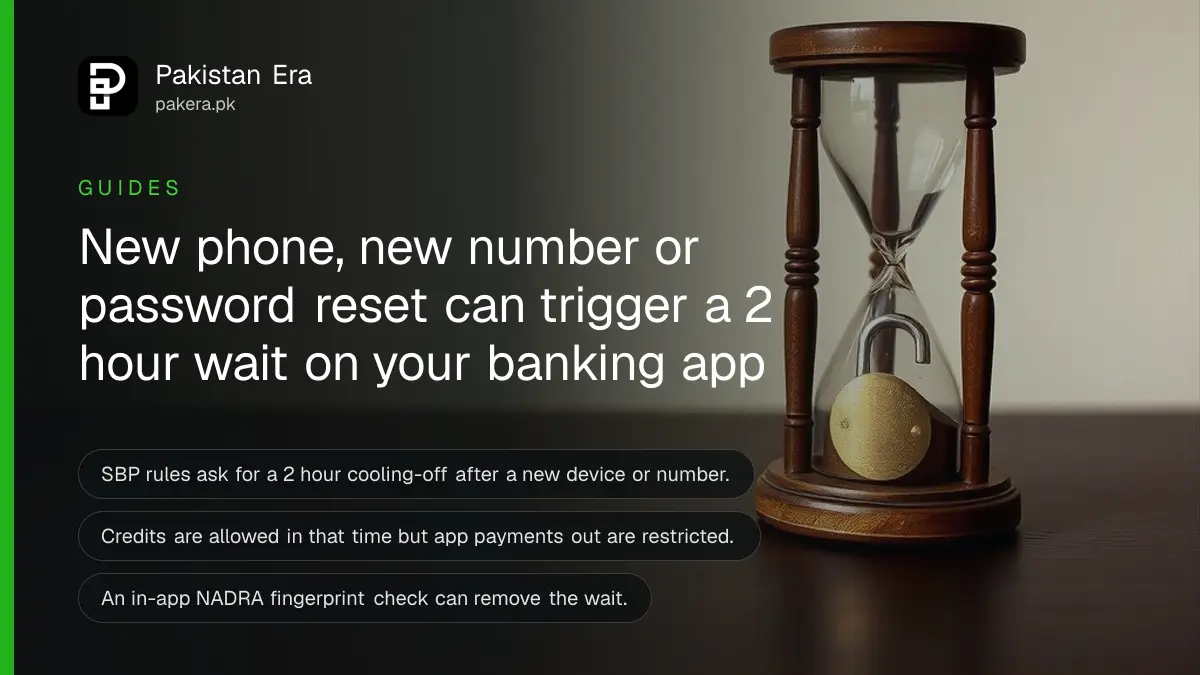
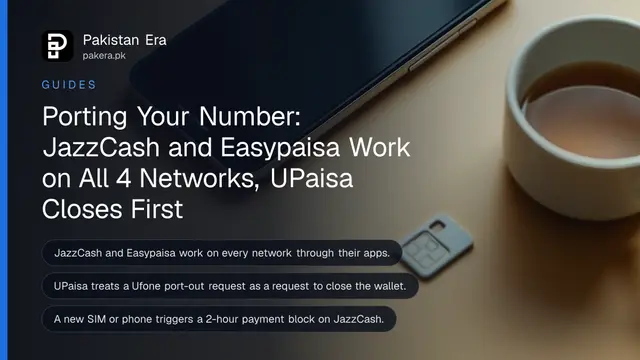
Short answer: When you register a new phone, change your mobile number or email, reset your password or raise your limit, State Bank of Pakistan (SBP) rules ask your bank or wallet provider to wait at least 2 hours before the change takes effect. In that time credits are allowed, but payments out through the app are restricted.
You get a new phone on Sunday, install the banking app, and try to pay a bill. The app says wait. It looks like a fault. It is a security rule, and it is the same rule that stops a thief who has your password from emptying the account in ten minutes.
We read the SBP circular and its FAQ on 11 October 2026. Below is what the rule covers, how to skip the wait legitimately, and what to do if you lose your phone.
The 2 hour wait covers five key account changes
SBP's BPRD Circular No. 04 of 2023 asks banks and microfinance banks to apply a cooling-off period of at least 2 hours before activating the app for new users, and before key changes such as a new device, mobile number, email, transaction limit or password reset.
| Change you make | What the SBP text asks for |
|---|---|
| First sign-up for the mobile app | Biometric check and a 2 hour wait before activation |
| New phone or tablet | Device registered with a biometric check, then a 2 hour wait |
| New mobile number or email | Biometric check, then a 2 hour wait |
| Higher transaction limit | 2 hour wait before it applies |
| Password or credential reset | Only from your registered device, with a 2 hour wait |
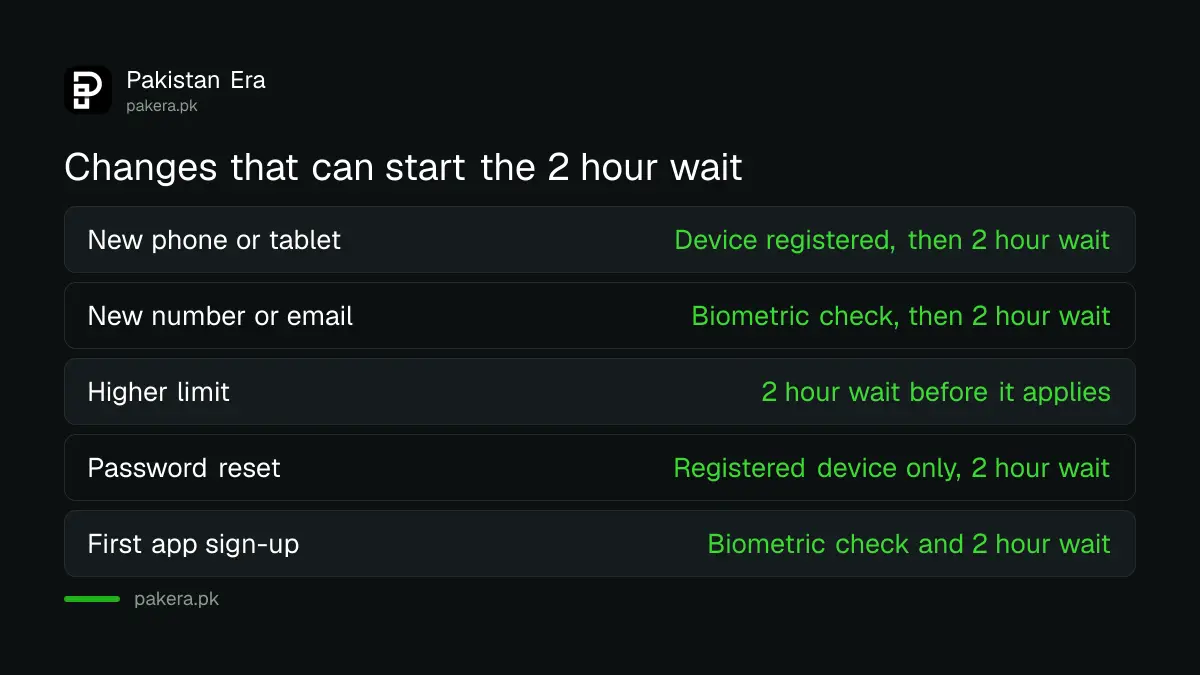
The SBP FAQ says the rule applies to all account types reachable through digital channels, including branchless banking wallets and Asaan accounts. During the wait, credits to your account are allowed. Debits through mobile or internet banking are restricted.
A fingerprint check inside the app can skip the wait
The FAQ says the cooling-off does not apply where NADRA biometric verification is done inside the app or at the bank's branch. It does apply where the biometric check was done through a branchless banking agent. A bank may also waive it, but then it takes on the fraud liability.
That is why some apps let you in within minutes, and others make you wait. It depends on how the provider verified you. The bank decides, not you, and you cannot ask the app to skip it.
Move to a new phone without losing a day
Do the move with time to spare. Register the new device before you need to pay anything, and keep the old phone until the new one is active. The steps below work for most banking apps and wallets, though each provider words its screens differently.
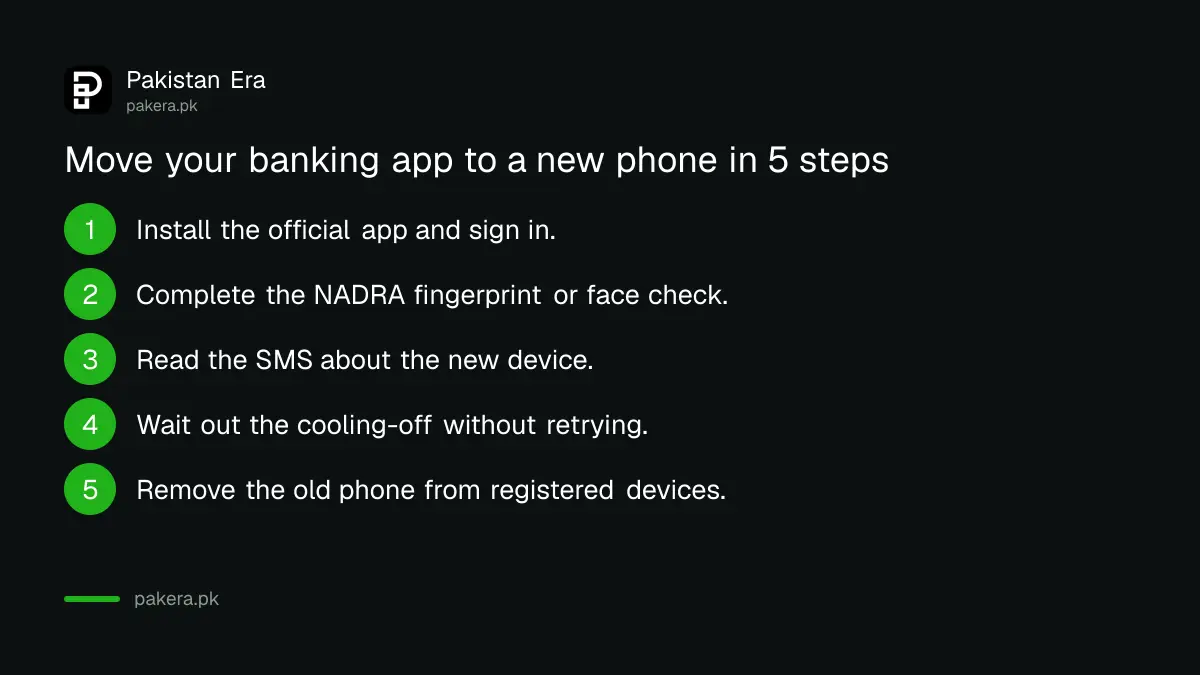
- Install the official app on the new phone and sign in with your account details.
- Complete the identity check when asked. This is a NADRA fingerprint or face check in the app.
- Read the SMS you get about the new device registration. Providers must at least send an SMS for new device registration.
- Wait out the cooling-off period if the app shows one, and do not retry again and again.
- Check for the "registered devices" menu and remove the old phone if you no longer use it.
If you forget a wallet PIN along the way, the reset steps for a forgotten JazzCash MPIN and a forgotten Easypaisa MPIN apply, and the 2 hour wait may start again.
A lost or snatched phone follows the same route
The SBP FAQ says that if a registered phone is lost or snatched, the customer follows the process for registering a new device. So the order is: block the digital channels, secure the SIM, then register the new phone with a biometric check.
Call your provider and ask it to block all your digital channels. The SBP rules say call centre staff must be able to do that in one step, with your consent, and that wait times for block requests are capped at one minute. Providers must also offer a self-service phone menu for blocking.
Block the SIM too. A thief who holds your SIM can receive your one time codes. The steps are in blocking a lost SIM on Jazz, Zong, Telenor and Ufone.
Fingerprints that will not read have an alternative
The SBP text allows alternatives when NADRA fingerprint matching is not possible, for example with a physical disability, unclear fingerprints, a bandaged hand or mehndi. The provider must then use at least two other checks, such as a face check, a live ID check or a call back, or ask you to visit in person.
The FAQ adds that the alternative must be used only when the NADRA check is not possible. The same fallback logic applies when you open an account, which is explained in what to do when an account or wallet application is pending.
Common questions
Why is my banking app blocked for 2 hours on a new phone?
SBP rules ask providers to apply a cooling-off of at least 2 hours after a new device, number or password reset. It is a fraud control.
Can I receive money during the cooling-off period?
Yes. The SBP FAQ says credits to your account are allowed. Only debits through mobile or internet banking are restricted.
Does the rule apply to JazzCash and Easypaisa?
The FAQ says the cooling-off applies to branchless banking wallets and Asaan accounts reachable on digital channels. We did not test either app, so the screens may differ.
Can I avoid the wait with a fingerprint check in the app?
Yes, where the NADRA biometric check is done inside the app or at a branch, the cooling-off is not required. It still applies if an agent did the check.
What should I do if my phone is stolen?
Block your digital channels by calling the provider, block the SIM, and register a new device with a biometric check. Report any unknown transaction at once.
Can a bank skip the 2 hour wait?
It can waive the wait, but only if it accepts the liability for any fraud that happens during that time, according to the SBP FAQ.
How we verified this
What we checked, where we read it, and what we could not confirm.
Last checked on Sunday 11 October 2026. We read the SBP page for BPRD Circular No. 04 of 2023, its Annexure A (operational controls A and F) and its Annexure B FAQ. We did not register a device on any app, so how each provider presents the wait may differ from the rule as written.
About the author

Technology Journalist & Multimedia Producer
Ahmad Ali is a technology journalist and multimedia producer at Pakistan Era, joining the team in October 2026. He covers consumer technology and digital life for Pakistani readers, combining research with hands-on product testing.