How to Reset a Forgotten JazzCash MPIN
Reset it from the app with your CNIC and date of birth, or by dial code if the app will not open. What to do if the account is already locked.
A forgotten MPIN locks you out of your own money, usually at the moment you need it. It resets in a few minutes and does not require a service centre visit.
Update, 11 October 2026: On a new phone, SBP rules explain the 2 hour wait before payments work.
One thing before you start: stop guessing the old PIN. Repeated wrong attempts lock the account, which turns a two minute fix into a helpline call.
Resetting from the app
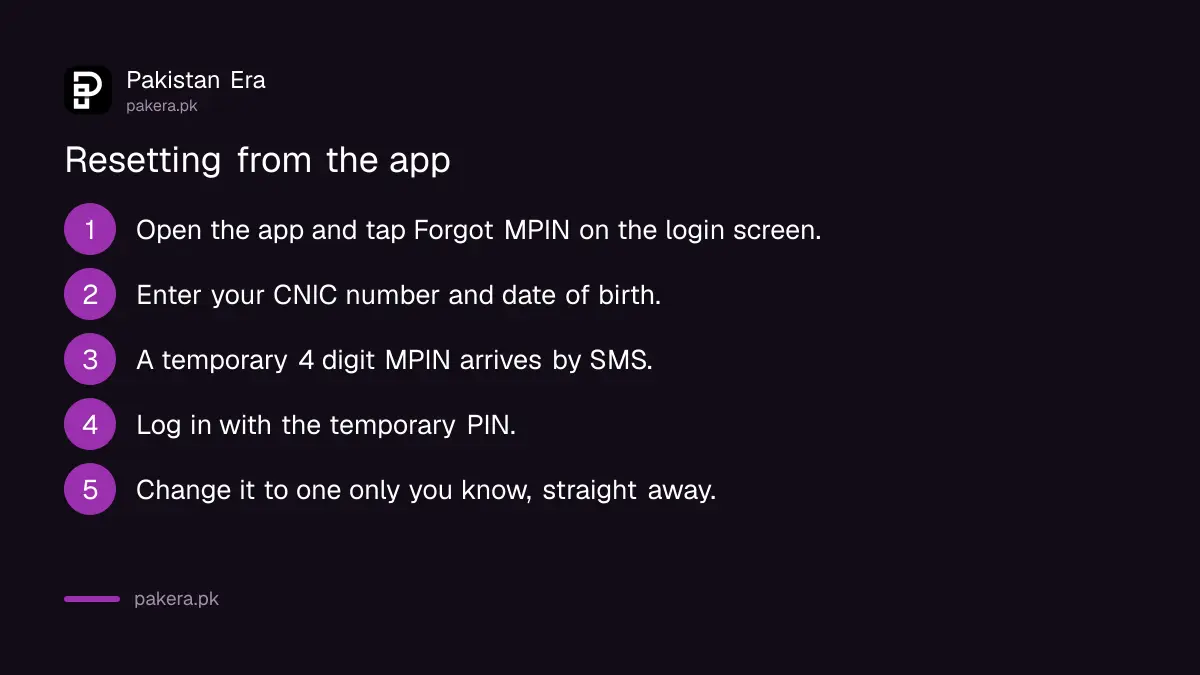
This is the fastest route if the app opens on your phone.
- Tap Forgot MPIN on the login screen.
- Enter your CNIC number and date of birth. These must match what the account was registered with, not what you use elsewhere.
- Wait for the SMS. A temporary four digit MPIN arrives at the registered mobile number.
- Log in with the temporary PIN.
- Change it immediately to something only you know.
That last step is not optional housekeeping. A temporary PIN sent by SMS sits in your message inbox, and anyone who picks up your phone can read it.
If the app will not open
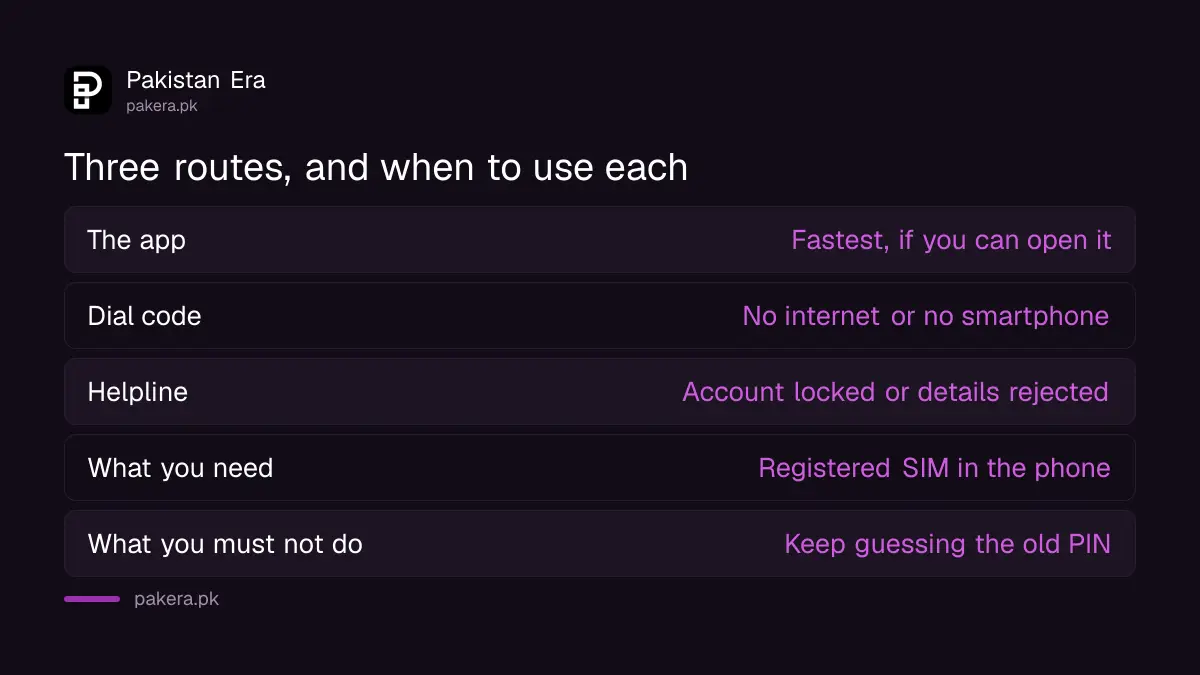
| Route | Use it when |
|---|---|
| The app | It opens and you have internet |
| Dial code | No data, or a basic handset |
| Helpline | The account is locked or your details are rejected |
The dial code route works from the registered SIM with no internet at all. Dial the JazzCash code and take the MPIN or PIN option shown on your screen.
We are not printing a menu path here. You will find strings like a long starred sequence quoted in various places, and menu numbering changes between releases. A guide that tells you to press a sequence which has since been renumbered sends you somewhere you did not intend, which on a payments menu is worth avoiding. Read the options on your own screen.
The same code opens the rest of the service, and how the transfer flow works from a basic handset is in sending money on JazzCash without the app.
It has to be the registered SIM
Every route above verifies you through the number the account was opened on.
If that SIM is lost, replaced, or sitting in a drawer, the reset will not complete, because the temporary PIN goes to a phone you are not holding. Get the SIM replaced first, then reset the MPIN.
On a dual SIM phone, check which SIM is actually dialling out before you use the code route. That setting changes by accident more often than people expect.
If you are unsure which numbers are registered against your identity card at all, that check is free and worth running once a year, and it is covered in checking which SIMs are on your CNIC.
Nobody legitimate asks for your MPIN
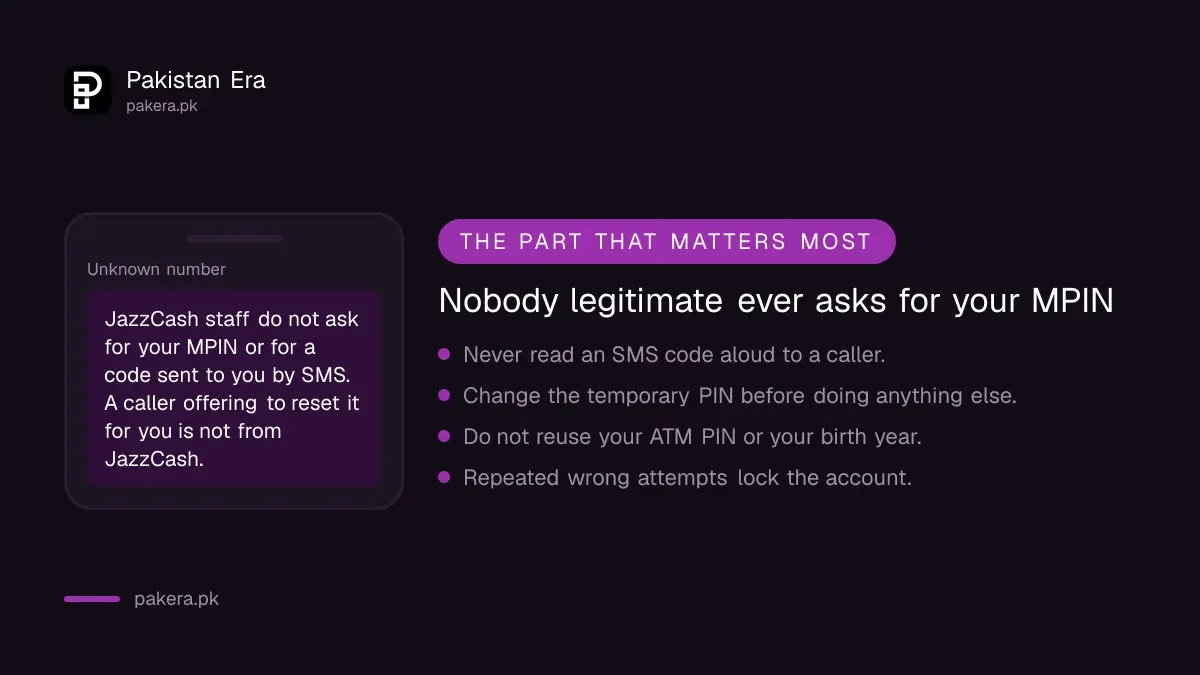
This is the part that matters more than the reset itself, because the moment after a reset is exactly when people get caught.
JazzCash staff do not ask for your MPIN. They do not ask you to read out a code that arrived by SMS. They do not need either to help you.
The common approach is a call, sometimes soon after you have had a genuine problem, from someone who sounds official and offers to reset the PIN for you. What they need is the code sitting in your inbox. Once they have it, the account is theirs.
If a call feels wrong, end it and contact JazzCash yourself through the app or a number you looked up. A real representative will not object to being called back.
The same pattern turns up wearing different clothes across Pakistani fraud, which we set out in the fake payment message scam.
Choosing the new PIN
Four digits is not much room, so the obvious choices are also the ones that get guessed.
Avoid your birth year, the last four digits of your CNIC or phone number, and repeated or sequential digits. Avoid reusing your ATM PIN, because a stolen wallet then costs you both accounts rather than one.
Write it somewhere that is not your phone. A PIN stored in a note on the same handset defeats the point of having one.
If the account is locked
A locked account will not reset by app or dial code, because the lock exists precisely to stop further attempts.
That is the point to contact JazzCash support directly. Expect to verify your identity properly: CNIC, registered number, and usually details of recent activity on the account.
We are not publishing a helpline number here, because we did not read one at source and a wrong number during a lockout wastes the time of somebody who needs help. Use the contact route inside the app, or the number printed on official JazzCash material rather than one from a search result.
Questions readers are asking
How do I reset my JazzCash MPIN?
Tap Forgot MPIN on the app login screen, enter your CNIC number and date of birth, and a temporary four digit PIN arrives by SMS. Change it once you are in.
Can I reset it without the app?
Yes. Dial the JazzCash code from the registered SIM and take the MPIN option shown on your screen. No internet is needed.
What if I no longer have the registered SIM?
Replace the SIM first. Every reset route sends the temporary PIN to that number, so the process cannot complete without it.
My account is locked. What now?
Contact JazzCash support and verify your identity. A locked account will not reset through the app or the dial code.
Someone offered to reset my MPIN for me. Is that normal?
No. JazzCash staff never ask for your MPIN or for a code sent to you by SMS. Treat that call as fraud.
Why does it reject my CNIC and date of birth?
They must match the details the account was registered with. A mismatch usually means the account was opened with different information.
Do I have to change the temporary PIN?
You should, straight away. It sits in your SMS inbox, readable by anyone who picks up your phone.
About the author

Senior Writer, Public Services and Technology
Shahid joined us in 2024 as an author. He is a senior contributor to Pakistan's leading technology websites. He writes detailed articles, mostly covering his expertise in the latest tech, mobiles, apps, gadgets, and step-by-step guides. His ideology is to help people understand the latest trends and explain complex methods through very easy-to-understand guides.