How to Send Money on JazzCash Without the App
Dial *786# from your registered Jazz or Warid SIM. The full menu, the MPIN step, and the agent route when the code will not go through.
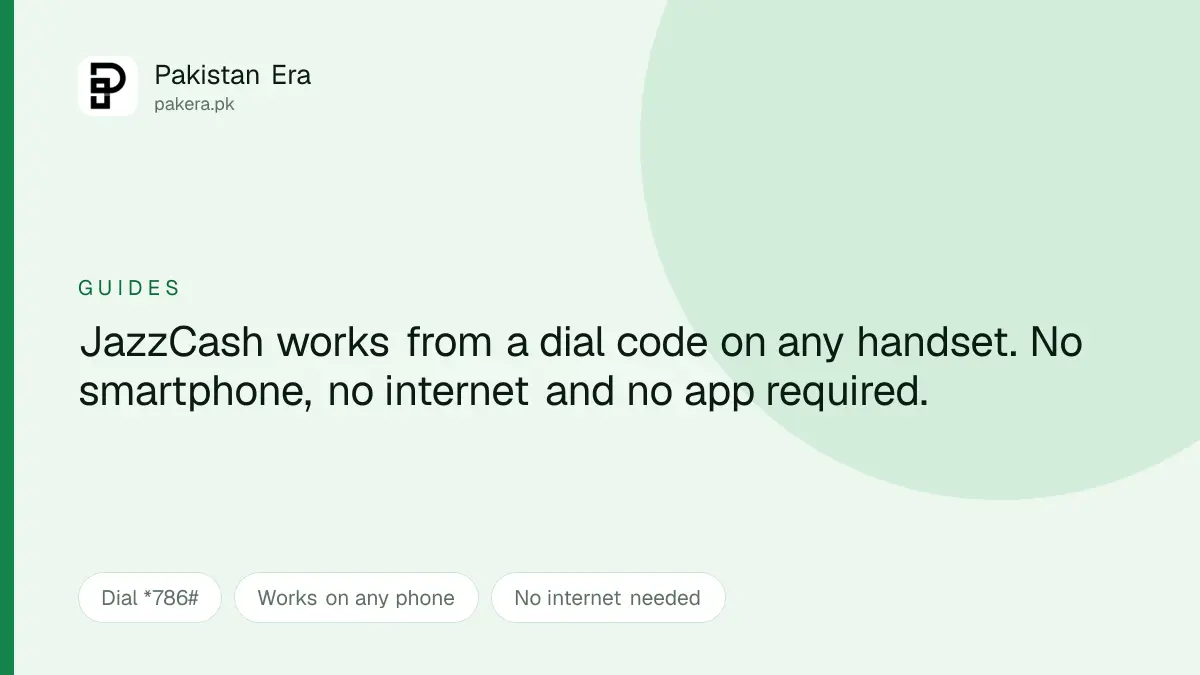
You do not need the JazzCash app to send money. The whole service runs from a dial code that works on any handset, including a basic one, with no internet at all.
The code is *786#, dialled from the SIM your account is registered on.
Sending money by dial code
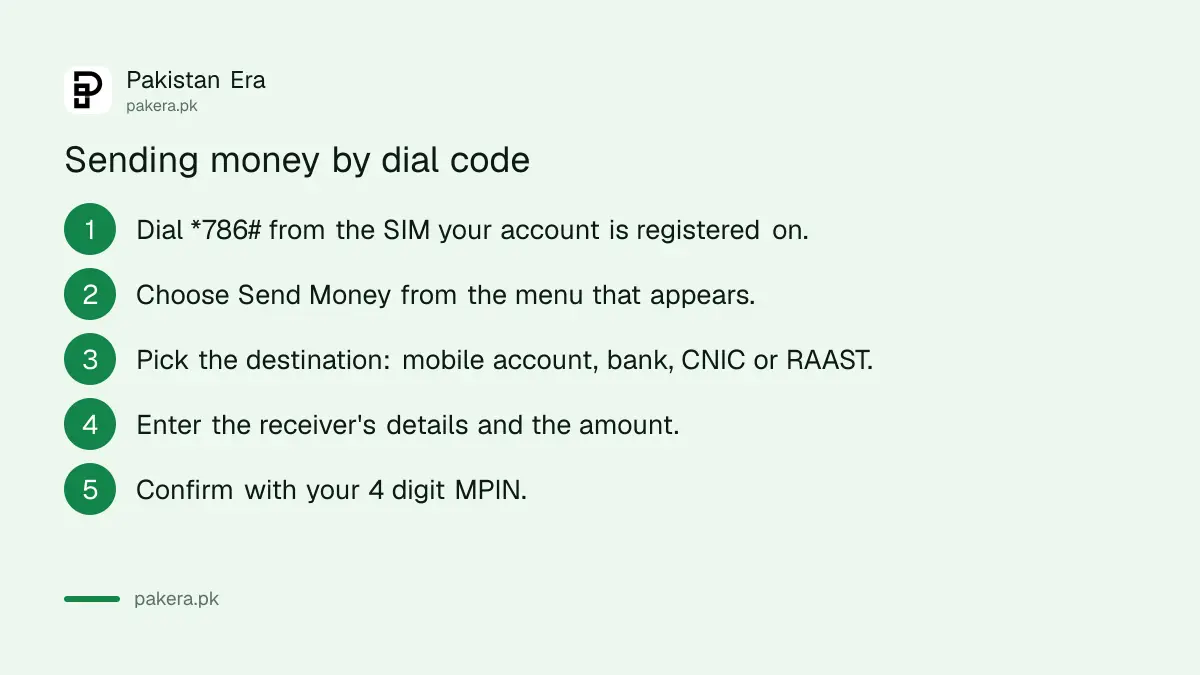
- Dial *786# from your registered Jazz or Warid SIM. A menu opens on the screen.
- Choose Send Money from the options listed.
- Pick where it is going: a mobile account, a bank account, a CNIC, or RAAST.
- Enter the details and the amount. That is the receiver's mobile number, bank account number or CNIC.
- Confirm with your 4 digit MPIN. The transfer completes and a confirmation SMS follows.
We are not printing the menu item numbers. Menus get renumbered between releases, and a guide telling you to press 2 when it is now 3 is worse than no guide. Read the options on your own screen.
Where the money can go
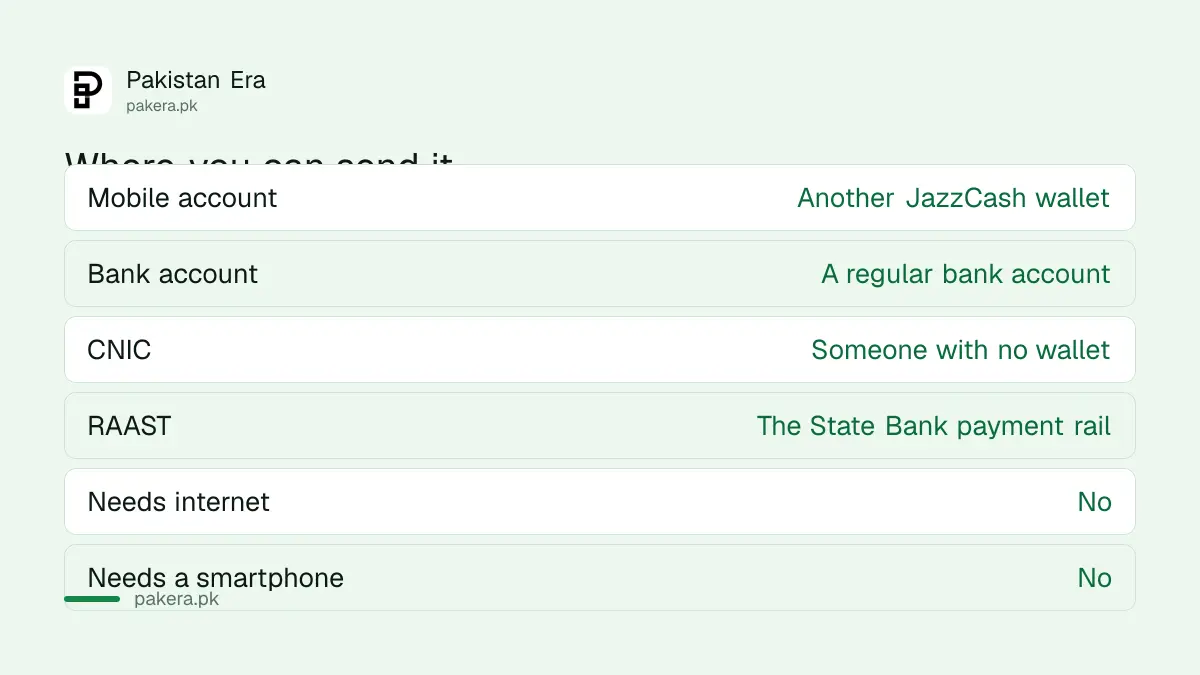
| Destination | What it means |
|---|---|
| Mobile account | Another JazzCash wallet |
| Bank account | A regular bank account |
| CNIC | Someone without a wallet, collected as cash |
| RAAST | The State Bank's payment rail |
The CNIC option is the one people forget. It lets you send to somebody who has no mobile wallet at all, and they collect it against their identity card. That is the route for sending money to an older relative who does not use apps.
It has to be the registered SIM
This is where most failed attempts come from, so it is worth being clear.
The dial code works against the account tied to that specific SIM. If your JazzCash account was opened on a number you no longer use, or the SIM is in the second slot of a dual SIM phone and the phone is dialling from the first, the code will not reach your account.
Two practical checks. Dial from the handset holding the registered SIM rather than a spare. And on a dual SIM phone, confirm which SIM the call is going out on before you dial, because that setting is easy to change by accident.
If you are not certain which numbers are registered in your name at all, that is a free check worth doing once a year, and we set it out in checking which SIMs are on your CNIC.
The mistake that costs real money
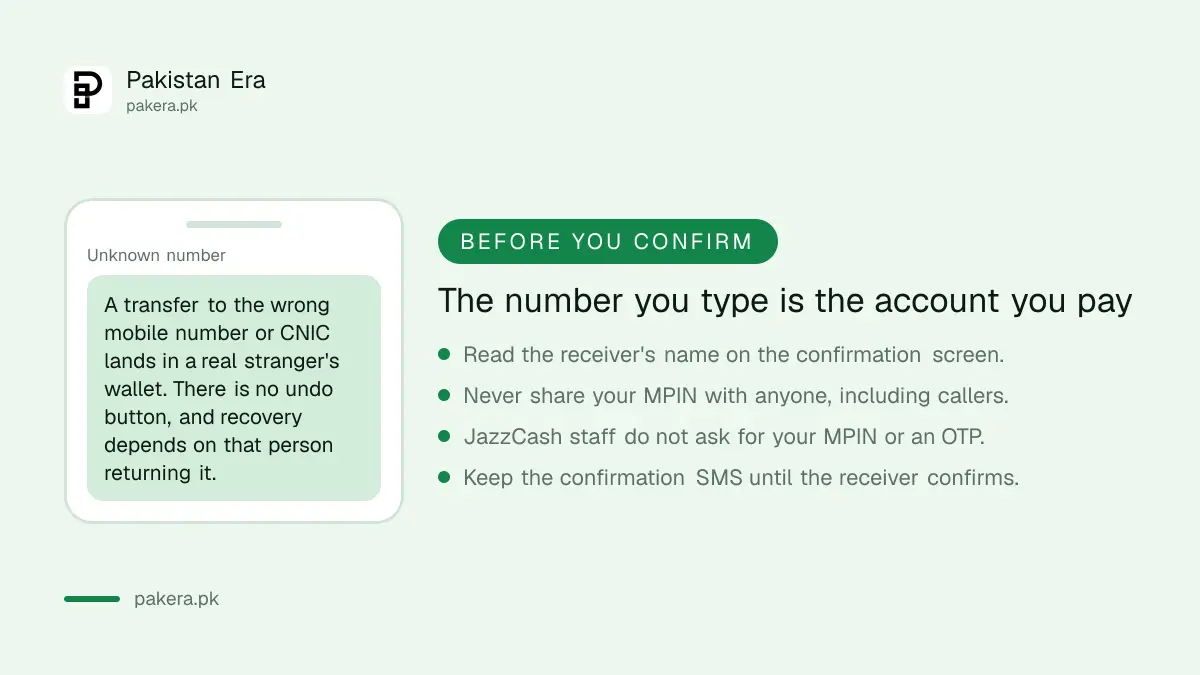
A dial code menu gives you no second chance, and this is the part the shorter guides leave out.
The number you type is the account you pay. One wrong digit sends your money to a real person who happens to hold that number. There is no undo. Getting it back depends entirely on a stranger agreeing to return it.
So before you enter the MPIN, read the confirmation screen. It shows the receiver's name. If that name is not who you think you are paying, stop there.
Two more habits. Never give your MPIN to anyone, including someone who rings claiming to be from JazzCash. Staff do not ask for it, and they do not ask for a code sent to you by SMS. And keep the confirmation message until the receiver tells you the money arrived.
If you have forgotten your MPIN, resetting it is its own process, covered in resetting a forgotten JazzCash MPIN.
If the code will not work
When the menu does not open, or the transfer keeps failing, there is a second route that needs no phone at all.
JazzCash agents operate across the country, including in small towns where there is no branch of anything. An agent can send on your behalf after verifying your identity biometrically, with your fingerprint and CNIC.
That route is slower and involves handing cash to a person, so two cautions apply. Ask what the charge is before the transaction, not after. And get the receipt or the confirmation SMS before you leave the counter.
We are not publishing agent charges or transfer limits here, because we did not read a schedule of charges at source and those figures change. Ask at the counter and compare if you have more than one agent nearby.
What we could not verify
We do not hold a Pakistani JazzCash account, so we have not run this transfer ourselves. That matters, and we would rather say it than imply a test we did not do.
What we can tell you is the shape of the process and the traps in it. What we cannot tell you is the exact menu numbering on your handset today, the current fees, or the daily and monthly limits on your particular account tier.
For those, the confirmation screen and your own account are the authority. If a figure matters to your decision, check it there rather than on any article, including this one.
Why a dial code still matters
It is easy to assume everyone has a smartphone and a data package. A great many people in Pakistan have neither, and plenty who do still lose connectivity when they most need to move money.
A USSD menu runs on the network signal itself. It works during a mobile data outage, on a phone with no storage left for apps, on a handset that was never a smartphone, and on a prepaid number with no balance for data. That is why the code exists and why it is worth knowing before you need it.
If you are comparing wallets and accounts more broadly, our overview is in digital banks in Pakistan. And the fraud patterns that target exactly these transfers are set out in the fake payment message scam.
Questions readers are asking
What is the JazzCash code to send money without the app?
Dial *786# from the Jazz or Warid SIM your account is registered on, then choose Send Money from the menu.
Does it work without internet?
Yes. A USSD menu runs on the network signal, so it needs no data connection and no smartphone.
Can I send to a bank account this way?
Yes. The menu offers a mobile account, a bank account, a CNIC, and RAAST as destinations.
Can I send money to someone with no JazzCash account?
Yes, using the CNIC option, which the receiver collects against their identity card.
What if I send to the wrong number?
There is no undo. The money reaches whoever holds that number, so read the receiver's name on the confirmation screen before entering your MPIN.
What are the charges?
We are not quoting fees, because we did not read a current schedule at source. The confirmation screen shows the charge before you approve it.
The code does not open a menu. What now?
Check you are dialling from the registered SIM, and on a dual SIM phone check which SIM is dialling out. If it still fails, a JazzCash agent can send on your behalf after biometric verification.
About the author

Senior Writer, Public Services and Technology
Shahid joined us in 2024 as an author. He is a senior contributor to Pakistan's leading technology websites. He writes detailed articles, mostly covering his expertise in the latest tech, mobiles, apps, gadgets, and step-by-step guides. His ideology is to help people understand the latest trends and explain complex methods through very easy-to-understand guides.