NADRA Pak ID Photo and Fingerprint Rules in Pakistan: Live Photo, Hijab Allowed, No Glasses
NADRA Pak ID photo and fingerprint rules: live photo only (upload under age 3), hijab or cap allowed with full face, no glasses, plus camera fingerprint tips.
The Pak ID app needs a live photo taken in the app, not one from your gallery. Only children under 3 can have a photo uploaded. Stand against a plain or white background, remove glasses and hats, and keep hair off your eyes. Women may wear a hijab or abaya and men a cap or turban, as long as the whole face from forehead to chin shows. Fingerprints are taken with the phone camera, best against a white sheet in good light.
These two capture steps decide whether a CNIC, NICOP or B-Form application goes through first time. The photo you take is the one printed on your card, so a rushed selfie in a dim room stays with you for ten years.
Pak ID takes the card photo live, in the app
NADRA's Pak ID FAQ says the upload option is only for children below 3 years of age. Everybody else must capture a live photograph at the photo step. NADRA says the app's camera captures photos to ICAO standards, the international rules for ID pictures.
| Applicant | Photo | Fingerprints and signature |
|---|---|---|
| Child under 3 | Upload allowed | Not needed |
| Child 3 to 9 (NICOP rule) | Live capture | Not needed |
| Child 10 or older (NICOP rule) | Live capture | Fingerprints and signature needed |
| Adult | Live capture | Fingerprints and signature needed |
The age 10 line comes from NADRA's NICOP answer. A B-Form applied through the app asks for the child's photo and fingerprints "where required", and one parent's fingerprints to verify, as the NADRA B-Form process explains.
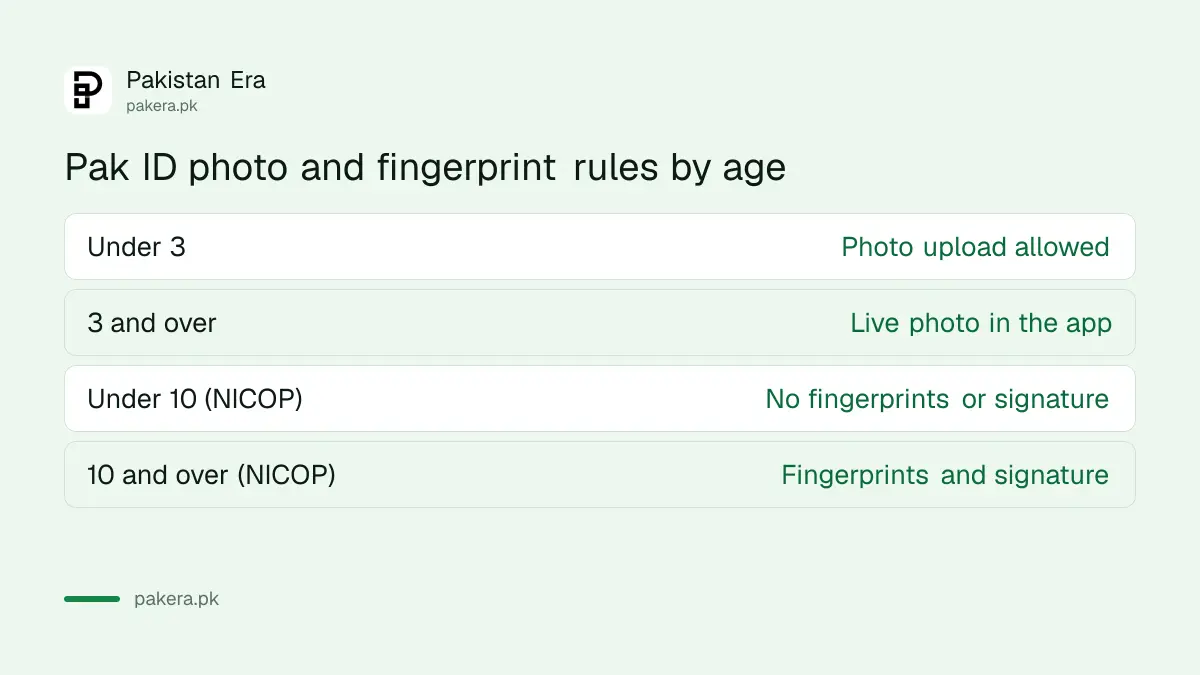
Photo rules NADRA sets for the live capture
NADRA lists six things to get right for the live photo. Most rejected photos break one of them: a busy background, glasses, a shadow, or a tilted head. Read them before you open the camera, not after.
- Use a plain or white background.
- Remove hats, coloured or artificial lenses, glasses and anything that covers the face.
- Keep the face free of shadows and keep hair away from your eyes.
- Sit or stand straight and look straight at the camera.
- Women may wear a hijab or abaya if the forehead and the whole face, including the chin, are clearly visible.
- Men may wear a cap or turban if the complete face is clearly visible.
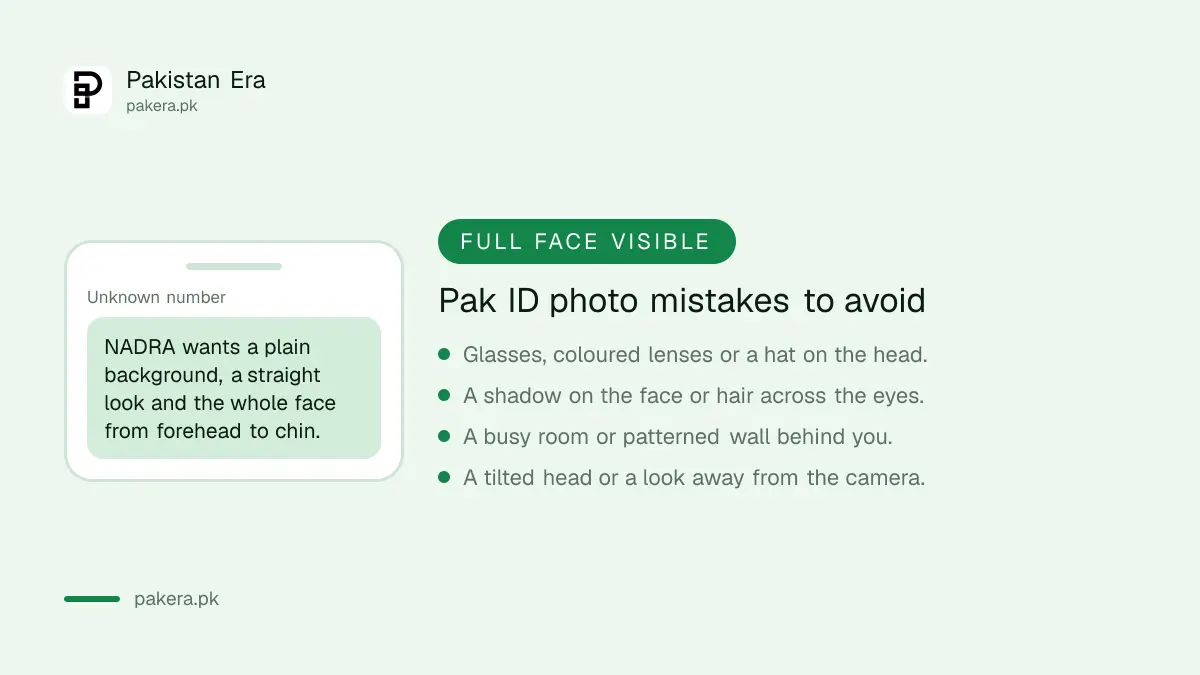
A plain wall near a window works better than an overhead bulb. Ask somebody else to hold the phone at eye level. Stand a little away from the wall so your shadow does not fall behind you.
Can you skip the photo for personal reasons? No. NADRA says photograph capture is mandatory for identity cards. Applying only to change the photo on an existing card is a modification, which NADRA allows from home as covered in changing your CNIC photo on Pak ID.
Fingerprints through the phone camera
Pak ID reads fingerprints with the phone's camera, not a scanner. That makes light, background and a steady hand matter much more than at a NADRA centre. NADRA gives eight tips, and they apply both to your own prints and to a relative's prints when they verify your form.
- Line the fingers up inside the box on screen.
- Put a plain background or a white paper sheet under the hand.
- Capture in a well-lit place.
- Rest the hand on a table or other solid surface so it stays still.
- Leave a small gap between the fingers.
- Hold the phone neither too far from nor too close to the hand.
- Do not tilt or curl the fingers.
- Follow the on-screen guidance.
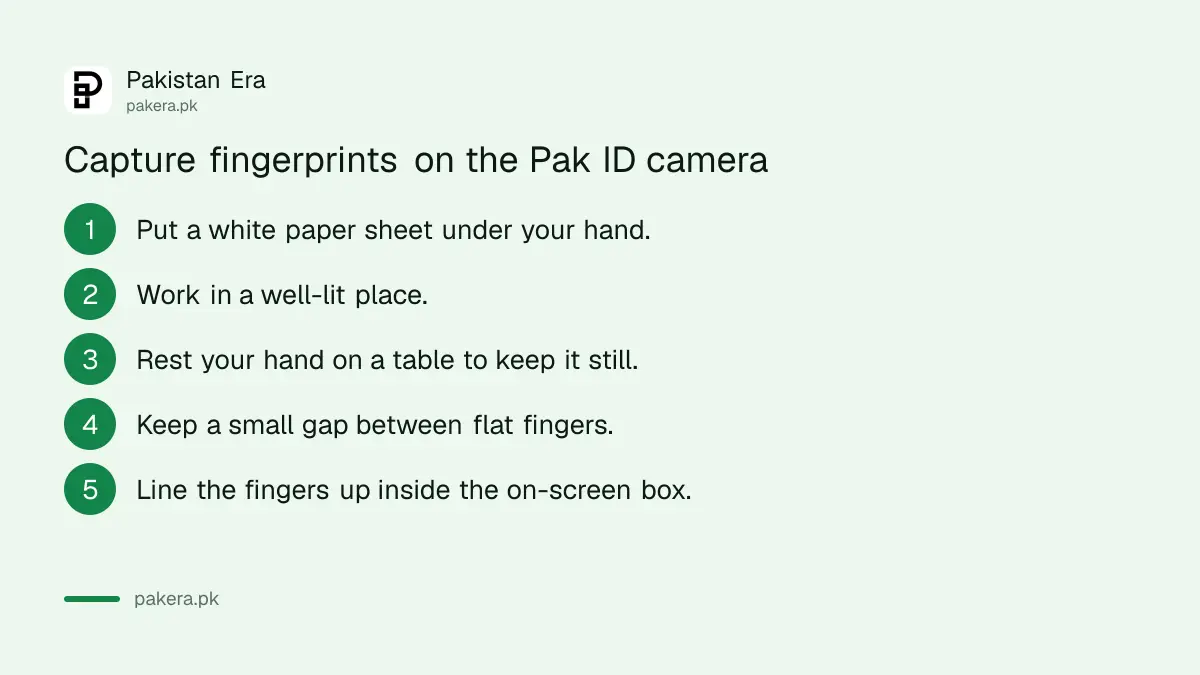
Clean the camera lens first. A greasy lens blurs the ridges, and the app then asks for another try. Dry or worn fingertips, common among older people and manual workers, can also fail. NADRA's account check lets you switch to face matching when fingerprints do not match, and the wider options are in NADRA facial and iris verification. If the account itself will not verify, the fixes are in Pak ID account and verification problems.
Signature: draw it or upload it
NADRA's Pak ID steps say you can sign with your finger on the touchscreen, or upload a picture of your signature from the phone gallery. The signature goes on your card, so make it match the one you use on bank papers.
If you upload, sign on plain white paper with a dark pen and photograph it flat, with no shadows. Drawing it on screen with a finger often looks shaky, so a stylus or the upload route usually gives a cleaner result. Children under 10 do not need a signature for NICOP.
When someone cannot give biometrics at all
Some people cannot give fingerprints or a signature because of a disability. NADRA still issues a CNIC to a person with a mental disability who cannot provide biometrics or signatures. It asks for a disability certificate from the CRPD, a provincial council for rehabilitation of disabled persons, the Social Welfare Department in AJK or GB, or a foreign institute.
This case is easier at a NADRA centre than in the app. The disability certificate and special CNIC steps explain how to get the certificate first. For a bed-ridden person, NADRA also offers home visits, as set out in NADRA's doorstep CNIC service.
Common questions
Can I upload my own photo in the Pak ID app?
Only for a child under 3. Everyone else must take a live photo inside the app at the photo capture step.
Can I wear a hijab in my Pak ID CNIC photo?
Yes. NADRA allows a hijab or abaya if your forehead and complete face, including the chin, are clearly visible.
Can I wear glasses in the Pak ID photo?
No. NADRA asks applicants to remove glasses, hats, artificial lenses or anything that hides the face.
Why does Pak ID keep failing my fingerprints?
Poor light, a busy background, a moving hand or curled fingers are the usual causes. Use a white sheet, rest your hand on a table and spread the fingers slightly.
Does my child need fingerprints for a NICOP?
From age 10, yes, with a signature. Below 10, NADRA says fingerprints and signature are not needed.
Can I upload my signature instead of drawing it?
Yes. NADRA's steps allow a digital signature on the screen or an upload from the phone gallery.
How we verified this
What we checked and where we read it.
Last checked 14 November 2026. The photo rules, the under 3 upload rule, the fingerprint tips, the signature options, the NICOP age 10 rule, the mandatory photograph and the disability certificate route come from the Pak ID FAQ and the CNIC and NICOP requirements on NADRA's Pak ID pages and identity documents page. The ICAO standard for the live photo is stated in NADRA's description of Pak ID's features.
About the author
Public Services and Education Journalist
Fajr Riaz is a journalist and content writer at Pakistan Era, based in Lahore. She covers the questions people meet in everyday life in Pakistan: how a public service works, what a change in the rules means, and where to find a reliable answer.