NADRA Says You Can Change Your CNIC Photo and Permanent Address From Home on Pak ID
NADRA says you can change your CNIC photo and permanent address from home on the Pak ID app. See the steps, the Rs 400 fee on its page and what is unclear.
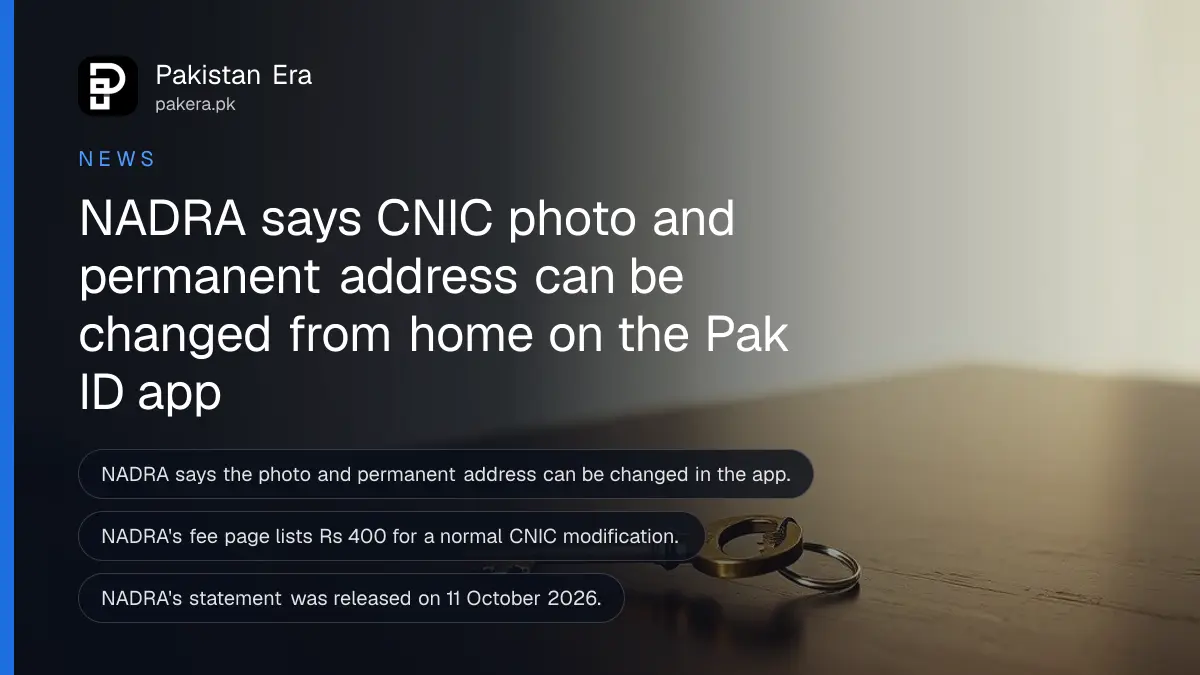
Short answer: NADRA says you can now change the photograph and the permanent address on your CNIC from home, through the Pak ID mobile app. You open the "Identity Card" option, choose "Myself" or "My Blood Relative", pick the renewal option, update the fields and submit. NADRA's own fee page lists Rs 400 for a normal CNIC modification.
Think of a CNIC photo taken ten years ago, when you were eighteen and had a different haircut. Or a card that still shows the village address of your parents while you live in Lahore. Until now both fixes meant a queue at a NADRA centre. The statement NADRA released on 11 October 2026 says that for these two fields the queue is optional.
We read NADRA's fee page and its CNIC service pages on 12 October 2026. We did not install the app or submit an application, so the steps below are NADRA's own wording as it was reported, not a test of ours.
NADRA says photo and permanent address can be changed in the app
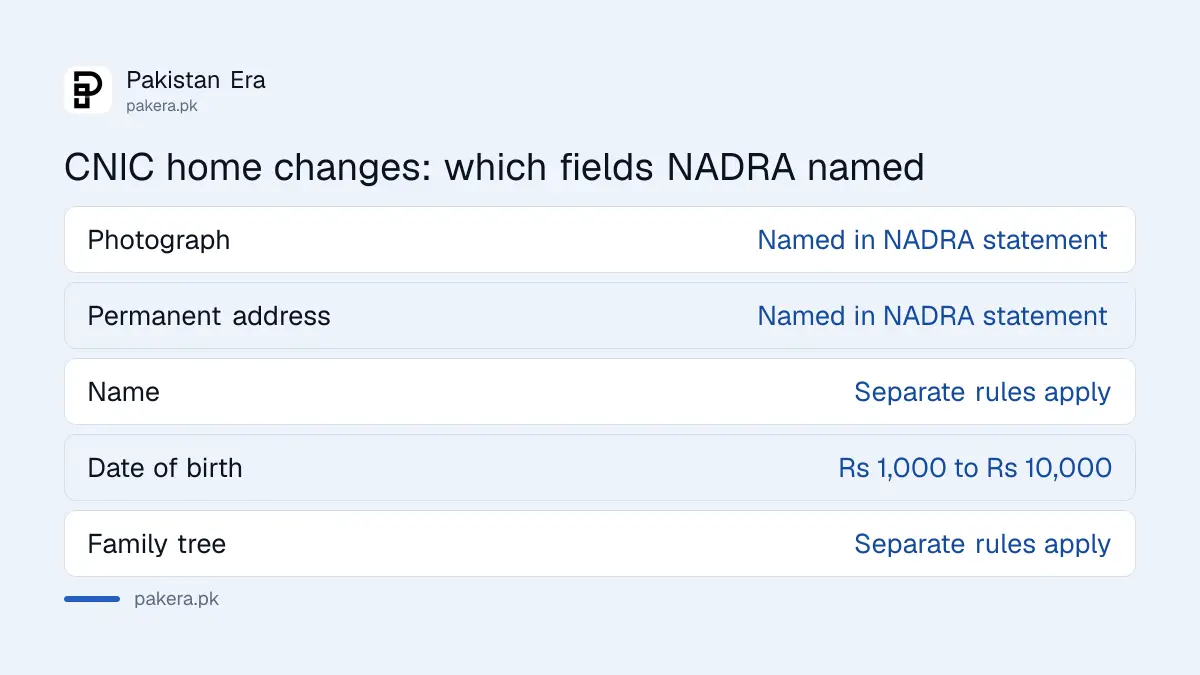
NADRA's statement says citizens can change the identity card photograph and the permanent address from home through the Pak ID app. It was released on 11 October 2026. The same statement repeats that the latest app version can hold digital identity cards for you, your spouse and eligible children.
The statement does not say that every other field can be changed at home. Name, date of birth and family tree changes carry their own rules, and NADRA's page says a visit to a registration centre may still be needed for biometric verification and photographs in some cases. So read this as a change for two fields, not a promise for everything.
The Pak ID app is NADRA's official application for identity registration and tracking. Our note on the Pak ID app 5.8 digital IDs for spouse and children explains the version that carries the new wallet.
The steps NADRA gave for the change
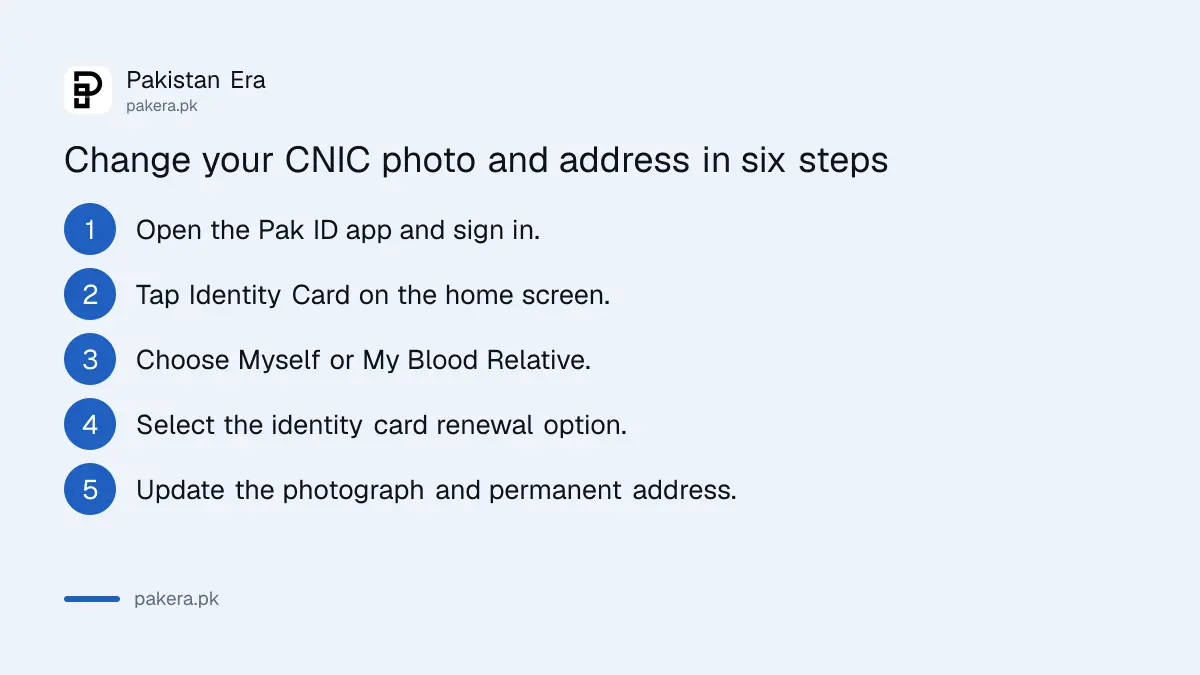
You log in, open "Identity Card", say whose card it is, select the renewal option, change the fields and submit. The app takes the photograph through the phone camera. Before you start, keep your CNIC number, a charged phone and a place with plain light behind you.
- Open the Pak ID app and sign in to your account.
- Tap "Identity Card" on the home screen.
- Choose "Myself" for your own card, or "My Blood Relative" if you apply for a family member.
- Select the identity card renewal option.
- Update the photograph and the permanent address, and complete the other steps the app asks for.
- Check the fee on screen, pay, and submit the application.
The app also works for a blood relative. That helps a parent who is not comfortable with a phone, or a family member abroad. The relative still has to complete the identity checks, so plan to sit with them.
What it costs according to NADRA's fee page
NADRA's fee page lists a normal CNIC modification at Rs 400, an urgent one at Rs 1,150 and an executive one at Rs 2,150. A smart card modification is Rs 750, Rs 1,500 or Rs 2,500. The page does not say which line applies to the app route, so trust the amount the app shows.
| Service | Normal | Urgent | Executive |
|---|---|---|---|
| CNIC modification, fee | Rs 400 | Rs 1,150 | Rs 2,150 |
| CNIC modification, time | 15 days | 12 days | 6 days |
| Smart NIC modification, fee | Rs 750 | Rs 1,500 | Rs 2,500 |
| Smart NIC modification, time | 31 days | 23 days | 9 days |
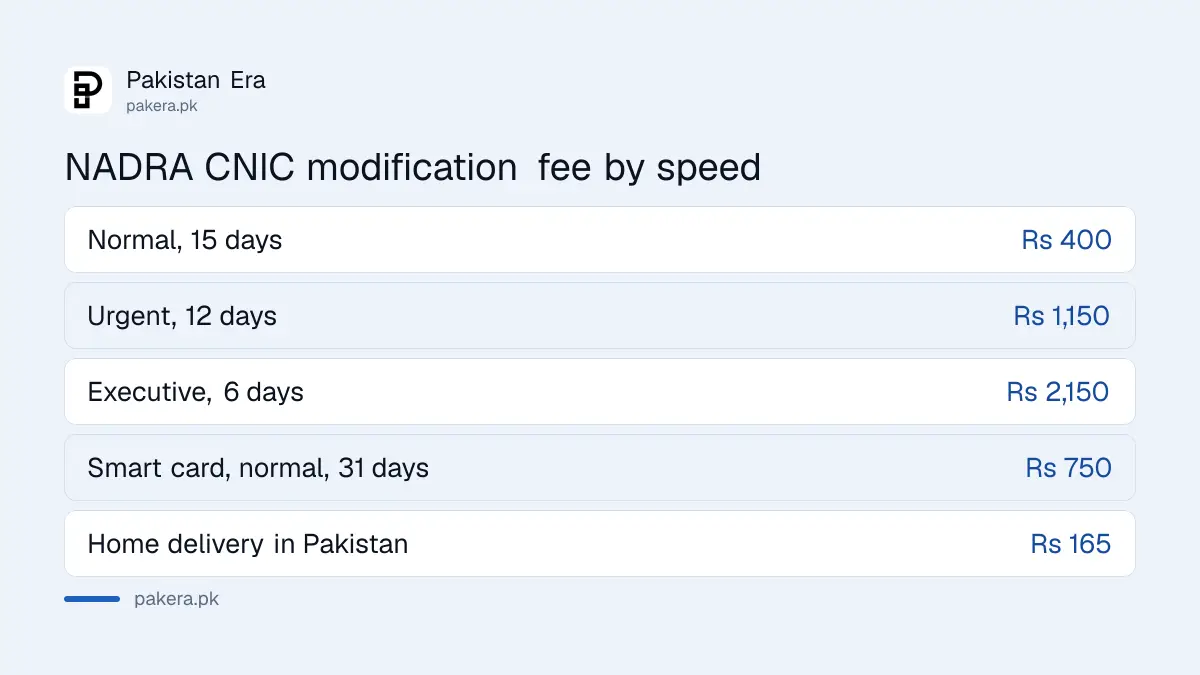
Delivery to an address inside Pakistan is listed at Rs 165. Our guide to getting your CNIC delivered home shows where that charge applies. For the full table of every document, see what every NADRA document costs.
What to prepare before you start
Prepare your CNIC number, a recent photograph taken by the app, and proof of the new address if NADRA asks for it. NADRA's page does not list address proof for the app route, so we cannot tell you which paper it will want. Be ready with a utility bill and a relative's CNIC.
Reported papers for an address change are a utility bill and the CNIC of a relative at the same address. Our guide to changing the address on a CNIC lists them. Treat that list as a guide and let the app be the final word.
For the photograph, face the light, remove glasses and keep a plain background. An unclear photo is the most common reason an application is sent back. If the photo you want to replace is only a few months old, there is little to gain. The card is valid for ten years either way, as NADRA's validity table states for adult CNICs.
What to do after you submit
Keep the receipt, track the application and wait for approval. NADRA has said a Pak ID request can take up to 48 hours to be approved after you pay. If it stays pending, call the helpline 1777 and do not pay a second time.
Our report on Pak ID requests taking up to 48 hours to approve explains the pending status, and the note on how to track a NADRA application shows how to read the reply. If the app refuses your request or asks for a visit, book a slot through the guide to booking a NADRA appointment online.
Common questions
Can I change my CNIC photo at home?
NADRA says yes, through the Pak ID app. Its statement of 11 October 2026 names the photograph and the permanent address as the two fields.
Do I need to visit a NADRA centre?
Not for the steps NADRA described. Its CNIC page says biometric verification and photographs may still need a visit in some cases, so be ready for that.
How much does the change cost?
NADRA's fee page lists Rs 400 for a normal CNIC modification and Rs 750 for a smart card. The app shows the amount before you pay.
Can I apply for my mother or father?
NADRA's steps include the "My Blood Relative" option, so a family member can apply for a blood relative. The relative still has to be present for the identity checks.
How long does it take?
NADRA's fee page lists 15 days for a normal CNIC modification and 6 days for executive. The approval step in the app can take up to 48 hours after payment.
How we verified this
What we checked, where we read it, and what we could not confirm.
We read NADRA's fee structure and its CNIC service pages on 12 October 2026. The statement of 11 October 2026 reached us through news reports, and we could not find it on NADRA's own site. Check the fee and the steps in the app before you pay.
About the author

Senior Writer, Public Services and Technology
Shahid joined us in 2024 as an author. He is a senior contributor to Pakistan's leading technology websites. He writes detailed articles, mostly covering his expertise in the latest tech, mobiles, apps, gadgets, and step-by-step guides. His ideology is to help people understand the latest trends and explain complex methods through very easy-to-understand guides.