NADRA Says Pak ID App Requests Can Take Up to 48 Hours to Approve After You Pay
NADRA advises that a Pak ID app request marked Ready for Approval may take up to 48 hours after you pay. See what to do, whom to call and what not to repeat.
Short answer: NADRA has advised that a Pak ID app request marked "Ready for Approval" can take up to 48 hours to be approved after you pay the fee. If it is still pending after 48 hours, NADRA says to contact it. Do not pay the fee again, and do not file a second request, while the first one is waiting.
The advisory was reported on 8 October 2026. We could not read it on NADRA's own site, because the pages we tried returned an access error to our requests on 12 October. So the 48 hour figure below is reported, not read by us at source. What we did read on the NADRA home page is its helpline and its description of the app.
What NADRA's advisory says
The advisory, as reported, makes three points. A request marked "Ready for Approval" may take up to 48 hours to be approved after the fee is paid. Applicants should allow enough time after paying. Those still pending after 48 hours should contact NADRA.
It also repeats the contact options: the helpline 051-111-786-100, a call to 1777 from a mobile, or a visit to the nearest NADRA office with the application details. We confirmed both numbers on the NADRA home page, which lists 1777 as the helpline, timings 24/7, and the 051 number as the phone.
The advisory is about the Pak ID mobile app. NADRA describes the app on its home page as its official application for identity registration, updates and service tracking.
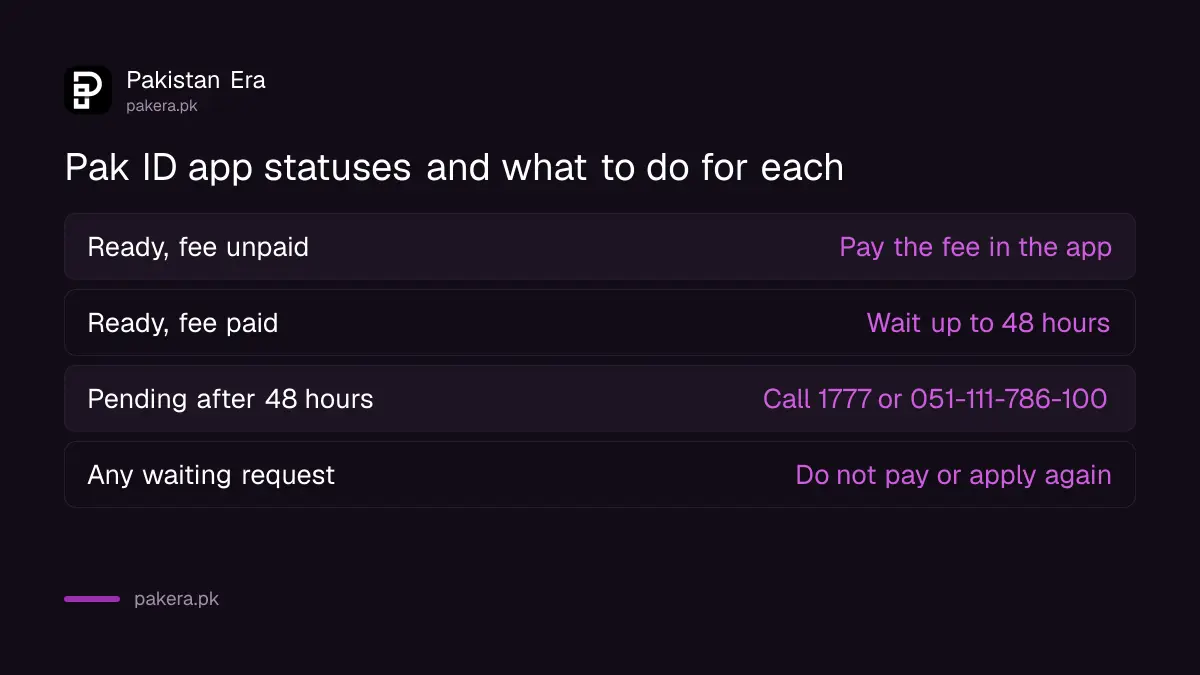
| Status on the app | What to do | How long to wait |
|---|---|---|
| Ready for Approval, fee not paid | Pay the fee in the app | The 48 hour clock has not started |
| Ready for Approval, fee paid | Wait for approval | Up to 48 hours, as reported |
| Still pending after 48 hours | Call 1777 or 051-111-786-100 | No further wait is stated |
The 48 hours start after you pay, not after you apply
The reported wording is "after the fee has been paid". So the clock starts at the payment, not when you submit the form. If the app shows "Ready for Approval" and you have not paid, nothing will move.
This is a common point of confusion. A form can be complete and still sit idle because the fee step was missed. Open the app, find the request and look at the payment line first.
Keep your payment receipt or the transaction ID from your bank or wallet. You may need it if NADRA asks for proof. Our guide to reprinting a lost CNIC on the Pak ID app shows the payment step in a real request.
What to do while you wait
Do nothing that changes the request. Do not pay twice and do not file a second request, because that may cause a double charge or confusion about which request is live. Check once a day, and use the waiting time to prepare for delivery or collection.
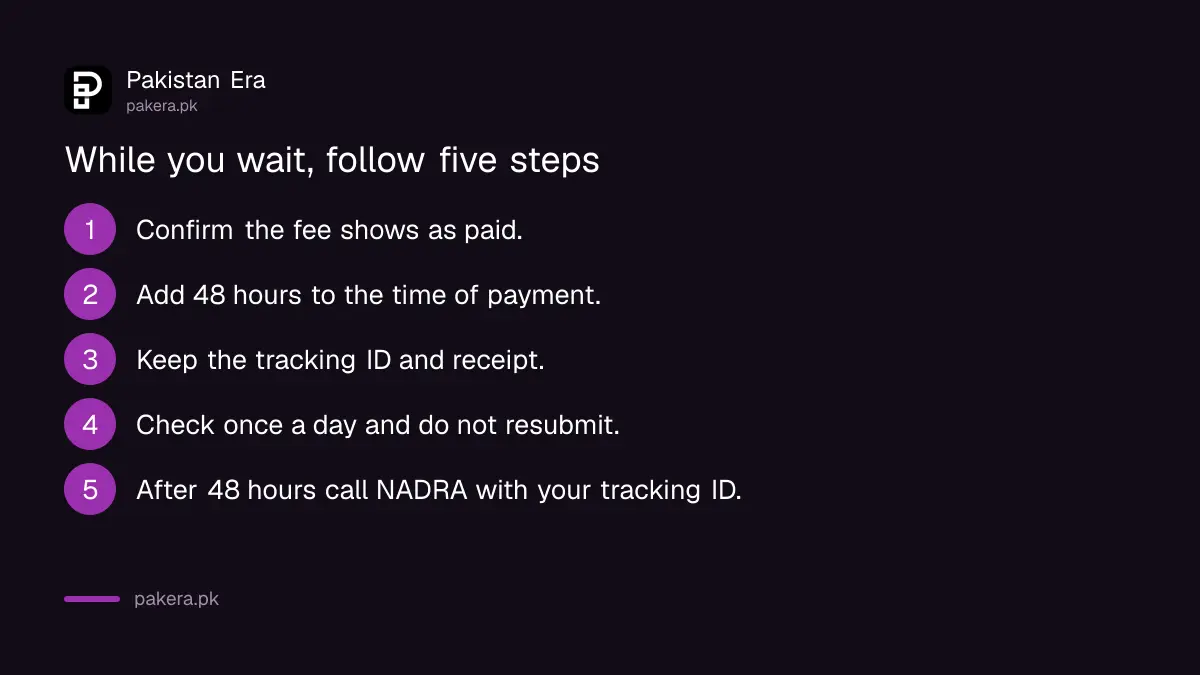
- Open the Pak ID app and confirm that the fee shows as paid.
- Note the time of your payment and add 48 hours to it.
- Keep the tracking ID, the receipt and a screenshot of the status.
- Check the status once a day. Do not resubmit.
- After 48 hours, call 1777 or 051-111-786-100 and give the tracking ID.
- If a centre visit is asked, book a slot first and carry the original papers.
Our guide to tracking a NADRA CNIC application explains the status words in more detail. If the app itself will not load, see what to do when NADRA's website is down.
What the advisory does not tell you
It does not give a separate time for each service, such as a new CNIC, a correction or a B-Form. It does not say what happens if approval is rejected, and it does not say whether the 48 hours counts weekends. We could not find these points in any source we could read.
It also does not change how long the card takes to print and arrive. Approval is one step in a longer chain. Delivery by post or courier is a later step with its own time. See our guide to CNIC home delivery and its charge for what NADRA lists.
Be careful with any caller or message that promises faster approval for a payment. NADRA's advisory says to contact NADRA itself. Our guide to protecting your CNIC from misuse explains how to guard your number.
Common questions
How long does Ready for Approval take?
NADRA's advisory, as reported, says up to 48 hours after the fee is paid. It is a ceiling, not a promise that every request takes that long.
Should I pay the fee again if nothing happens?
No. Paying a second time can leave you with two charges. Call NADRA with your tracking ID and receipt first.
Whom do I call?
The advisory names 051-111-786-100 and 1777 from a mobile. The NADRA home page lists the same numbers, with support at all hours.
Does the 48 hours include weekends?
The advisory does not say. If the 48 hours end on a weekend, check on the next working day before you call.
Can I speed it up by visiting a centre?
The advisory only says to visit the nearest office if the request is still pending. Our guide to booking a NADRA appointment online shows how to get a slot.
Is this the same as the CNIC delivery time?
No. This is the approval time only. Printing and delivery come after approval and are separate.
How we verified this
What we checked, where we read it, and what we could not confirm.
We read the NADRA home page at nadra.gov.pk on 12 October 2026 for its helpline and its description of the Pak ID app. We could not open the advisory itself on NADRA's site, so the 48 hour figure is reported. NADRA may change the time, so check the app before you call.
About the author

Senior Writer, Public Services and Technology
Shahid joined us in 2024 as an author. He is a senior contributor to Pakistan's leading technology websites. He writes detailed articles, mostly covering his expertise in the latest tech, mobiles, apps, gadgets, and step-by-step guides. His ideology is to help people understand the latest trends and explain complex methods through very easy-to-understand guides.