Fix NADRA Pak ID App Account Problems: No OTP, Fingerprints Failing, Account Already Exists
Fix NADRA Pak ID app sign-up problems: missing email PIN, fingerprints not verifying, account already exists, wrong email, location error and account deletion.
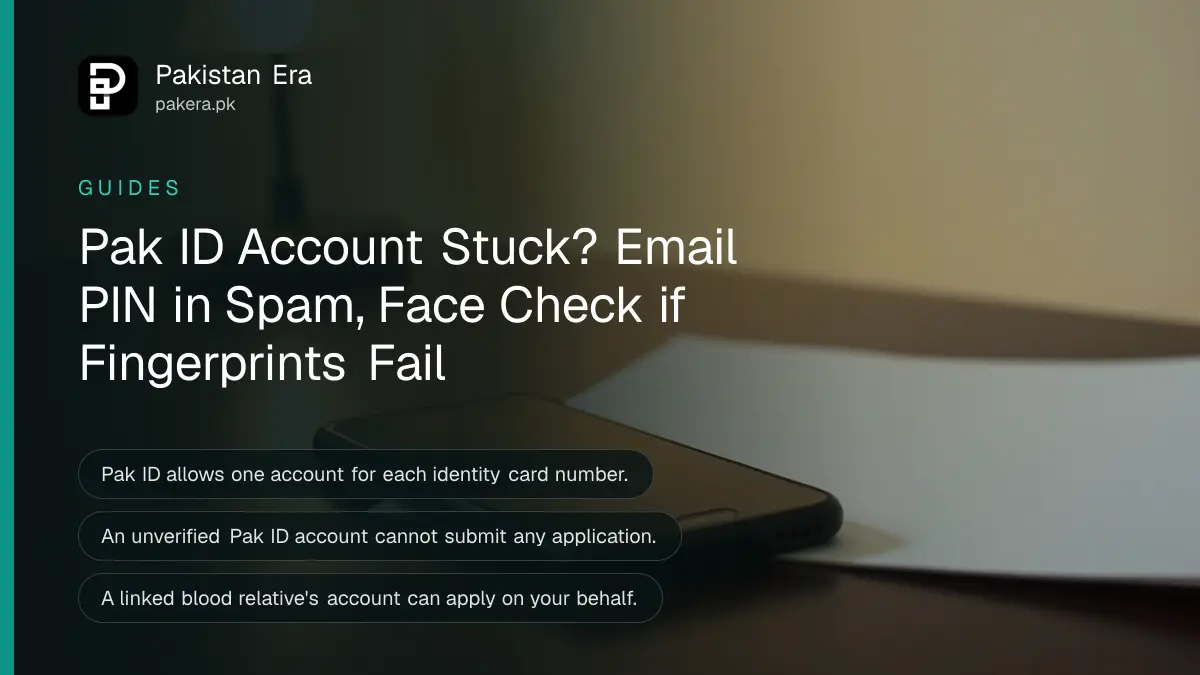
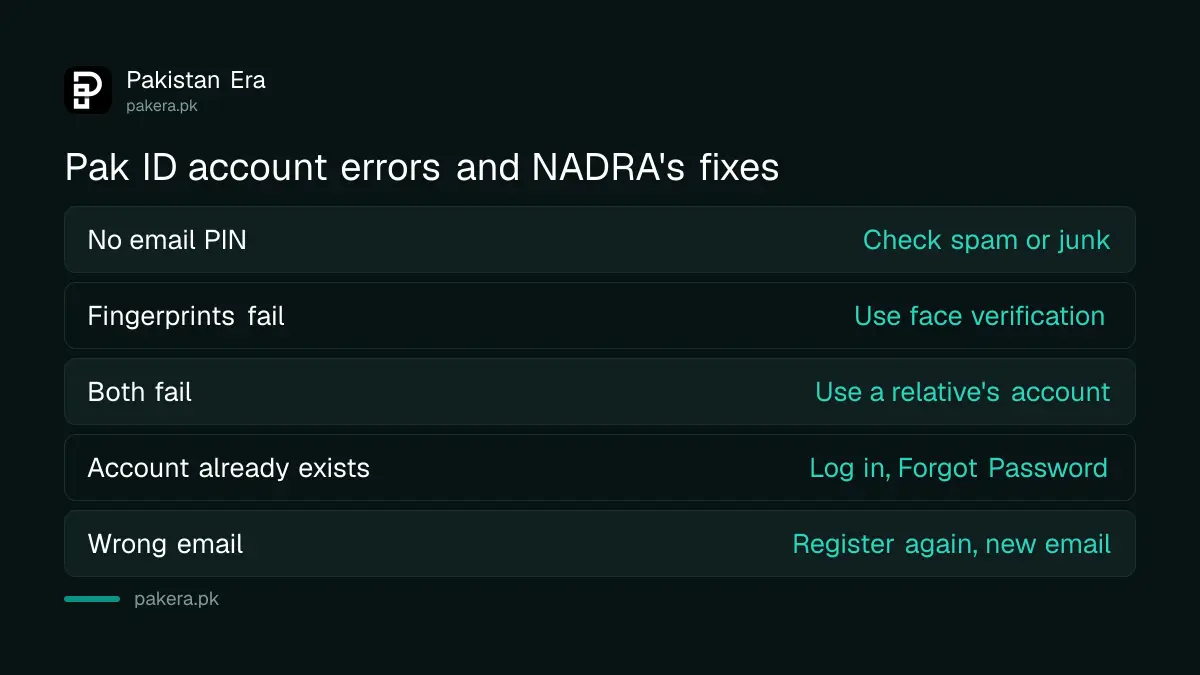
Most Pak ID account problems have a fixed answer from NADRA. No email OTP: check spam or junk. Fingerprints not matching: switch to face verification. "Account already exists": log in with your CNIC number and tap Forgot Password. Wrong email or number: register again with a new email address. If none of that works, a blood relative's Pak ID account can apply for you.
Pak ID is NADRA's app for CNIC, NICOP, B-Form, FRC and cancellation applications. It has been downloaded more than 10 million times on Google Play. A large share of the trouble people report happens before any application starts: at sign-up and account verification.
An unverified Pak ID account cannot apply for anything
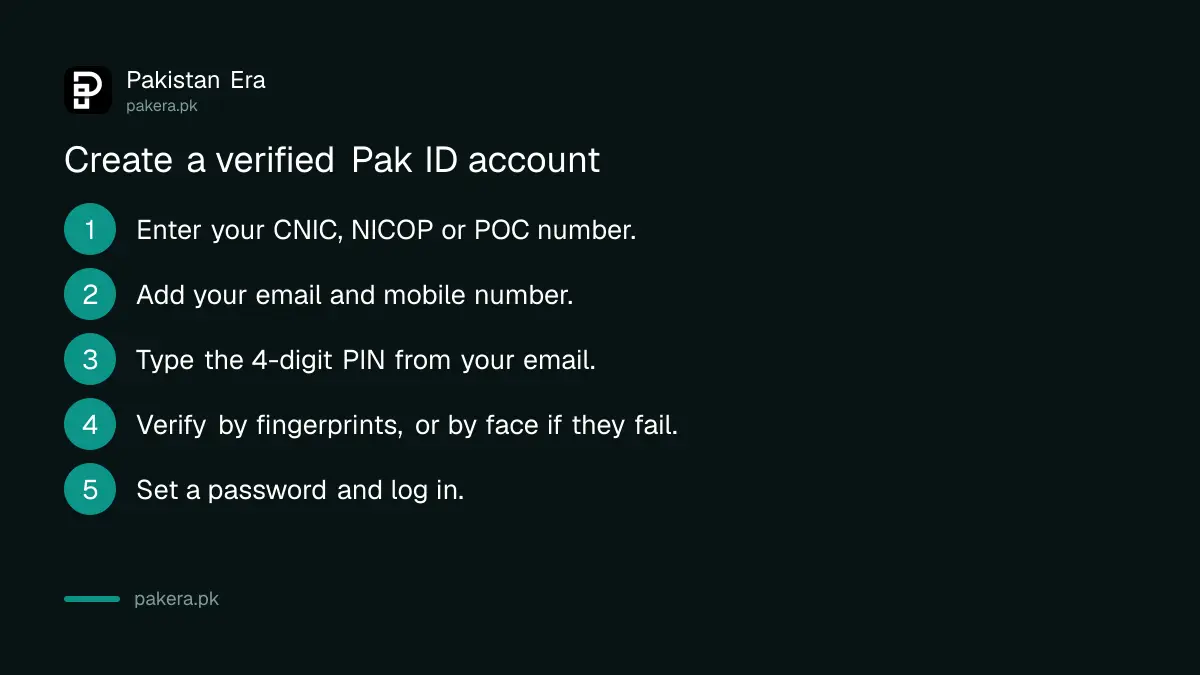
Creating a Pak ID account takes three things: your citizen number, an email and mobile number, and biometric verification. NADRA says verification is mandatory. Until your fingerprints or face match your record, the account cannot process a single application.
- Install PAK IDENTITY by NADRA from Google Play or the App Store.
- Choose sign up and enter your CNIC, NICOP or POC number.
- Enter your email and mobile number.
- Type the 4-digit PIN sent to your email.
- Verify with fingerprints through the phone camera, or by face if fingerprints fail.
- Set your password and log in.
No citizen number yet? You cannot open your own account. NADRA's answer is that a parent, sibling, adult child or spouse who holds a card opens Pak ID and applies for you. For a first CNIC, the application starts in a relative's account and you finish at a NADRA centre, which a first CNIC at 18 covers in more detail.
Fix each Pak ID sign-up error
Six errors account for most stuck sign-ups. Each has a NADRA answer, and most take a minute to fix. The table matches the message or symptom to the step that clears it.
| Problem | What to do |
|---|---|
| No 4-digit PIN in email | Check the spam or junk folder |
| Fingerprints not verified | Use the facial matching option |
| Face and fingers both fail | Apply from a blood relative's account, or ask NADRA to reset attempts |
| Account already exists on this CNIC | Log in with the CNIC number, use Forgot Password |
| Email already used | Use an email not tied to another Pak ID account |
| Location permission error | Turn on location before opening the app |
No verification PIN in your email
NADRA sends a 4-digit PIN to the email you give. Gmail often files it under Spam or Promotions. Search your mailbox for "NADRA" before you request another one. A typo in the email is the other common cause, and that needs a fresh sign-up.
Fingerprints will not match
You get several tries with fingerprints. After that, Pak ID offers face verification. Use good light and a plain white sheet behind your hand. Rest your hand on a table so it stays still, and keep a small gap between fingers. The same rules apply later in an application, as set out in the Pak ID photo and fingerprint capture rules.
If face matching fails too, you have two choices. Apply from the Pak ID account of a father, mother, brother, sister or adult child whose record is already linked to yours in your family tree. Or complain to NADRA and ask it to refresh your count of fingerprint attempts.
Location permission problem
Pak ID needs location access. Turn on location services before you open the app, or tap Allow when it asks at login. A weak connection gives a similar error, so switch to Wi-Fi if you can.
One CNIC, one email, one Pak ID account
Pak ID allows only one account for each identity card number, and each email can sit on only one account. So "account already exists" means you made one before, maybe years ago. Log in to that account instead of starting again.
Forgot the password of that old account? Tap Forgot Password on the login screen, reset it, then log in with your card number. Lost access to the email you used? You will need to register again with a new email address. NADRA's advice for a wrong email or mobile number is the same: re-register, and the email must be new.
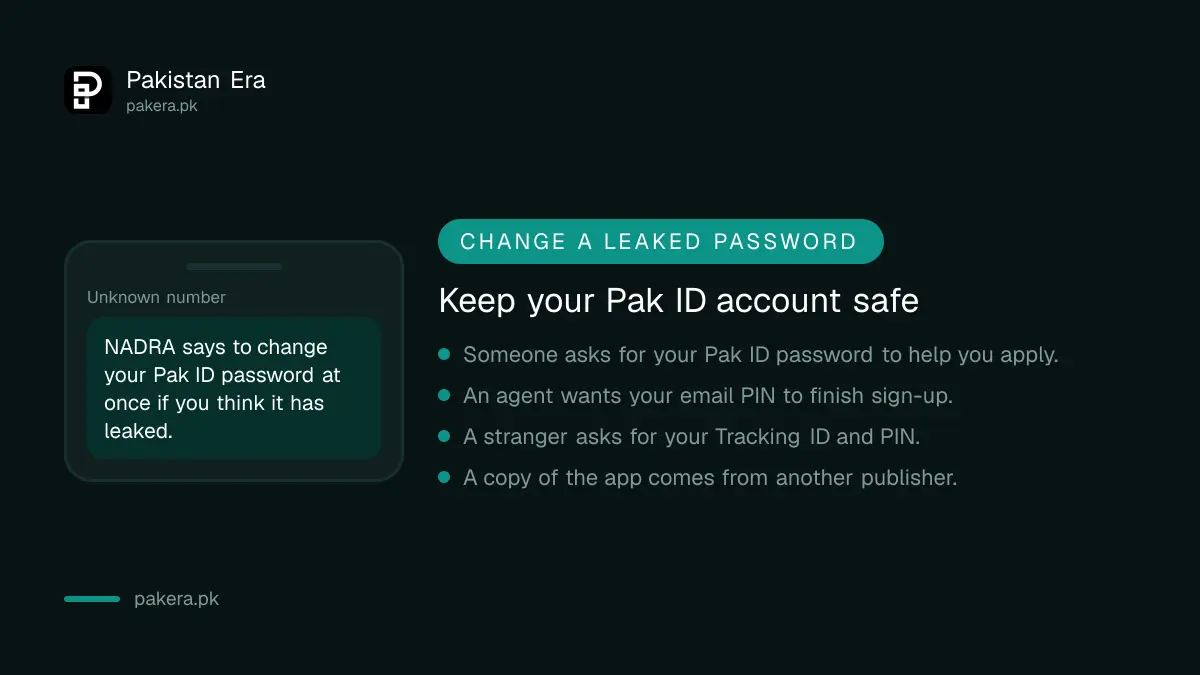
Think your password has leaked? Change it straight away from the app. Share your Tracking ID and PIN only with a relative who is attesting your application, and only for that purpose.
Apply from a relative's Pak ID account instead
Pak ID lets one verified account apply for linked blood relatives: father, mother, brother, sister, children and spouse. Nobody else. If your own account will not verify, a relative's account is the official way round it, as long as NADRA's family tree already links the two of you.
The family tree is the record behind your Family Registration Certificate. If your mother's card is not linked to yours, her account will not show you as a relative. Fix the link at a NADRA centre first.
Some cards cannot be handled online at all. NADRA says a person whose number is marked as a duplicate, whose card is marked for verification, or who keeps entering a wrong citizen number, issue date or date of birth must visit a NADRA centre. The fix for duplicates is in clearing a duplicate CNIC.
Delete a Pak ID account in five taps
Pak ID has a built-in delete option. It removes the account and every piece of data in it, and NADRA says the data cannot be recovered. You would have to register from the start to use the app again.
- Log in to the Pak ID app.
- Tap the settings icon at the top right.
- Open Profile Settings.
- Tap Delete Account.
- Tick the box to accept the terms and tap Yes.
Finish or download anything you still need first. Certificates such as a B-Form or FRC sit in the app's ID Vault, and they go with the account.
Common questions
Why did I not get the Pak ID verification PIN?
It usually lands in spam or junk. NADRA sends a 4-digit PIN to the email you entered. Check that folder, then check the email address for a typo.
Can I make a second Pak ID account on the same CNIC?
No. Pak ID allows one account per identity card number. Log in to the old account, and use Forgot Password if you do not remember it.
What if my fingerprints never match on Pak ID?
Use face verification. If that also fails, apply through a linked blood relative's account, or complain to NADRA to reset your attempts.
Can I apply for my cousin through my Pak ID account?
No. Pak ID accepts applications only for your father, mother, brother, sister, children and spouse.
How do I change the email on my Pak ID account?
NADRA's answer is to register again with the correct details. The new account must use an email that is not on any other Pak ID account.
Where do I report a Pak ID account problem?
On complaints.nadra.gov.pk or the 1777 helpline, with your citizen number and screenshots. NADRA's complaint routes lists every channel.
How we verified this
What we checked and where we read it.
Last checked 14 November 2026. The fixes come from the Pak ID FAQ on NADRA's Pak ID pages: email PIN in spam, mandatory biometric verification, face matching after fingerprint failure, relative's account, refresh of attempts through NADRA's complaint system, one account per card and per email, re-registering with a new email, location permission, account deletion steps, and the duplicate or verification cases that need a centre visit. Sign-up details and the download count come from NADRA's own listing for PAK IDENTITY on Google Play, which says accounts are created with email, mobile number and biometric verification. NADRA's FAQ text loads inside the page scripts rather than as plain text on the page.
About the author

Public Services and Education Journalist
Fajr Riaz is a journalist and content writer at Pakistan Era, based in Lahore. She covers the questions people meet in everyday life in Pakistan: how a public service works, what a change in the rules means, and where to find a reliable answer.