Cancel Netflix or Spotify Premium in Pakistan: Steps That Stop the Next Charge
Cancel Netflix in 3 steps or Spotify Premium from Manage your plan. See what you keep, why deleting the app does not work, and what to do if there is no button.
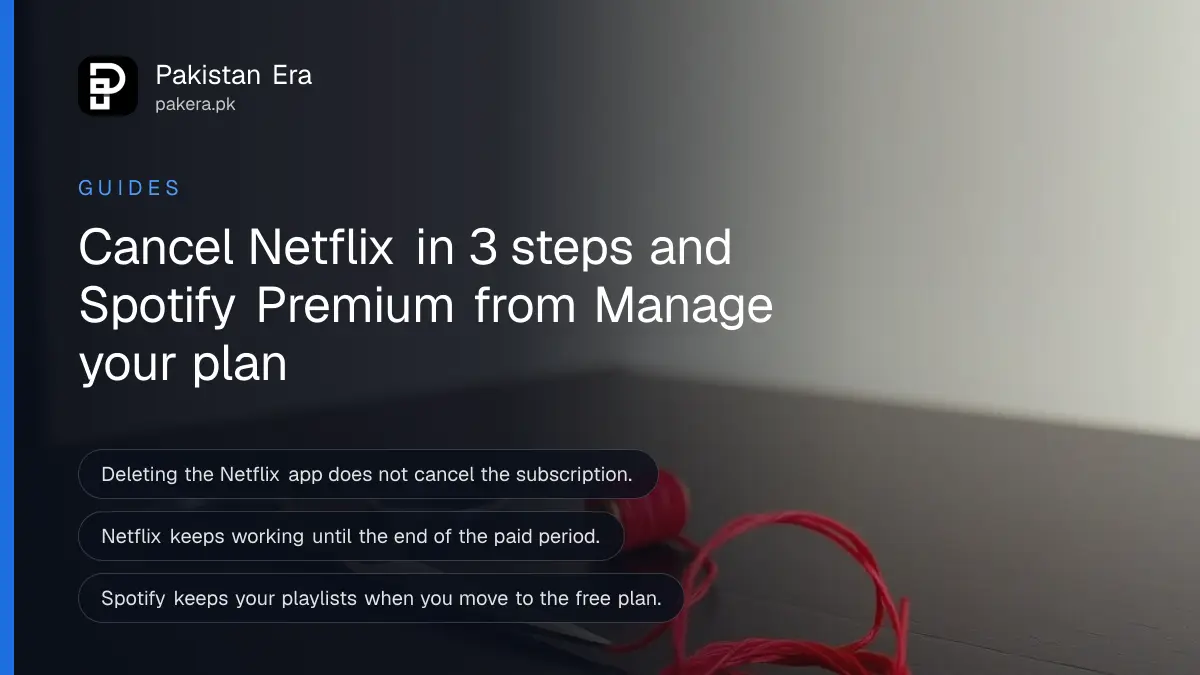
Short answer: To cancel Netflix, open the Manage your membership page, tap Cancel, then Finish Cancellation. To cancel Spotify Premium, go to Manage your plan and choose Cancel subscription. Both services keep working until the end of the period you already paid for. Logging out or deleting the app cancels nothing.
The charge that surprises people is the one after a trial or after they stopped watching. The app is gone from the phone, but the card is still billed. It is an easy mistake to make, and it costs a month each time.
We read Netflix's cancellation help page and Spotify's cancellation help page on 12 October 2026. The steps below follow those pages. We did not cancel an account ourselves.
Cancel Netflix in three steps
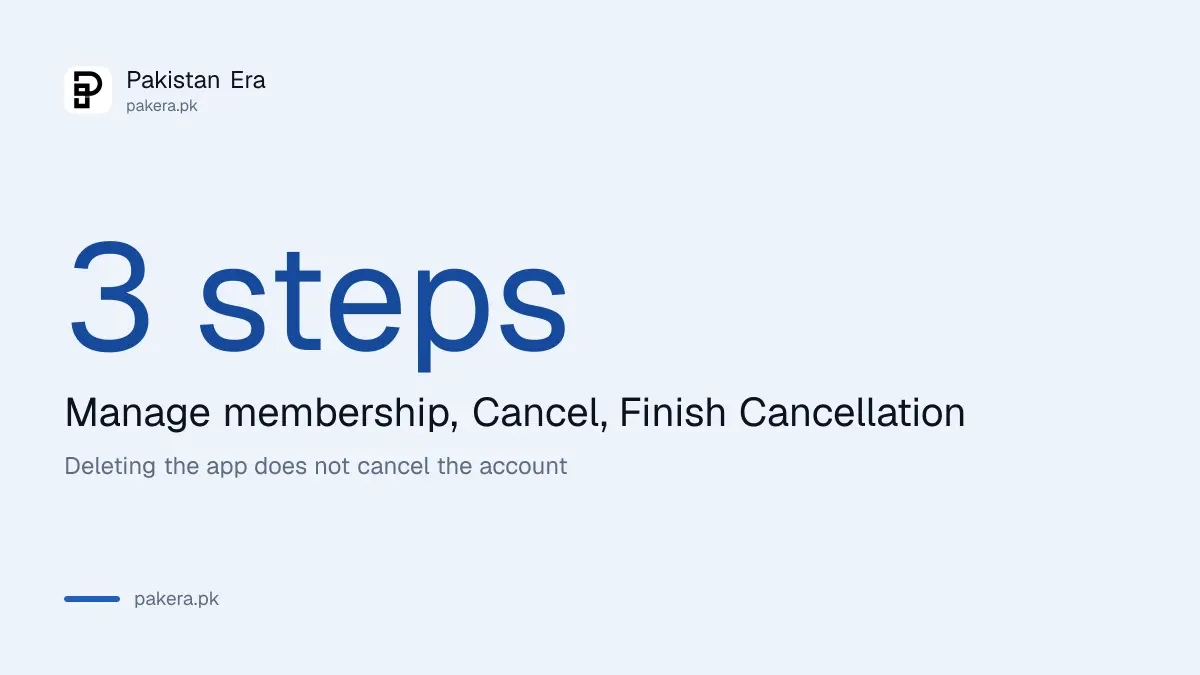
Netflix says cancellation takes three actions: open the Manage your membership page and sign in, tap or click Cancel, then tap or click Finish Cancellation. You will get a confirmation email once it is complete.
Netflix states that you will not be charged again unless you restart your account. If you cancel with time left in the billing period, you can keep using Netflix until the account cancels automatically at the end of that period. Your Payment History shows the closing date.
Netflix also warns that signing out of your account or deleting the app does not cancel it. If you only remove the app, the monthly charge continues.
Prices change, so check what you pay now against the Netflix price in Pakistan before you decide whether to cancel or just change plan.
Cancel Spotify Premium from your account
Spotify says you go to Manage your plan in account settings and select Cancel subscription. Your Premium stays until your next billing date, then your account switches to the free plan.
You keep your playlists and saved music on the free plan, and you can still log in and play with ads. That makes cancelling low risk for most listeners.
A free trial works differently: if you cancel during a zero-priced trial, the account moves to free immediately, and Spotify says such trials cannot be reactivated. Cancel on the last day of a trial only if you are sure.
The current plan prices are in the Spotify Premium price in Pakistan article, which helps you compare before you switch to Duo or Family.
The cancel button may be missing if someone else bills you
If you do not see a Cancel option, another company may be billing you. Netflix says that in this case you must cancel with your payment partner, and your Membership section shows instructions or the provider's contact details. Spotify says the same for plans billed through a mobile provider or internet company.
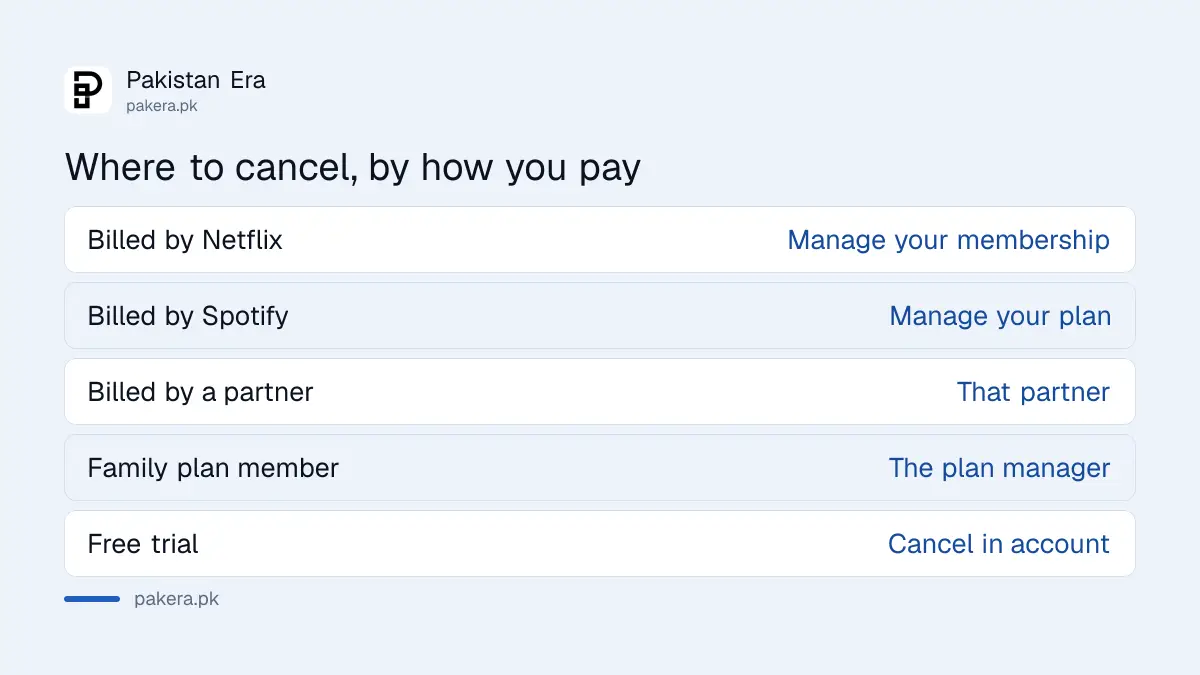
In Pakistan this may be a telecom bundle or a card kept by another person. Use the table to find which route fits.
| How you pay | Where to cancel |
|---|---|
| Card billed directly by Netflix | Manage your membership page on Netflix |
| Card billed directly by Spotify | Manage your plan in Spotify account settings |
| Billed by a partner, such as a mobile or internet company | That partner, using the contact details in your Payment settings |
| Spotify Family or Duo plan member | The plan manager, not you |
| Family plan manager cancelling | Managed accounts move to the free plan |
Check that the charge really stopped
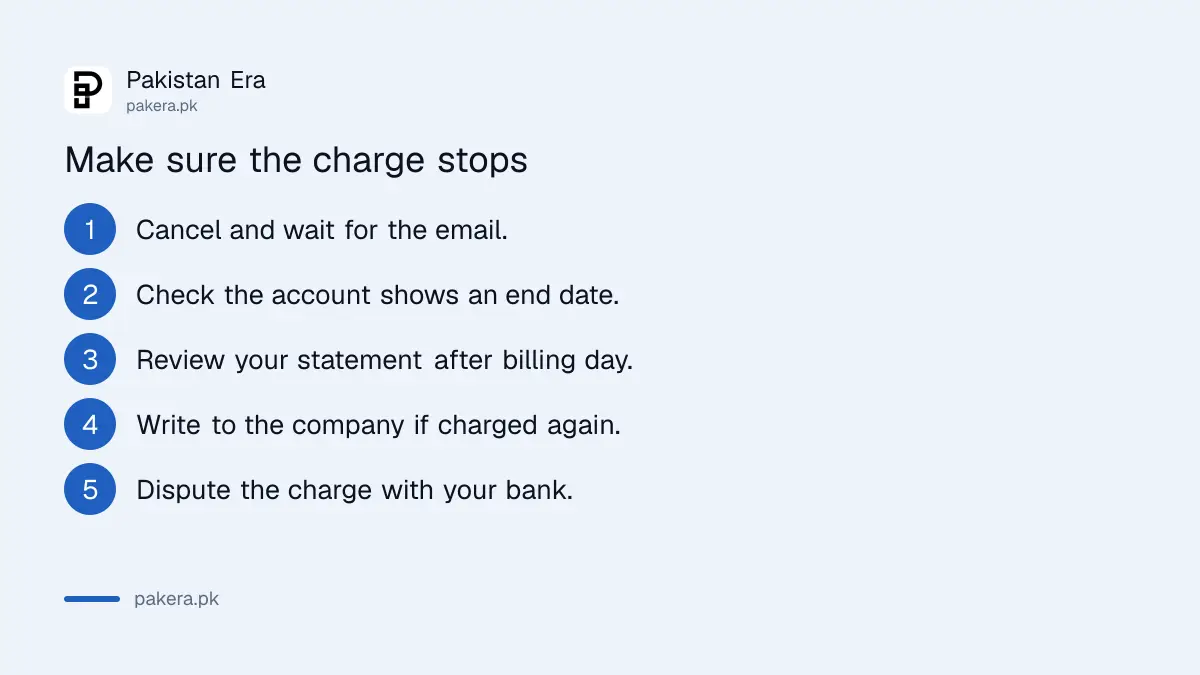
A cancellation is only done when you can prove it. Look for the email, then look at the date and the payment history.
- Cancel using the steps above and wait for the confirmation email.
- Open the account page and check that the plan shows the cancelled state and an end date.
- Look at your bank or wallet statement after the next billing date.
- If you are charged anyway, write to the company with the confirmation email attached.
- If the company does not respond, raise the issue with your bank as a disputed charge.
For a charge you did not agree to, the process for a credit card dispute in Pakistan is the next step. Banks also have rules on recurring services: see how to cancel a bank subscription that your bank sold you, which is a different product from a streaming plan.
Other services are different
This article covers Netflix and Spotify only. YouTube Premium and Apple or Google billed subscriptions follow other pages that we did not verify today. If your streaming plan is billed through an app store, cancel it there.
For a view of what each platform costs before you subscribe again, the YouTube Premium price in Pakistan and the comparison of the best streaming services are good places to start.
Common questions
Does deleting the Netflix app cancel my subscription?
No. Netflix states that signing out or deleting the app does not cancel the account. You must complete the cancellation steps.
Can I keep watching after I cancel?
Yes, until the end of the billing period. Netflix says you can use it until the account cancels automatically.
Will I lose my Spotify playlists if I cancel Premium?
No. Spotify says you keep playlists and saved music on the free plan, and can play with ads.
What if there is no Cancel button?
Another company probably bills you. Cancel with that payment partner, using the details in your account.
Can a family member cancel my Spotify Family plan?
Only the plan manager can. Members should ask the manager. If the manager cancels, managed accounts move to free.
Can I get a refund after cancelling?
We did not find a refund promise on either help page we read. Ask the company, and use a bank dispute if a charge was not authorised.
How we verified this
What we checked, where we read it, and what we could not confirm.
We read the Netflix cancellation help page and the Spotify cancel Premium page on 12 October 2026. Menus change, so follow the screen if it differs.
About the author

Tax, Bills and Technology Writer
Ali Akhtar is a young and curious voice here at Pakistan Era. He is currently pursuing his A-Levels and has a growing interest in Pakistan’s changing industrial landscape and educational trends. Ali likes to write in a way that helps him explain and explore the world around him. His writing reflects the perspective of the new generation navigating the evolving trends of Pakistan where technology, youth innovation, and shifting opportunities are reshaping the country’s future.