How to Fix a Phone Stuck After an Update in Pakistan (iPhone and Android)
Fix an iPhone or Android phone stuck on the logo or restarting after an update in Pakistan. Safe steps that keep your data first, factory reset only at the end.
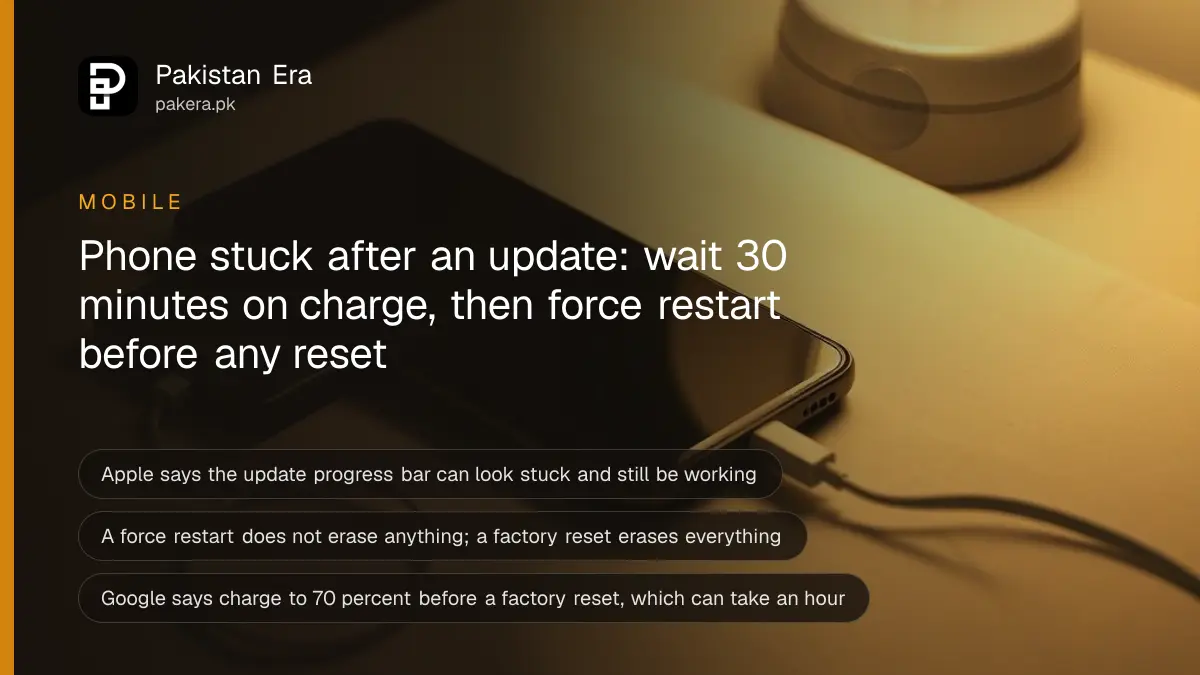
If your phone is stuck on the logo after an update, first plug it in and wait at least 30 minutes, because the update may still be running. Then force a restart. On an iPhone 8 or later, press and release volume up, press and release volume down, then hold the side button until the Apple logo appears. On Android, restart in safe mode to find a bad app. A factory reset is the last step, not the first.
The update screen is the worst moment to panic. Most phones that look frozen after an update are not broken. They are still moving files around, and Apple says the progress bar can look static or even finish and start again. Pressing buttons at random, or handing the phone to a market repair shop to "flash" it, is how a slow update becomes lost photos.
Here is the order to try things in, from the safe steps that keep your data to the ones that erase it. With iOS 27 and Android 17 updates reaching phones in Pakistan this autumn, plenty of people will need it.
Wait first, because the update may still be running
Plug the phone into a charger and leave it for at least 30 minutes. Apple says the progress bar after an update can move slowly, look stuck, or finish and start again, and that you should let it complete. Android phones can also sit on the logo while they finish optimising apps.
Apple's help page on the Apple logo with a progress bar gives three tips. Keep the device on power during an over-the-air update. If the update seems stuck, pressing a button may help, and if an "updating" message appears, it is still running. And if the iPhone shows up on a connected computer, the process is complete.
Load-shedding is a real risk here. A phone that runs out of battery halfway through an update is the classic way to end up stuck. Use a power bank or a UPS socket if the electricity might go.
Force restart an iPhone that stays on the Apple logo
On an iPhone 8 or later, press and quickly release volume up, press and quickly release volume down, then press and hold the side button. Let go when the Apple logo appears. Apple says to do this if the device is unresponsive or the update never completes.
- Press and quickly release the volume up button.
- Press and quickly release the volume down button.
- Press and hold the side button.
- When the Apple logo appears, release the side button.
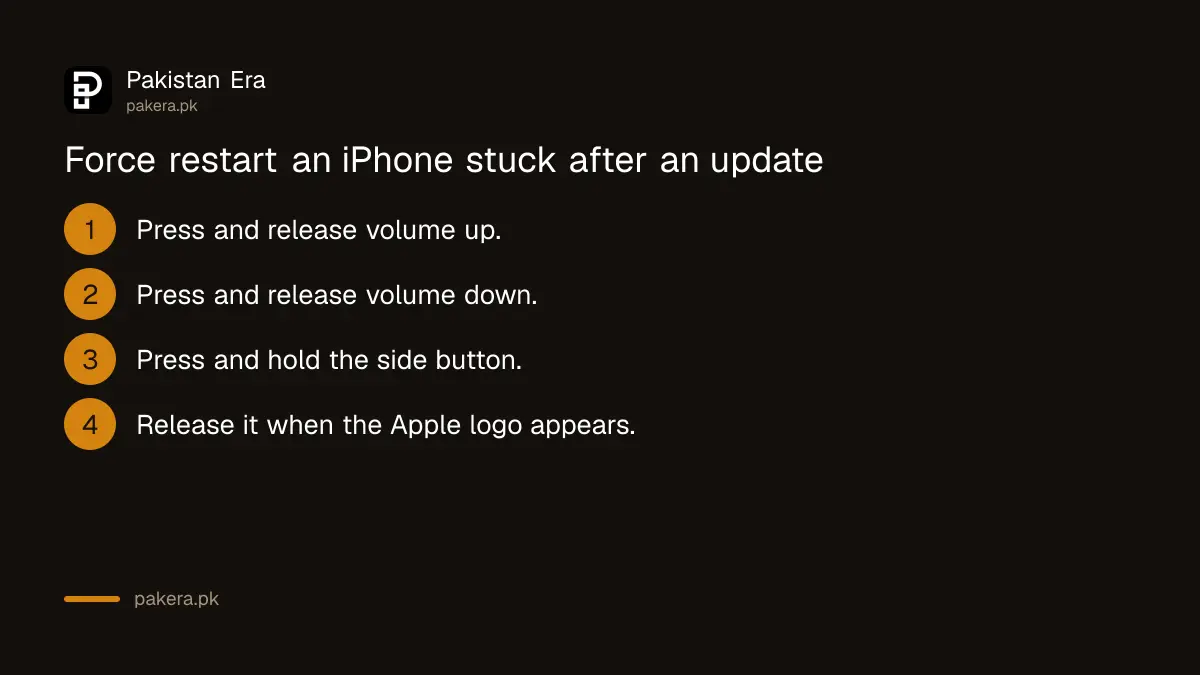
Those steps come from Apple's iPhone User Guide page "Force restart iPhone". A force restart does not erase anything. If the phone starts normally, check Settings, then General, then About, to see whether the new version installed.
If the screen still shows the Apple logo for several minutes with no progress bar, or shows a "Connect to computer" picture, Apple says you need recovery mode. That comes further down.
Restart an Android phone in safe mode to find a bad app
If an Android phone starts but keeps freezing, crashing or restarting after the update, boot it into safe mode. Safe mode runs the phone without the apps you downloaded. If the problem goes away, one of those apps is the cause. Remove recent apps one by one until it stops.
Google's Android Help page on safe mode says the steps to enter it differ by maker, so it points you to your manufacturer's support site. Once you are in, use the phone normally and see if the problem goes away. To leave safe mode, restart normally.
- Restart the phone in safe mode, using your maker's steps.
- Use the phone for a while and see if the freezing stops.
- If it does, restart normally and uninstall the most recently added app.
- Restart and check again. Repeat with the next app until the problem stops.
If the Android phone will not start at all, most models force a restart if you hold the power button, or power and volume down together, for 10 to 30 seconds. That is general advice, not a Google rule, so check your maker's support page for your exact model. A phone with a full memory can also hang after an update, and the fixes for clearing a full phone's storage are worth doing once it boots.
Use recovery mode or a factory reset only as the last step
If nothing else works, an iPhone can be restored in recovery mode with a Mac or the Apple Devices app on a Windows PC, and an Android phone can be factory reset. Apple says a restore reinstalls iOS and erases all data. Google says a factory reset removes everything on the phone.
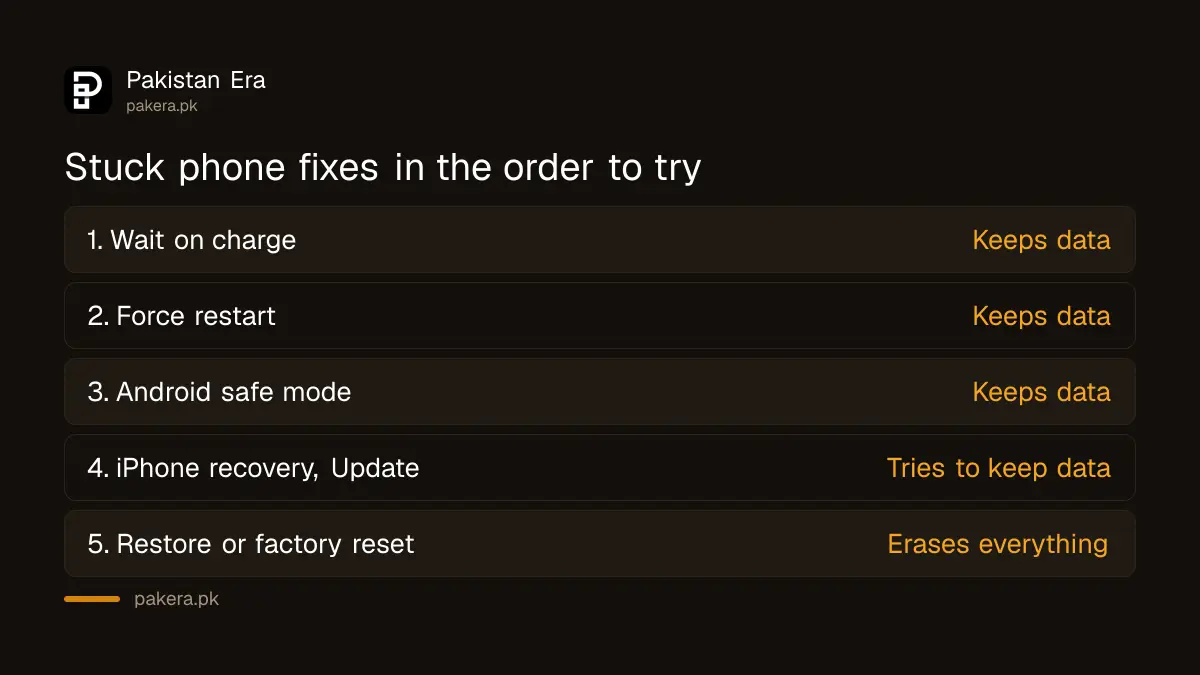
| Step | Keeps your data? | Source |
|---|---|---|
| Wait 30 minutes on charge | Yes | Apple progress bar page |
| Force restart | Yes | Apple iPhone User Guide |
| Android safe mode | Yes | Google Android Help |
| iPhone recovery mode, Update option | Tries to keep it | Apple recovery mode page |
| iPhone Restore or Android factory reset | No, erases everything | Apple and Google |
For an iPhone, Apple's recovery mode page says to connect it to a computer, open the Finder on a Mac or the Apple Devices app on a PC, then put the phone into recovery mode. Choose Update first, which tries to reinstall iOS without erasing. Choose Restore only if Update fails. Apple notes that if the download takes more than 15 minutes, the phone may leave the recovery screen, so let the download finish and repeat the button steps.
For Android, Google says to charge the phone to at least 70 percent and connect it to Wi-Fi first, and that a reset can take up to an hour. You must know the Google account and password on the phone, or it may stay locked after the reset. Google also says to wait 24 hours after changing that password before you reset.
A reset is only painless if you backed up. Your WhatsApp chats come back only if you used the WhatsApp backup and restore steps before things went wrong.
Take it to an authorised service centre if it still will not start
If recovery mode or a reset does not work, or a button is broken, take the phone to the brand's authorised service centre in Pakistan. Apple says you may need service if you cannot update or restore in recovery mode. Avoid shops that offer to flash unknown software.
Unofficial firmware can leave a phone unstable, can void a warranty, and on some phones means handing over full control of your data. Ask the brand's helpline for the nearest authorised centre, and take the purchase receipt if the phone is under warranty.
Once the phone works again, it is a good time to check what you are running. iPhone owners can confirm their model is on the list of iPhones that support iOS 27, and Android owners can see which phones get the Android 17 update in Pakistan. An old phone forced onto a heavy update is more likely to struggle.
Common questions
How long should I wait if my phone is stuck on the logo after an update?
Wait at least 30 minutes with the phone on charge. Apple says the progress bar can look stuck or restart and still be working.
Does a force restart delete my data?
No. A force restart only switches the phone off and on. Recovery mode Restore and a factory reset are the steps that erase data.
How do I force restart an iPhone 11 or later?
Press and release volume up, press and release volume down, then hold the side button until the Apple logo appears. These are the steps in Apple's iPhone User Guide for iOS 27.
My Android keeps restarting after an update. What should I do?
Start it in safe mode. If the restarts stop, a downloaded app is the cause. Remove recent apps one at a time until the problem goes away.
Can I fix an iPhone stuck on the Apple logo without a computer?
Try waiting and a force restart first. If those fail, Apple's fix is recovery mode, which needs a Mac or a Windows PC with the Apple Devices app.
Will a factory reset fix a phone stuck after an update?
Often, but it erases everything. Use it only after waiting, force restarting and safe mode, and only if you know your Google account password.
How we verified this
What we checked, where we read it, and what we could not confirm.
Last checked on 9 October 2026. Sources: Apple Support pages recovery mode for iPhone, "Apple logo with progress bar after updating or restoring" and "Restart your iPhone", Apple's iPhone User Guide page "Force restart iPhone", and Google Android Help pages on safe mode and on factory reset. The Android force restart button hold is general advice that varies by brand. We did not test these steps on a stuck phone for this page.
About the author

Technology Journalist & Multimedia Producer
Ahmad Ali is a technology journalist and multimedia producer at Pakistan Era, joining the team in October 2026. He covers consumer technology and digital life for Pakistani readers, combining research with hands-on product testing.