Phone Touch Screen Not Working in Pakistan: Every Fix for Android and iPhone
Phone touch screen not working? Remove the protector, clean the glass, unplug the charger and force restart. Then the safe mode and drag tests for Android.
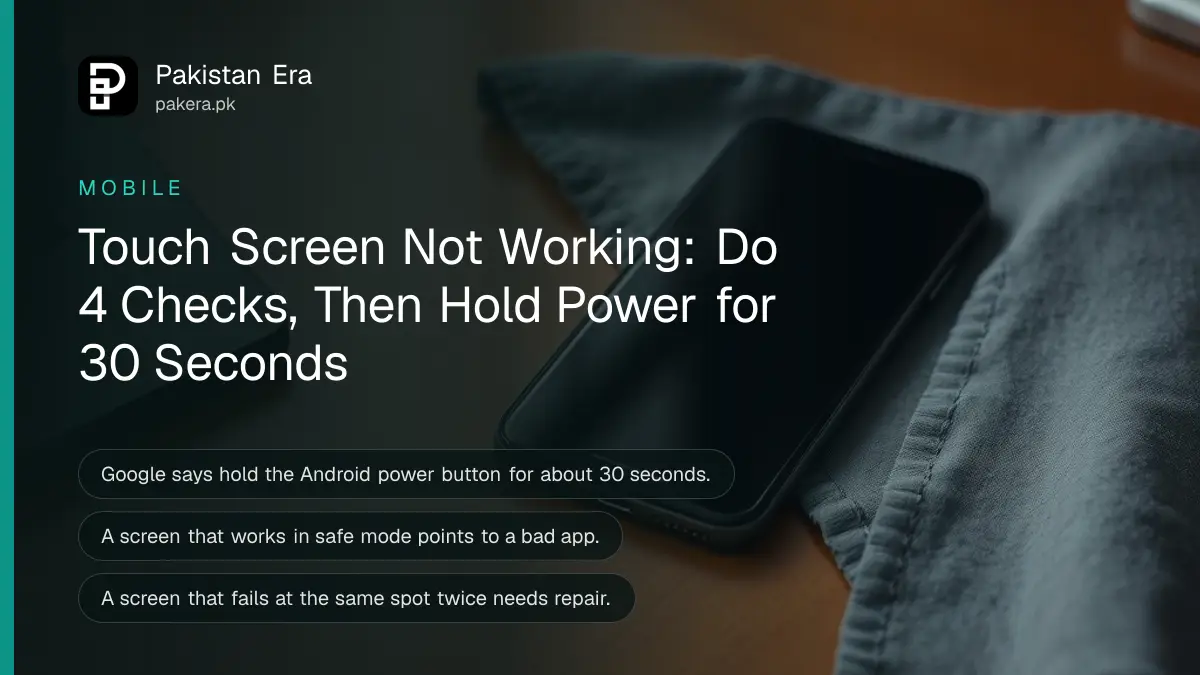
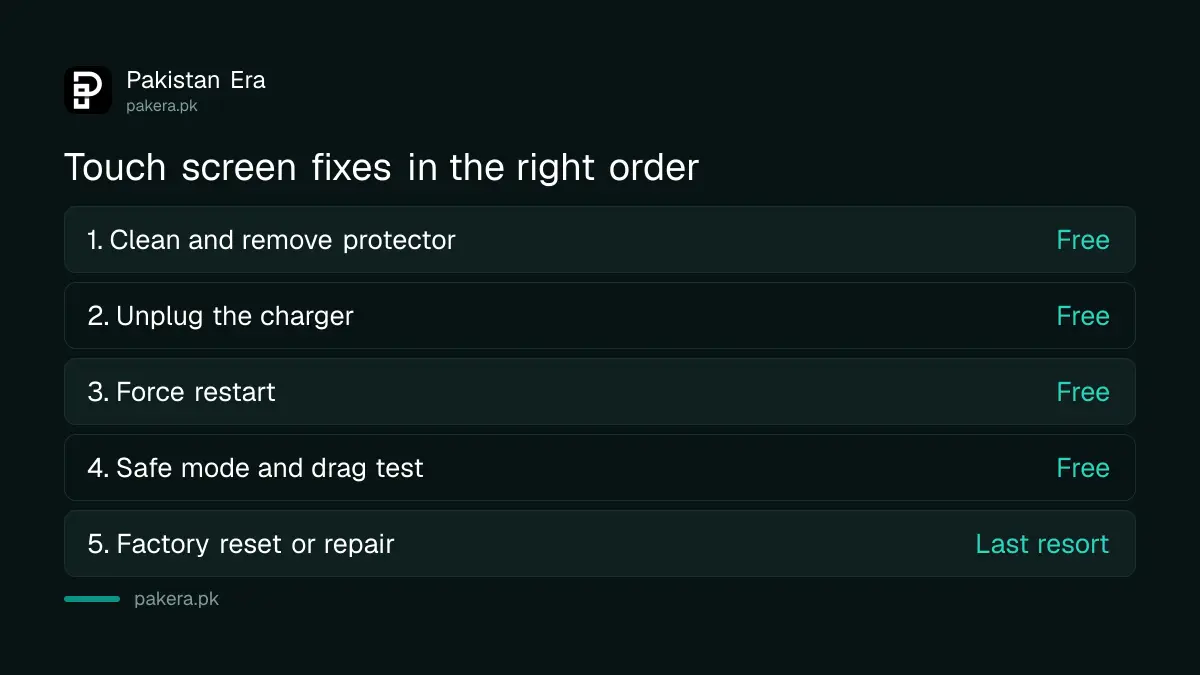
If your phone's touch screen is not working, take off the case and screen protector, clean the glass, unplug the charger, then force restart: on Android hold the power button for about 30 seconds, on iPhone use Apple's restart steps. That clears most frozen or jumpy screens. If it does not, the steps below test for a bad app, a damaged part of the screen and, last of all, a hardware fault that needs a repair centre.
We read Google's Android help page for a screen that is not working right and Apple's page for an iPhone or iPad screen that is not working, on 2 November 2026. Both start with the same cheap checks. A thick tempered glass protector, a wet thumb or a faulty market charger can make a perfectly good screen ignore your touch.
Start with the screen itself: case, protector, stickers and dirt
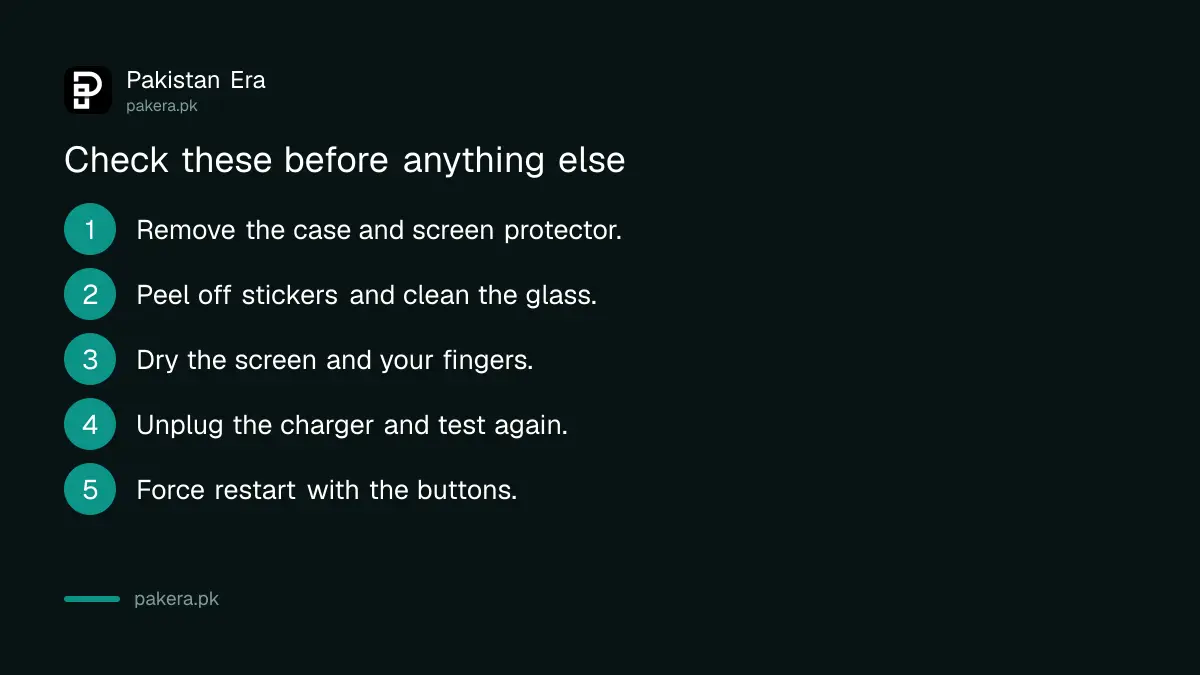
Google and Apple both tell you to check the glass before anything else. Look for cracks, remove the case and screen protector, take off gloves, peel off stickers over the sensors and clean the screen. Apple adds one more: make sure it is dry.
That order matters. A cheap protector that has lifted at one corner, or has an air bubble over the bottom edge, is one of the most common reasons a phone stops responding in one spot. Peel it off and test the bare glass before you spend money.
Apple also says to unplug any accessory in the charging port. If the screen starts working once the cable is out, try a different outlet, cable or charger. A poor charger can make touch input jump around while it is plugged in.
Force restart the phone, even if the screen will not respond
A force restart uses the buttons, so it works when touch does not. Google's screen page says to hold the Android power button for about 30 seconds until the phone restarts. Its page for a frozen phone says about 60 seconds when the screen is on.
We noticed that gap between Google's two pages. In practice, keep holding the power button until the phone vibrates or the screen goes dark, whichever comes first. If the power button alone does nothing, check your maker's support page for its restart buttons.
On an iPhone, Apple's first step is also a restart. If the screen is too sensitive, or responds only now and then, restart before trying anything else. If a phone freezes often, a phone hanging problem usually has a cause beyond the screen, and the restart buttons differ for each iPhone generation.
| Problem | Android fix | iPhone fix |
|---|---|---|
| Screen ignores all touch | Hold power about 30 seconds | Force restart, then check accessories |
| Touch jumps while charging | Try another cable and charger | Unplug, try another outlet or charger |
| One area does not respond | Run the drag test, then contact the maker | Remove protector, then book service |
| Works in safe mode only | Remove recent apps one by one | Not applicable |
| Flickers or stays blank | Force restart, then factory reset | Restart, then book service |
Safe mode on Android shows whether an app is to blame
Safe mode turns off every app you downloaded. Google says that if the screen works in safe mode, an app is likely causing the problem. Turn safe mode off, then uninstall recently added apps one at a time until the screen behaves.
- Turn on safe mode using your phone brand's method.
- Touch and swipe around the screen.
- If it works, restart normally to leave safe mode.
- Uninstall the most recent app you added, then test again.
- Repeat until the screen works, then reinstall the other apps.
The safe mode button combination differs by brand, and Google sends you to the maker's site for it. Screen lockers, gesture apps and "touch booster" apps from outside the Play Store are worth removing first.

The drag test tells you if one part of the screen is damaged
Touch the top left corner and slowly drag to the bottom right over about 10 seconds. If the Quick Settings panel follows your finger the whole way, the fault is not in one area. If it lets go at the same spot twice, the screen is damaged.
A digitizer is the touch layer under the glass. If the panel always drops at the same line, no setting will fix it. Contact the maker or an authorised service centre. Google also suggests turning off Developer options in Settings, under System, because some settings there can affect touch.
A screen that fails everywhere, not just in one spot, can still be software. That is when Google points you to a factory reset.
Factory reset is the last software fix, so back up first
A factory reset erases everything on the phone. Google says data saved to your Google Account comes back after you sign in, but apps and their data are removed. If the screen is completely dead, you can start the reset with the phone's buttons.
Back up photos and chats before you do it, if the screen allows. Google also warns that reinstalling the app that caused the problem can bring it back. The same backup steps you would follow to erase a phone before selling apply here.
On an iPhone, Apple's advice after the basic checks is to set up service, not to reset. If the screen still does not work after a restart, a clean, the charger test and removing the case, book a repair.
When to take it for repair, and what to ask
Take the phone to an authorised centre if the drag test fails at the same spot, if the glass is cracked, if liquid got inside, or if a factory reset did not help. Ask whether the phone is still under warranty before any work starts.
For Samsung phones, the Samsung service centres in Pakistan handle Galaxy screen repairs, and maintenance mode keeps your data private while the phone is with them. Infinix and Tecno owners can use Carlcare service centres. Ask for a written estimate and an original replacement screen before you agree to the work.
Common questions
Why is my phone touch screen not working but the display is on?
Usually a frozen app, a lifted screen protector, moisture on the glass or a faulty charger. Clean the screen, remove the protector, unplug the charger and force restart. If one area never responds, the touch layer may be damaged.
How do I restart a phone when the touch screen is not working?
On Android, hold the power button for about 30 seconds, as Google's help page says. If that does nothing, check your maker's restart buttons. On iPhone, use the force restart buttons for your model.
Can a screen protector stop touch from working?
Yes. Google and Apple both list removing the screen protector as an early step. A thick, cheap or lifted protector can block touch, especially near the edges.
Does a factory reset fix a touch screen?
It fixes software causes only. If the drag test shows the screen fails at the same spot every time, a reset will not help and the part needs repair.
Why does my touch screen go crazy while charging?
Apple says to unplug accessories and try a different outlet, cable or charger if the screen works once unplugged. A poor quality charger is a common cause of jumpy touch while charging.
How we verified this
What we checked, where we read it, and what we could not confirm.
On 2 November 2026 we read Google's Android help page Fix a screen that isn't working right on Android, its page on a device that freezes or won't respond, and Apple's page If the screen isn't working on your iPhone or iPad. The 30 second and 60 second power button times come from the two Google pages, which differ. We could not verify each brand's safe mode button combination, so we did not list them.
About the author

Technology Journalist & Multimedia Producer
Ahmad Ali is a technology journalist and multimedia producer at Pakistan Era, joining the team in October 2026. He covers consumer technology and digital life for Pakistani readers, combining research with hands-on product testing.