Move Your Passwords and Passkeys to a New Password Manager on Android in Pakistan
Android can now move your passwords and passkeys between password managers without a saved file. See the 5 steps, the supported apps and the CSV fallback.
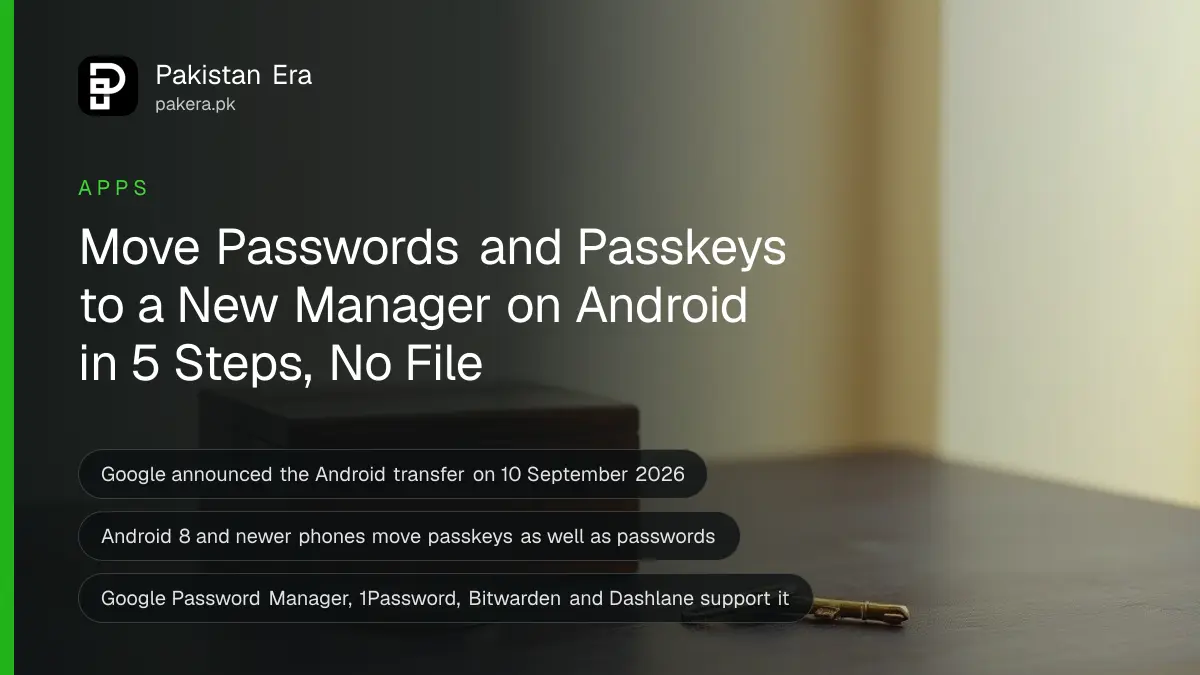
To move your passwords and passkeys to a new password manager on Android, open the new app, choose "import" and pick your old manager. Android hands the data across in a few seconds. No file is saved on your phone. It works on Android 8 or newer.
Most people in Pakistan keep their logins in Chrome or in a notes app. Switching used to mean exporting a plain text file with every password in it. Anyone who opened that file could read it. Passkeys, the newer password-free logins, could not move at all.
On 10 September 2026 Google announced a fix for Android. We read the announcement and Google's help pages on 11 October 2026. This is how to use it, and what to do if your manager is not on the list yet.
Android now moves passwords and passkeys without a file
Google's new transfer lets two password manager apps swap your logins through Android itself. It carries passwords and passkeys together, needs no download, and works on Android 8 and newer. Google Password Manager, 1Password, Bitwarden and Dashlane support it today.
Google says more partners will follow. If your manager is not named, check its own update notes before you try. You can still use the older file method below, but it is less safe and it does not carry passkeys.
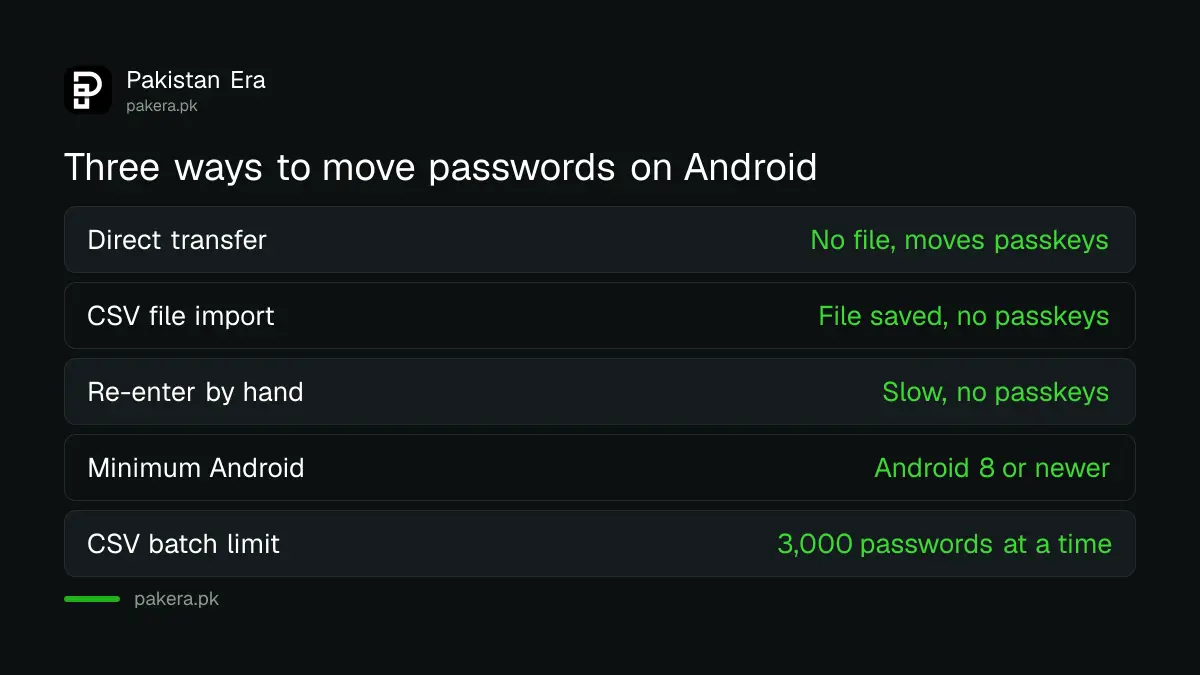
| Method | Needs a saved file | Moves passkeys | Use it when |
|---|---|---|---|
| Android direct transfer | No | Yes | Both apps are on the supported list |
| CSV file import | Yes, you must delete it after | No | Your old manager is not supported yet |
| Re-enter each login by hand | No | No | You have only a few accounts |
Move your logins in five steps
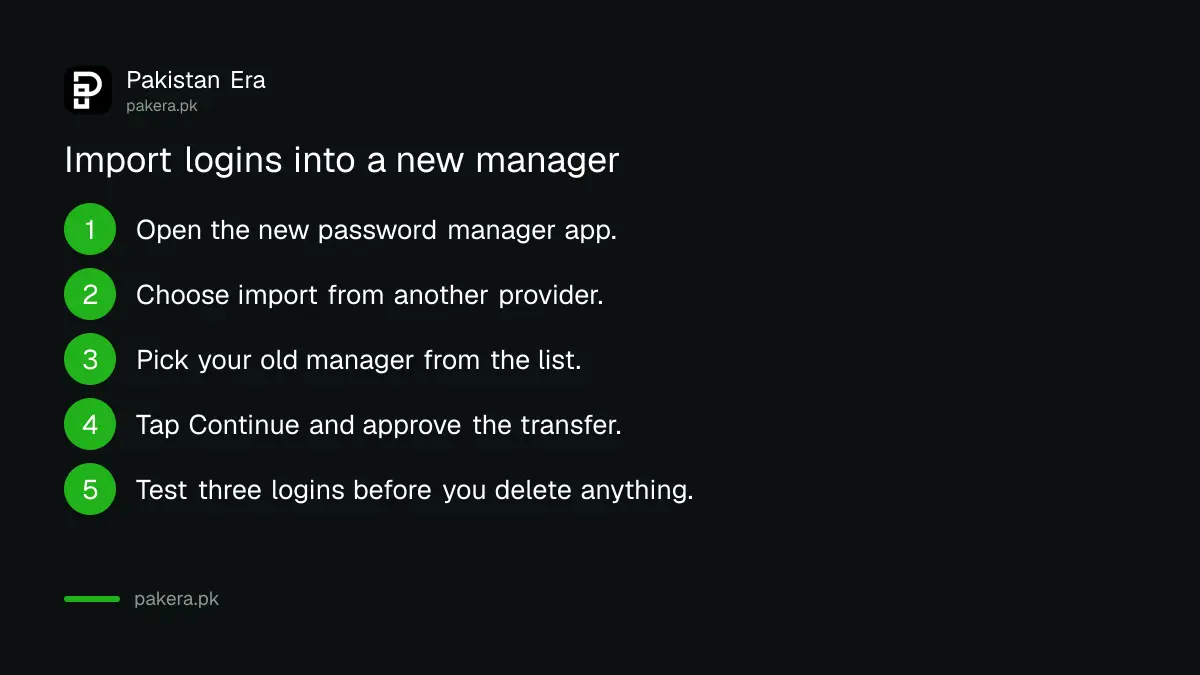
Start in the new app, not the old one. Choose its import option, let Android find your old manager, tap Continue, then approve the transfer inside the old manager. Google says the data moves "in just a few seconds".
- Install the new password manager and sign in.
- Open its settings and choose the option to import passwords and passkeys from another provider.
- Android shows the managers already on your phone. Pick the old one.
- Tap Continue. Android opens the old manager so you can select, review and approve what moves.
- Wait a few seconds, then open the new app and check a few logins, including one passkey.
If you are moving into Google Password Manager, Google's Chrome Help gives the same path: open Google Password Manager, tap Settings, then "Import passwords and passkeys". You must verify with your screen lock. If you import passkeys, the other app may ask for a recovery key.
Passwords you already have in Google Password Manager are not added twice. That is helpful if you have used both apps for a while.
Use the file method only if your manager is not supported
If the direct transfer is not offered, export a CSV file from your old app, import it, then delete the file at once. Google's help page warns that anyone who uses the phone can open a leftover file and read every password in it.
These are the limits Google lists for Chrome and Google Password Manager:
- The file needs three column names in the first line: "url", "username" and "password".
- You can import 3,000 passwords at a time. Split a bigger file into parts.
- A Google Account can store up to 10,000 passwords.
- Some app and site names land in the wrong field. Search by name if a login seems missing.
A shared family phone makes this worse. A CSV file sitting in Downloads is easy to find. Delete it, then empty the trash folder too.
Check the move before you delete anything
Do not wipe the old manager until you have tested the new one. Open three important accounts, such as email, your bank app and one social app. Confirm the login fills in. Test one passkey if you have any.
Then run through this short list:
- Search the new app for a login you know was in the old one.
- Turn on two-step verification on your email. Setting up two-step verification on WhatsApp, Facebook and Gmail takes minutes.
- Run a leak check. Checking whether your passwords leaked online takes two minutes and is free.
- Only then remove the old app or its data.
Our view: this is the first time switching managers has been safe for ordinary users. If you have put it off because of the file risk, now is a good time.
Know when this helps in Pakistan
The transfer matters most when you buy a new phone, leave a free manager for a paid one, or want your passkeys under one roof. It also helps if you share a phone and want logins out of Chrome. Passkeys themselves are explained in setting up a passkey on your Google Account.
Before you sell or give away an old phone, move your logins first and then follow the steps in erasing your phone before selling it. Erasing first would lose anything you had not moved.
One caution. Trust the app you move into. Google's help page says to make sure you trust a third-party password manager before you import into it. A new manager holds every login you own.
Common questions
Does the new transfer work on every Android phone in Pakistan?
It is built for Android 8 and newer, according to Google. That covers most phones sold here in recent years. Your apps must also support it, so update them first.
Can I move passkeys with a CSV file?
No. A CSV file holds passwords only. Passkeys move through the direct transfer, which Google released on 10 September 2026.
Does the direct transfer cost anything?
Google's pages list no fee for the transfer. A password manager app may charge for its own plan, so check the app's price before you switch.
What if my password manager is not on the list?
Use the CSV method and delete the file straight after. Or wait, because Google says more partners will join. Check the app's update notes.
How many passwords can Google Password Manager hold?
A Google Account can store up to 10,000 passwords, and you can import 3,000 at a time from a file.
How we verified this
What we checked, where we read it, and what we could not confirm.
We last checked these official pages on 11 October 2026:
- Google's Android blog, "Switching password managers is easy and safe on Android", published 10 September 2026, for the feature, the supported apps and Android 8 or newer.
- Google Chrome Help, "Import or export passwords and passkeys with Chrome" on Android, for the steps, the CSV format and the 3,000 and 10,000 limits.
Menu names can differ slightly between app versions. Google did not name Pakistan as a limited market in the pages we read.
About the author

Technology Journalist & Multimedia Producer
Ahmad Ali is a technology journalist and multimedia producer at Pakistan Era, joining the team in October 2026. He covers consumer technology and digital life for Pakistani readers, combining research with hands-on product testing.