Activate Windows 11 in Pakistan: Check Activation Status, Enter a Product Key or Use a Digital Licence
Check Windows 11 activation under Settings, System, Activation, then enter a 25-character key, link a digital licence or buy one. Why keys fail, explained here.
To check and activate Windows 11, open Start, then Settings, System, Activation, and read the Activation status line; if it says Windows is not activated, enter your 25-character key under Change product key or buy a licence through Go to Store. Most laptops sold with Windows already carry a digital licence, so they activate on their own once online. The trouble usually starts after a shop reinstall.
The story is familiar in Hafeez Centre and Saddar alike: a used laptop comes home with Windows freshly installed, and a week later a message says it is not activated. We read Microsoft's activation and product key pages on 25 October 2026. Below is how to read your status, every legal way to activate, and why a key that worked before can suddenly fail.
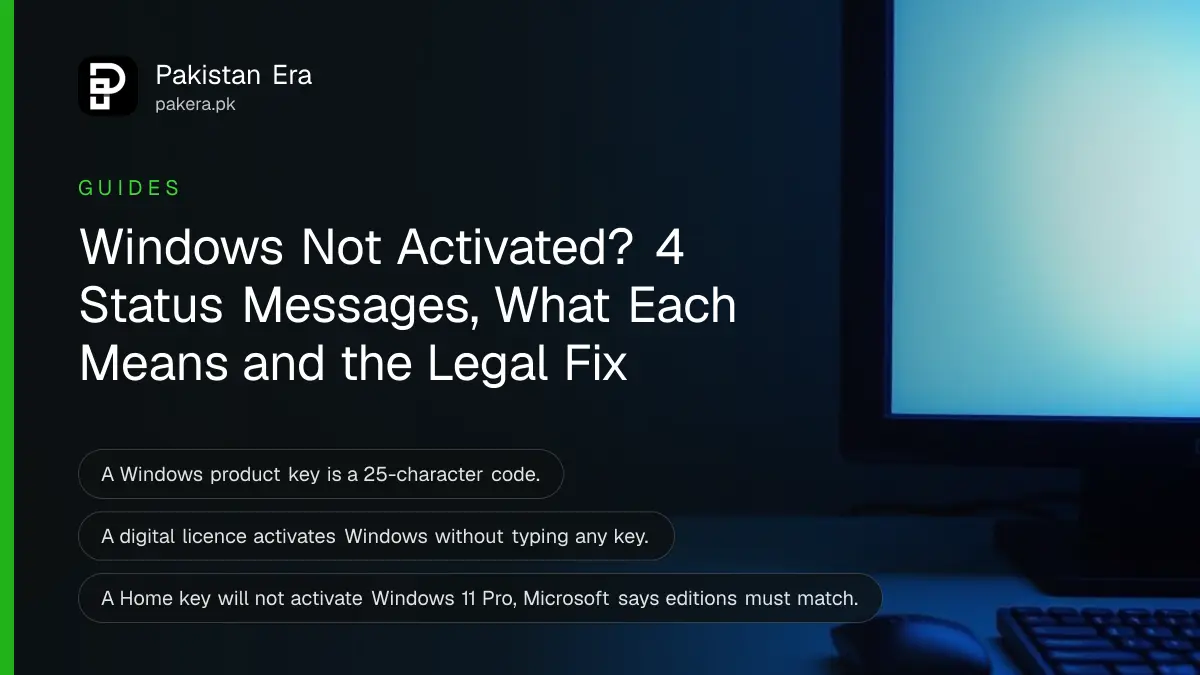
Windows shows one of four activation messages
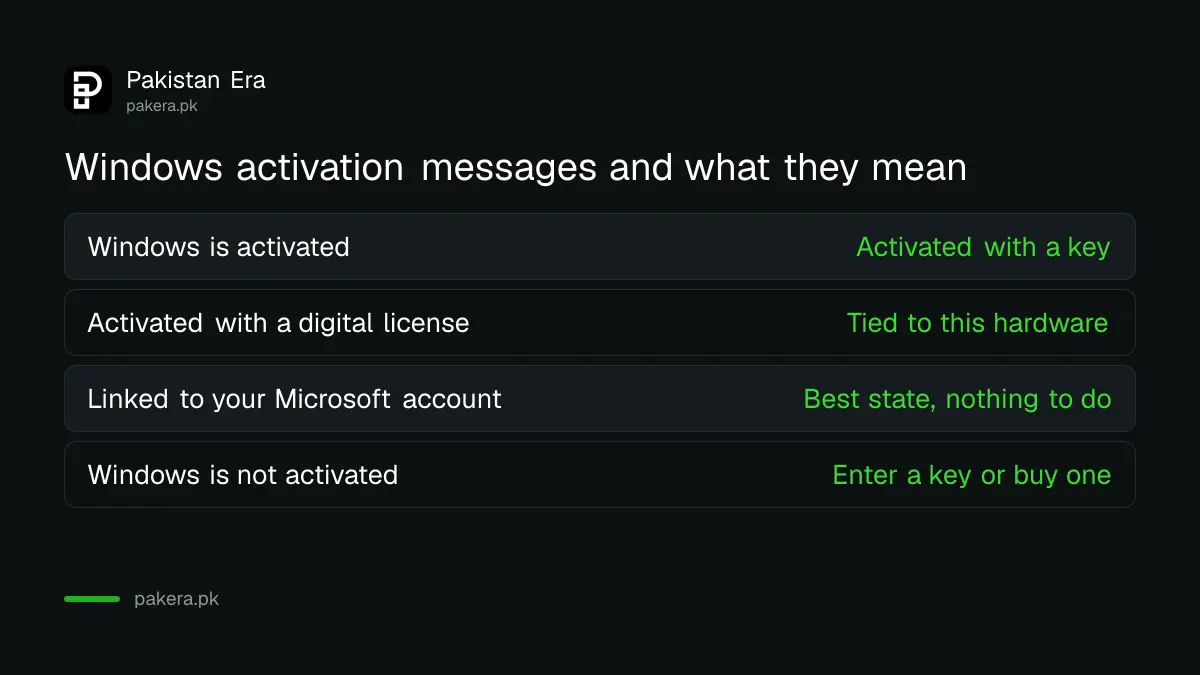
Microsoft lists four statuses on the Activation page: activated, activated with a digital licence, activated with a digital licence linked to your Microsoft account, and not activated. The last one is the only status that needs action. The third is the safest to have.
| Status line | What it means | What to do |
|---|---|---|
| Windows is activated | Activated with a product key | Keep the key safe |
| Activated with a digital license | Licence tied to this hardware | Link your Microsoft account |
| Digital license linked to your Microsoft account | Licence also tied to your account | Nothing, this is the best state |
| Windows is not activated | No valid licence found | Enter a key or buy a licence |
On Windows 11 the page is Start, Settings, System, Activation. On Windows 10 it is Start, Settings, Update and Security, Activation. Microsoft adds that Windows 10 version 1511 calls the digital licence a "digital entitlement".
A digital licence activates Windows without typing any key
Microsoft says a digital licence needs no product key. It is tied to your hardware and, if you link it, to your Microsoft account. PCs upgraded free from Windows 7, 8.1 or 10 usually have one, and reinstalling Windows on them may need no key.
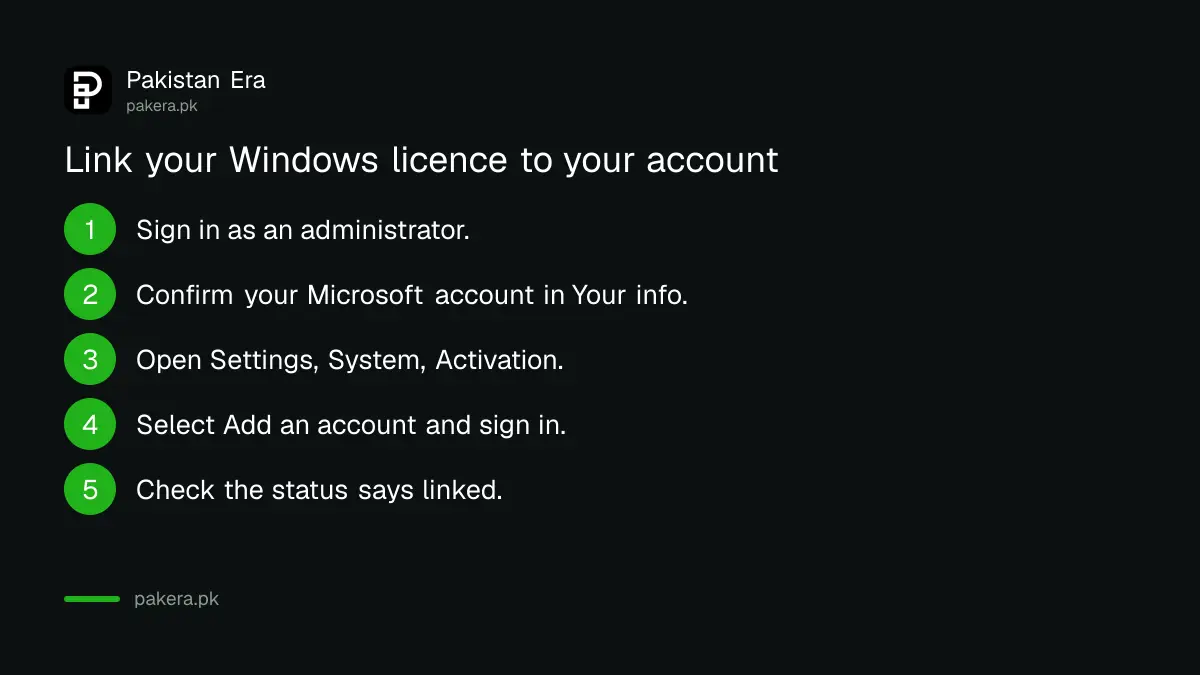
Linking matters more than people think. Microsoft says linking your account lets you reactivate with the Activation troubleshooter after a significant hardware change, such as a new motherboard from a repair shop. To link it:
- Sign in to Windows as an administrator.
- Open Settings, then Accounts, Your info, and confirm your Microsoft account shows above the word Administrator.
- Go to Settings, System, Activation.
- Select Add an account and sign in with your Microsoft account.
- Check that the status now reads "linked to your Microsoft account".
A product key is 25 characters and sits on the box, sticker or email
Microsoft describes a product key as a 25-character code. Where it is depends on how you got Windows: a sticker or Certificate of Authenticity on a new PC, a card inside a retail box, or the confirmation email from an authorised seller or Microsoft's online store.
To enter it, open Settings, System, Activation and select Change product key, then type the 25 characters. Microsoft says it keeps a record of product keys only if you bought from the Microsoft online store, so save the email if you bought anywhere else.
Buying fresh? Settings, System, Activation, Go to Store opens the Microsoft Store app, where you can buy a digital licence. We did not confirm the price in rupees, so check it in the Store before you pay.
Windows refuses a key when the edition does not match
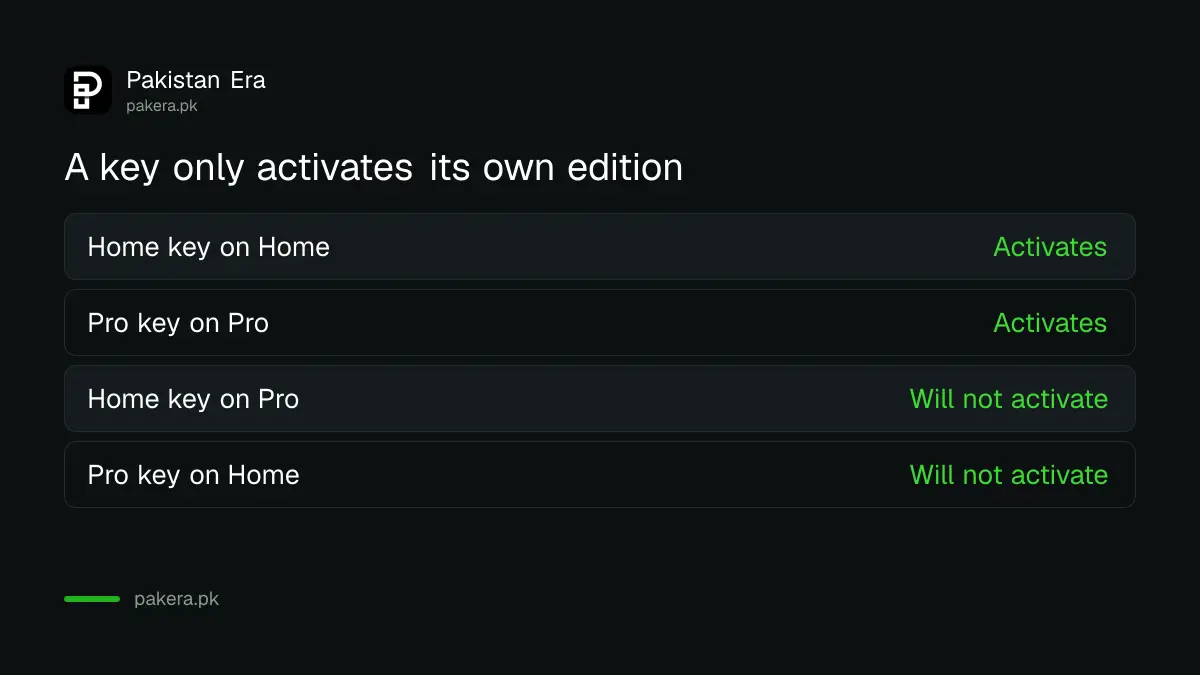
Microsoft says Windows will not activate if your licence does not match the installed edition. A Home key will not activate Windows 11 Pro, and the reverse. This is the most common reason a shop reinstall stops activating on a laptop that came with Home.
Check the edition under Settings, System, About. If the laptop shipped with Home and now runs Pro, either buy a Pro upgrade or reinstall Home, which reactivates with the original digital licence. Before any reinstall, reset Windows 11 and keep your files is the gentler route, since it keeps the same edition.
- New motherboard after a repair: link your Microsoft account first, then use the Activation troubleshooter.
- Key accepted before but now refused: the key may be a volume key that was never yours to use.
- Laptop bought used: ask the seller for the box, invoice or Certificate of Authenticity sticker.
Activator tools and cheap keys put your laptop at risk
Microsoft notes that activation does not guarantee a copy of Windows is genuine. Activator programs passed around on USB drives and websites are not Microsoft tools. They often switch off security features, and a very cheap key can be blocked later.
The real cost of a cracked activator is not the licence you saved. It is the banking password stolen a month later. If you are buying a laptop, ask the shop to show the Activation page before you pay; the checks before buying a laptop in Pakistan include this. Also confirm the machine meets Microsoft's Windows 11 requirements before anyone sells you an upgrade.
Common questions
How do I check if Windows 11 is activated?
Open Start, Settings, System, Activation and read the Activation status line.
Where do I enter a Windows product key?
Settings, System, Activation, Change product key on Windows 11. On Windows 10 it is under Update and Security, Activation.
Do I need a product key to reinstall Windows 11?
Often not. Microsoft says a PC with a digital licence may not need a key when you reinstall the same edition.
Why will my product key not activate Windows?
Microsoft says Windows will not activate if the licence does not match the edition. A Home key does not activate Pro.
How do I reactivate Windows after changing the motherboard?
Link your Microsoft account to the licence beforehand, then run the Activation troubleshooter after the change.
Can I buy Windows 11 from inside Windows?
Yes. Settings, System, Activation, Go to Store opens the Microsoft Store, where you can buy a digital licence.
How we verified this
What we checked, where we read it, and what we could not confirm.
Last checked 25 October 2026. We read Microsoft's activate Windows page and its find your Windows product key page on that date. Status messages, menu paths and the edition rule come from those pages. We did not check the Microsoft Store price in Pakistan, and the remarks on activator tools and volume keys are our own advice, not Microsoft's wording.
About the author

Technology Journalist & Multimedia Producer
Ahmad Ali is a technology journalist and multimedia producer at Pakistan Era, joining the team in October 2026. He covers consumer technology and digital life for Pakistani readers, combining research with hands-on product testing.