Reset Windows 11 and Keep Your Files in Pakistan: Back Up First
Reset Windows 11 in Pakistan: back up and find your BitLocker key first, then pick Keep my files or Remove everything, and Cloud download or Local reinstall.
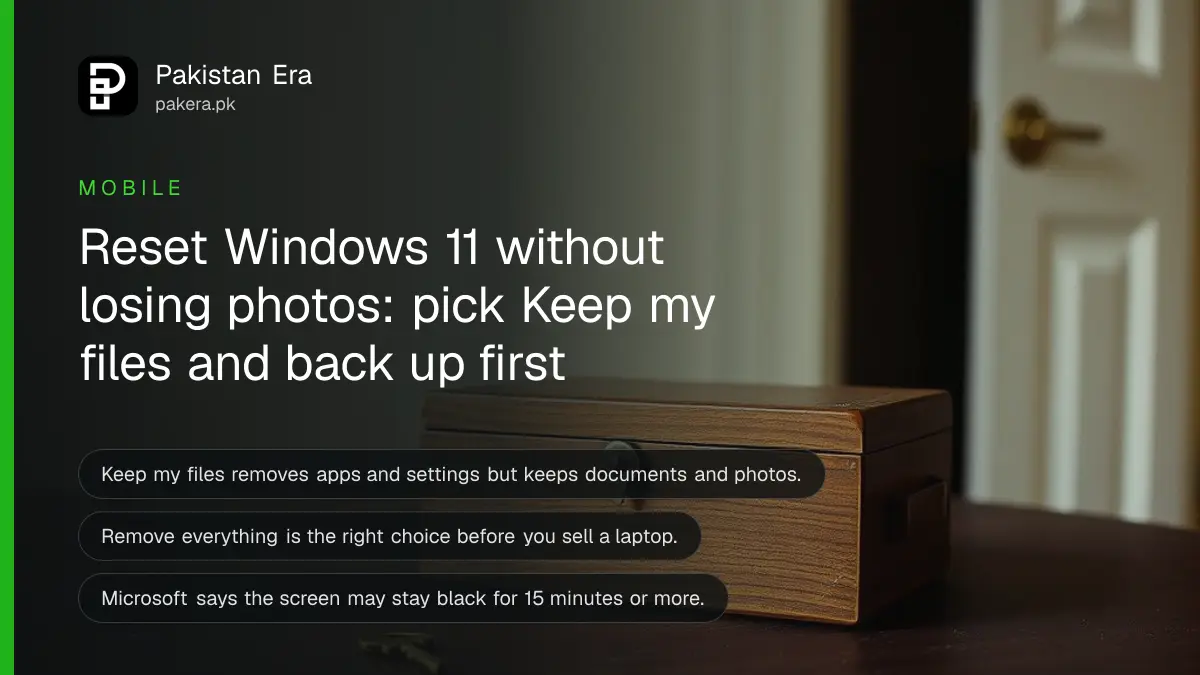
Short answer: Back up your files and find your BitLocker key. Then open Settings, System, Recovery, and choose Reset PC. "Keep my files" removes your apps and settings but keeps documents and photos. "Remove everything" wipes the laptop, which is the right choice before you sell it.
When a laptop is slow, full of pop-ups or fails after a bad update, a reset can save a trip to the repair shop. It reinstalls Windows without a USB drive. The risk is losing files, so the order of steps matters more than the reset itself.
We read Microsoft's support page on resetting your PC on 13 October 2026. The menu path and warnings below come from that page. We did not reset a machine for this guide.
Back up and find your BitLocker key first
Microsoft's first warning is to back up important files before you begin. If your drive is encrypted, it also says to have your BitLocker recovery key ready. Without it, a reset can end in a locked screen.
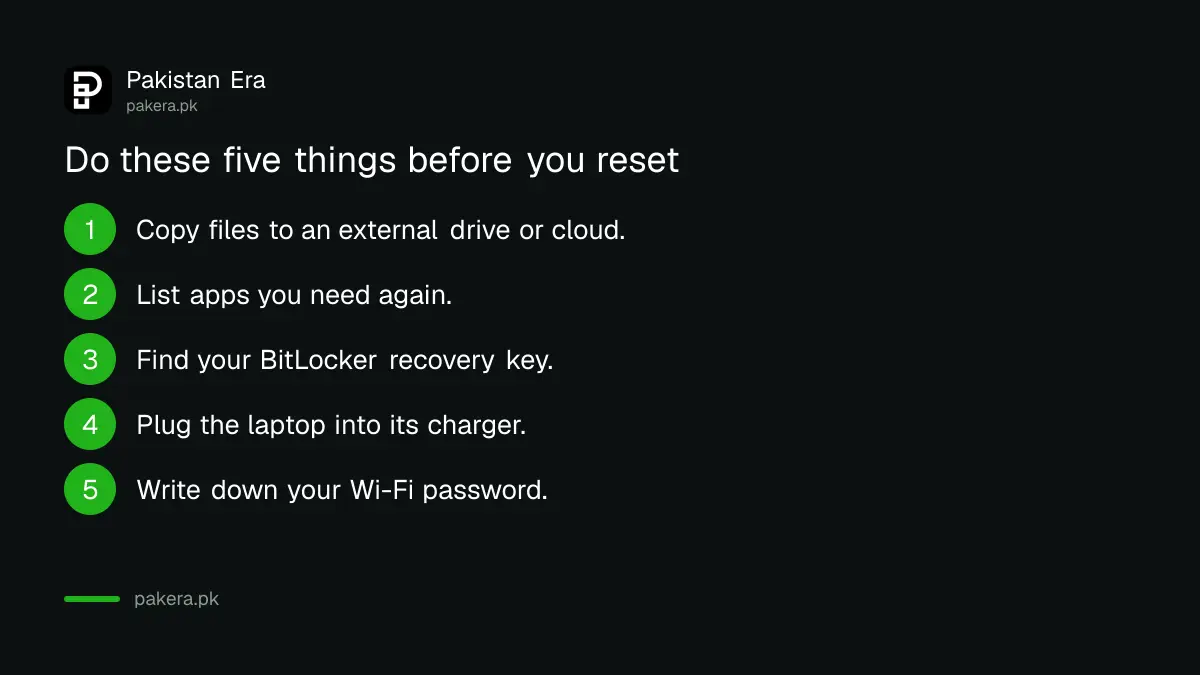
- Copy your documents, photos and downloads to an external drive or a cloud account.
- Note which apps you will need again, and where their licence keys are.
- Find your BitLocker recovery key. The steps are in the guide to finding your BitLocker recovery key.
- Plug the laptop into its charger. Microsoft does not say the charger is required, but a reset can run for a long time, so a power cut mid-reset is a risk.
- Write down your Wi-Fi password.
If your laptop has Wi-Fi trouble, solve it first. A cloud download needs a working connection, so restart your router first, as covered in the Wi-Fi router tips.
Keep my files and Remove everything are different
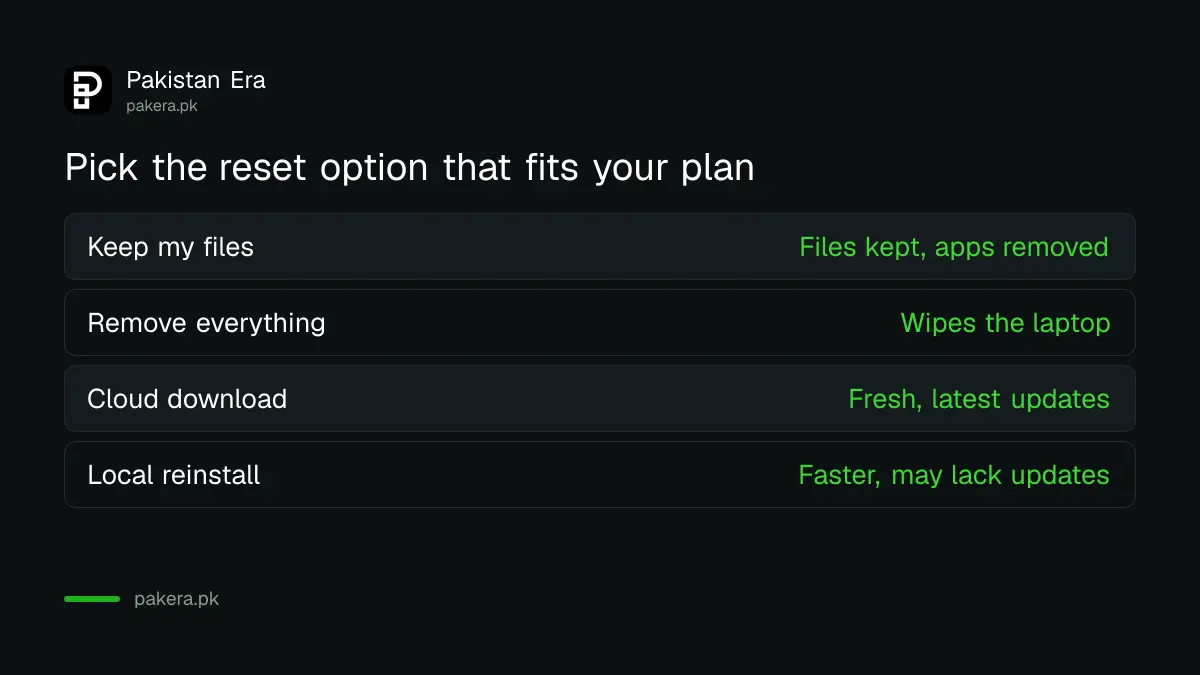
The first choice in the reset is what to do with your data. Keep my files reinstalls Windows and removes apps and settings. Remove everything wipes personal files, apps and settings too. Choose by what you plan to do with the laptop.
| Option | Files | Apps and settings | Use it when |
|---|---|---|---|
| Keep my files | Kept | Removed | Windows is slow or broken and you keep the laptop |
| Remove everything | Removed | Removed | You are selling or giving away the laptop |
Microsoft says Remove everything with "Clean data" turned on makes the old files harder to recover. If you are selling the laptop, turn it on. It takes longer, so plan for it. The same idea for phones is in the page on erasing a phone before selling it.
Cloud download or local reinstall
The second choice is where Windows comes from. Cloud download gets a fresh copy from the internet with the latest updates. Local reinstall uses files already on the laptop. It is faster on slow internet but may lack the newest updates.
Microsoft says Cloud download is useful if your local files are corrupted. In Pakistan, the size of the download matters if you use a mobile data package. A Windows download is several gigabytes, so use home Wi-Fi, not a phone hotspot with a small bundle. Our estimate is that it can use a large part of a monthly package, so check the size on screen before you accept.
Run the reset from Settings
The reset is in Settings under System, then Recovery. The screen will guide you through the choices. Do not switch the laptop off or restart it by hand while it runs, because Microsoft says this could make the reset fail.
- Open Settings and click System, then Recovery.
- Under Recovery options, click Reset PC.
- Choose Keep my files or Remove everything.
- Choose Cloud download or Local reinstall.
- Read the summary screen and click Reset.
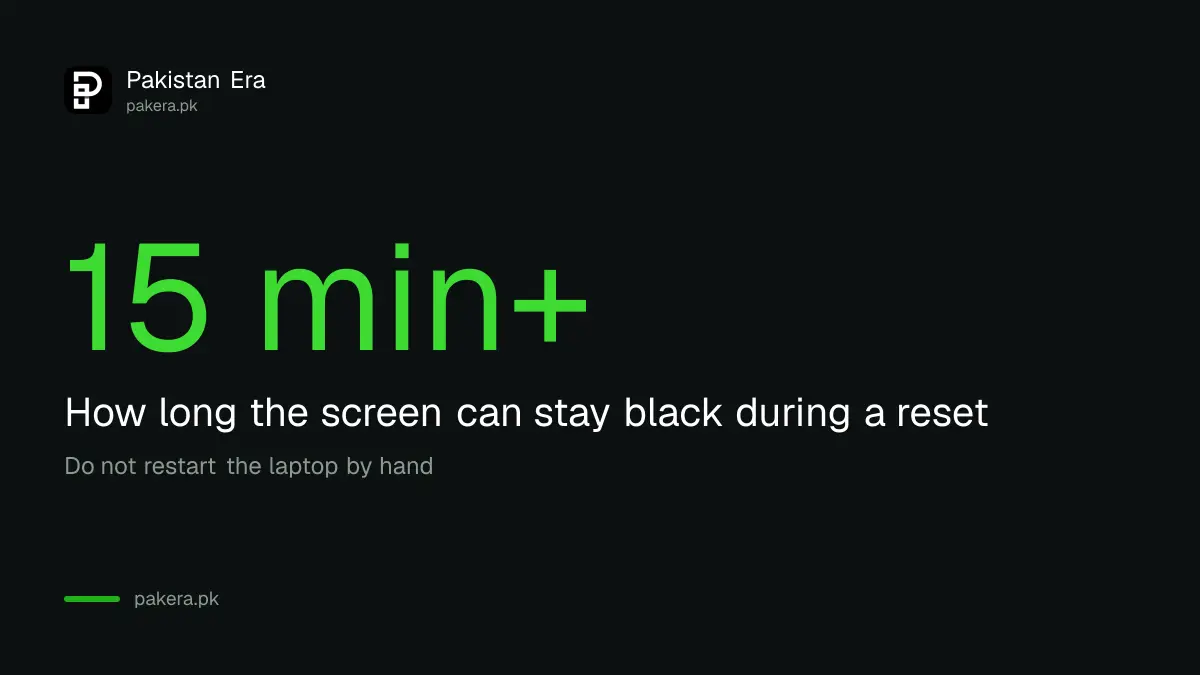
Microsoft warns that the screen can go black for a long time, sometimes more than 15 minutes, and the laptop may restart by itself. This is normal. Wait.
Set up again and check what is left
After the reset, Windows asks you to set up again. Sign in, run Windows Update, then reinstall your apps. Check that your files are where you expect, and restore the rest from your backup.
Check that your laptop can still receive updates. If you are on Windows 10, see the page on Windows 10 security updates, and check whether your laptop can run the newer system with the steps in the Windows 11 requirements check. A reset does not fix a failing drive or battery, so also look at the guide to checking laptop battery health.
Common questions
Does Keep my files delete my photos?
No. Microsoft says it keeps personal files such as documents and photos. It removes apps and settings, so back up anyway in case something goes wrong.
Which option should I pick before selling a laptop?
Pick Remove everything. Microsoft says it is ideal for giving away or selling a PC. Turn on Clean data to make recovery of old files harder.
How long does a reset take?
Microsoft does not give a total time. It says the screen may stay black for up to about 15 minutes or more and the laptop may restart on its own. Do not switch it off.
Do I need my BitLocker key?
Microsoft says to have it ready if your drive is encrypted. Find it before you start, in your Microsoft account or on a printed copy.
Cloud download or Local reinstall: which is better?
Microsoft recommends Cloud download for the latest updates and when local files are damaged. Local reinstall is faster on slow internet but may lack recent updates.
How we verified this
What we checked, where we read it, and what we could not confirm.
Last checked on 13 October 2026, Pakistan time. We read Microsoft's page on resetting your PC. Microsoft's page does not say how big the cloud download is or whether the charger must stay plugged in, so the charger advice and the mobile data warning are our own caution, not Microsoft's rules. We did not run a reset for this page.
About the author

Technology Journalist & Multimedia Producer
Ahmad Ali is a technology journalist and multimedia producer at Pakistan Era, joining the team in October 2026. He covers consumer technology and digital life for Pakistani readers, combining research with hands-on product testing.