How to Check Your Laptop Battery Health on Windows in Pakistan, Free in 2 Minutes
Run powercfg /batteryreport on Windows to see your laptop battery design capacity, full charge capacity and cycles. Use it before you buy a used laptop.
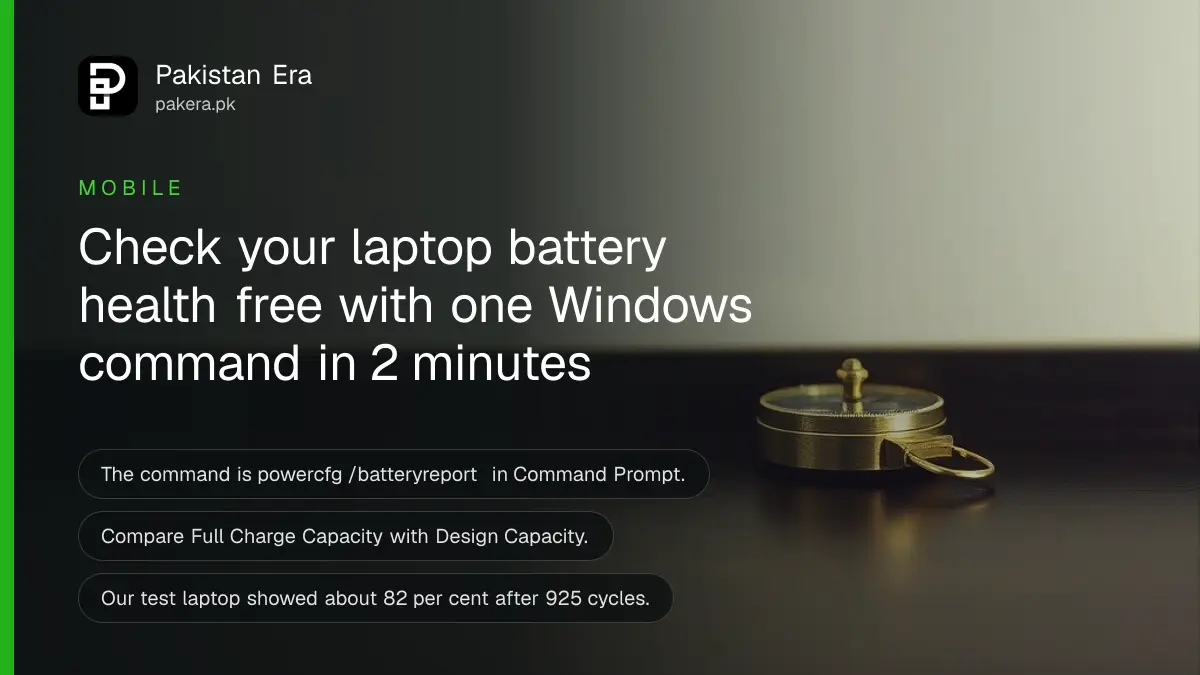
Short answer: Open Command Prompt, type powercfg /batteryreport and press Enter. Windows saves a battery report and prints its location. Open it in a browser and compare Full Charge Capacity with Design Capacity. The lower the second number is against the first, the more your battery has worn.
A laptop with a tired battery dies at 40 per cent, shuts off when you unplug it, or runs for 40 minutes. Before you pay for a new battery, or a used laptop, you can read the real figures in two minutes. No app is needed.
We ran the command on a Windows 11 laptop on 12 October 2026 and read the report it produced. We also read Microsoft's page for the powercfg command. The figures below come from that one laptop and are an example, not a rule for every machine.
Windows can write a battery report with one command
Microsoft's powercfg page describes /batteryreport as a report of battery usage characteristics over the lifetime of the system. Running it creates an HTML file. It also accepts /output to choose where the file goes and /duration to set the number of days to cover.
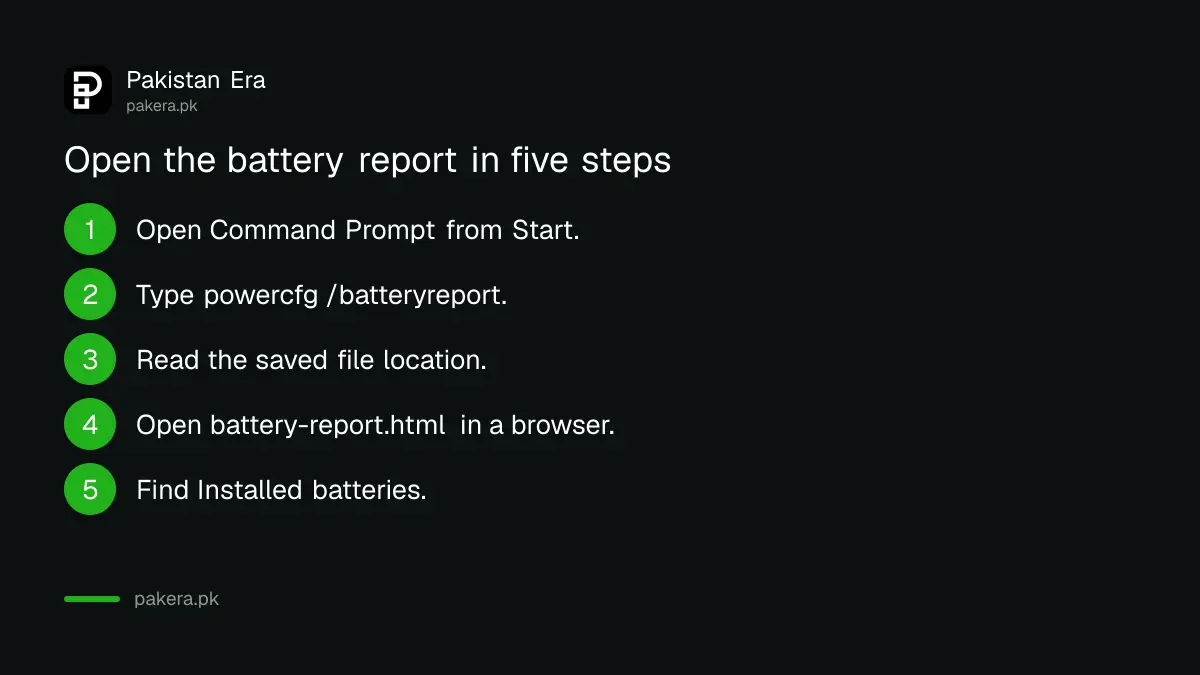
- Click Start and type cmd. Open Command Prompt. Windows Terminal also works.
- Type powercfg /batteryreport and press Enter.
- Read the message. It names the folder where the file was saved.
- Open that folder and double-click battery-report.html. It opens in your browser.
- Scroll to the section called Installed batteries.
If you want the file on your desktop, type powercfg /batteryreport /output "C:\Users\Public\Desktop\battery.html". Use the same quote marks.
Read two numbers in the Installed batteries section
The report shows Design Capacity, which is what the battery held when new, and Full Charge Capacity, which is what it holds today. It also shows a cycle count where the laptop reports one. Divide Full Charge by Design to get the health percentage.
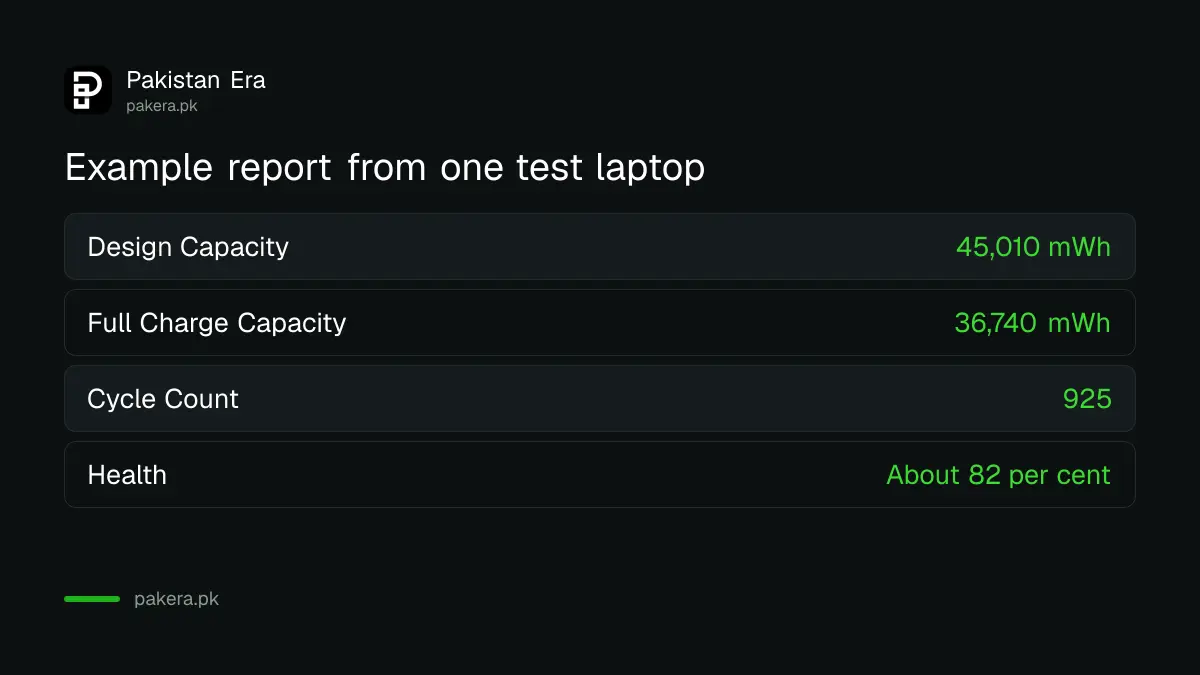
On our test laptop the report showed a design capacity of 45,010 mWh and a full charge capacity of 36,740 mWh, after 925 cycles. That is about 82 per cent of the original. A cycle is one full charge worth of use, spread over any number of top-ups.
| Field | Our test laptop | Meaning |
|---|---|---|
| Design Capacity | 45,010 mWh | Capacity when new |
| Full Charge Capacity | 36,740 mWh | Capacity today |
| Cycle Count | 925 | Charge cycles used |
| Health | About 82 per cent | 36,740 divided by 45,010 |
Use our health bands as a rule of thumb
Microsoft's page does not give a pass mark. These bands are our own working rule. Above 80 per cent is healthy. Between 60 and 80 is worn but usable. Below 60 per cent is the point where most owners notice short runtime and should plan a replacement.
Judge the number with the age of the laptop. A three-year-old machine at 75 per cent is ordinary. A one-year-old machine at 60 per cent points to heat, a bad charger or a faulty cell, and may fall under warranty. Our guide on claiming an electronics warranty when a shop refuses explains what to bring.
Use the report before you buy a used laptop
Ask the seller to run the command in front of you and show the Installed batteries section. A seller who refuses is giving you an answer. A battery at 50 per cent is a repair bill of its own, so lower your offer.
Check the cycle count too. A low count on a laptop that looks very worn is suspicious, since some reports can be reset or not supported. Compare the battery with the rest of the machine using our seven checks for buying a laptop in Pakistan.
Not every laptop shows a cycle count. Some shops sell a "new" battery that is a copy. If you buy a replacement, run the report again after a week. A good new battery shows design and full charge capacity close together.
Make the battery last longer
Heat wears a laptop battery faster than use does. Keep the vents clear, do not run it on a bed, and avoid leaving it in a car. If your laptop brand has a charge limit setting in its own app, set it to 80 per cent for desk use.
If the machine is old and slow as well, check whether it can still receive updates. Our guide on free Windows 10 security updates until October 2027 explains the dates. A new battery in an unsupported laptop is not a fix.
Run the report again every three months. Write the two numbers down. A fast fall between reports is the sign to act.
Common questions
What does powercfg /batteryreport do?
It creates an HTML report of battery usage characteristics over the life of the system.
It saves the file in the current folder unless you set /output.
Where is the battery report saved?
Windows prints the folder after you run the command.
Read that message, then open the folder to find battery-report.html.
What is a good battery health percentage?
Microsoft does not give a figure. Our rule of thumb is above 80 per cent healthy, 60 to 80 worn and below 60 poor.
Treat it as a guide and add the age of the laptop to the picture.
Does the command work on a desktop PC?
It needs a battery. A desktop has none, so there is nothing to report.
It is meant for laptops, tablets and other portable machines.
Can I run the report without admin rights?
Yes. It ran for us from a normal window without administrator rights.
Some other powercfg reports need administrator rights, but this one did not.
Is a battery below 70 per cent a reason to replace it?
Not by itself. Replace it when the runtime no longer suits your work.
If the laptop shuts off suddenly or swells, replace it at once.
How we verified this
What we checked, where we read it, and what we could not confirm.
We read Microsoft's powercfg command-line options page at learn.microsoft.com and ran the command on 12 October 2026. We did not test other laptop makes, so report sections and cycle count support can differ on yours.
About the author

Technology Journalist & Multimedia Producer
Ahmad Ali is a technology journalist and multimedia producer at Pakistan Era, joining the team in October 2026. He covers consumer technology and digital life for Pakistani readers, combining research with hands-on product testing.