Verify a Business Is Registered for Sindh Sales Tax With the SRB Taxpayer Search
Check whether a business charging Sindh sales tax is registered with SRB: search by SNTN, CNIC, passport or SECP number on the free eSRB taxpayer search.
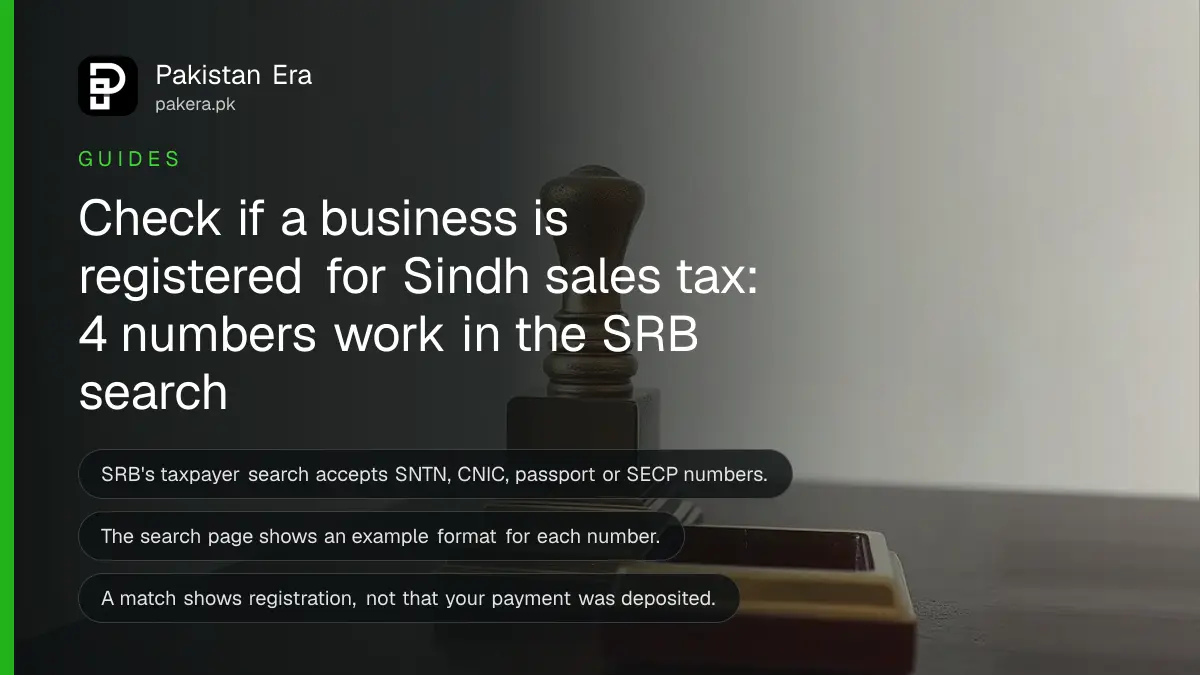
Short answer: To check whether a business that charges you Sindh sales tax is registered with the Sindh Revenue Board (SRB), open SRB's online taxpayer search and enter its SNTN, CNIC, passport number or SECP registration number. The search is free. Ask the business for the number printed on its invoice.
You pay a restaurant bill, a salon bill or a lawyer's fee in Karachi, and the invoice shows a line for Sindh sales tax. You wonder whether that money will ever reach the government. SRB gives you a way to look.
We opened SRB's taxpayer search page on 13 October 2026 and read what it asks for. We did not run a search on a real business, so we describe the inputs and not the result screen. SRB is the provincial body that collects sales tax on services in Sindh.
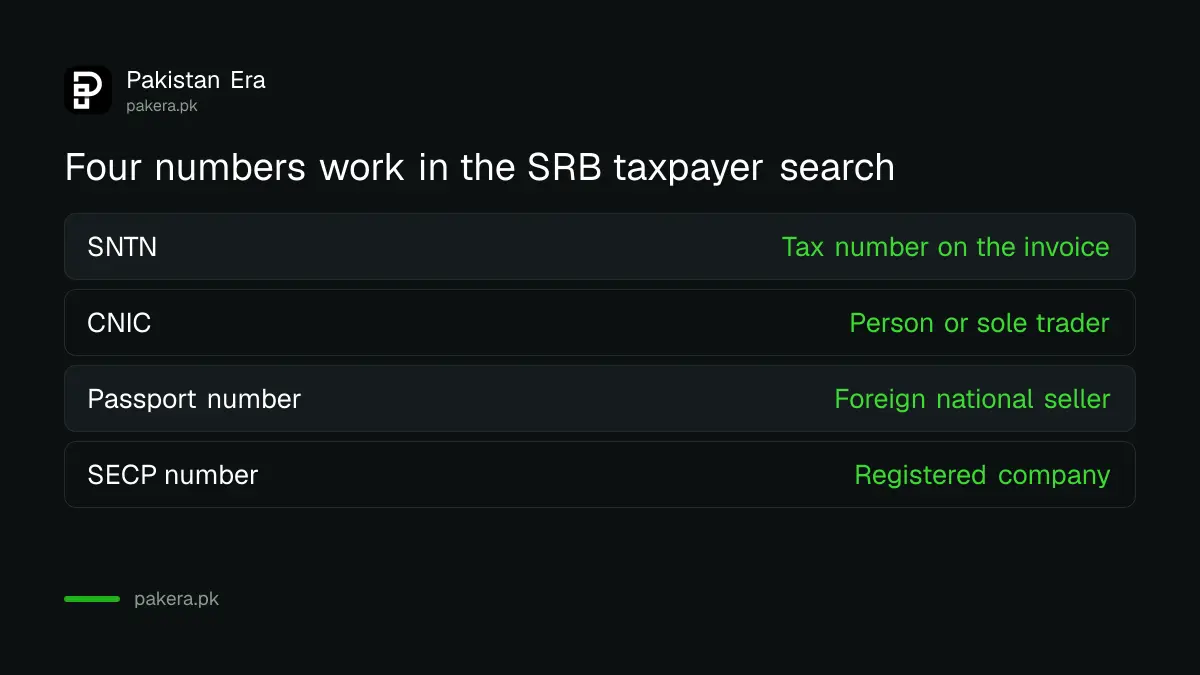
SRB's search accepts four kinds of number
The page says you can search with an SNTN, a CNIC, a passport number or a registration or incorporation number issued by SECP. SNTN is the Sindh National Tax Number given to a registered business. SECP is the company regulator.
The page shows an example format for each number, so you can see how many digits to type. Enter the number exactly as printed on the invoice or receipt.
| Number type | Use it when | Where to find it |
|---|---|---|
| SNTN | The invoice shows a tax number | Top of the invoice or receipt |
| CNIC | The seller is a person or sole trader | Ask the seller |
| Passport number | The seller is a foreign national | Ask the seller |
| SECP registration number | The seller is a registered company | Company letterhead or invoice |
Never ask a stranger for a CNIC just to run a search. The invoice number is the safe place to start.
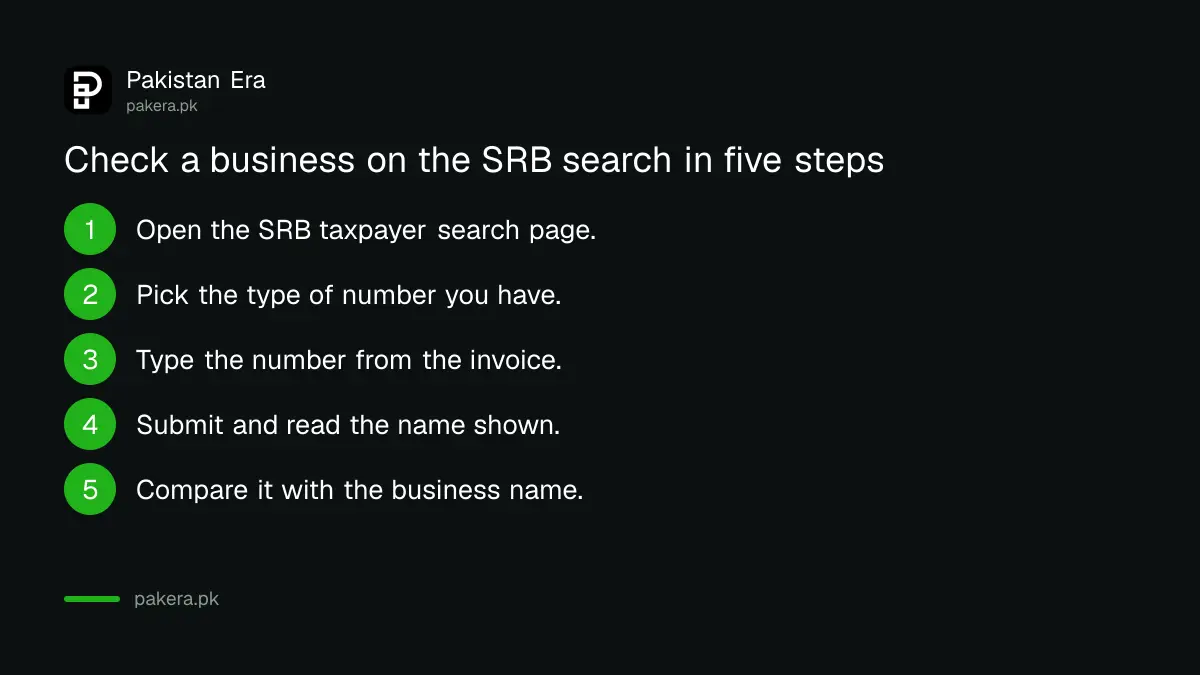
Check a business in five steps
Use your phone. The page needs only the number and a short form. If the business is registered, the search should show its record. If nothing comes back, do not accuse the business yet, because a typing error is the most common reason.
- Open SRB's online taxpayer search page on the eSRB portal.
- Pick the type of number you have: SNTN, CNIC, passport or SECP number.
- Type the number carefully, with no spaces unless the example shows them.
- Submit the search and read the name and details shown.
- Compare the name with the business that gave you the invoice.
A name that does not match the shop is a reason to ask questions. A match tells you the business is on SRB's record. It does not tell you what rate applies to your service.
Do not confuse this with the SRB prize scheme
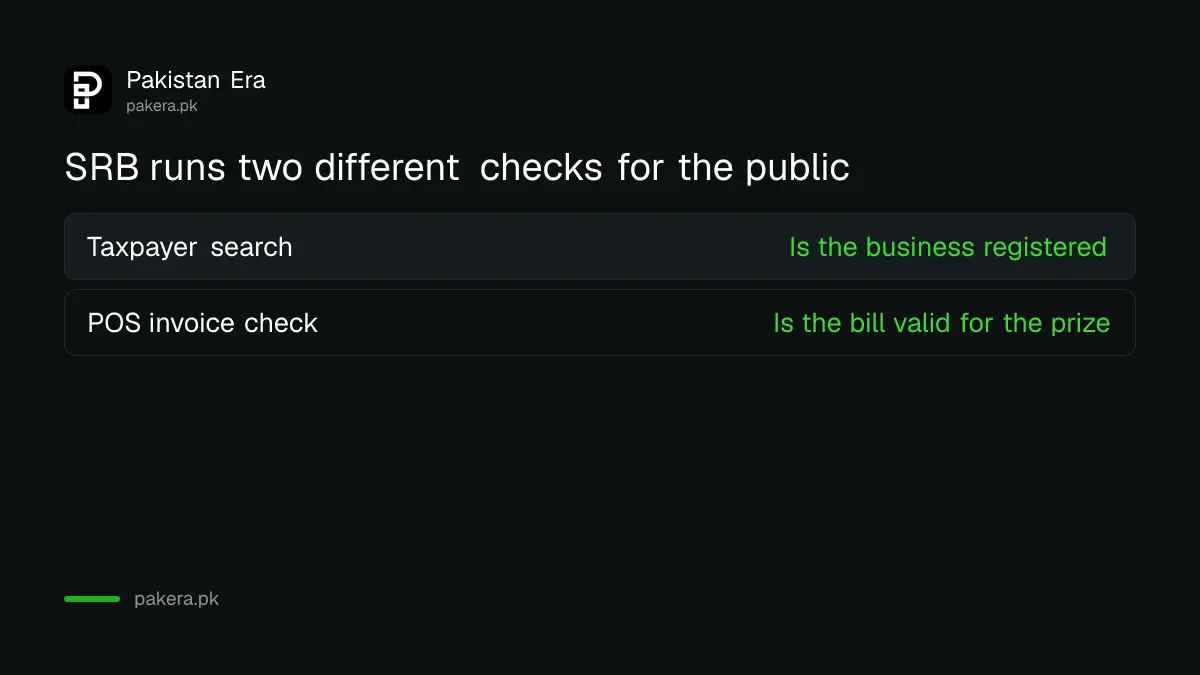
SRB runs a separate point-of-sale invoice check for its prize draw. That is a different tool, with its own page, and it checks an invoice and not a business. Our guide to verifying a restaurant bill for the SRB prize explains it.
The taxpayer search is also not the same as FBR's list. FBR runs the federal active taxpayer list for income tax. SRB runs its own record for provincial sales tax on services. A business can appear on one and not the other.
Know who needs to register
If you run a service business in Sindh, you may need to register with SRB. The eSRB portal has an e-registration page for new taxpayers. Our guide to registering an IT business with SRB shows the path for one sector. The rates differ by service, and SRB has a sales tax calculator on its site that covers many service categories.
Bike ride drivers have their own rule. See the Sindh sales tax on bike ride fares.
Keep your own record of every taxed bill
Keep the invoice for any large bill. Note the date, the amount of tax shown and the tax number. If you later find the number is not registered, this record is your proof.
Small shops often print a plain slip with no tax number. If you are charged sales tax on such a slip, ask for a proper invoice before you pay. A seller who collects tax should be able to show a number.
Report a problem to SRB
If a business charges Sindh sales tax and the search finds no match, keep the invoice and a photo of the shop. SRB lists a head office number and email on its website.
- Phone: 021-99217800 to 09
- Email: dc.hqs@srb.gos.pk
- Hours: Monday to Friday, 9:00 am to 5:00 pm
- Regional offices: Hyderabad, Sukkur, Larkana, Mirpurkhas and Shaheed Benazirabad
We could not confirm from the pages we read that SRB runs a dedicated complaint line for this case, so call the head office and ask.
Common questions
Is the SRB taxpayer search free?
The page we read shows no fee. It is a public search on the eSRB portal.
What does SNTN mean?
SNTN stands for Sindh National Tax Number. SRB gives it to a registered business, and it should appear on the invoice.
Does a match prove the tax I paid was deposited?
No. A match shows the business is on SRB's record. It does not show that any one payment reached SRB.
Can I search by a person's CNIC?
Yes, the page accepts a CNIC. Use it only with the owner's permission, and prefer the SNTN on the invoice.
Does this work for businesses outside Sindh?
No. This is Sindh's provincial tax. Other provinces and the federal government keep separate records.
How we verified this
What we checked, where we read it, and what we could not confirm.
Last checked on 13 October 2026, Pakistan time. We read the Sindh Revenue Board website and its online taxpayer search page. We did not run a search, so we have not seen the result screen. We did not verify any complaint channel for unregistered businesses.
About the author

Public Services and Education Journalist
Fajr Riaz is a journalist and content writer at Pakistan Era, based in Lahore. She covers the questions people meet in everyday life in Pakistan: how a public service works, what a change in the rules means, and where to find a reliable answer.