Change Google Play Store Country to Pakistan: Every Step, the 90 Day Rule and Fixes
Change your Google Play Store country to Pakistan in Settings, Country and profiles. See the 90 day rule, what happens to your balance and fixes when it fails.
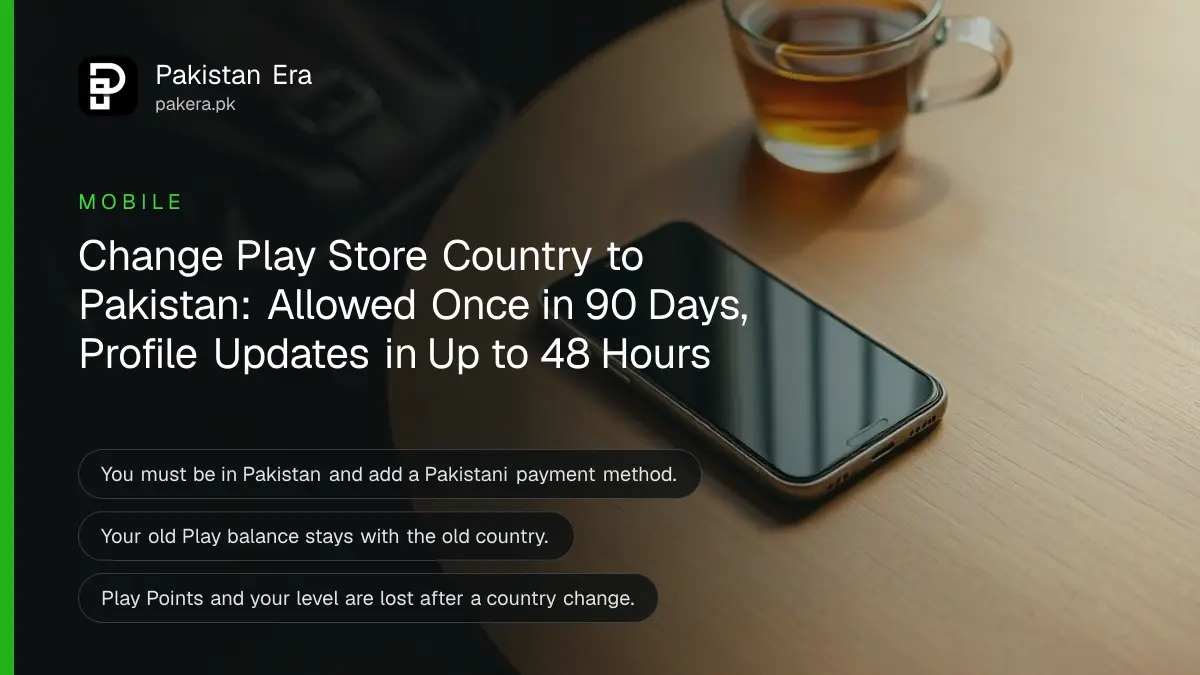
To change your Google Play Store country to Pakistan, open Play Store, tap your profile picture, then Settings, General, Account and device preferences, Country and profiles, and add Pakistan with a Pakistani payment method. You must be in Pakistan when you do it, and Google allows one change every 90 days. Below are the full steps, what you lose, and the fixes when Pakistan does not appear.
The usual case is a family member back from Dubai, Riyadh or London whose phone still shows dirham or riyal prices in the Play Store. Apps that only launch in Pakistan do not show up, and local payment options are missing. We read Google's help page on changing your Play country on 27 October 2026.
Google Play country changes from Settings, Country and profiles
The option sits inside the Play Store app, not in phone settings. Google shows a new country only when you are located there. Once you add it with a payment method from that country, Play switches profiles, and the update can take up to 48 hours.
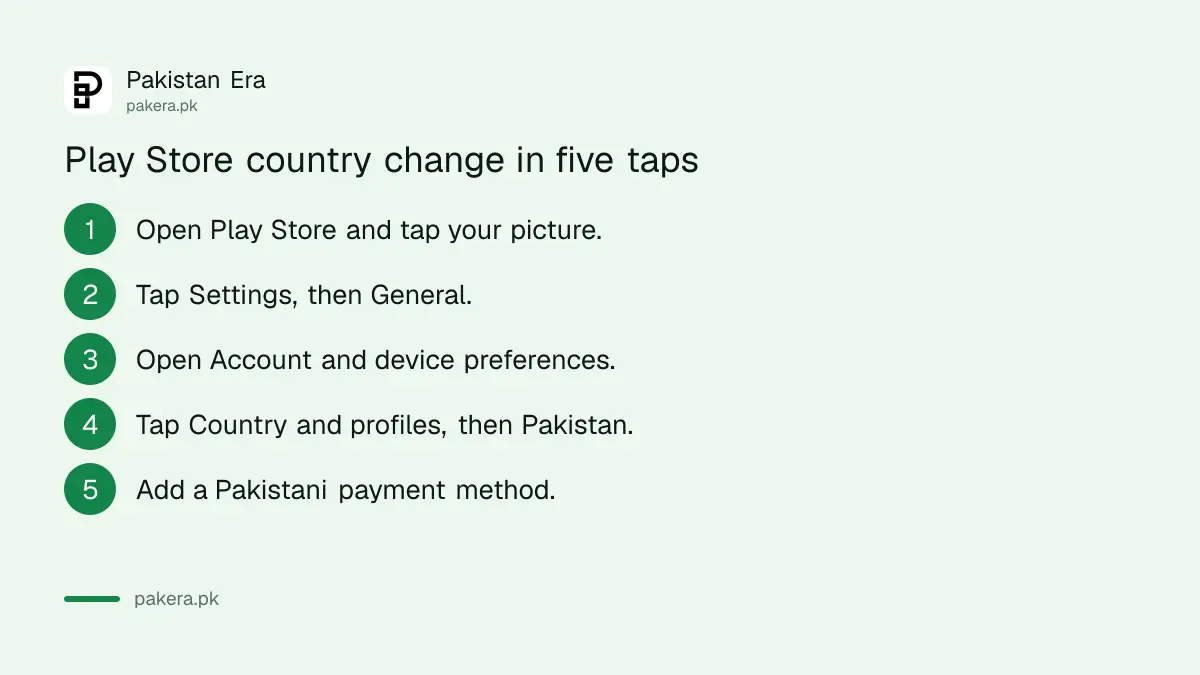
- Open the Google Play Store app.
- Tap your profile picture at the top right.
- Tap Settings, then General.
- Tap Account and device preferences, then Country and profiles.
- Tap Pakistan when it appears in the list.
- Add a Pakistani payment method when asked, such as a local debit card.
- Wait. Google says the profile can take up to 48 hours to update.
If you already have a Pakistan profile from before, the same screen lets you switch between the saved countries by tapping the one you want.
Google blocks a country change in four situations
Google's page lists four blocks. You cannot change if you changed in the last 90 days, if you are not physically in the new country, if you lack a payment method from it, or if you are in a Google Family group.
| Block | What it means | What to do |
|---|---|---|
| 90-day rule | You changed country less than 90 days ago | Wait until 90 days have passed |
| Location | You are not in Pakistan yet | Change it after you land |
| Payment method | No card or method from Pakistan on file | Add a Pakistani debit or credit card |
| Google Family group | You belong to a family group | Leave the group, or the manager deletes it |
Google also says "additional restrictions may apply in some cases" without listing them. So if all four are clear and the option still does not appear, use the fixes further down.
The 90 days count again after every change. If you switch to Pakistan now and move back abroad in two months, you will be stuck with the Pakistan profile until the wait ends.
Your old Play balance and Play Points stay behind
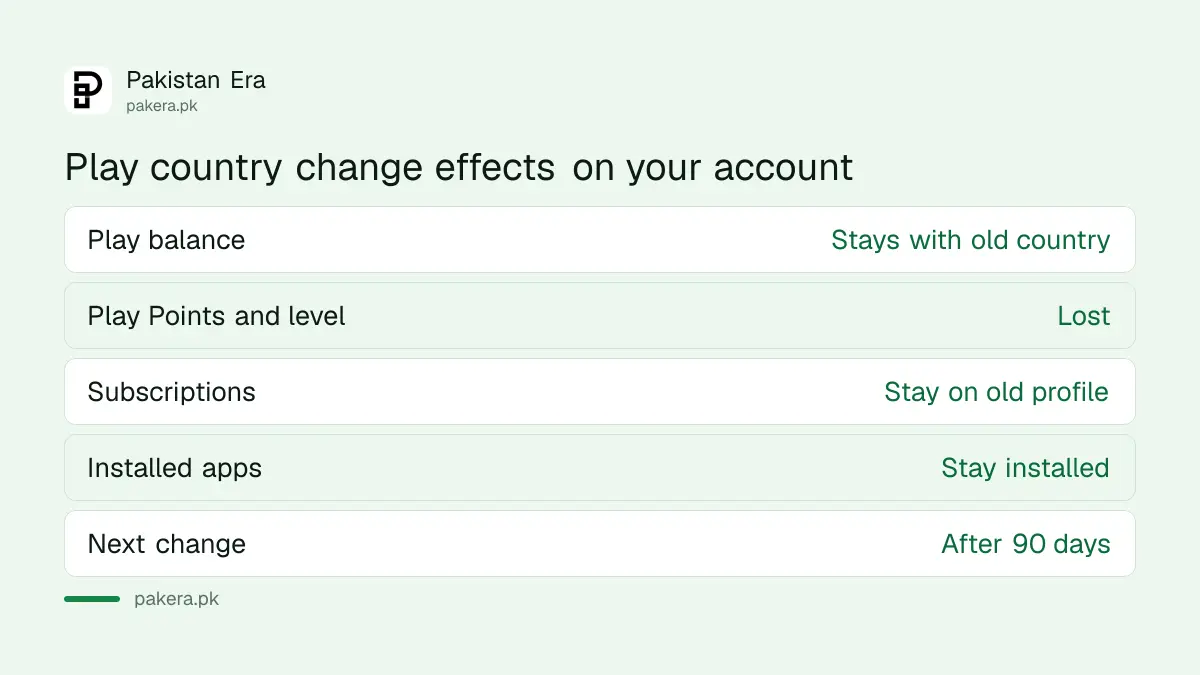
Your Google Play balance is tied to the country where you added it. Google says you cannot use it in the new country, but it comes back if you switch back. Play Points are worse: you lose them and your level does not carry over.
So spend any UAE or Saudi gift card balance before you switch. A leftover AED 50 does nothing for you on a Pakistan profile, and it will sit there until you move your profile back.
Subscriptions keep running on the old payment profile unless you cancel them. To use one in Pakistan, cancel it on the old profile and subscribe again. The way to stop a renewal is covered in cancelling a Google Play subscription. Some books, films, games and apps may also disappear if they are not sold in Pakistan.
Pay on a Pakistan profile with a local debit or credit card
Once the profile is Pakistani, you can add a Pakistani debit or credit card and any other method Google offers in Pakistan. Turn on online international payments in your bank app first, because many Pakistani cards block Play Store charges by default.
The payment choices on a Pakistan profile, and which wallets work, are listed in paying on Google Play in Pakistan. That is also where to look if your card is rejected after the switch.
When Pakistan does not appear, fix the Google Pay profile first
If the option never shows Pakistan, your Google payments profile may still be set to the old country. Google suggests checking it at pay.google.com, under Settings, Payments profile, Country or Region, and creating a new profile if it is wrong.
- Open pay.google.com in a browser and sign in with the same Google account.
- Go to Settings and look at Payments profile.
- Check the Country or Region line.
- If it shows the old country, create a new payments profile for Pakistan.
- Go back to the Play Store and try Country and profiles again.
Google also lists clearing the Play Store cache. Be careful with "clear data" rather than "clear cache". Google warns that clearing data can remove settings such as parental controls and purchase password protection.
Some people try a VPN to change the country. That breaks Google's own rule that you must be in the location, and it can leave you with a profile you cannot pay from. Do not do it.
Common questions
How many times can I change my Play Store country?
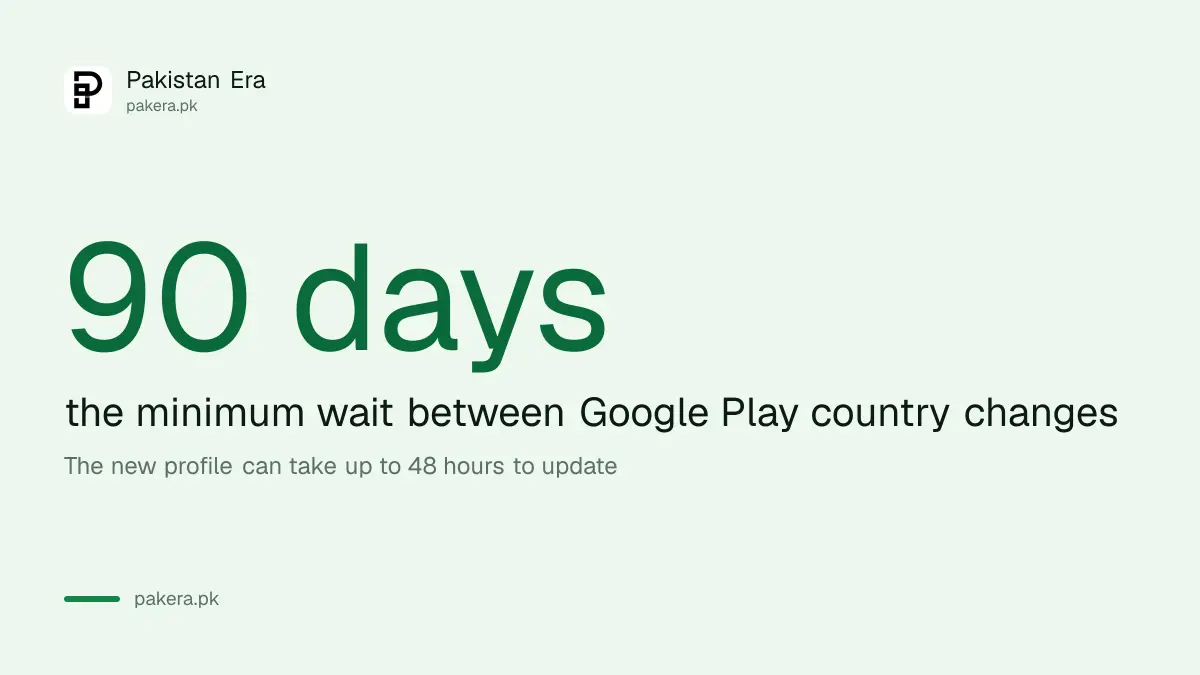
Once every 90 days. Google says you must wait at least 90 days between each change.
Why can I not see Pakistan in Country and profiles?
Usually because you are not yet in Pakistan, you changed country in the last 90 days, or your Google payments profile still shows the old country.
Will I lose my apps if I change Play Store country?
Installed apps stay. Google says you may lose access to some books, films, games and apps that are not offered in the new country.
What happens to my Google Play gift card balance?
It stays linked to the old country. You cannot use it on the Pakistan profile, but it returns if you switch back.
How long does the country change take?
Google says the profile can take up to 48 hours to update after you add the new country.
How we verified this
What we checked, where we read it, and what we could not confirm.
We read Google's Play help page on changing your Google Play country (support.google.com/googleplay/answer/7431675) on 27 October 2026. It gave the menu path, the 90-day rule, the location and payment rules, the family group block, the 48-hour update time, and the effects on balance, Play Points, subscriptions and Play Pass. We did not change a country ourselves, because the 90-day lock would have stuck our test account. Google does not list the "additional restrictions" it mentions.
About the author

Technology Journalist & Multimedia Producer
Ahmad Ali is a technology journalist and multimedia producer at Pakistan Era, joining the team in October 2026. He covers consumer technology and digital life for Pakistani readers, combining research with hands-on product testing.