How to Pay on Google Play in Pakistan: Cards, JazzCash and Jazz Billing
Google Play in Pakistan takes only Visa, Mastercard and JCB cards. See how JazzCash and Jazz billing fit in, what tax your bank adds, and how to get a refund.
To pay on Google Play in Pakistan, add a Visa or Mastercard debit or credit card to your Google account. Google's own Pakistan payment list names only cards: Visa, Mastercard and JCB. A JazzCash or Easypaisa wallet works only through the wallet's own debit card, and Jazz billing works only if it shows on your account.
We opened Google's accepted payment methods page for Pakistan on 28 September 2026. It lists cards and nothing else. It also says Google Play cannot be used with virtual credit cards, wire transfers, Western Union or MoneyGram. So the virtual dollar cards sold for other online shopping are not a safe route here.
Google Play in Pakistan accepts Visa, Mastercard and JCB cards
A Pakistani bank debit card or credit card on the Visa or Mastercard network is the one method Google itself names for Pakistan. JCB cards are also listed. If your card fails, Google says to contact your bank, because the bank may be blocking online or international use.
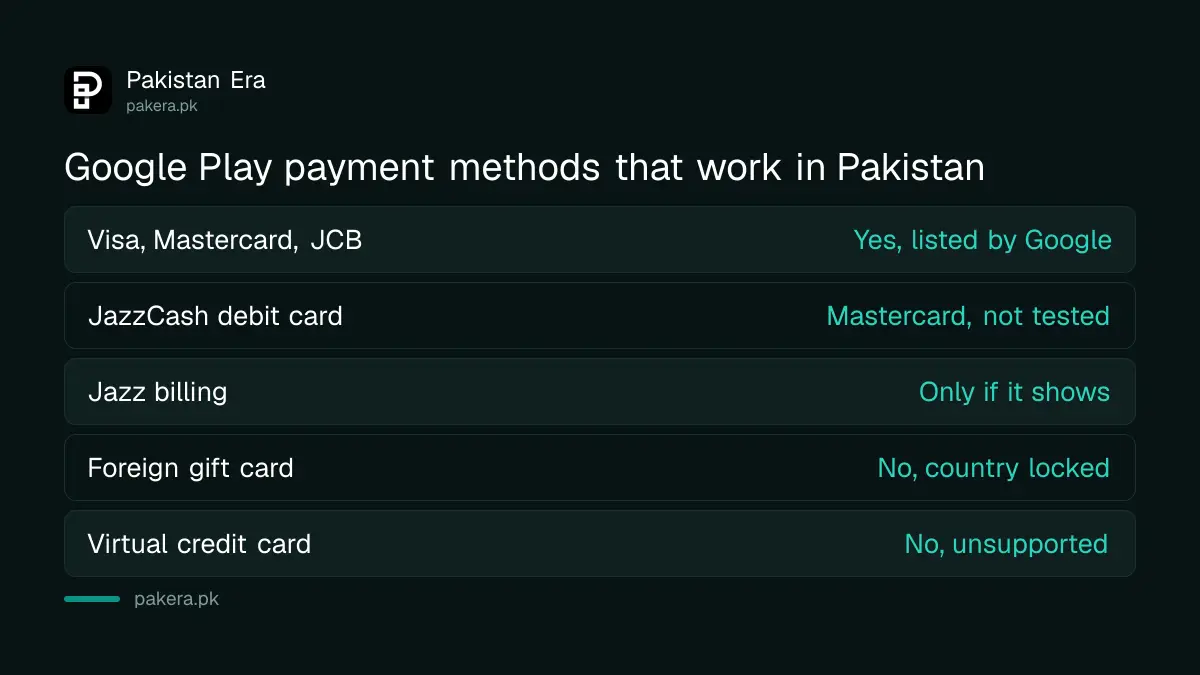
| Method | Does it work in Pakistan? | Where we read it |
|---|---|---|
| Visa or Mastercard debit or credit card | Yes, listed by Google | Google Play Help, Pakistan page |
| JCB card | Yes, listed by Google | Google Play Help, Pakistan page |
| JazzCash debit card | A Mastercard, so it should, but we did not test it | JazzCash announcement, March 2025 |
| Jazz mobile balance | Only if "Jazz billing" appears on your account | Jazz announcement, August 2018 |
| Google Play gift card bought abroad | No, cards work only in the country of purchase | Google Play gift card terms |
| Virtual credit card | No, Google lists it as unsupported | Google Play Help, Pakistan page |
Many bank cards in Pakistan ship with online and international use switched off. Turn it on in your banking app before you blame Google. An HBL debit card, for example, has its own daily limits that can stop a larger payment.
How to add a card to Google Play, step by step
You add the card once, inside the Play Store app or on play.google.com, and Google saves it to your Google account. The steps take about two minutes. Keep your phone near you, because your bank will send a one-time code.
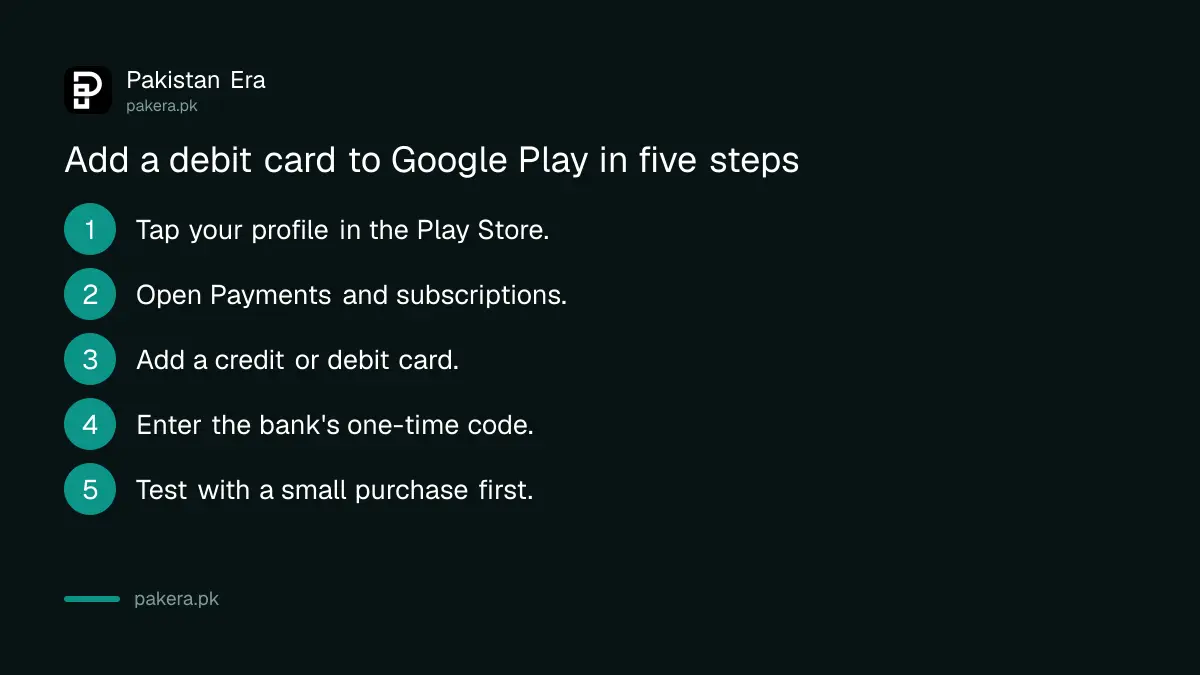
- Open the Play Store and tap your profile picture at the top right.
- Tap "Payments and subscriptions", then "Payment methods".
- Tap "Add credit or debit card" and type the card number, expiry date and CVV.
- Enter the one-time code your bank sends by SMS.
- Buy something small first, so you know the card works before a big purchase.
JazzCash, Easypaisa and Jazz billing work only in certain ways
Google does not list JazzCash or Easypaisa as a Play payment method. A wallet works only when it issues you a Visa or Mastercard debit card. Paying from mobile balance depends on your operator and on whether Google shows the option.
Wallet debit cards
JazzCash says it offers three debit cards: a Mastercard Debit Card, a Women's Debit Card and a Virtual Debit Card. The virtual card can be set up in the app at once. Physical cards carry a one-time issuance fee. JazzCash describes its cards as usable for online payments.
One warning. Google's Pakistan page says virtual credit cards are not supported. We could not confirm whether Google treats the JazzCash Virtual Debit Card as one of those, and we did not test it. If it is refused, the physical Mastercard is the safer choice. Low wallet limits can also stop a payment, so check your JazzCash transaction limits first.
Easypaisa's card pages refused our requests on 28 September, so we could not read its terms. Any Easypaisa card must also be a Visa or Mastercard with online use on.
Paying from mobile balance
Jazz announced direct carrier billing for Google Play on 3 August 2018. Its announcement says prepaid users pay from balance, postpaid users pay on the bill, the limit is Rs 2,000 a month, and there is no extra fee. The first setup must be done on Jazz mobile data.
Carrier billing for Telenor and Ufone was reported when it launched, but we could not open a current page from either operator that confirms it. Google's Pakistan list, as checked on 28 September 2026, does not mention carrier billing at all. So the test is simple: open Payment methods in the Play Store. If "Use Jazz billing" or a similar line appears, it works for you. If not, it is not available on your account.
The price you see is not always the full cost
Google does not add a Pakistani tax at checkout. Its tax page for app developers lists the countries where Google collects tax on Play purchases, and Pakistan is not one of them. The extra cost comes from your bank instead.
FBR's withholding tax rate card, updated to 30 June 2026 under the Finance Act 2026, lists advance tax under section 236Y on amounts "remitted abroad through credit, debit or prepaid cards". The rate is 0.5% for people on the Active Taxpayers List and 1% for everyone else.
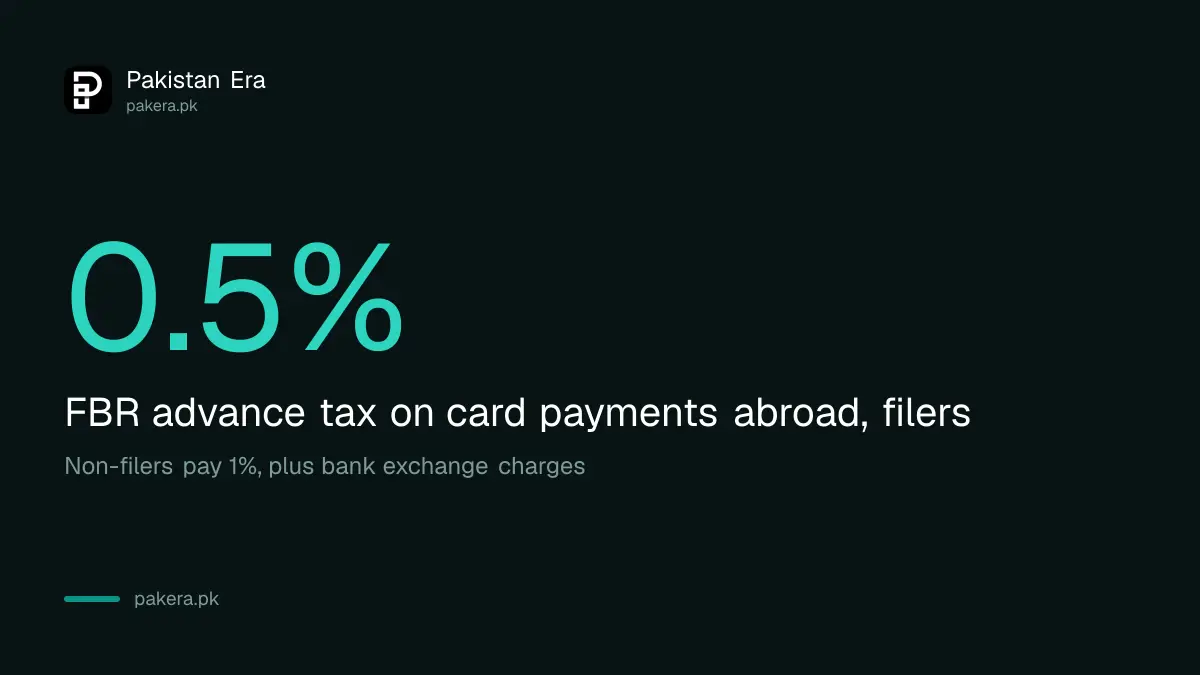
Google Play charges come from a company outside Pakistan, so your bank may treat them as a payment abroad. Banks also add their own foreign exchange charges, which differ by bank. Check one statement after your first purchase and you will know exactly what your bank adds. If you are not sure whether you are on the list, check your filer status with FBR, since the non-filer rate is double.
How to get a refund on Google Play
Within 48 hours of buying, ask Google directly for a refund. After 48 hours, contact the app's developer, who decides under its own policy. Google says a decision usually comes within one day, and can take up to four.
- Go to play.google.com and click your profile picture.
- Open "Payments and subscriptions", then "Budget and order history".
- Find the order and click "Report a problem".
- Pick the reason, say you want a refund, and submit.
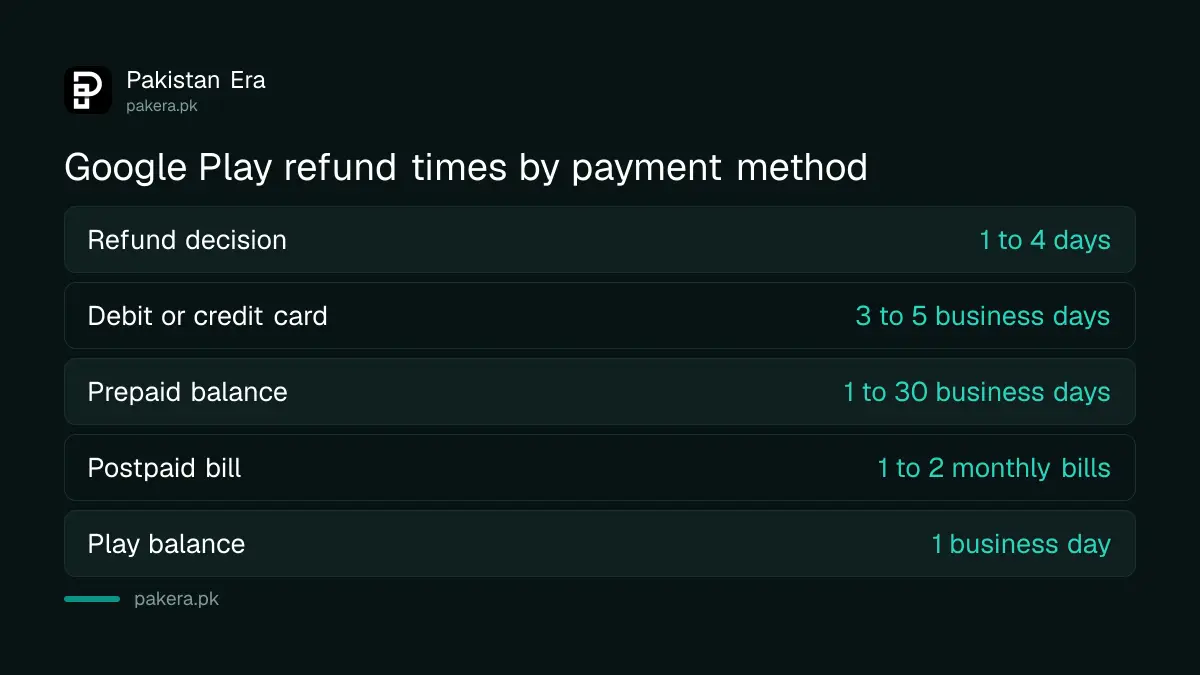
Where the money arrives depends on how you paid. Google's refund timeline page gives these times:
- Debit or credit card: 3 to 5 business days, sometimes up to 10.
- Prepaid mobile balance: 1 to 30 business days.
- Postpaid mobile bill: within 1 to 2 monthly bills.
- Google Play balance: usually 1 business day.
A refunded app is uninstalled, and you can only refund the same app once. If a charge appears that nobody in your family made, report it as unauthorised within 120 days. Google may refuse a refund if you shared your account or did not protect purchases with authentication.
Cancel a subscription before it renews
Deleting an app does not stop its subscription. You must cancel inside Google Play. After cancelling, you keep access until the end of the period you already paid for, and Google stops the next charge.
Open the Play Store, tap your profile picture, then "Payments and subscriptions" and "Subscriptions". Pick the subscription, tap "Cancel subscription" and give a reason. Free trials turn into paid plans on the date shown, so set a reminder a day before the trial ends.
Common questions
Can I pay on Google Play with JazzCash?
Only through a JazzCash debit card, which is a Mastercard. Google does not list the JazzCash wallet itself. We did not test whether the virtual card is accepted.
Can I pay on Google Play with Easypaisa?
Only if you have an Easypaisa Visa or Mastercard debit card with online use turned on. Google does not list the Easypaisa wallet as a payment method.
Does Jazz balance work on Google Play?
Jazz launched it in 2018 with a Rs 2,000 monthly limit and no extra fee. It works only if "Jazz billing" appears in your Play payment methods.
Can I use a US Google Play gift card in Pakistan?
No. Google says a gift card is valid only in the country where it was bought, so a US card will not redeem on a Pakistan account.
Is there tax on Google Play purchases in Pakistan?
Google does not add one. Your bank may deduct FBR's advance tax on card payments abroad: 0.5% for filers and 1% for non-filers, plus its own exchange charges.
How long does a Google Play refund take?
A decision usually comes within one day, up to four. Money then reaches a card in 3 to 5 business days, or up to 30 business days on prepaid balance.
How we verified this
What we checked, where we read it, and what we could not confirm.
Last checked on 28 September 2026. The accepted card types for Pakistan and the unsupported list, including virtual credit cards, are read on Google Play Help's accepted payment methods page with the Pakistan country setting. The 48-hour refund rule, the refund steps, the one to four day decision time, the 120-day window for unauthorised charges, the refund timelines by payment method and the subscription cancellation steps are read on Google Play Help's refund and subscription pages. The gift card country rule is read in Google Play's gift card terms. The list of countries where Google collects tax, which does not include Pakistan, is read on the Play Console tax page. The 0.5% and 1% advance tax under section 236Y is read in FBR's withholding tax rate card updated to 30 June 2026. The Jazz billing limit and fee are read in Jazz's announcement of 3 August 2018, and the JazzCash card types in JazzCash's announcement of 13 March 2025. We could not open Telenor's or Easypaisa's pages, and we did not make a test purchase.
About the author

Public Services and Education Journalist
Fajr Riaz is a journalist and content writer at Pakistan Era, based in Lahore. She covers the questions people meet in everyday life in Pakistan: how a public service works, what a change in the rules means, and where to find a reliable answer.