Search Generative AI Control in Search Console: Remove Your Pakistani Website From AI Overviews
Google now lets any Pakistani website leave AI Overviews and AI Mode from Search Console. See the 3 settings, the steps, what it does not stop and when to skip.
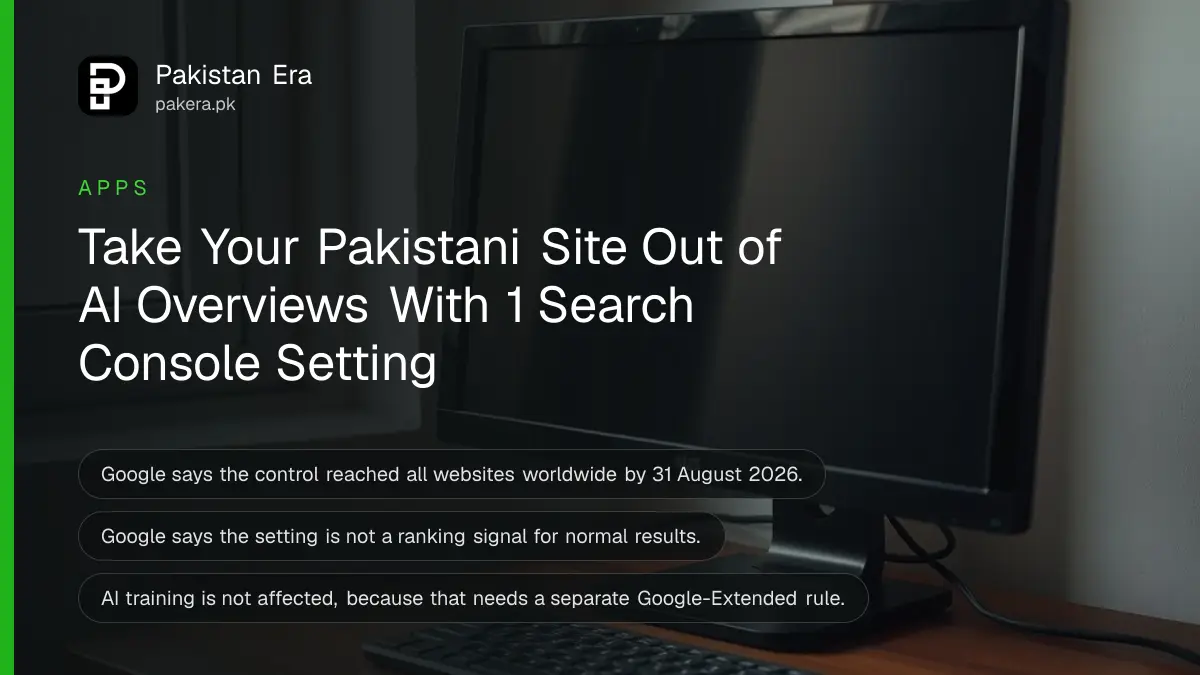
To remove your Pakistani website from Google's AI Overviews and AI Mode, open Search Console, go to Settings, then Search generative AI, and choose Exclude. Google says it takes a few days and does not affect your ranking in normal results. Check your AI traffic before you change it.
Plenty of Pakistani site owners ask the same question: Google's AI answer is using my page, so can I stop it? Until recently, the honest answer was messy. Now Google has a single switch. It says the control reached all websites worldwide on 31 August 2026, which includes every site in Pakistan.
Our view: most small Pakistani sites should leave it on Include, at least for now. A switch that removes you from AI answers also removes the links and clicks they send. We read Google's help page and its Search Central documentation on 7 November 2026, and this page sets out what the switch does and what it does not.
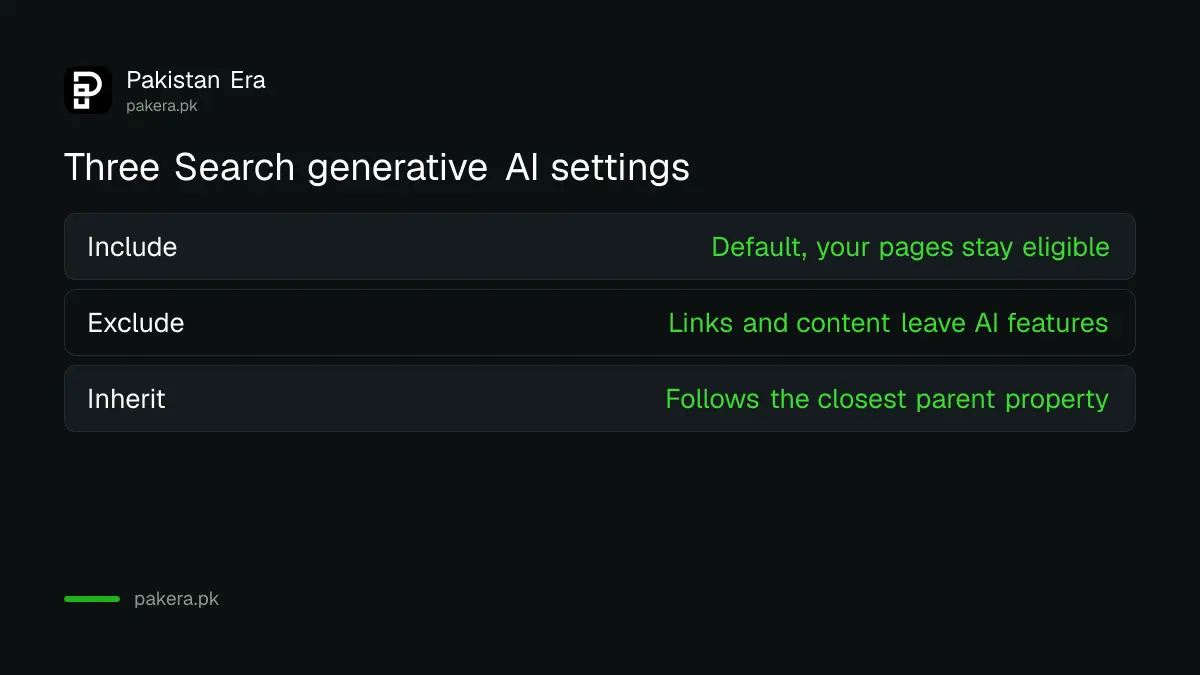
The Search generative AI control has three settings
The setting sits inside Search Console under Settings. Each property shows Include, Exclude or, for a property with a parent, Inherit control from parent. Include is the default, so if you have never touched it, your site is already eligible for these AI features.
| Setting | What it means | Default for |
|---|---|---|
| Include my site's links and content | Your pages can appear in the covered AI features | All properties |
| Exclude my site's links and content | Your links and content stop appearing there | None |
| Inherit control from parent | The property follows its closest parent's setting | Properties with a parent |
Google says the control covers three features today: AI Overviews, AI Mode, and generative AI features in Google Discover. It also says this list may change over time.
How to exclude your site in Search Console
You need owner access on the property. Google says property owners make the change from that property's settings page. Pick the property carefully, because a domain property can cover every subdomain beneath it, while a URL prefix property covers only part of your site.
- Sign in to Search Console's Search generative AI settings.
- Choose the right property from the list at the top left.
- Read your current setting.
- Choose Exclude my site's links and content, and save.
- Write down the date, then compare your Search Console clicks after two to three weeks.
If you do not see the property, you need access first. Verifying a website in Search Console gets you in, and Search Console's owner and user levels explain who can do what if your developer holds the account.
Excluding takes a few days and affects only AI features
Google says changes generally take a few days, and content is excluded within one to two days after the control goes live. Some content can take longer because of caching. Normal blue-link results are not meant to change, because Google says the setting is not a ranking signal.
Here is what happens when you exclude, in Google's terms. Your links and content stop appearing in those features. Your content is no longer used as an input to generate AI responses or previews. And you receive no traffic or impressions from them. Other sites can still appear there, and Google warns their content may look similar to yours.
That last line matters. If you run a guide on a BISP payment check, a competitor's similar page may simply take your place in the AI answer. Excluding does not make the answer go away.
This switch does not stop AI training or remove you from Google
People confuse four different tools. The switch controls Google's AI search features only. AI training has a separate control, and removing a page from Search is a third job. Google also says it does not override what you have chosen in Merchant Center or Google Ads.
| You want to | Use this |
|---|---|
| Leave AI Overviews, AI Mode and Discover AI for the whole site | Search generative AI control |
| Limit how much one page can feed AI answers | nosnippet or max-snippet |
| Block AI training at Google | Google-Extended in robots.txt |
| Remove a page from Google completely | noindex |
The training rules and other bots are in blocking AI training in robots.txt. The page-level route is set out in hiding text from Google snippets. And if one page simply must go quickly, use the Google Removals tool.
Google also notes that your content may still help power Search overall, for instance by helping its systems understand queries and the language of a page. So the switch is not a full exit from Google's systems, and it does not claim to be.
Subdomains and child properties follow their parent
A child property inherits from its closest parent that has stopped inheriting. If there is none, it follows the top-level domain property. An owner of a child property can override the parent at any time, and the domain owner sees a notification when that happens.
This is useful for a Pakistani newspaper or business with two parts. Suppose you want shop.example.pk out of AI answers but news.example.pk in them. You can set the domain to Include and set the shop property to Exclude. Keep a record, because several people with owner access could otherwise undo each other's choices.
Check your AI traffic before you exclude
Google points to its Generative AI performance report for judging the effect of a change. Look at it first. If AI features are sending real clicks, turning them off costs you traffic, and you may not get those clicks back from other pages. Test on a small property first if you can.
The steps for reading it are in checking if AI Overviews cite your site. Three cases make us lean towards excluding: paid content that AI answers give away for free, a site with a licensing reason, and pages with sensitive information you do not want summarised. A normal Pakistani blog or shop seldom fits these.
Common questions
Is the Search generative AI control available in Pakistan?
Yes. Google says it rolled the control out to all websites worldwide as of 31 August 2026.
Will excluding my site hurt its Google ranking?
Google says the control is not used as a ranking or inclusion signal for other parts of Search. You do lose any traffic and impressions from the AI features.
How long does it take?
Generally a few days. Google says content is excluded within one to two days after the control goes live, though some may take longer.
Does it stop Google training AI on my content?
No. Google points to Google-Extended for that.
Can I remove one page instead of the whole site?
This control is for a property, not a page. For one page, use nosnippet or max-snippet, which Google says also limit use in AI Overviews and AI Mode.
Who can change the setting?
Google says owners of a property log in and update it there. Its help page does not describe a route for other permission levels.
What we checked and sources
On 7 November 2026 we read Google's Search generative AI control help page, its Control what you share page and its robots meta tag rules. We did not switch this setting on our own property, so the steps follow Google's wording, and screen labels can change. The advice on who should exclude is our own opinion.
About the author

Founder and Editor
Umer Kureshi founded Pakistan Era in July 2024 and runs it as administrator, SEO lead and writer, overseeing website operations, search growth, content strategy and coverage of technology and current affairs.