How to Add a User in Search Console in Pakistan: Owner, Full or Restricted Access Explained
Share Search Console with a freelancer or agency without your password: add a user in Settings, pick Owner, Full or Restricted access and remove them when done.
Short answer: To give someone access to your website in Search Console, open Settings, then Users and permissions, click Add user, enter their Google Account email and pick a role. Give a freelancer or agency Full user or Restricted user, not Owner, and remove them when the work ends.
You hire a freelancer in Islamabad to fix your website's SEO. They ask for "Search Console access". Many owners send their own Google password. Do not do that. Search Console has a proper way to share access that you can take back in one click, without changing your password.
We read Google's Search Console help page on users, owners and permissions on 13 October 2026. The roles and steps below come from that page. We did not change a live property for this guide.
Search Console has four roles, and only owners manage people
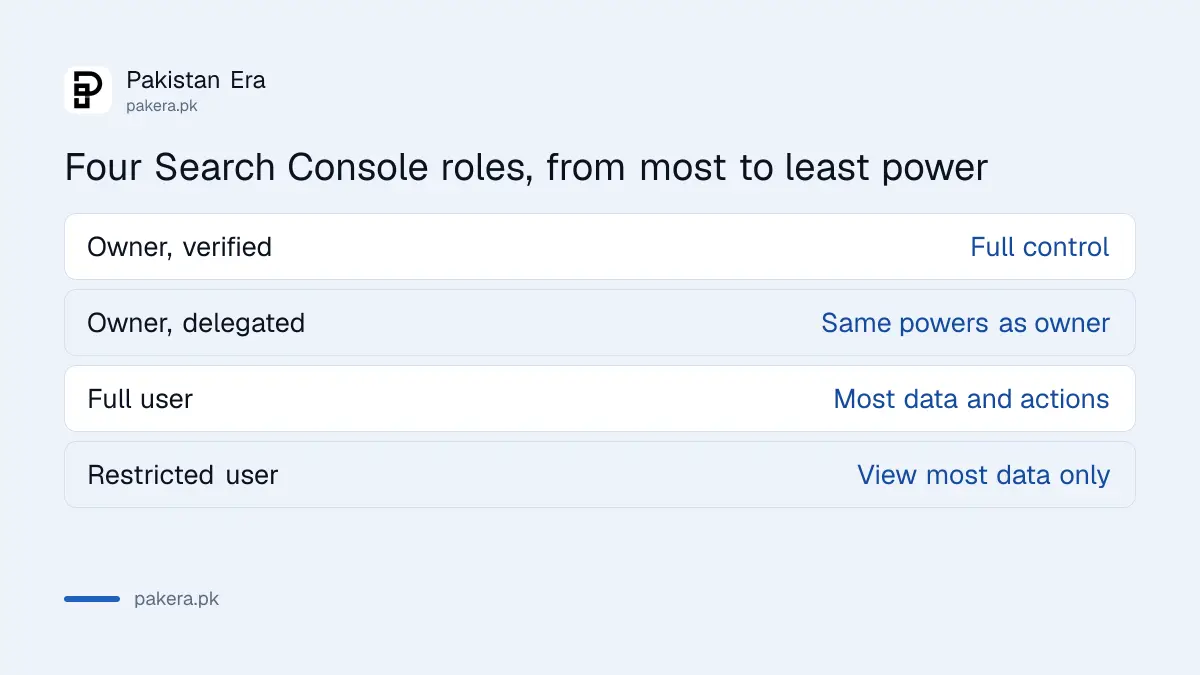
Google lists four permission levels. The two owner types have full control, including adding and removing other users. The two user types do not.
| Role | What it can do | Who it suits |
|---|---|---|
| Owner (verified) | Full control: add and remove users, change settings, see all data | You, the business owner |
| Owner (delegated) | Same powers as a verified owner, but added through the user list | A trusted partner or co-founder |
| Full user | Sees all data and can do many actions, but cannot manage owners or link some accounts | A freelancer or agency doing the work |
| Restricted user | Simple view rights on most data, cannot do most setup tasks | A manager or client who only reads reports |
A verified owner proved ownership with a token, such as a file or a record on the site. A delegated owner was given ownership by a verified owner without a token.
Add a user in six steps
You must be an owner to do this. Google says only property owners can view and manage the users list.
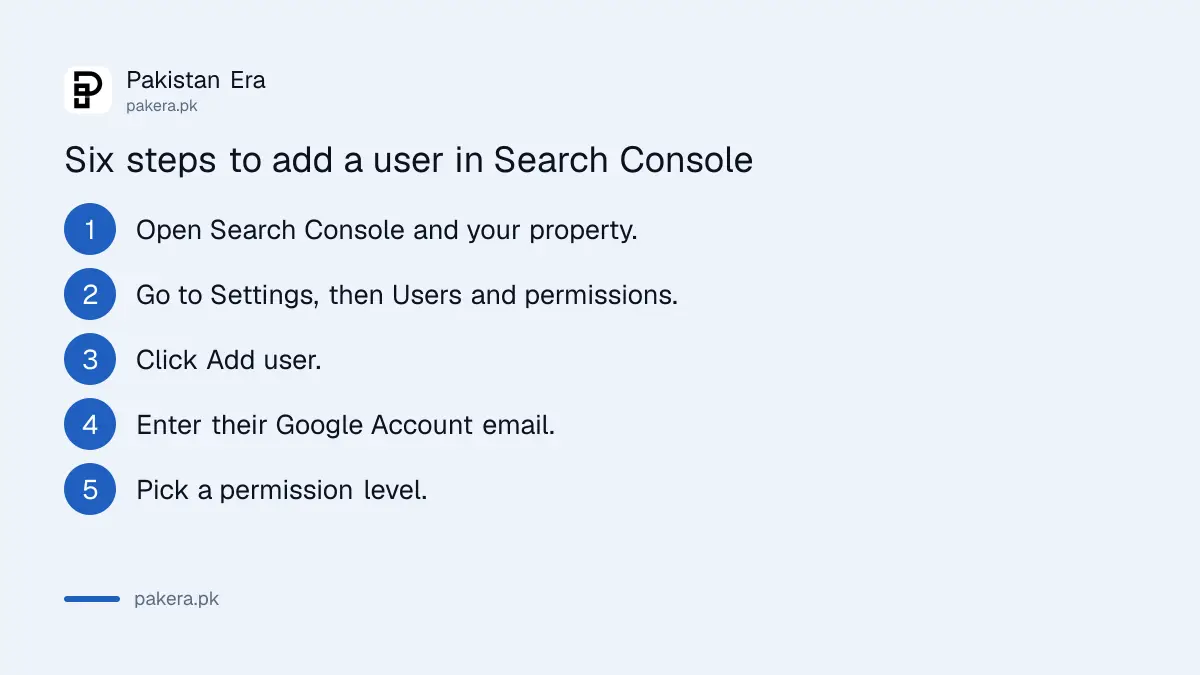
- Open Search Console and choose your property.
- Go to Settings, then Users and permissions.
- Click Add user.
- Enter the person's Google Account email address.
- Pick their permission level from the dropdown.
- Save. They can see the property the next time they sign in.
The person needs a Google Account. Google's page says group email addresses cannot be added. If your freelancer uses a work email that is not a Google Account, ask them to use a Gmail address or to create a Google Account with their work email.
Pick Full user for work, not Owner
Before you add anyone, decide what the person must do. Write the task down, such as fixing indexing errors or sending a monthly report. Match the role to that list. If the task changes later, you can edit the role without removing the person.
Give the least access that lets the job be done. A freelancer who fixes indexing problems, submits sitemaps and reads reports needs Full user. A client who only wants to see the numbers needs Restricted user.
Owner access is the one that matters most. An owner can remove you. Keep it with people you would trust with the business. This is also why you should not share your Google password: a password gives access to your email, Drive and everything else.
A Full user can handle most of the tasks in our guides on submitting a sitemap and fixing pages that are not indexed. If you are choosing who to hire, read how to check an SEO agency's claims before you pay.
Remove access when the job ends
Google's steps for removing someone are short: open the users list, click the three dot menu next to the person and choose Remove access. Do this the day the contract ends.
For a verified owner there is one more step. Google says you must also delete their verification tokens from the property, or they can regain access. If a former partner verified the site with a file on your server or a DNS record, remove that file or record too.
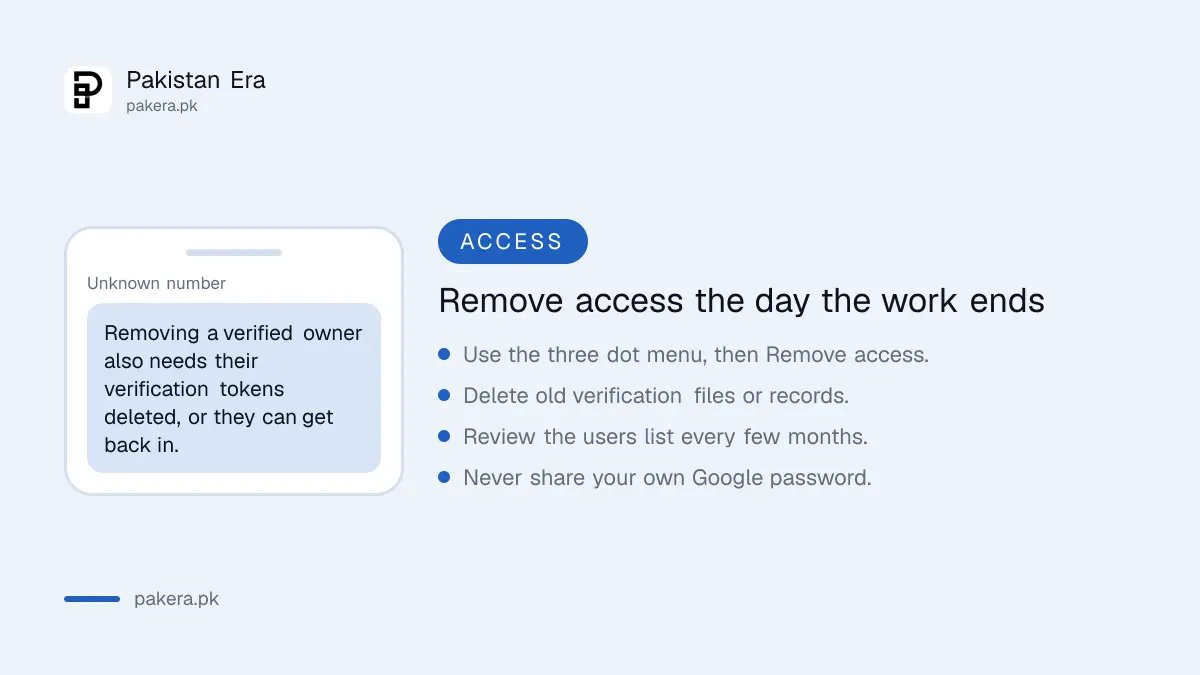
Review the list every few months. Old agency accounts and former staff are the usual leftovers. If you ever lose your own access, the guide on recovering a Gmail or Google account helps you get back in.
One more habit helps. Ask any freelancer to tell you which email they use before you add it. A typing mistake in the address gives access to a stranger, and Google will accept it as long as it is a real account. Read the address back before you save.
Common questions
Should I share my Google password with a freelancer?
No. Add their Google Account as a user in Search Console instead. You can remove them later without changing your password.
What is the difference between Full and Restricted user?
A Full user sees all data and can do many actions. A Restricted user has simple view rights on most data and cannot do most setup tasks.
Who can see the list of users?
Only property owners. Google says the Users and permissions page is visible to owners, with each person's role shown in the permission column.
Can I add a group email address?
No. Google's page says each user needs a valid Google Account, and group emails cannot be added. Add each person separately.
How do I remove an owner completely?
Click Remove access next to them and also delete their verification tokens from the property. Otherwise they may be able to get back in.
How we verified this
What we checked, where we read it, and what we could not confirm.
Last checked on 13 October 2026, Pakistan time. We read Google's Search Console help page on users, owners and permissions. Menu names can change, and we did not change a live property for this page.
About the author

Technology Journalist & Multimedia Producer
Ahmad Ali is a technology journalist and multimedia producer at Pakistan Era, joining the team in October 2026. He covers consumer technology and digital life for Pakistani readers, combining research with hands-on product testing.