How to Remove a Page From Google Search for Your Pakistani Website: Removals Tool Hides It for 6 Months
Take a page of your Pakistani website out of Google: use the Removals tool for a 6 month hide, then delete, password protect or noindex it so it stays gone.
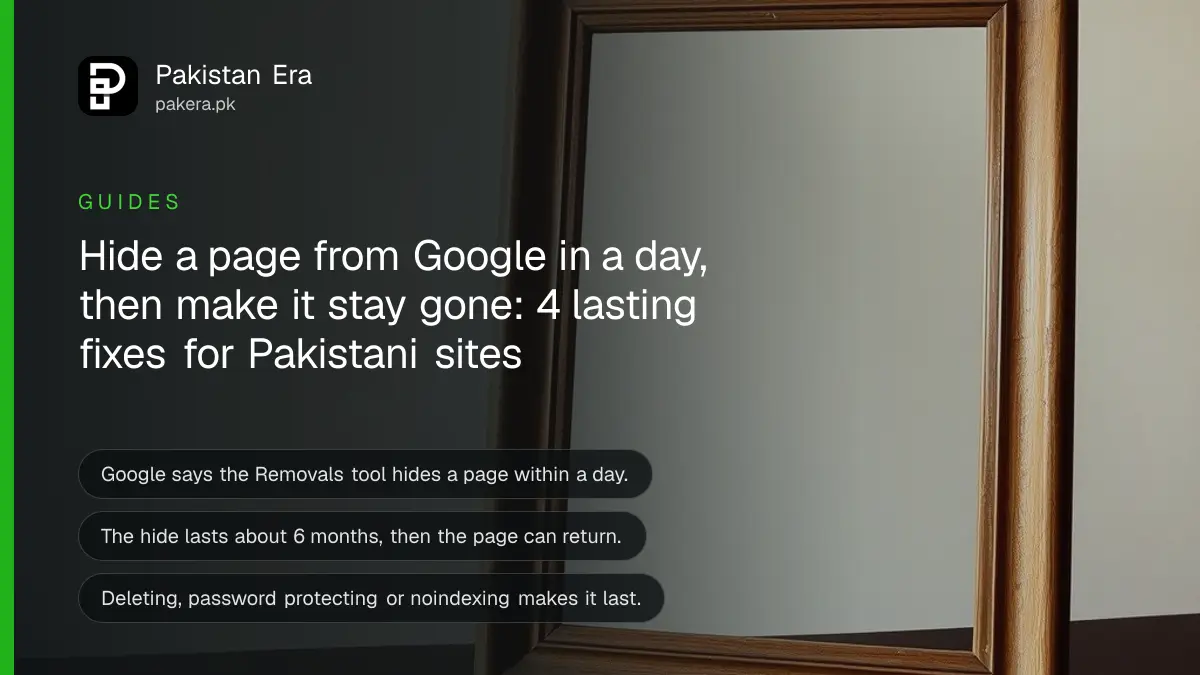
Short answer: To take a page of your Pakistani website out of Google, first make it unavailable for good: delete it, put it behind a password, or add a noindex tag. Then use the Removals tool in Search Console to hide it fast. Google says the tool works within a day, but the hiding lasts only about 6 months.
A shop owner in Lahore publishes a price list by mistake. A school in Peshawar leaves a staff phone list on a public page. A freelancer in Karachi wants an old, wrong profile page gone. All three want the page out of Google today, not next month. There is a right order for this, and one common trap.
We read Google's own page on removing information from Search on 13 October 2026. What we describe as Google's advice comes from that page. We did not test the steps on a live property for this guide.
The Removals tool hides a page for about 6 months only
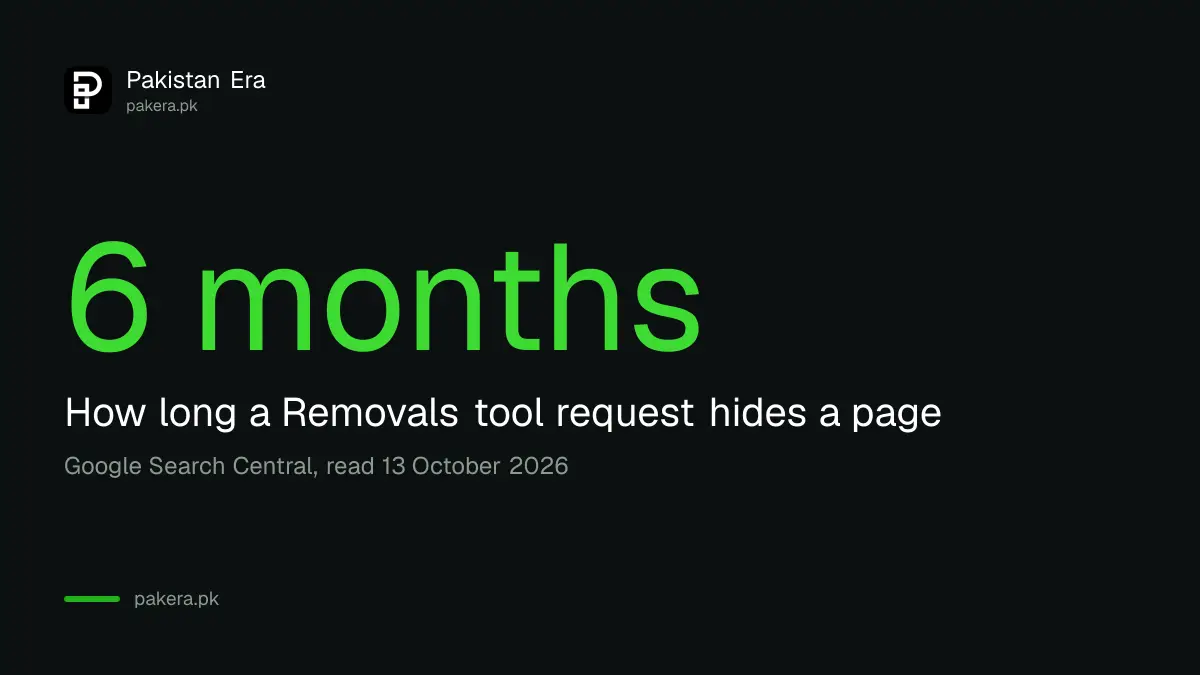
Google describes the Removals tool as the way to hide a page hosted on your site from search results "within a day". The same page says these requests last for about 6 months. After that, the page can come back if it is still online and open.
So the tool is a fast patch, not the cure. It buys you time while you fix the real problem on the page itself. If you only press the button and leave the page alone, it can appear again in half a year.
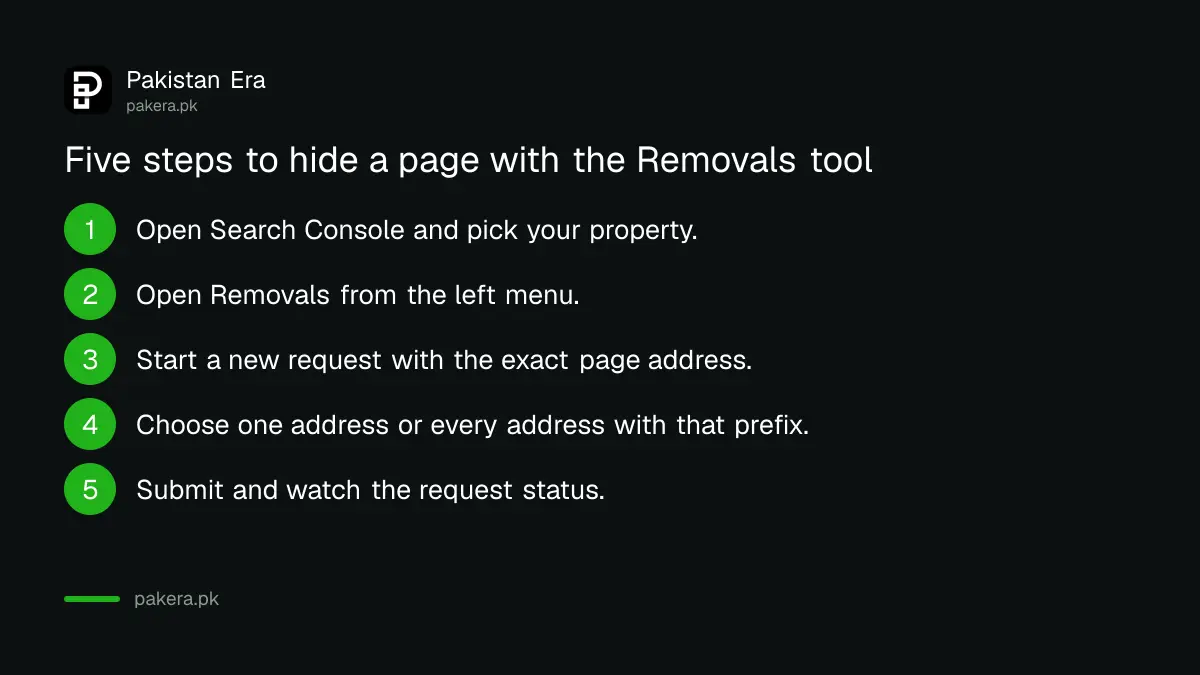
- Open Search Console and choose your property.
- Open Removals from the left menu.
- Start a new request and enter the exact page address.
- Pick whether to hide only that address or every address that starts with it.
- Submit, then watch the request status on the same screen.
Make the removal last by changing the page itself
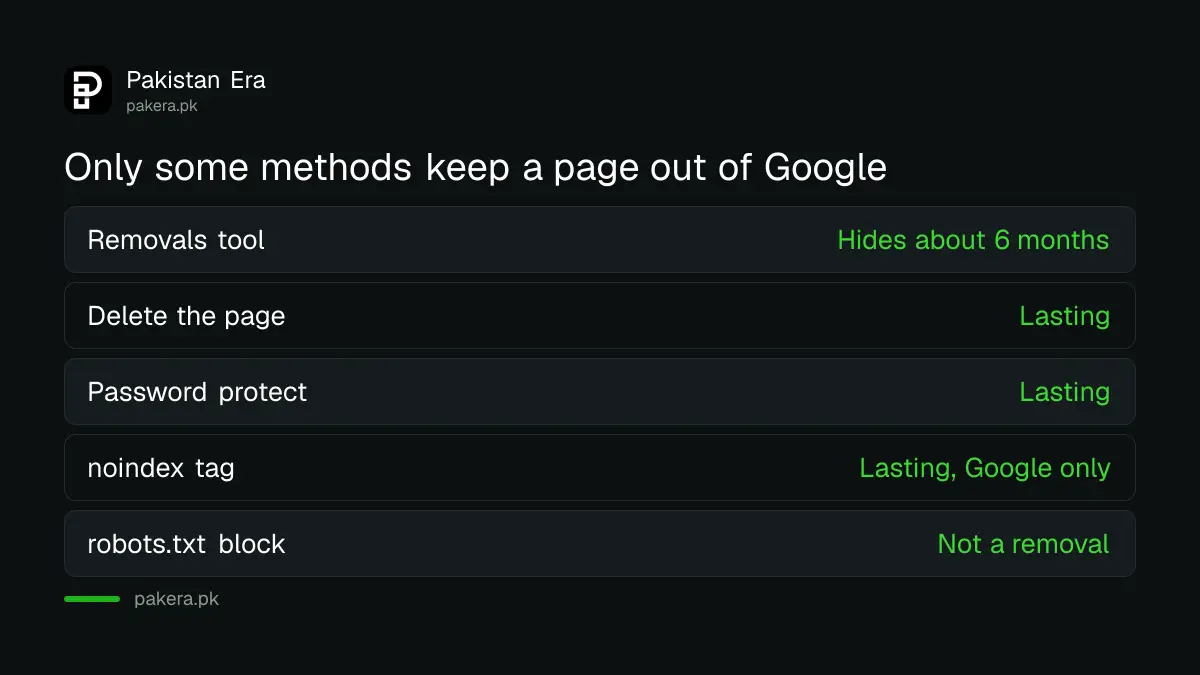
Google lists three lasting ways: remove or update the content, password protect the page, or add a noindex tag. Deleting the page is, in Google's words, the most secure way to keep it out of other search engines too.
Each method fits a different case. Pick by asking one question: should anyone, anywhere, still be able to open this page?
| Your case | Lasting method | What Google does |
|---|---|---|
| Page should not exist at all | Delete the page | A page that returns a 404 is not indexed and is dropped |
| Page is for staff or customers only | Password protect | Googlebot cannot open it, so it cannot show it |
| Page must stay open but out of Google | Add a noindex tag | Google drops it, but people and other engines can still open it |
| Page moved to a new address | Permanent redirect (301) | The new address replaces the old one in results |
| Quick hide while you fix the page | Removals tool | Hides it for about 6 months |
Do not block the page in robots.txt to remove it
Google says robots.txt is not a removal method. A blocked page can still appear in results with only its address. Worse, if you block it, Google cannot read a noindex tag on it, so the tag never works.
The order that works is this: first let Google reach the page, then show it a noindex tag or a 404, then wait until it is gone. Only after that, if you wish, add a block. The guide on checking whether robots.txt or noindex is blocking your website shows how to test both.
Cover every address that points to the same page
Google warns that different addresses can point to the same page. A capital letter, a trailing slash, a tracking parameter or a www version can each be a separate address in Google's eyes. If you hide only one, the others can still show.
Search for the page title in Google with the site name, for example the page name plus your domain. Write down every address you see. Then use the "remove all URLs with this prefix" choice in the tool if one prefix covers them all. If the page has several copies because of canonical problems, read how to fix a different canonical in Search Console first.
Also check the sitemap. A deleted page that is still listed in your sitemap sends Google back to it again and again. Remove it from the file and resubmit, as shown in the guide to submitting a sitemap in Search Console.
Removing private details is a different job
This guide is for pages on your own site. If a stranger's website shows your phone number or home address, the Removals tool in your Search Console cannot help, because you do not own that site. Use the request route for personal details, set out in the guide to removing your phone number and address from Google Search.
If the page is already gone and you only want the old title and snippet to disappear sooner, the tool also handles that. It does not delete anything from your server. It only changes what Google shows.
Common questions
How fast does the Removals tool work?
Google says it can hide a page from search results within a day. The effect lasts about 6 months, so fix the page itself in the same week.
Will the page come back after 6 months?
It can, if the page is still online and open to Google. Delete it, password protect it, or add a noindex tag before the 6 months end.
Should I block the page in robots.txt instead?
No. Google warns that robots.txt is not a removal method. It can also stop Google from seeing a noindex tag you added.
Is noindex enough to remove a page from other search engines?
Not always. Google says other search engines that do not support noindex can still show the page. Deleting the page is the safest way.
Can I remove a page from a site I do not own?
No. The Removals tool in Search Console works only for properties you have verified. For another site, ask its owner or use Google's personal information request route.
How we verified this
What we checked, where we read it, and what we could not confirm.
Last checked on 13 October 2026, Pakistan time. We read Google's page on removing information from Google Search and its Search Console page indexing report help. The five tool steps are our plain description of the Removals screen and were not run on a live site for this page. Google's screen labels can change.
About the author

Founder and Editor
Umer Kureshi founded Pakistan Era in July 2024 and runs it as administrator, SEO lead and writer, overseeing website operations, search growth, content strategy and coverage of technology and current affairs.