How to Pin a Message on WhatsApp in Pakistan: 24 Hours, 7 Days or 30 Days, Up to 4 Pins
Pin a WhatsApp message for 24 hours, 7 days or 30 days, keep up to 4 pins in a chat, control who pins in groups, and fix members who cannot see a pinned notice.
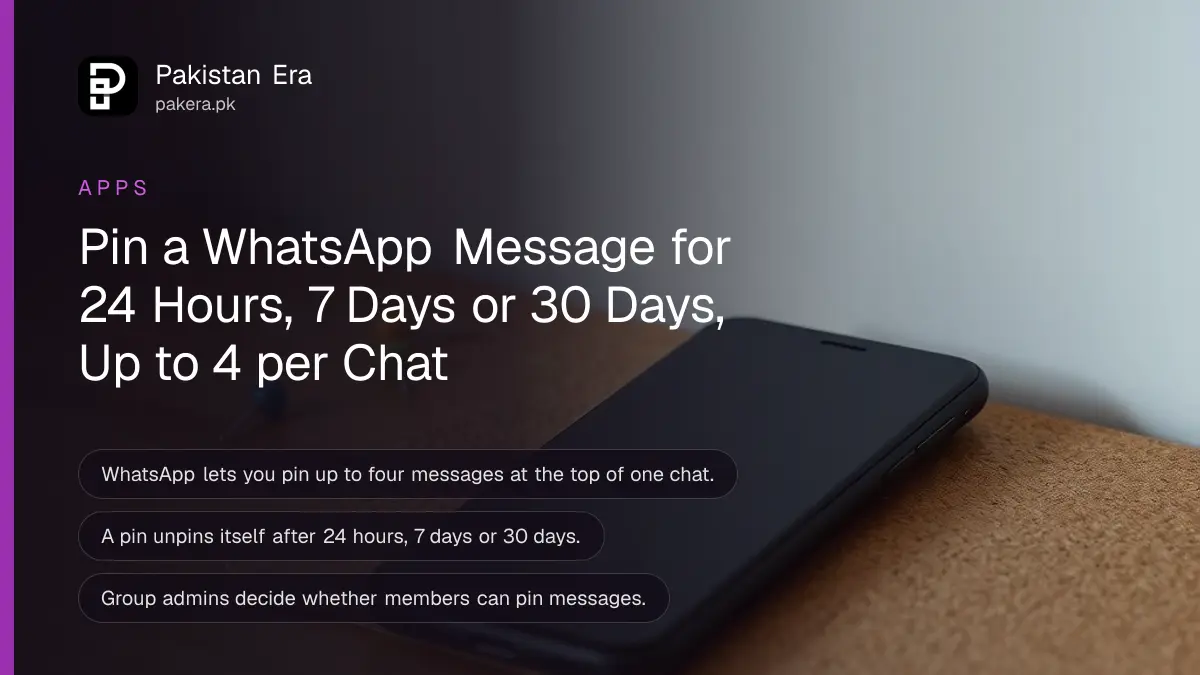
Short answer: to pin a message on WhatsApp, press and hold it, tap Pin (on Android it sits under the three dot menu), choose 24 hours, 7 days or 30 days, and tap Pin again. The message stays as a banner at the top of the chat for that time, then unpins itself. You can pin up to four messages in one chat. In groups, admins decide whether members can pin. To unpin early, press and hold the pinned message and tap Unpin.
Pinned messages are the quiet tool behind well run WhatsApp groups in Pakistan: the school fee date at the top of the parents' group, the account number in the committee group, the meeting place in the family chat. We read WhatsApp's own help article on pinning on 6 November 2026. This guide covers the steps, the limits, the admin setting and the reasons some members cannot see a pin.
How to pin a WhatsApp message
Press and hold the message, open the menu, tap Pin, choose how long it should stay, and confirm. The steps take about five seconds. The message then appears as a banner at the top of the chat for everyone in it.
On Android, WhatsApp gives these steps:
- Open the chat or group with the message.
- Press and hold the message you want to pin.
- Tap the three dot menu at the top of the screen.
- Tap Pin.
- Choose 24 hours, 7 days or 30 days.
- Tap Pin to confirm.
On iPhone, tap and hold the message and tap Pin in the menu that appears, then pick the duration. The idea is the same on both phones.
If you do not see Pin in a group, the admins have probably limited the setting to admins only. The section on groups below explains it.

Pin durations and the four message limit
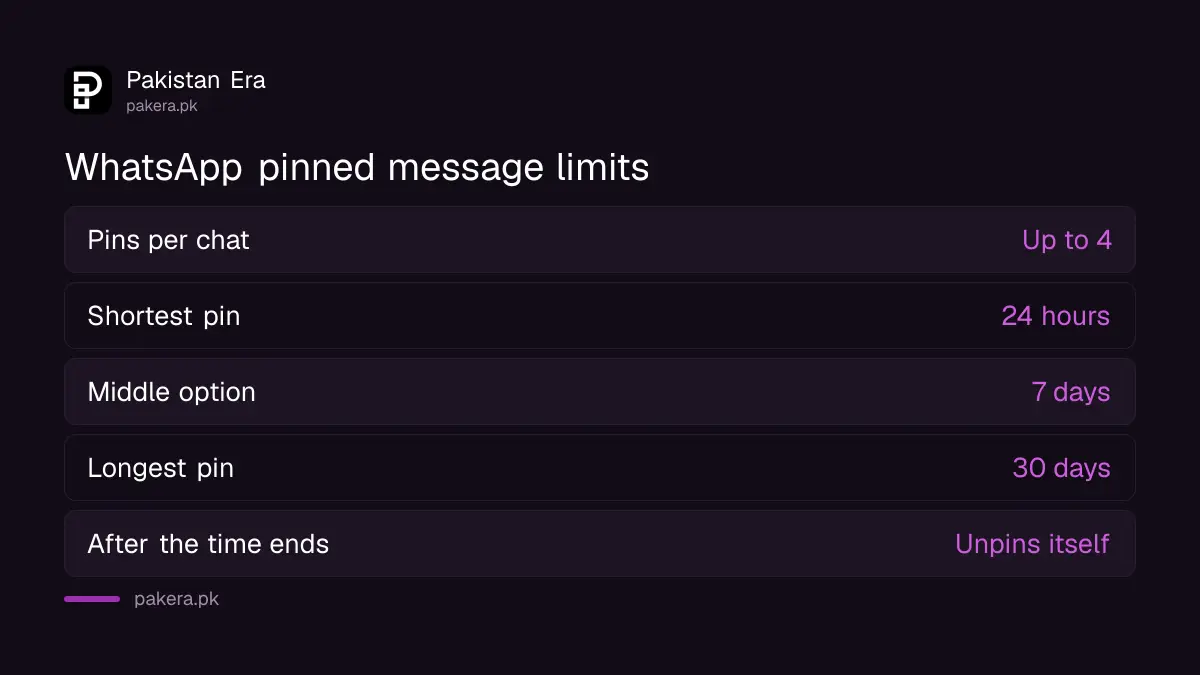
WhatsApp offers three pin durations: 24 hours, 7 days and 30 days. You can pin up to four messages at the top of one chat. When a pin's time runs out, WhatsApp removes it on its own, so nobody has to remember to unpin old notices.
| Duration | Good for |
|---|---|
| 24 hours | Today's meeting point, a match time, a one day sale or a delivery address |
| 7 days | A wedding programme, an exam week timetable, a weekly committee collection |
| 30 days | Group rules, a bank account for monthly dues, a school fee deadline |
Pick the shortest time that does the job. A pin that has outlived its purpose takes up one of only four slots and trains people to ignore the banner.
Nothing longer than 30 days is offered. For a notice that must stay for months, pin it again when it expires, or put it in the group description instead.
What the pinned banner looks like to others
A pinned message shows as a banner at the top of the chat. When more than one is pinned, the banner shows how many there are and puts the newest pin first. Tapping it jumps to that message, and tapping again moves to the next pinned one.
In a group, WhatsApp also posts a short system message telling everyone that a message was pinned and who pinned it. So pinning is never hidden from other members.
Pinning a message is different from pinning a chat. Pinning a chat moves the whole conversation to the top of your own chat list, and only you see it. Pinning a message puts one message at the top of a conversation, and everyone in that chat sees it.
Who can pin in a WhatsApp group
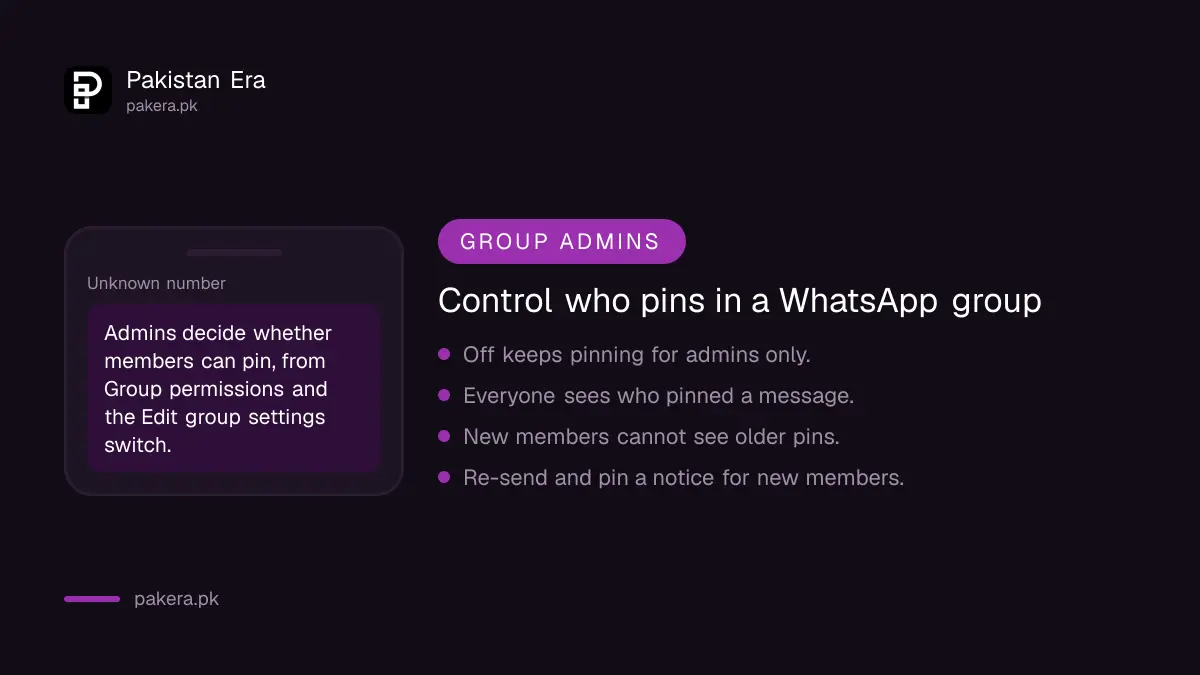
Group admins choose whether ordinary members may pin messages. The control sits in the group's settings under Group permissions, through the Edit group settings switch. With it off, only admins can pin, which keeps the banner for official notices.
To change it as an admin:
- Open the group and tap the group name at the top.
- Tap Group permissions.
- Turn Edit group settings on to let members pin, or off to keep pinning for admins.
For large groups, such as a mohalla, school or mosque committee group, keeping pins to admins is wise. It stops anyone pinning a forwarded rumour or a scam link above real notices. Our guide on WhatsApp group polls and mentions covers more tools for admins, and WhatsApp Communities suits groups that have grown too big for one chat.
Why some members cannot see a pinned message
WhatsApp names three cases where a member will not see a pinned message: they joined the group after the message was sent, they lost or cleared their chat history, or they deleted the message before it was pinned. In each case, send the notice again and pin the new copy.
The first case matters most for groups that add members often. Someone added today will not see a fee notice sent last week, even if it is pinned now. A fresh message that you pin straight away reaches everyone, old and new.
If a member says WhatsApp is not working at all, rather than just missing a pin, our WhatsApp not working fixes cover connection and update problems.
How to unpin a WhatsApp message
To unpin before the time is up, press and hold the pinned message, open the menu and tap Unpin. Otherwise, do nothing: the pin ends by itself when its 24 hours, 7 days or 30 days run out.
Unpinning does not delete the message. It stays in the chat in its normal place. If you want the message gone too, delete it with Delete for everyone, which WhatsApp allows within two days of sending. Messages older than that can only be deleted from your own phone, and our guide to recovering deleted WhatsApp messages explains what happens to them.
Common questions
How many messages can I pin on WhatsApp?
Up to four messages in one chat, according to WhatsApp's help article.
How long does a pinned WhatsApp message stay pinned?
24 hours, 7 days or 30 days, whichever you choose. It unpins itself when the time ends.
Why is the Pin option missing in my group?
The group admins have probably turned off Edit group settings for members, so only admins can pin.
Do group members know who pinned a message?
Yes. WhatsApp shows a system message saying a message was pinned and who pinned it.
Can a new group member see an old pinned message?
No. People who join after the message was sent cannot see it. Send it again and pin the new copy.
Does unpinning delete the message?
No. The message stays in the chat. Only the banner at the top is removed.
How we verified this
What we checked, where we read it, and what we could not confirm.
Last checked on 6 November 2026. Steps, durations, the four message limit, the group admin setting and the visibility rules are from WhatsApp's help article How to pin a message, read in its Android and iPhone versions. The suggested uses in the duration table are our own examples.
About the author

Technology Journalist & Multimedia Producer
Ahmad Ali is a technology journalist and multimedia producer at Pakistan Era, joining the team in October 2026. He covers consumer technology and digital life for Pakistani readers, combining research with hands-on product testing.