How to Use @all, Timed Polls and Message History in WhatsApp Groups in Pakistan
Run a school, office or family WhatsApp group in Pakistan? How to use @all, polls with an end time and hidden voters, and send new members up to 100 messages.
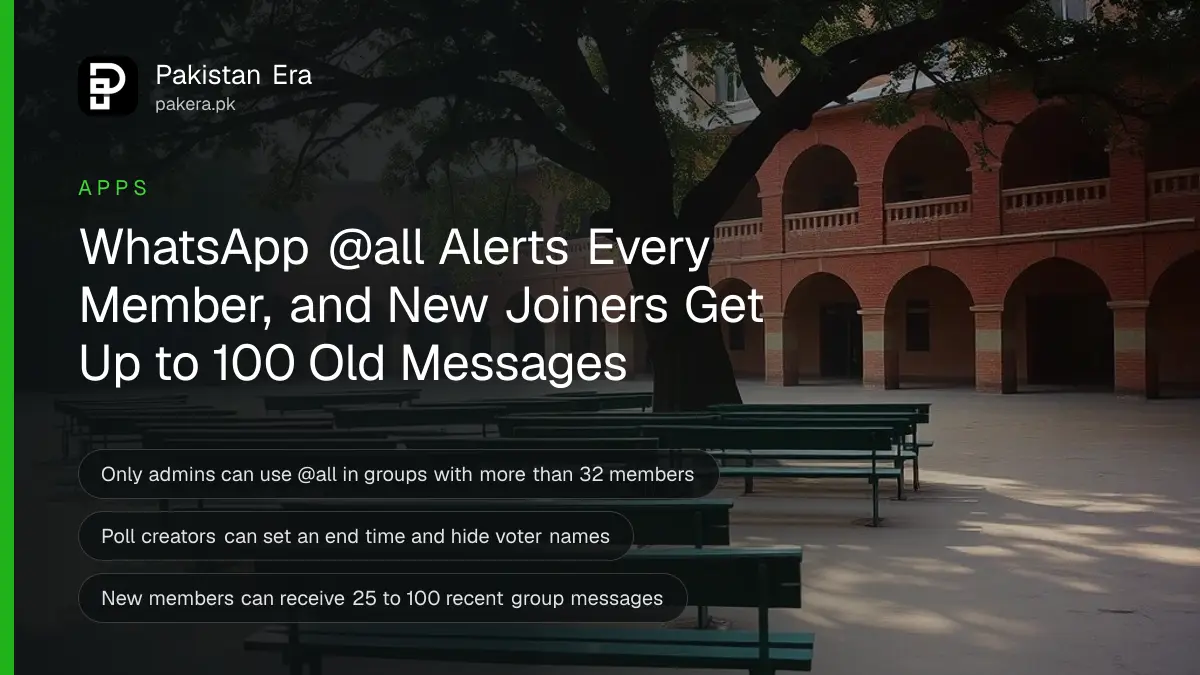
WhatsApp groups now have five tools that make a school, office or family group in Pakistan much easier to run: @all to alert every member, polls with an end time, hidden voter names, a 15-minute window to fix a poll question, and the option to send a new member up to 100 recent messages. All are free in the official app.
Every Pakistani parent knows the school WhatsApp group. Two hundred messages a day, and the one that matters, "school closed tomorrow", gets buried under good-morning stickers. The same goes for office groups, mohalla committees and family wedding groups.
We read WhatsApp's own announcements of these group features on 9 October 2026. Here is what each tool does, who can use it, and how to set it up without annoying the whole group.
WhatsApp's @all mention alerts every member of a group at once
Type @all in a group message and every member gets a notification, even if they have muted the group. WhatsApp says it is meant for urgent, time-sensitive news such as school or office closures. In groups with more than 32 members, only admins can use @all.
That 32-member rule matters for the groups Pakistanis actually use. A class parents' group or a housing society group is almost always bigger than 32. So in those groups, only admins can send @all, which stops it turning into spam.
Members keep control too. WhatsApp says you can mute @all alerts in your notification settings if a group overuses it.
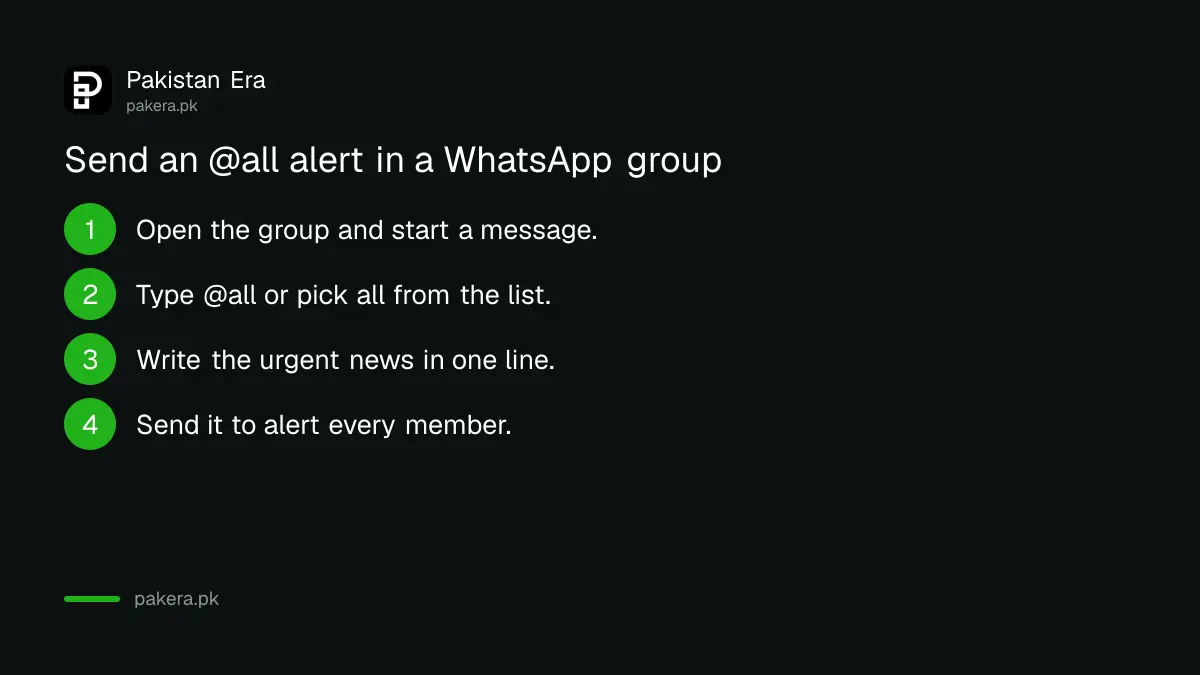
- Open the group and start typing your message.
- Type @ and choose "all" from the list, or type @all.
- Write the urgent message, for example "School closed tomorrow, 10 November, due to smog."
- Send it. Every member is alerted, including those who muted the group.
Use it rarely. If a school group admin sends @all for every circular, parents will mute it, and the one smog closure that matters will be missed. Official closure orders are the thing to forward, and where they appear is explained in checking if Punjab schools are closed for smog.
WhatsApp polls now close on time and can hide who voted
WhatsApp added three poll upgrades on 4 August 2026. You can set an end time so voting locks automatically, hide voter names so people vote freely, and edit the poll question within 15 minutes of sending it. All three appear when you create a poll in a chat.
Each upgrade fixes a real group problem:
- End time: a committee vote on the next meeting date closes at, say, 9 pm, and late votes cannot change it.
- Hidden voters: in an office group, staff can pick a lunch place or an Eid party date without the boss seeing each vote.
- Edit within 15 minutes: fix a typo in the question, such as the wrong date, without deleting the poll and losing the votes.
To make a poll, open the chat, tap the attachment or plus button, and choose Poll. Type the question and options, then look for the settings to set an end time and hide voter names before you send. If you do not see these options, update WhatsApp from Google Play or the App Store.
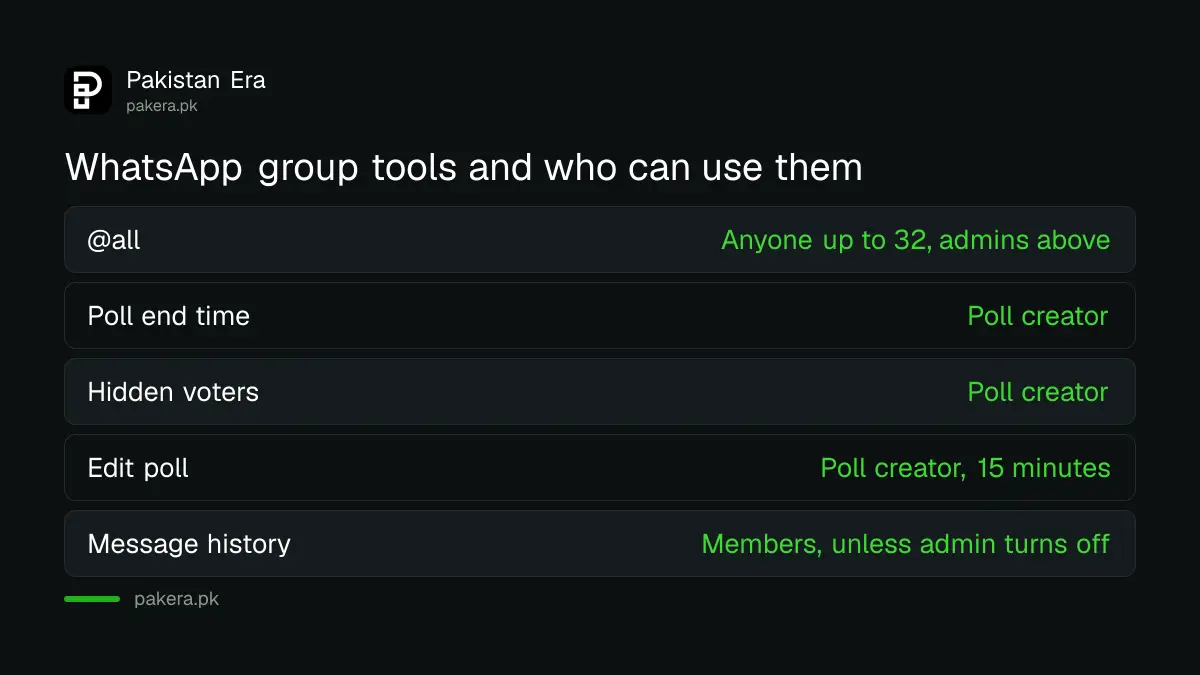
| Group tool | What it does | Who can use it |
|---|---|---|
| @all | Alerts every member, even if muted | Anyone in groups up to 32; admins only above 32 |
| Poll end time | Locks voting at a set time | Whoever creates the poll |
| Hidden voters | Hides who voted for what | Whoever creates the poll |
| Edit poll | Fix the question for 15 minutes | Whoever creates the poll |
| Message history | Sends a new member 25 to 100 recent messages | Members, unless the admin turns it off |
New members can catch up with up to 100 recent messages
When you add someone to a group, WhatsApp now offers to send them recent messages, from 25 up to 100. Everyone in the group is told when history is shared. Admins can turn the option off for members, but admins can always share history.
This replaces the old habit of forwarding screenshots to a new member. For a new teacher joining a staff group, or a relative joining a wedding planning group, the last 100 messages usually cover what they missed.
WhatsApp says shared history stays end-to-end encrypted, is clearly marked as history, and shows who sent it and when. If your group discusses anything private, an admin may want to switch it off.
Split off a side group from an existing one in one tap
WhatsApp also lets you start a new group with people from an existing group, without adding them one by one. It is meant for side chats, such as planning a surprise or sorting out one task, so the main group stays clean.
For a big family group, this is the polite way to plan someone's birthday without them seeing it. For a school, a few parents can sort out a carpool in their own chat instead of filling the class group.
Earlier in 2026 WhatsApp also added member tags, so you can be "Ayesha's Mother" in one group and "Treasurer" in another, and event reminders that ping invitees before an event. Both live in the group chat too.
If you run a large network of groups, such as a school with a group per class, a WhatsApp Community ties them together under one announcement group. The set-up is in making a WhatsApp Community.
Keep your group features safe and private
All these tools are only in official WhatsApp from Google Play, the App Store or whatsapp.com. Do not install a modded app to get extra group features. WhatsApp bans numbers that use unofficial apps such as GB WhatsApp, as set out in fixing a ban for using GB WhatsApp.
Large groups also attract strangers. If someone you do not know keeps adding you to groups or calling you, the controls in WhatsApp's privacy checkup let you limit who can add you.
Common questions
Who can use @all in a WhatsApp group?
In groups with 32 members or fewer, anyone can. In groups with more than 32 members, only admins can use @all.
Can I stop @all alerts from a group?
Yes. WhatsApp says you can mute @all alerts in your notification settings, even though @all normally reaches muted groups.
Can I edit a WhatsApp poll after sending it?
Yes, but only the question, and only within 15 minutes of sending it. After that, the poll cannot be edited.
Can people see how I voted in a WhatsApp poll?
Normally yes. But the person who creates the poll can now choose to hide voter names, so nobody sees who picked what.
Why don't I see the new poll options or @all?
Update WhatsApp from Google Play or the App Store. WhatsApp rolls out features gradually, so they can reach some accounts later than others.
How we verified this
What we checked, where we read it, and what we could not confirm.
We checked on 9 October 2026. The @all rules, the 32-member limit, the three poll upgrades, the 15-minute edit window and side groups are from WhatsApp's announcement Your Group Chats Upgraded, dated 4 August 2026. Message history, from 25 to 100 messages, is from Introducing Group Message History, dated 19 February 2026, and member tags and event reminders from WhatsApp's post of 7 January 2026. WhatsApp's announcements do not give tap-by-tap menu names, so the poll and @all steps above describe the general route, which can differ slightly between Android and iPhone.
About the author

Technology Journalist & Multimedia Producer
Ahmad Ali is a technology journalist and multimedia producer at Pakistan Era, joining the team in October 2026. He covers consumer technology and digital life for Pakistani readers, combining research with hands-on product testing.