WhatsApp Delete for Everyone Time Limit in Pakistan: 2 Days to Delete, 15 Minutes to Edit
WhatsApp lets you delete a message for everyone within 2 days and edit text within 15 minutes. Steps for Android, iPhone and web, and what others still see.
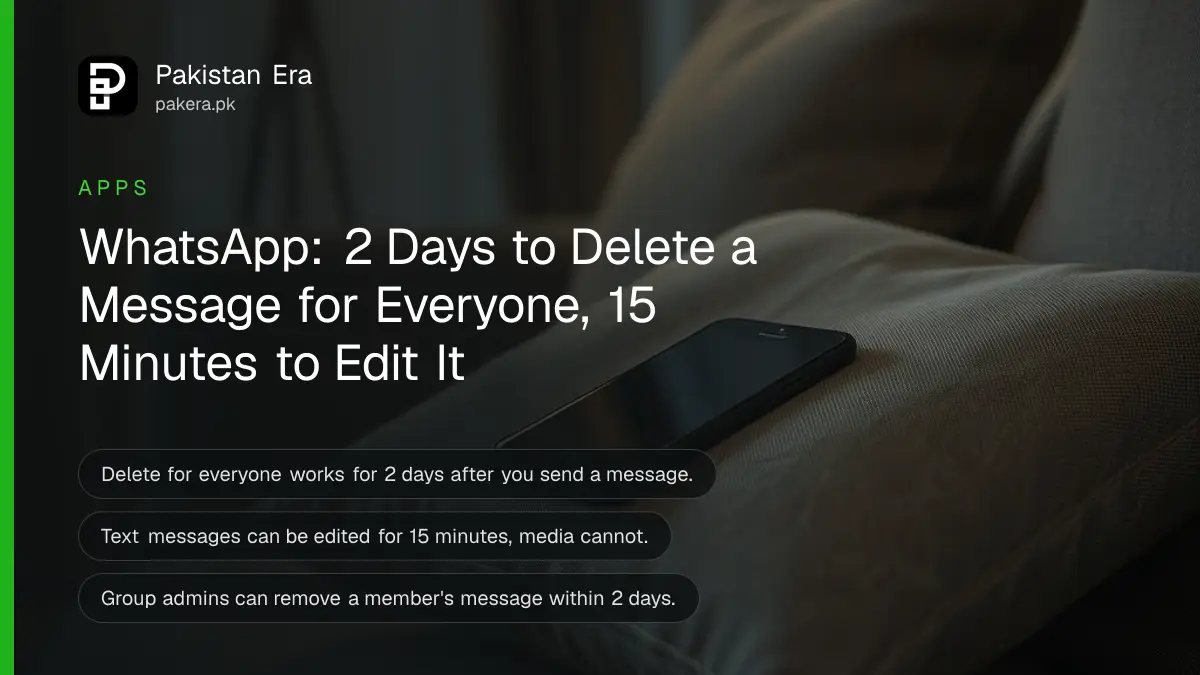
Short answer: on WhatsApp you have two days after sending a message to delete it for everyone. You have 15 minutes to edit a text message instead. To delete, press and hold the message, tap the trash icon and choose Delete for everyone. The message is replaced with "This message was deleted". Delete for me removes only your copy, and you get 5 seconds to tap Undo. Group admins can also delete other members' messages for everyone within two days.
A message sent to the wrong family group, a voice note that should never have left the phone, a typo in an amount: these are the moments people search for the WhatsApp delete time limit. We read WhatsApp's own help articles on deleting and editing messages on 6 November 2026. This guide gives every limit, the exact taps on Android, iPhone and the web, and what the other person can still see.
WhatsApp time limits for deleting and editing
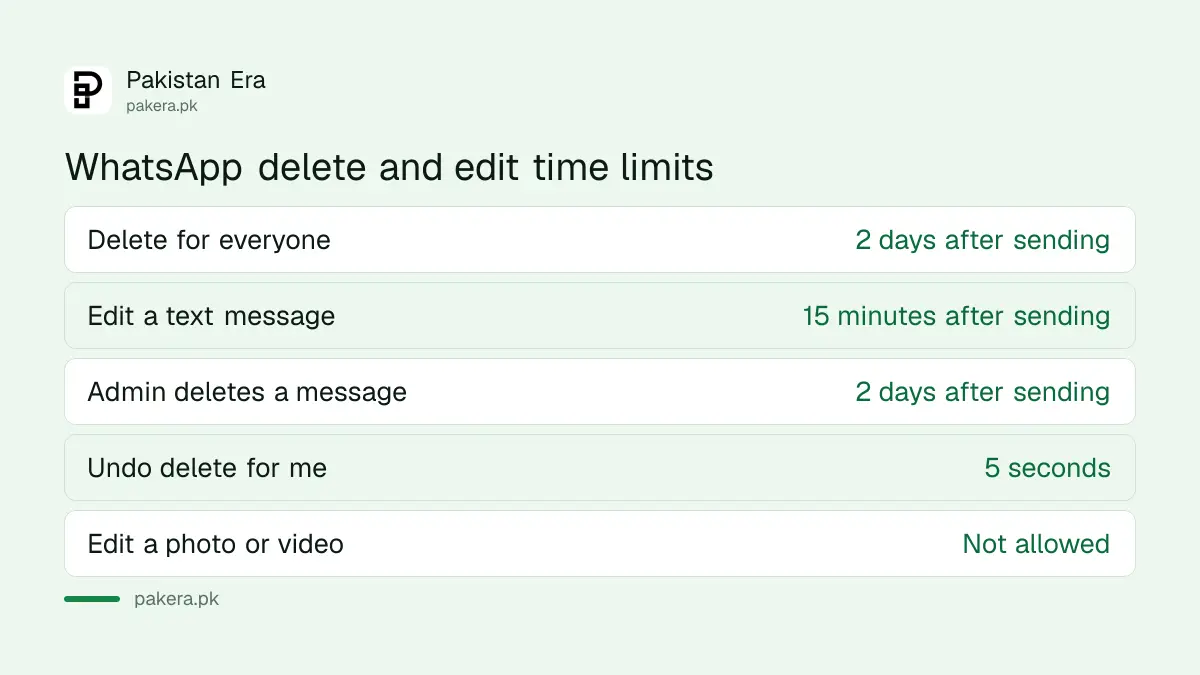
WhatsApp gives you two days after sending to delete a message for everyone and 15 minutes to edit a text message. Group admins get the same two days to remove a member's message. Delete for me has no time limit, but its Undo button lasts only 5 seconds.
| Action | Time limit | What others see |
|---|---|---|
| Delete for everyone | 2 days after sending | "This message was deleted" |
| Edit a text message | 15 minutes after sending | New text with "edited" beside the time |
| Admin deletes a member's message | 2 days after it was sent | A notice naming the admin who removed it |
| Delete for me | No limit, Undo for 5 seconds | Nothing changes for them |
You can delete only messages you sent, unless you are a group admin. You cannot delete someone else's message from their phone in a one to one chat.
How to delete a WhatsApp message for everyone
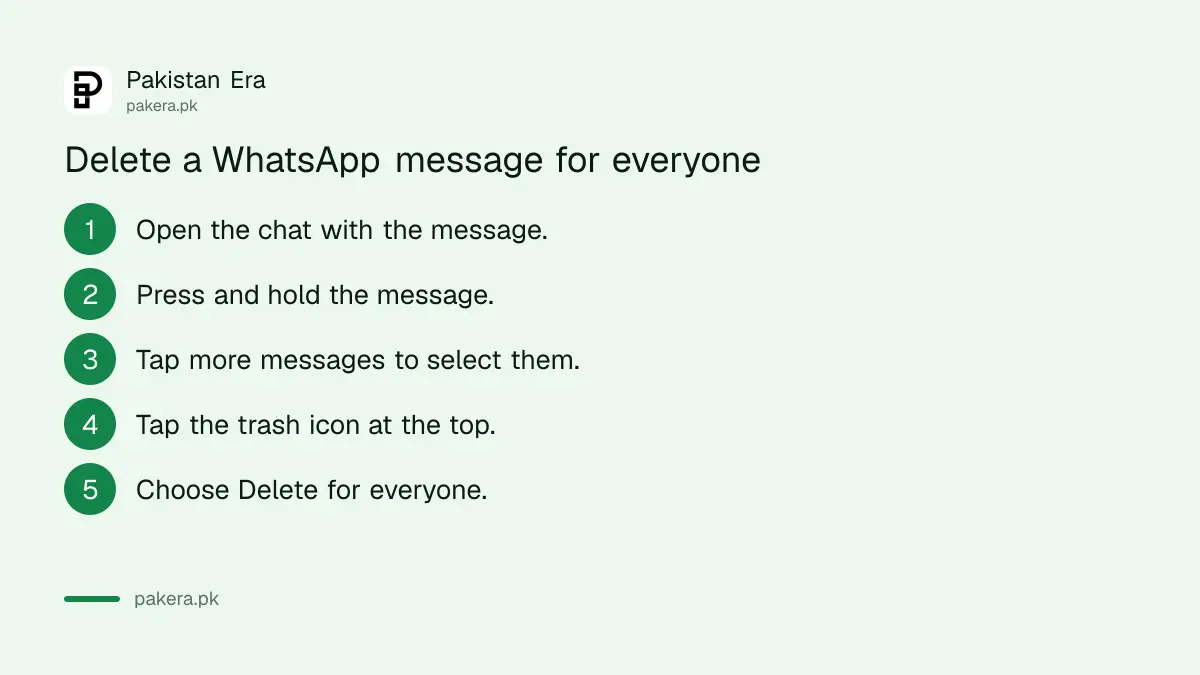
Open the chat, press and hold the message, tap the trash icon and choose Delete for everyone. You can select several messages before tapping the icon. The steps are almost the same on Android and iPhone, and on WhatsApp Web you use the small menu arrow on the message.
On Android:
- Open WhatsApp and go to the chat.
- Press and hold the message. Tap other messages to select more.
- Tap the trash icon at the top of the screen.
- Choose Delete for everyone.
On iPhone, tap and hold the message and choose Delete from the menu. If you see a three dot icon, tap it and choose Delete. Then tap the trash icon and choose Delete for everyone.
On WhatsApp Web or desktop, hover over the message, click the down arrow menu, then click Delete, Delete again, and Delete for everyone.
If the option is missing, the message is probably older than two days, or it was sent by someone else. In that case only Delete for me is available.
What the other person can still see
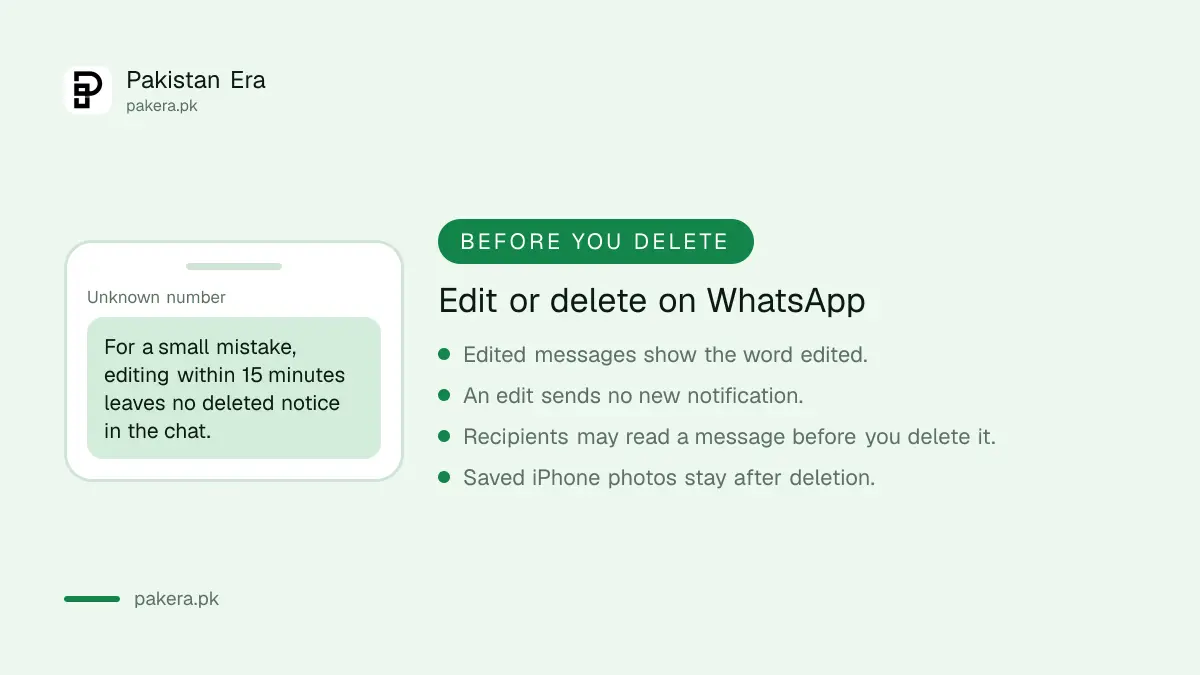
Delete for everyone does not guarantee the message was never seen. WhatsApp says recipients may read it before you delete it, or if the deletion fails, and you will not be told when it fails. iPhone users who saved your photo or video to their Photos app keep that copy.
WhatsApp also says that you and the people you sent the message to need the latest version of the app for the deletion to work. So an old phone that has not updated WhatsApp may still show the message.
- Notifications: the text may already have appeared in a phone's notification before you deleted it.
- Saved media: a photo saved to an iPhone's Photos stays there.
- Failed deletion: WhatsApp does not alert you if the request does not go through.
- The notice: everyone in the chat sees that a message was deleted, even if they never saw what it said.
The practical lesson is to act fast. The sooner you delete, the fewer people will have read it. For anything sensitive, such as a CNIC photo or a bank code, it is safer to never send it at all. Our guide to disappearing messages and view once covers better ways to share something private.
How to edit a WhatsApp message within 15 minutes
To fix a typo instead of deleting, press and hold the message, tap the pencil icon, change the text and tap the tick to save. You can do this up to 15 minutes after sending. Only text can be edited, not photos, videos or other media.
WhatsApp says the edited message updates for everyone in the chat and shows the word "edited" next to the time. It does not send a new notification to the other person, so they may not notice the change unless they open the chat again.
Editing is often the better choice for small mistakes. A deleted message leaves a visible notice that can make people curious. An edited one just shows the corrected text.
Group admins can delete other members' messages
In a WhatsApp group, only admins can delete messages sent by other members. They have two days from when the message was sent. The steps are the same: press and hold, tap the trash icon, choose Delete for everyone, and confirm.
When an admin deletes a member's message, the notice in the chat names the admin who removed it. So members can see who acted. This is useful for removing scam links, fake job offers or forwarded rumours from family and community groups.
If your group keeps getting spam from strangers, our guide to stopping strangers adding you to groups helps stop it at the source. For group tools such as polls and mentions, see our WhatsApp group features guide.
Deleted a message by mistake
If you chose Delete for me by mistake, tap Undo within 5 seconds. After that, WhatsApp says the message is gone for good and it cannot recover it for you. The only way back is a chat backup made before you deleted it.
Restoring a backup brings back the whole chat history as it was on that date, so you may lose newer messages. Our guide to recovering deleted WhatsApp messages explains each method and its risks.
Common questions
How long do I have to delete a WhatsApp message for everyone?
Two days after you sent it. After that, only Delete for me is available.
Will the other person know I deleted a message?
Yes. The message is replaced with a notice saying it was deleted. They do not see what it said, unless they read it before you deleted it.
How long can I edit a WhatsApp message?
Up to 15 minutes after sending. Only text messages can be edited, not photos, videos or other media.
Does editing a WhatsApp message notify the other person?
No. WhatsApp says an edit does not send a new chat notification. The message shows "edited" next to the time.
Why can I not see Delete for everyone?
The message is older than two days, or someone else sent it and you are not a group admin.
Can I recover a message I deleted for me?
Only by tapping Undo within 5 seconds, or by restoring a backup made before you deleted it.
How we verified this
What we checked, where we read it, and what we could not confirm.
Last checked on 6 November 2026. Delete limits, steps and admin rules are from WhatsApp's help article How to delete messages. Edit rules are from its help article How to edit messages. We read the Android and iPhone versions of these pages; the web steps are from the web version of the delete article.
About the author

Technology Journalist & Multimedia Producer
Ahmad Ali is a technology journalist and multimedia producer at Pakistan Era, joining the team in October 2026. He covers consumer technology and digital life for Pakistani readers, combining research with hands-on product testing.