Turn On WhatsApp Disappearing Messages and View Once Voice in Pakistan
Set one default timer so every new WhatsApp chat clears itself after 24 hours, 7 days or 90 days, and send View Once voice. Free, with limits explained.
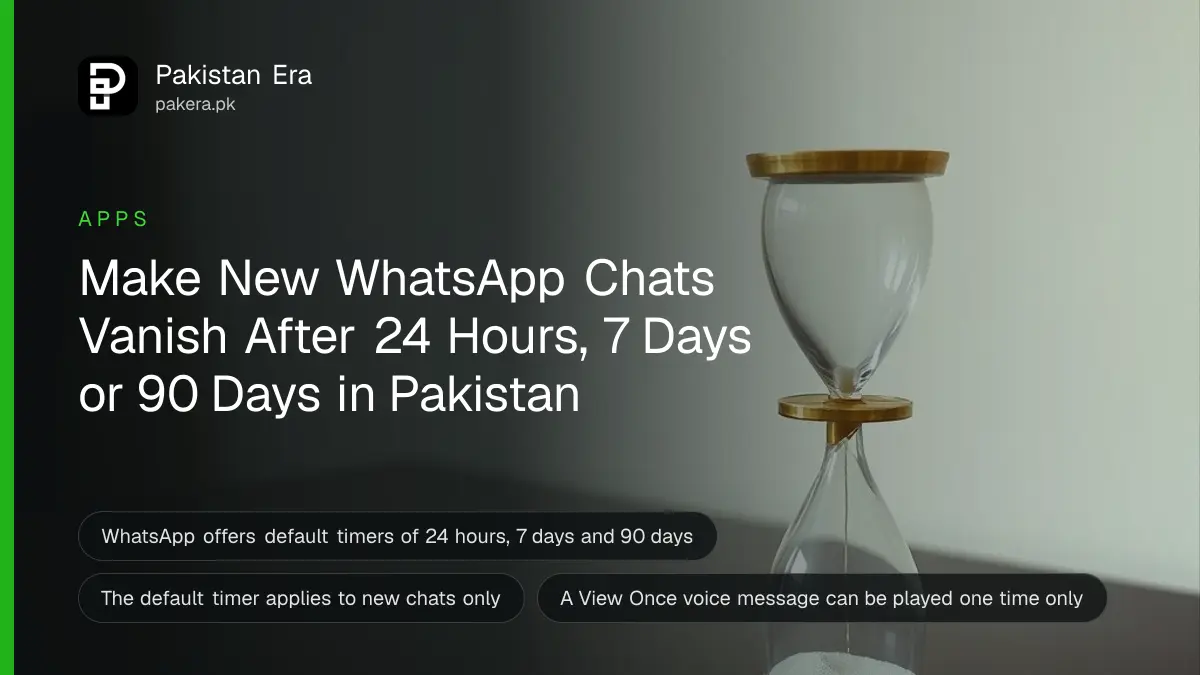
To make every new WhatsApp chat clear itself, go to Privacy settings and choose Default Message Timer, then pick 24 hours, 7 days or 90 days. Your old chats do not change. For one voice message that vanishes after one play, use View Once on the voice message.
Not every message needs a permanent copy. A one-time code, a plan for a surprise party, a home address sent to a courier. Left in a chat, they sit there for years, ready for the next person who borrows your phone.
WhatsApp has two free tools for this: disappearing messages and View Once. We read WhatsApp's own announcements for both on 11 October 2026. Here is how to use each, and what neither can do.
A default timer applies to every new chat
Default disappearing messages lets you set one timer for all new one-to-one chats you start, and for groups you create. WhatsApp says the choices are 24 hours, 7 days and 90 days. It does not change or delete any chat you already have.
WhatsApp announced this on 6 December 2021. To start, open your Privacy settings and choose Default Message Timer. When it is on, WhatsApp shows a notice in new chats that tells people this is the default you chose. It is a setting, not an insult, and WhatsApp says so in the notice.
| Tool | What disappears | When | Where to set it |
|---|---|---|---|
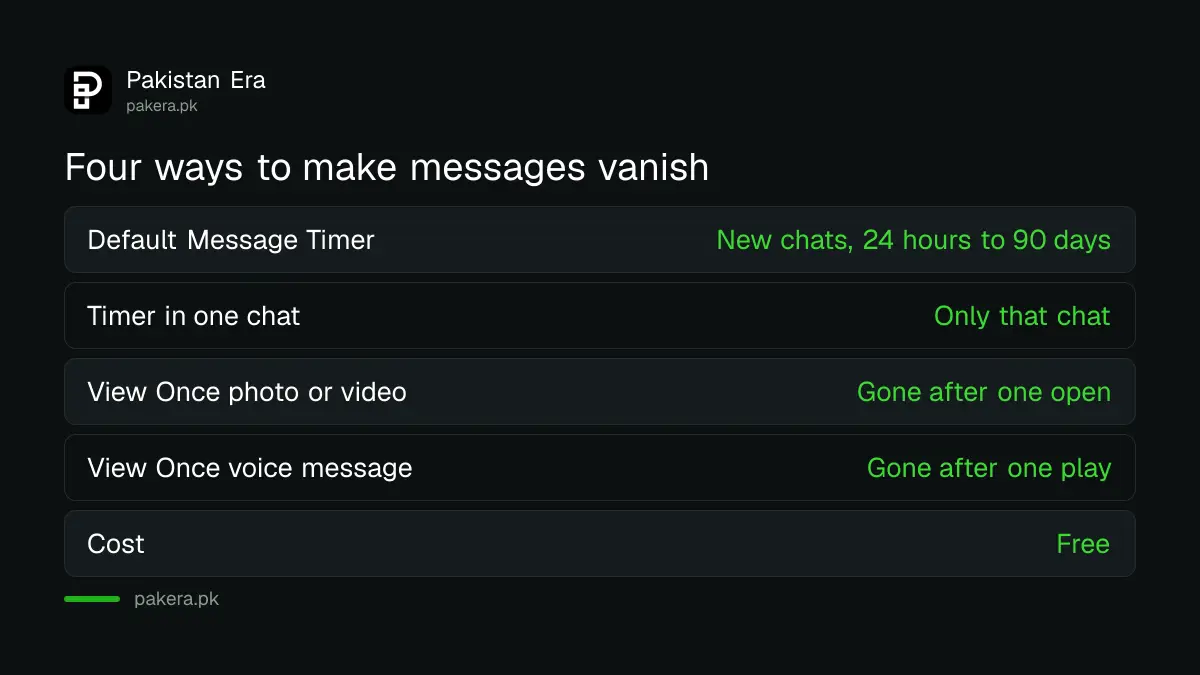
| Default Message Timer | Text and media in new chats | After 24 hours, 7 days or 90 days | Privacy settings |
| Disappearing messages in one chat | Messages in that chat | After the timer you pick | Inside the chat |
| View Once photo or video | That one photo or video | After it is opened once | When you send it |
| View Once voice message | That one voice message | After it is played once | When you record it |
Set the default timer in four steps
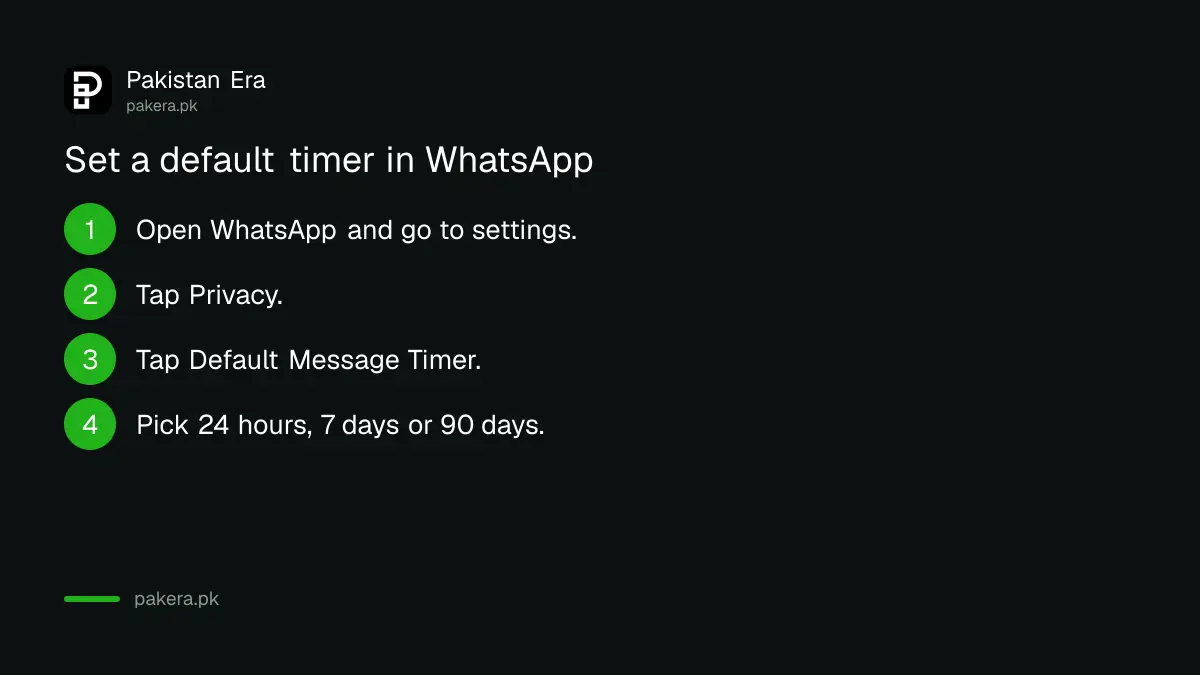
Open WhatsApp, go to Settings, then Privacy, and tap Default Message Timer. Choose 24 hours, 7 days or 90 days. From then on, each new chat starts with that timer. Switch a single chat back if you need it kept.
- Open WhatsApp and go to your settings.
- Tap Privacy.
- Tap Default Message Timer.
- Pick 24 hours, 7 days or 90 days.
For groups, WhatsApp added an option when you create a group. It lets you turn the timer on for the groups you create.
Menu names can differ a little between Android and iPhone. If you cannot find the setting, update the app first.
Our view: pick 7 days for family chats and 24 hours for chats about money or addresses. Ninety days is better than forever, but it still leaves a long trail.
View Once voice messages play one time only
View Once voice messages can be played only one time, then they disappear. WhatsApp added them on 7 December 2023, after View Once photos and videos. A "one-time" icon marks them clearly, and the message stays protected by end-to-end encryption.
WhatsApp's own examples are reading out a credit card number or planning a surprise. In Pakistan, be careful with the first one. Do not read out a card number, PIN or one-time code to anyone, even in a vanishing message. Real banks never ask for it. A second lock such as two-step verification on WhatsApp, Facebook and Gmail only works if the codes stay with you.
Use View Once for things that are private but not secret, such as a home address for a delivery, a hotel booking number, or a plan you do not want saved.
Know what these settings cannot do
A disappearing message is still readable while it exists. The person who receives it can reply to it, forward it or photograph their screen. WhatsApp's announcements do not claim to stop that. The timer limits how long a copy stays in the chat.
Other limits to remember:
- The default timer affects new chats only. Delete or archive old chats yourself.
- A backup you already made may still hold old messages. Read how WhatsApp chat backup and restore works before you rely on a timer.
- If you want a chat hidden from people who use your phone, a timer does not help. Run the WhatsApp privacy checkup too.
- Anyone in a chat can turn the other person's trust into a screenshot. Share only what you are happy to see repeated.
Common questions
Does the default timer delete my old chats?
No. WhatsApp says the default timer applies to new chats only and does not change or delete existing ones.
Which timer lengths does WhatsApp offer?
24 hours, 7 days and 90 days, according to WhatsApp's announcement of 6 December 2021.
Can I play a View Once voice message twice?
No. WhatsApp says View Once voice messages can be played only one time and carry a one-time icon.
Can someone still screenshot a disappearing message?
WhatsApp does not say it stops screenshots. Treat any message as copyable while the other person can see it.
Can I switch a chat back to keep messages?
Yes. WhatsApp says it is easy to switch a particular chat back if you need it to stay permanent.
How we verified this
What we checked, where we read it, and what we could not confirm.
We last checked these official pages on 11 October 2026:
- WhatsApp Blog, "More Control and Privacy with Default Disappearing Messages and Multiple Durations", 6 December 2021.
- WhatsApp Blog, "Voice messages just got more private", 7 December 2023.
WhatsApp's Help Center pages load only inside a browser, so we could not read the current menu wording there. Labels may differ on your phone. We did not test the steps on a Pakistani account.
About the author

Technology Journalist & Multimedia Producer
Ahmad Ali is a technology journalist and multimedia producer at Pakistan Era, joining the team in October 2026. He covers consumer technology and digital life for Pakistani readers, combining research with hands-on product testing.