Check Your Website Favicon Shows in Google Search Results: Rules for Pakistani Sites
Grey globe next to your link on Google? Check the favicon rules Google clarified on 28 August 2026: size, file types, one per hostname and how to recrawl.
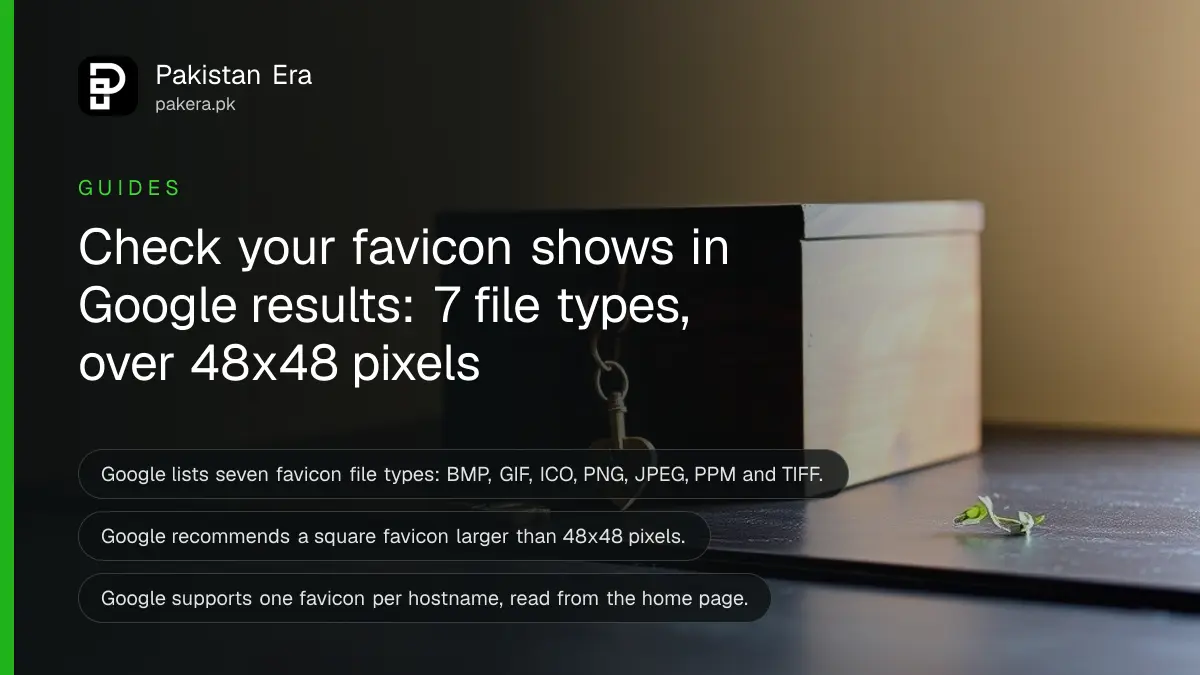
Short answer: Put <link rel="icon" href="/favicon.ico"> in the head of your home page, make the icon square and larger than 48x48 pixels, use one of the file types Google lists (BMP, GIF, ICO, PNG, JPEG, PPM or TIFF), and let Googlebot and Googlebot-Image crawl both. Google says showing your favicon is never guaranteed.
Open Google on your phone and search for your shop or brand. Next to your link there should be a small round or square icon. For many Pakistani business sites that spot shows a grey globe instead, and a competitor's logo sits right above.
We read Google's favicon page on 11 October 2026. Google updated it on 28 August 2026 to list the supported file formats in full. We did not test a live site's favicon in search results, so we cannot tell you how fast yours will appear.
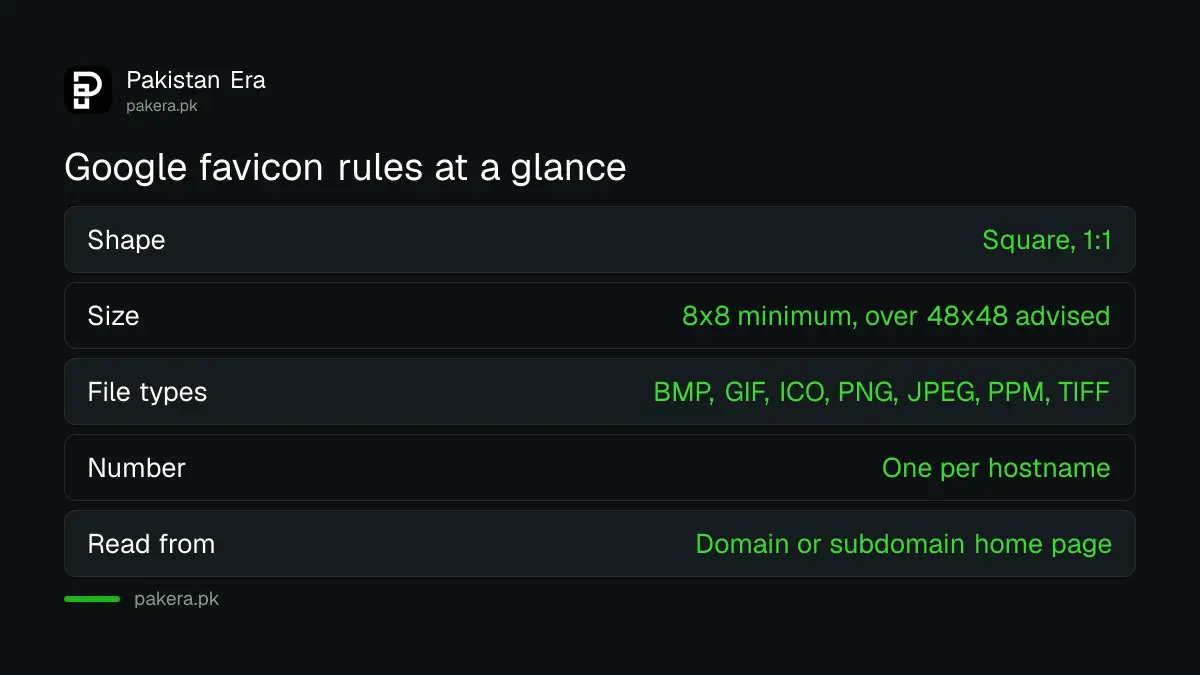
Google lists seven favicon file types
Google Search supports BMP, GIF, ICO, PNG, JPEG, PPM and TIFF files for favicons. The 28 August 2026 update did not change what is supported. It stopped linking to an outside reference and wrote the list into the page, because the outside reference kept changing.
The list does not name SVG or WebP. If your theme or logo tool exports only those, make a PNG or ICO copy for Google. We are reading the list as written. Google does not say here what happens to the unlisted types.
| Rule | What Google says | Quick check |
|---|---|---|
| Shape | Square, 1:1 ratio | Width equals height |
| Size | At least 8x8 pixels, larger than 48x48 recommended | Export at 96x96 or more |
| File type | BMP, GIF, ICO, PNG, JPEG, PPM, TIFF | Use PNG or ICO |
| Number | One favicon per hostname | One icon for www.yourshop.pk |
| Where it is read | Home page of a domain or subdomain, not a folder | Put the tag on the home page |
| URL | Must be stable, not changed often | Do not rename the file each month |
Add the icon link to your home page
Google reads the favicon from a link tag in the head of your home page. It accepts the rel values icon, shortcut icon, apple-touch-icon and apple-touch-icon-precomposed. The href can be a relative or full address, and it may be hosted on a CDN, not only your own server.
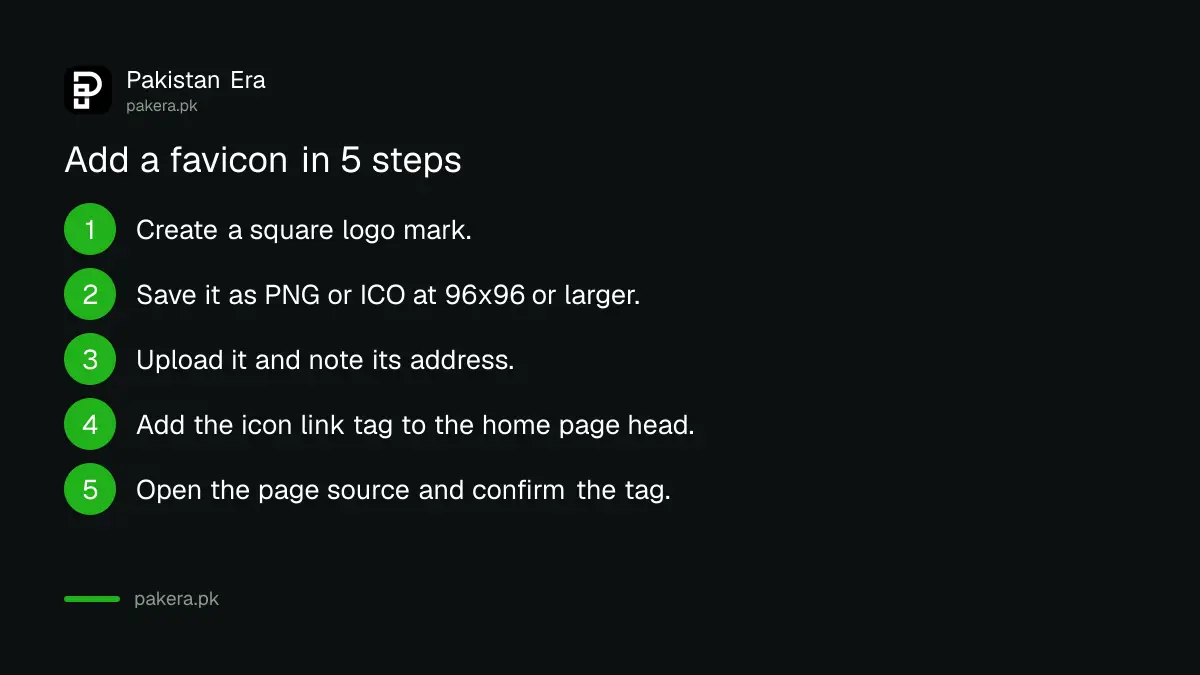
- Create a square logo mark, not a long logo with words.
- Save it as PNG or ICO, at 96x96 pixels or larger.
- Upload it to your site and note its address.
- Add the link tag with rel icon inside the head of the home page.
- Open the page source and confirm the tag is there.
Check that Google is allowed to crawl it
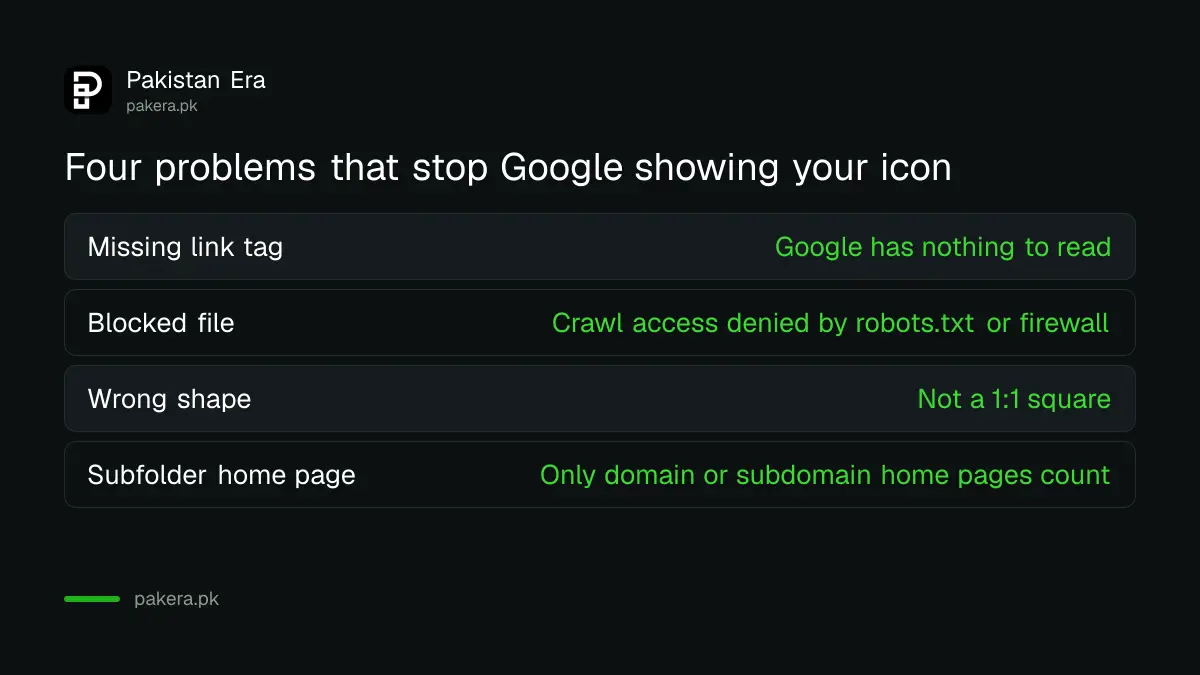
Googlebot must be able to crawl your home page and Googlebot-Image must be able to crawl the favicon file. If your robots.txt, a security plugin or a firewall blocks either one, Google cannot read the icon and shows the default one.
Open yourdomain.pk/robots.txt and look for lines that block your image or icon folder. Also check that the favicon address opens in a private browser window without a login. If it needs a login, Google cannot see it either.
Wait for a recrawl, then ask for indexing of the home page
Google says a recrawl can take from several days to several weeks. You can speed it up by requesting indexing of your home page with the URL Inspection tool. Google reads the favicon from the home page, so that is the page to request.
If the request does not seem to work, check that the home page is itself indexed. The steps in the Page indexing report guide show how to read the reason when a page is left out.
Know the things you cannot control
Google does not show any favicon it considers inappropriate, such as pornography or hate symbols, and replaces it with a default icon. Even a perfect file may not show up, because Google says a favicon is not guaranteed in search results.
Also remember the subdirectory rule. A home page at shop.pk or blog.shop.pk can have a favicon. A section at shop.pk/blog cannot get its own. It shares the icon of the main site.
Common questions
How big should a favicon be for Google Search?
Google requires a square of at least 8x8 pixels and recommends larger than 48x48 pixels. A 96x96 PNG is a safe choice. A bigger square also looks sharper on high resolution phones.
Does Google support SVG favicons?
SVG is not in the list of formats on Google's favicon page, which names BMP, GIF, ICO, PNG, JPEG, PPM and TIFF. Use one of those for Google, even if you serve an SVG to browsers.
Why does Google show a grey globe for my site?
The most common reasons are a missing link tag, a blocked file, a wrong shape, or a recrawl that has not happened yet. Google also says an icon is never guaranteed to appear.
How long does a new favicon take to appear?
Google says a recrawl can take several days to several weeks. Requesting indexing of the home page in URL Inspection may help. Do not change the icon address again while you wait.
Can my blog folder have its own favicon?
No. Google supports one favicon per hostname and only reads it from a domain or subdomain home page. A folder like a blog section uses the icon of the main site.
Is this the same as my Google Business Profile logo?
We did not verify this, so we do not claim it. Google's favicon page covers organic search results only and points to a separate specification for ads logos.
How we verified this
What we checked, where we read it, and what we could not confirm.
Checked on 11 October 2026 against Google Search Central's page Define a favicon to show in search results, last updated 28 August 2026, and the documentation updates page entry of the same date. We did not test a live property.
About the author

Founder and Editor
Umer Kureshi founded Pakistan Era in July 2024 and runs it as administrator, SEO lead and writer, overseeing website operations, search growth, content strategy and coverage of technology and current affairs.