Search Console Now Tracks Your Instagram and TikTok
Google Search Console platform properties went global on 29 July 2026. How to connect Instagram, TikTok, X and YouTube, and what you get.
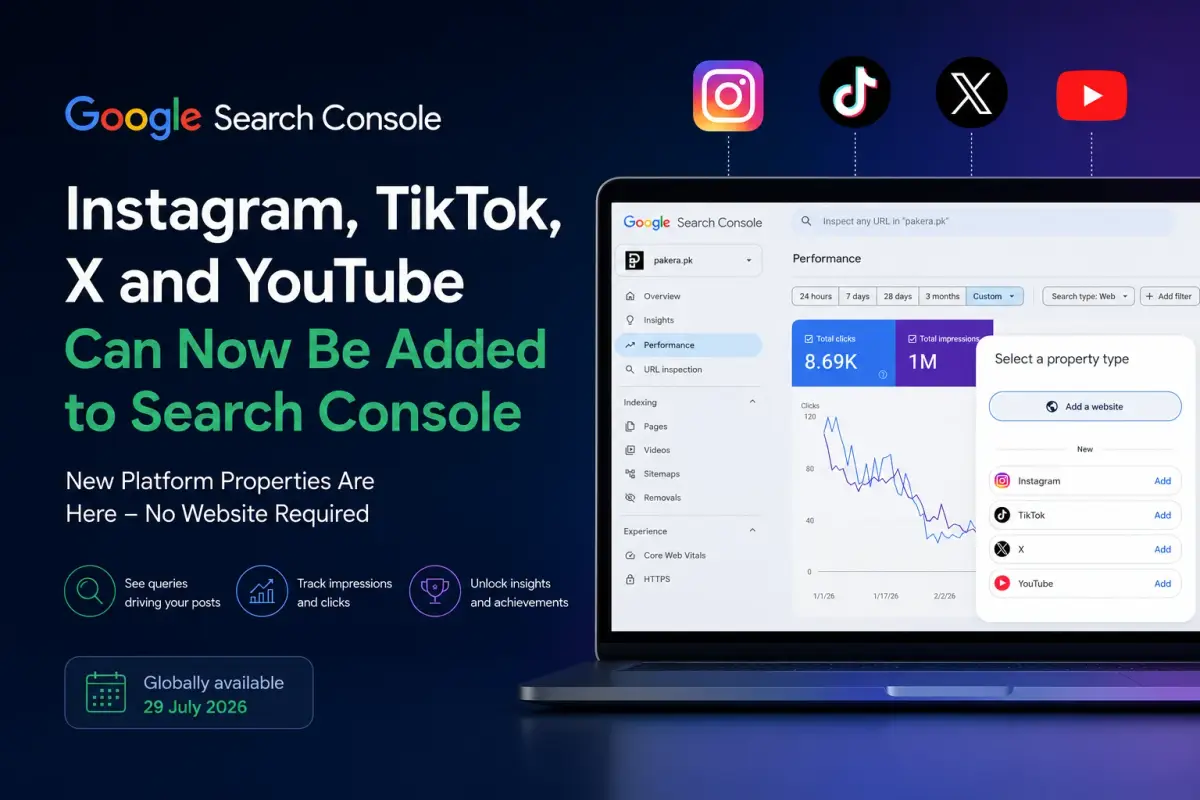
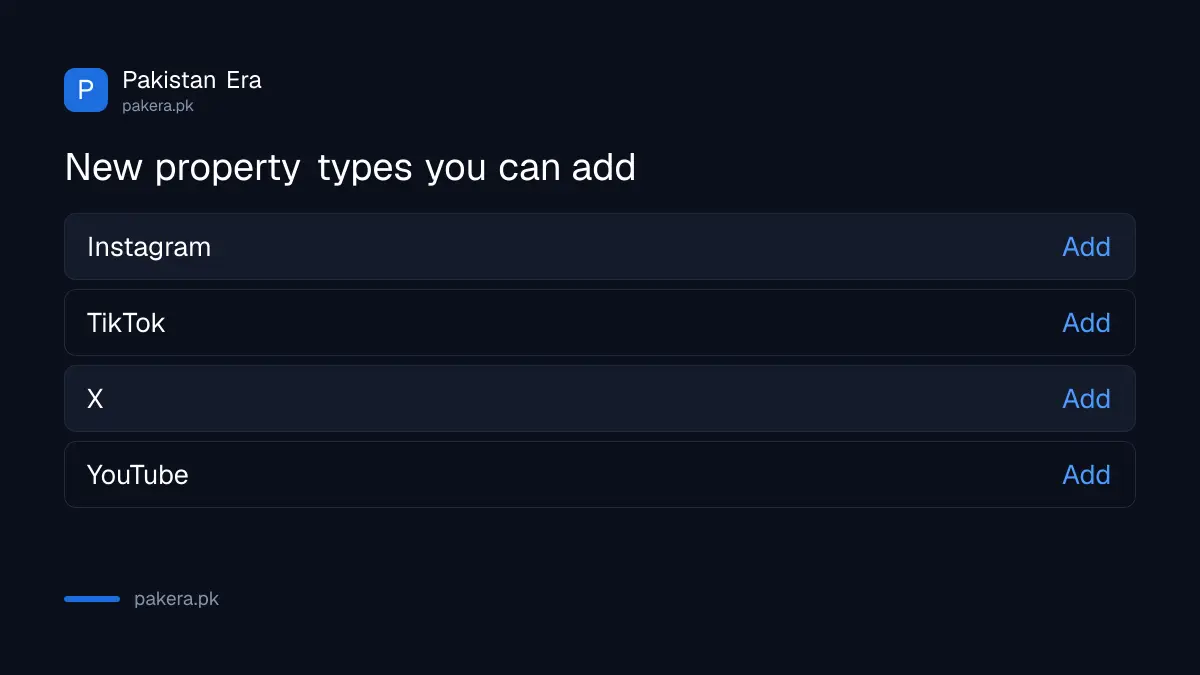
Open Search Console today and click to add a property. Underneath the usual box for a website, there is now a list nobody expected: Instagram, TikTok, X, YouTube.
Google Search Console platform properties went globally available on 29 July 2026, which is why the option has appeared in your account this week. Google announced the feature on 7 July and rolled it out slowly, so a lot of people saw nothing for three weeks and assumed it was not for them.
The interesting part is not the reporting. It is that this is the first Search Console property you can verify without owning a domain at all.
What are Search Console platform properties?
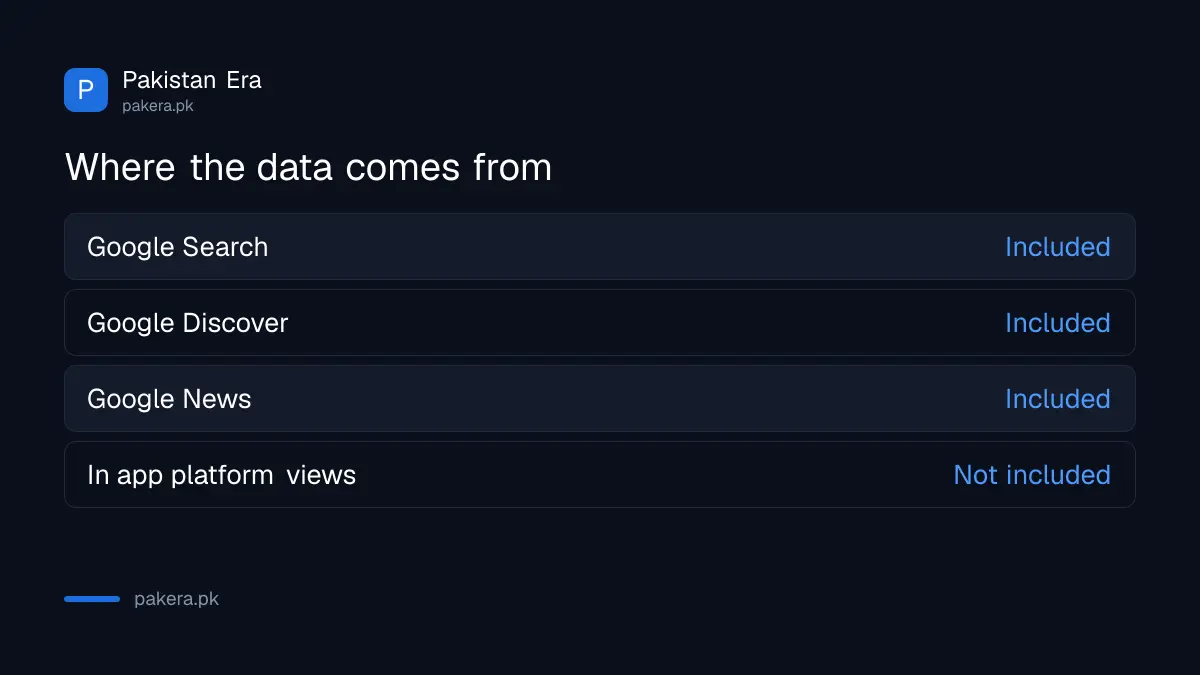
Platform properties are a new property type that reports how your social and video posts perform on Google Search, Discover and Google News. You connect an Instagram, TikTok, X or YouTube account, and Search Console treats it like a site you own.
Until now every property required a domain you could verify. A creator with 200,000 TikTok followers and no website had nothing to log into. That has changed, and Google has been explicit that creators without sites are exactly who this is for.
How to connect Instagram, TikTok, X or YouTube to Search Console
Open Search Console, click the property selector at the top left, then Add property. Under the website box you will see the four platforms listed. Pick one, click Add, and authorise the connection when the platform asks.
The full sequence:
- Sign in to Search Console with the Google account you want the data attached to.
- Click the property dropdown in the top left corner, then Add property.
- Choose Instagram, TikTok, X or YouTube from the list under the website option.
- Authorise Google to read performance data when the platform prompts you. You need to be logged into that account already, so do this on a device where you are.
- Wait 24 to 48 hours. The property appears at once but the reports stay empty until data starts flowing.
Nothing gets posted on your behalf and Google is not taking control of the account. The connection is read only, which is worth saying because the permission screen makes people nervous.
Connecting Instagram, step by step
We connected an Instagram account to check what the flow actually looks like, because the permission screen is the part that makes people back out. Here is every screen in order.
- Pick Instagram in the property list. A Google window opens headed Allow Google access to your Instagram account, explaining that to verify you own the account you need to link it to your Google Account.
- Read what it asks for. Under Google may be able to there is a single line: See your basic profile info. That is the whole permission. It cannot post, delete or message.
- The same screen tells you where to undo it later, under Where you can change this link, which points you to your Google Account. Worth noting before you agree, because it means this is reversible without touching Instagram.
- Click Agree and continue.
- An Instagram login window pops up. Enter your username and password.
- If you have two factor authentication switched on, Instagram asks for the code next. Have your authenticator or phone to hand.
- The account connects. Data starts appearing within the next 24 to 48 hours.
That last point is the one to hold on to. The property shows up in your list straight away and the reports look empty, which reads like a failure. It is not. Give it two days.
Connecting TikTok, X and YouTube
The pattern is the same for the other three: pick the platform, approve Google's access screen, then sign into that platform in the window it opens. YouTube tends to be quickest since you are already inside Google and it can often use the account you are signed in with.
One thing to check on all of them. Make sure you are logged into the right account on that platform first, in the same browser, because these windows use whatever session is already open. If you run a client account and your own from one machine, connect them one at a time and check the handle on the login screen before you approve anything.
What data do you actually get?
Three reports, the same ones a website property has: Performance, Insights and Achievements. Performance is the useful one, showing clicks, impressions and the search queries that led people to your posts.
| Report | What it tells you |
|---|---|
| Performance | Clicks, impressions and the queries bringing people to your posts |
| Insights | Which content is doing well and how that is changing |
| Achievements | Milestones your content has hit |
The query data is the bit worth staying up for. You have never been able to see which Google searches lead to your Instagram posts. Instagram will not tell you, TikTok will not tell you, and until this month neither would Google.
What it does not show you
This measures Google, not the platform. Someone finding your Reel through Instagram's own feed or search never appears here, and that is most of your traffic on most accounts.
So treat it as a new, separate channel rather than a replacement for your platform analytics. The figures will look small next to your in app numbers, and that is expected. What matters is the direction and the queries, not the volume.
A few other limits worth knowing before you go looking for problems:
- Data starts when you connect. There is no backfill, so connect today even if you do not plan to look at it for a month.
- Only four platforms are supported. Facebook, LinkedIn, Pinterest and Snapchat are not in this release.
- You need to actually control the account. This is not a competitor research tool.
- Small accounts may see very little at first, because the data depends on your posts surfacing in Google at all.
Why does this matter for creators in Pakistan?
Because a lot of Pakistani creators skipped the website step entirely. They built on TikTok and Instagram, and every SEO tool assumed a domain they did not have. This is the first time Google has handed them the same query data a blogger gets.
Second reason, and this one is bigger for anyone running a site. If you publish articles and also post clips, you can now see both in one place and compare which format actually earns the Google impression for a given topic. That comparison was guesswork before.
Google published a guide on analysing this data alongside the global rollout, covering how to read your search audience, spot trending content and compare formats across platforms. If you are already tracking a site through core update recovery, the same discipline applies here.
Should you connect your accounts now?
Yes, and quickly, for one unglamorous reason. Data collection starts at connection, so every day you wait is a day of history you cannot get back.
It costs nothing, it takes about two minutes per platform, and the permission is read only. Even if you never open the report, connecting now means the data exists when you eventually want it.
What I would not do is redesign your content strategy around week one numbers. The figures will be thin at first, and a new property with a fortnight of data tells you very little. Give it a couple of months before you draw conclusions. Anyone publishing definitive takes on this already is guessing.
Frequently asked questions
Is Google Search Console social tracking free?
Yes. Platform properties are part of Search Console, which is free. There is no paid tier and no limit on how many accounts you connect.
Which platforms can I add to Search Console?
Instagram, TikTok, X and YouTube. Facebook, LinkedIn, Pinterest and Snapchat are not supported in this release.
Do I need a website to use platform properties?
No. This is the first Search Console property type that does not require a verified domain, which is the whole point of it.
Does this show traffic from inside Instagram or TikTok?
No. It only covers Google Search, Discover and Google News. Traffic from a platform's own feed or search never appears.
How long until my data shows up?
Between 24 and 48 hours after you connect. The property itself appears immediately, so an empty report on day one is normal rather than a sign something went wrong.
What permission does Instagram actually give Google?
One thing only: see your basic profile info. The consent screen states it explicitly, and you can undo the link later from your Google Account rather than from Instagram.
Why can I not see the option in my account?
It rolled out globally on 29 July 2026. If it is still missing, sign out and back in, and check you are on the account you expect. Everyone should have it now.
Will Google post to my account?
No. The connection is read only. Google reads performance data and nothing else, and it cannot publish, delete or change anything.
How far back does the data go?
It starts from the day you connect. There is no historical backfill, which is the main argument for connecting your accounts today rather than when you need the report.
About the author

Public Services and Education Journalist
Fajr Riaz is a journalist and content writer at Pakistan Era, based in Lahore. She covers the questions people meet in everyday life in Pakistan: how a public service works, what a change in the rules means, and where to find a reliable answer.