How to Unsubscribe From Jazz Packages
Unsubscribe from Jazz packages using *969#, SMS, or the SIMOSA World App. Stop unwanted subscriptions and save balance today.
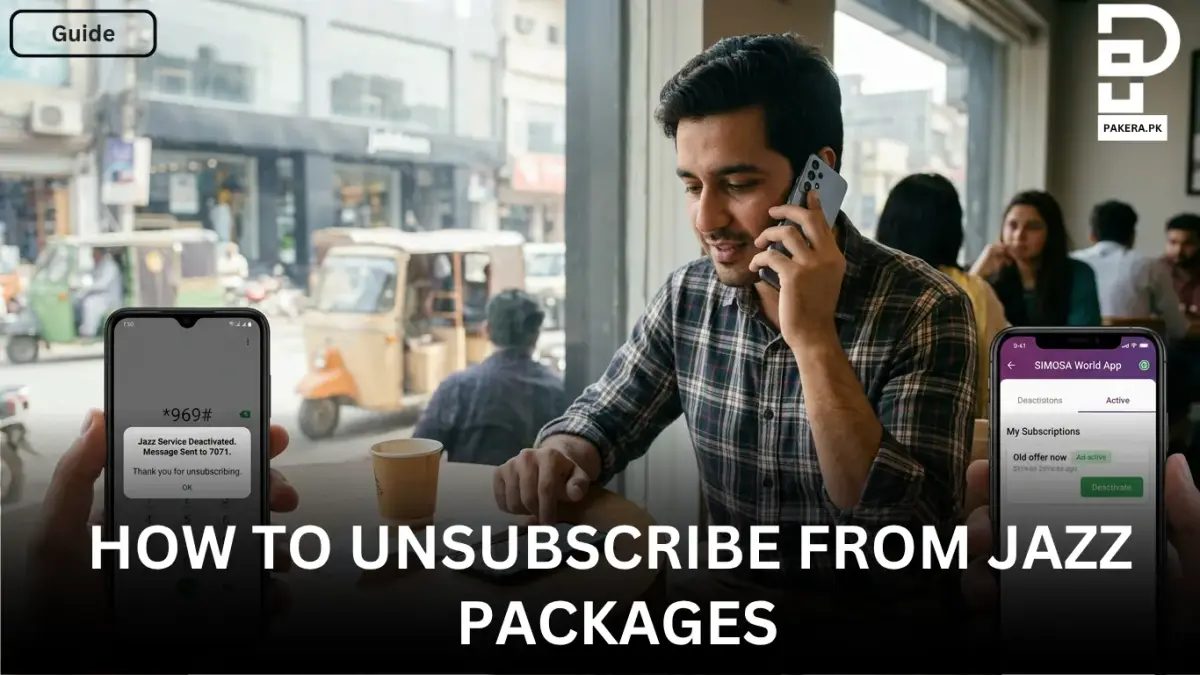
Sometimes people subscribe to Jazz packages accidentally, while others simply no longer need a specific internet, call, or SMS offer. In those situations, knowing the correct way to unsubscribe from Jazz packages can save both balance and frustration.
Thankfully, Jazz provides multiple methods to deactivate packages, whether you prefer using a USSD code, SMS, or the mobile app. The process is simple and can be completed within a few minutes.
In this article, you will learn how to unsubscribe from Jazz packages using both offline and online methods.
Offline Method to Unsubscribe From Jazz Packages
If you do not want to use the app or internet, Jazz allows you to deactivate packages directly through your mobile phone using a USSD code or SMS service.
Unsubscribe Using USSD Code
One of the easiest methods is dialing the Jazz unsubscribe code.
Simply dial:
*969#After dialing the code, follow the on-screen instructions to deactivate the package or offer you no longer want to continue. This method works for users who want to discontinue prepaid or postpaid subscriptions.
Unsubscribe Through SMS
Another simple method is through SMS.
Open your messaging app and send:
UNSUBto:
7071After sending the message, Jazz will process your request and unsubscribe you from the active package or offer.
Online Method to Unsubscribe From Jazz Packages
People who prefer managing their subscriptions digitally can use the SIMOSA World App. The app allows users to view active subscriptions and deactivate them easily.
Deactivate Packages Through the SIMOSA World App
First, open the SIMOSA World App on your phone. If you already have an account, log in. Otherwise, create a new account using your Jazz number.
Once you enter the app, go to the “Account” section available on the main portal. From there, select “My Subscription” to view all your active Jazz packages and offers.
You can then choose the package you want to remove and deactivate it directly from the app.
This method is especially useful for users who want to manage multiple subscriptions in one place.
Things to Remember Before Unsubscribing
Before deactivating a Jazz package, it is important to keep a few things in mind:
- Some packages may expire automatically at the end of their validity period.
- Certain offers renew automatically unless manually unsubscribed.
- Always confirm the deactivation message after unsubscribing from a package.
- Using the SIMOSA World App can help you track all active subscriptions more easily.
Frequently Asked Questions
What is the code to unsubscribe from Jazz packages?
*969# to deactivate Jazz packages and subscriptions.How do I stop Jazz package auto-renewal?
Can I unsubscribe from Jazz packages through SMS?
UNSUB to 7071 to deactivate active Jazz offers or packages.How can I check my active Jazz subscriptions?
Does unsubscribing from a Jazz package cost money?
Conclusion
Unsubscribing from Jazz packages is a simple process whether you choose the offline or online method. Users can dial *969#, send UNSUB to 7071, or manage subscriptions through the SIMOSA World App.
By knowing these methods, you can avoid unnecessary balance deductions and keep control of your active Jazz subscriptions more easily.
About the author

Author
Shahid joined us in 2024 as an author. He is a senior contributor to Pakistan's leading technology websites. He writes detailed articles, mostly covering his expertise in the latest tech, mobiles, apps, gadgets, and step-by-step guides. His ideology is to help people understand the latest trends and explain complex methods through very easy-to-understand guides.