How to Unsubscribe from Zong Packages
Unsubscribe from Zong packages using USSD codes, SMS, or the My Zong App. Stop auto-renewal offers in minutes.
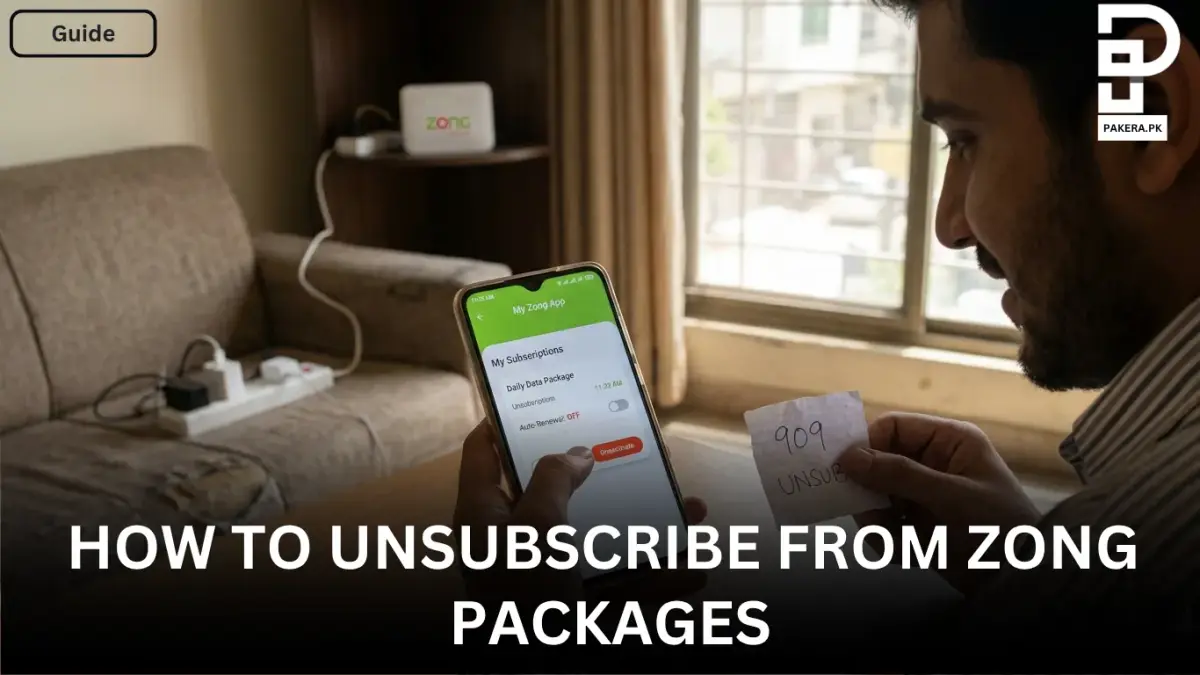
Sometimes people activate Zong packages and later realize they no longer need them. In many cases, packages renew automatically and continue consuming balance every day, week, or month. Because of this, many users search for simple ways to unsubscribe from Zong packages without any confusion.
The good thing is that Zong provides both offline and online methods to deactivate packages and offers. Whether you are using prepaid or postpaid services, you can easily unsubscribe from internet bundles, call packages, SMS offers, or other subscriptions within a few minutes.
In this article, you will learn the easiest methods to unsubscribe from Zong packages step by step.
Offline Method to Unsubscribe From Zong Packages
One of the easiest ways to deactivate Zong packages is by using USSD codes or SMS services. This method works without internet access, which makes it convenient for many users.
If you already know the specific package you subscribed to, you can dial the relevant unsubscribe USSD code provided for that package. Different packages may have different deactivation codes, so users usually need to check the package details before dialing.
Another simple option is using SMS.
Send “UNSUB” to 909
Zong users can send:
UNSUB
to 909
in order to unsubscribe from packages or offers. This method is commonly used by users who want to stop active subscriptions quickly without opening the app.
After sending the message, you may receive a confirmation SMS from Zong regarding the deactivation status of your package or subscription.
Online Method to Unsubscribe From Zong Packages
Zong also offers an online method through the My Zong App. This option is useful for users who want to manage all their subscriptions from one place.
Open the My Zong App
First, download and open the My Zong App on your mobile device. Then log in using your Zong number. If you do not already have an account, you can sign up within the app.
Go to the Account Section
After logging in, open the Account section available on the app portal. This section contains details related to your number, balance, and active subscriptions.
Select “My Subscription”
Inside the account settings, choose the My Subscription option. Here, you will see all active packages and offers currently subscribed on your Zong number.
Deactivate the Package
Now simply select the package or offer you want to unsubscribe from and deactivate it. Once the process is completed, the package will stop renewing automatically.
Why People Unsubscribe From Zong Packages
There are several reasons why users deactivate their Zong packages. Some people switch to another bundle with better benefits, while others unsubscribe because automatic renewals consume balance unexpectedly.
Common reasons include:
- Package is no longer needed
- Automatic renewal charges
- Switching to another network package
- Internet or call bundle expired
- Want to save mobile balance
No matter the reason, Zong provides easy ways to manage subscriptions anytime.
Frequently Asked Questions
How can I unsubscribe from all Zong packages?
Can I deactivate Zong packages using the app?
Do Zong packages renew automatically?
Is the unsubscribe method the same for prepaid and postpaid users?
What should I do if a package is still active after unsubscribing?
Conclusion
Unsubscribing from Zong packages is a simple process whether you choose the offline or online method. Users can either dial the relevant USSD code, send “UNSUB” to 909, or manage subscriptions directly through the My Zong App. By regularly checking active subscriptions, you can avoid unnecessary balance deductions and keep full control over your mobile packages.
About the author

Author
Shahid joined us in 2024 as an author. He is a senior contributor to Pakistan's leading technology websites. He writes detailed articles, mostly covering his expertise in the latest tech, mobiles, apps, gadgets, and step-by-step guides. His ideology is to help people understand the latest trends and explain complex methods through very easy-to-understand guides.