IESCO New Reference Number: Find It From the Old Number on IESCO's Official Search (Both Ways)
IESCO's free search turns an old 14 digit reference number into the new one, with the name and address. See the steps, the format rule and fixes for no record.
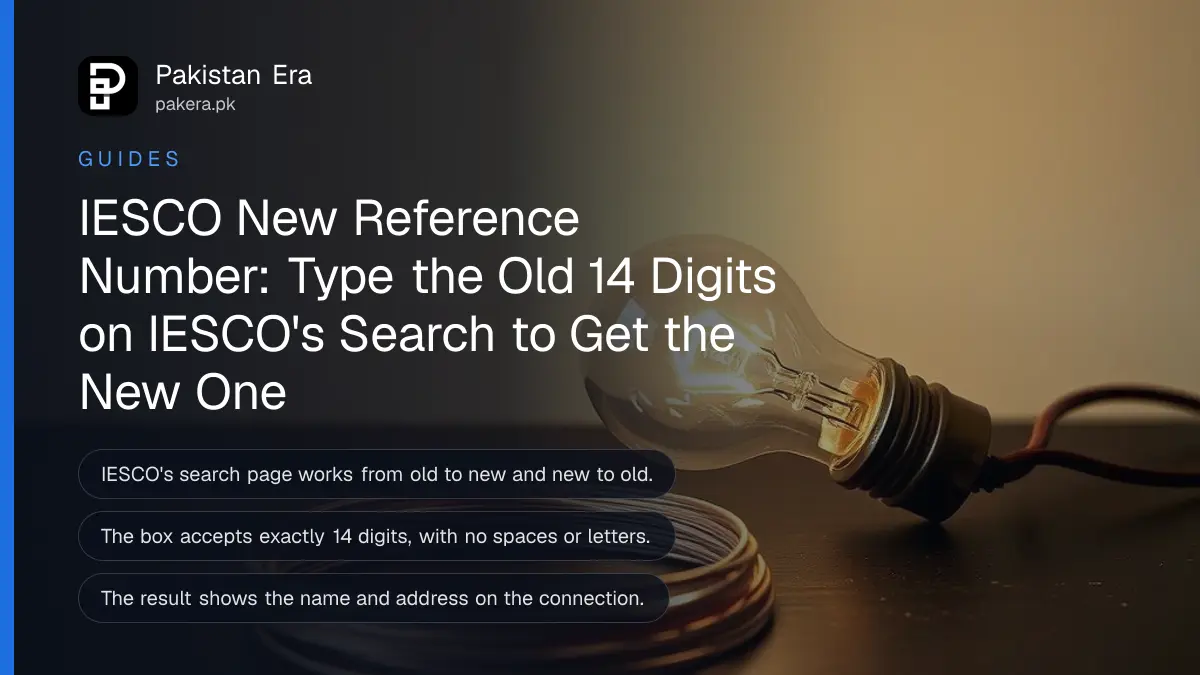
To find your new IESCO reference number from the old one, open iesco.com.pk/search-reference-number, type the old 14 digit number in the first box and press Search; IESCO shows the new number, the old number, the name and the address on the connection. The same page works the other way round, from the new number back to the old one. It is free and needs no login.
We tested the page on 1 November 2026. It accepts exactly 14 digits, nothing more and nothing less, and it gives a clear error if you type anything else. That one rule causes most failed searches, so it is worth reading the format section before you start.
IESCO's official tool matches old and new reference numbers
IESCO's "Search Reference Number" page has two boxes. One takes an old reference number and returns the new one. The other takes a new number and returns the old one. Both show the consumer name and address so you can confirm the connection.
IESCO, the Islamabad Electric Supply Company, does not explain on that page why some reference numbers changed. The practical problem is simple, though. Banking apps, payment shops and online bill pages need the number that is on IESCO's system now. An old number copied from a 2023 bill or saved in your phone may not work.
How to find the new number in five steps
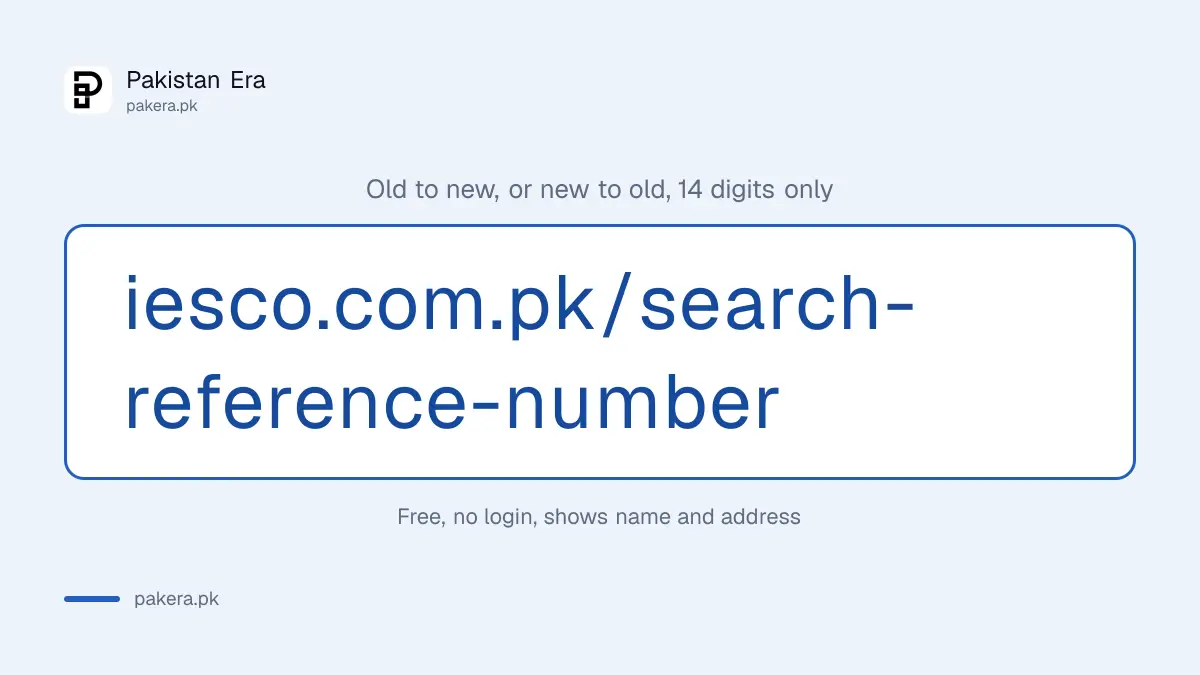
Open IESCO's search page, enter the old number as 14 digits without spaces or letters, press Search and read the new number in the result. Then confirm the name and address match your house before you pay or register anything.
- Go to iesco.com.pk/search-reference-number on your phone or computer.
- Find the box marked "Enter Old Reference Number".
- Type the 14 digits from your old bill. Leave out spaces, dashes and any letter printed after the digits.
- Press Search, or press Enter on a keyboard.
- Read the result: "New Reference No", "Old Reference No", "Name" and "Address". Copy the new number exactly.
To go the other way, use the second box, "Enter New Reference Number". This helps when an old file, a rent agreement or a society record only has the earlier number and you need to show they are the same connection.
The search box accepts exactly 14 digits
IESCO's page checks the number before it searches. If it is not exactly 14 digits, you see "Please enter a valid 14-digit reference number", followed by the length you typed. Spaces, letters and missing digits all trigger this message.
| What you type | What happens |
|---|---|
| 14 digits, no spaces | The search runs |
| Digits with spaces between groups | Length error, as the spaces count |
| 14 digits plus a letter | Length error |
| 13 or 15 digits | Length error |
| 14 digits that match no record | "No record found." |
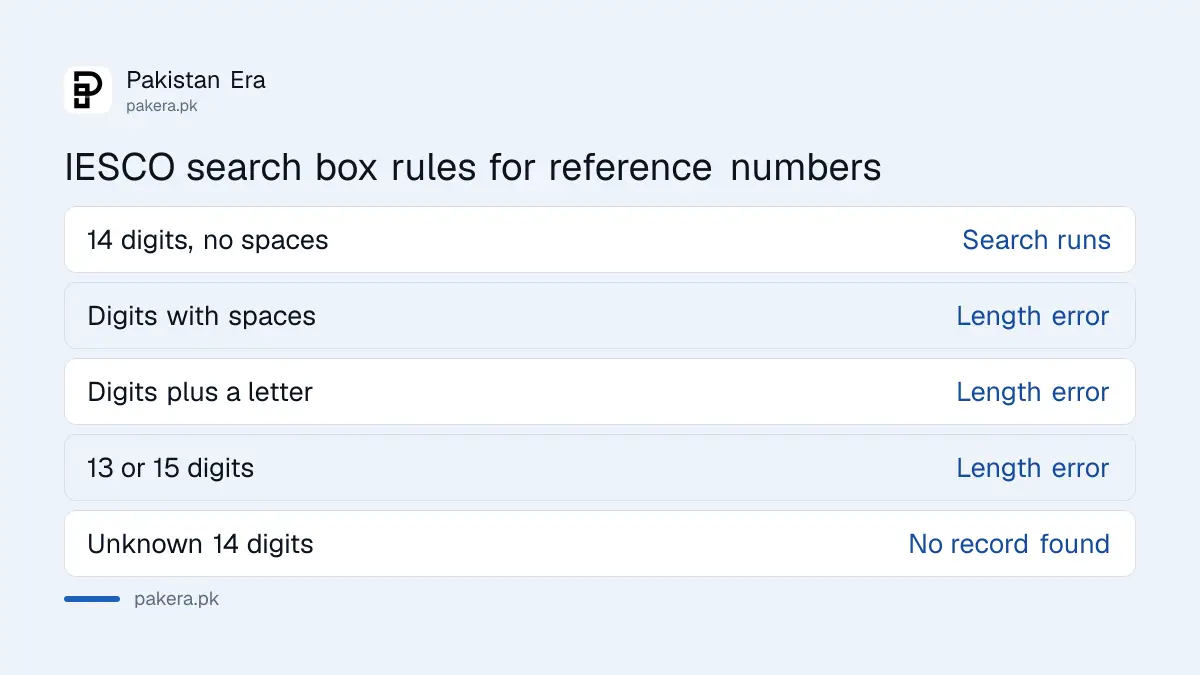
We confirmed the last row with a dummy number of fourteen zeros, which IESCO's server answered with "No record found." We did not search any real person's number.
The result shows your name and address, so keep it private
A successful search shows four things: the new reference number, the old reference number, the name on the connection and the address. Anyone with your reference number can see these, so do not post a photo of your bill in public groups.
Check the name and address carefully. If the name is a previous owner's or a landlord's, the connection is still in their name. You can change that later, as explained in changing the name on an electricity bill. For now, the new number is still the right one to pay against.
| Field in the result | What to do with it |
|---|---|
| New Reference No | Use it for payments, apps and complaints |
| Old Reference No | Keep it for old records and receipts |
| Name | Check it is the person the bill should be in |
| Address | Check it is the right house or portion |
Where you need the new reference number
Use the new number everywhere you enter an IESCO reference number: bill payment apps, the duplicate bill page, complaints to helpline 118 and CNIC registration on your connection. Update saved billers in your banking app so monthly payments go to the right account.
- Downloading a copy of the bill, as covered in IESCO bill check online.
- Paying through a bank app, JazzCash, Easypaisa or a payment shop. Delete the old saved biller and add the new number.
- Linking your CNIC to the meter, set out in registering your CNIC on an electricity bill.
- Calling IESCO's helpline 118 about a fault or a wrong bill.
If you paid a bill against the old number and it shows as unpaid, keep the receipt and contact IESCO with both numbers. The phone numbers and walk-in centres are in IESCO complaint numbers and customer care centres.
What to do if IESCO finds no record
"No record found" usually means a typing mistake or a number from another company. Recheck all 14 digits against the bill, try the other box in case the number is already the new one, and confirm the bill was issued by IESCO.
- Count the digits again. A missed zero is the most common slip.
- Try the "Enter New Reference Number" box. Your number may already be the current one.
- Check the bill's logo. Areas such as Abbottabad and Mansehra are served by a separate company, HAZECO, not IESCO.
- If both boxes fail, visit your subdivision office with an old bill and your CNIC.
Common questions
How do I find my new IESCO reference number?
Enter your old 14 digit number in the first box on iesco.com.pk/search-reference-number and press Search.
Is IESCO's reference number search free?
Yes. It needs no login, fee or app.
Why does IESCO say my reference number is invalid?
The box accepts exactly 14 digits. Remove spaces and any letter, then try again.
Can I search by CNIC or name instead?
Not on this page. It searches only by old or new reference number.
Will my old reference number still work for payments?
IESCO's page does not say. Use the new number to be safe, and keep receipts of any payment made against the old one.
What does the IESCO search result show?
The new and old reference numbers, the name on the connection and its address.
How we verified this
What we checked, where we read it, and what we could not confirm.
We opened IESCO's Search Reference Number page on 1 November 2026 and read its form and script: the two boxes, the 14 digit check and its error message, and the four fields shown in a result. We sent one test search with fourteen zeros, which returned "No record found." IESCO's page gives no reason for the change of numbers and no date, and we could not confirm whether payments made against an old number are still accepted.
About the author

Global Affairs & Political Economy Writer
Muhammad Hatim is a book lover who started writing because he enjoys it. At Pakistan Era he writes about international relations, geopolitics and the global economy, with a particular interest in South Asia and the forces behind current events.