Jazz WiFi Calling (JazzFi): Supported Phones List and How to Turn It On
Jazz WiFi calling (JazzFi) is free on a 4G SIM. See all 143 supported phones by brand, the Samsung steps, the fixes when it fails, and why iPhones are missing.
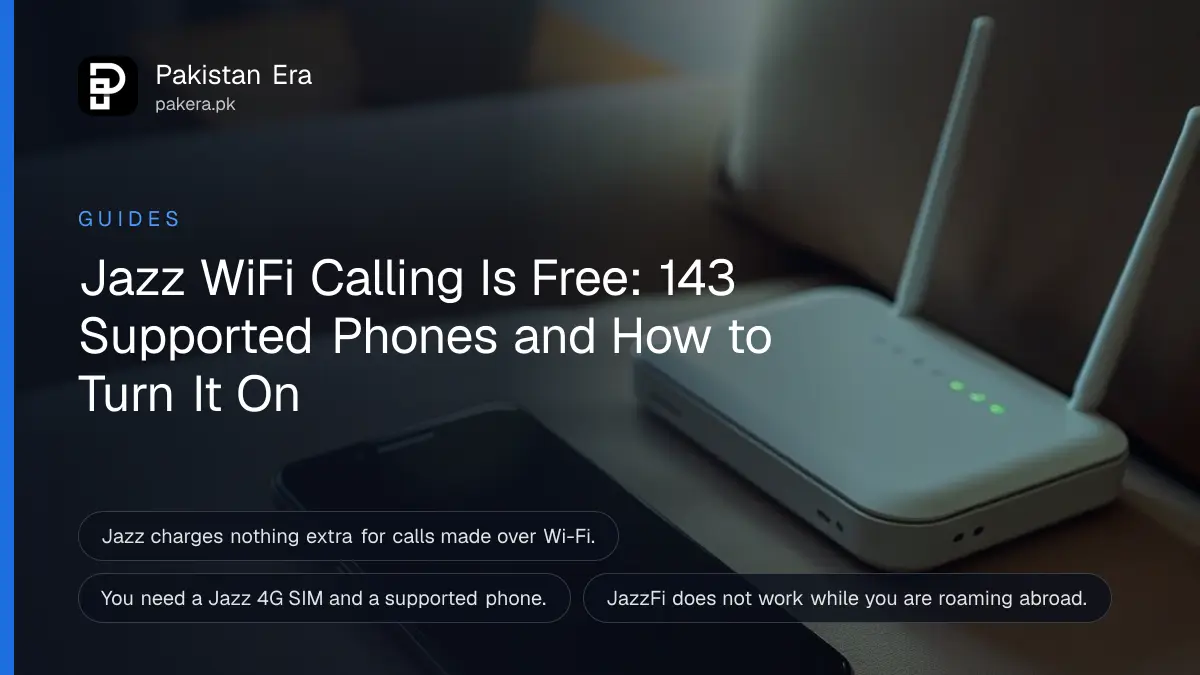
Jazz WiFi calling, which Jazz calls JazzFi, is free: turn on Wi-Fi Calling in your phone's settings and your normal Jazz calls and SMS go over any Wi-Fi connection. You need a Jazz 4G SIM, a phone on Jazz's supported list, and balance or a call bundle. Jazz's list on 27 October 2026 had 143 models from eight brands, and no iPhone.
WiFi calling fixes the basement office, the back room with one bar of signal, and the new flat where the walls block everything. There is no app and no code to dial. Below are Jazz's conditions, the Samsung steps Jazz gives, the full brand list, what to do when the icon never appears, and the one place it will not work: abroad.
JazzFi carries your Jazz calls over Wi-Fi at no extra charge
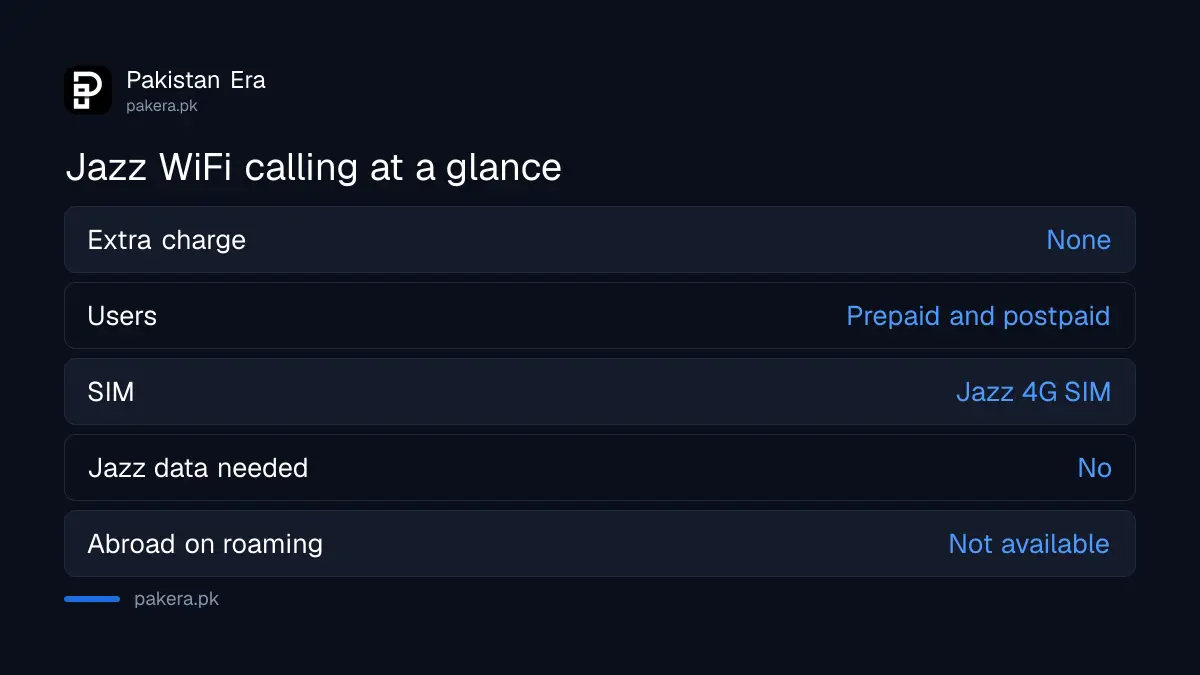
Jazz says it charges nothing extra for VoWiFi. Calls use your bundle minutes if you have them, or the normal base rate if you do not. It works for prepaid and postpaid customers anywhere in Pakistan.
We read Jazz's JazzFi page and its FAQ on 27 October 2026. Jazz describes VoWiFi, short for voice over Wi-Fi, as an added feature of VoLTE, its 4G calling. You call from the normal phone dialler, not WhatsApp, so the other person sees your Jazz number and does not need internet. Jazz says it works even if the person you call has an old phone without VoLTE.
| Question | Jazz's answer |
|---|---|
| Extra charge | None; bundle minutes or base rate apply |
| Who can use it | Prepaid and postpaid |
| Where | Throughout Pakistan |
| SIM needed | Jazz 4G/LTE SIM |
| Jazz data needed | No, only an active Jazz number and Wi-Fi |
| While roaming abroad | Not available |
Turn it on in the phone's call settings, not with a code
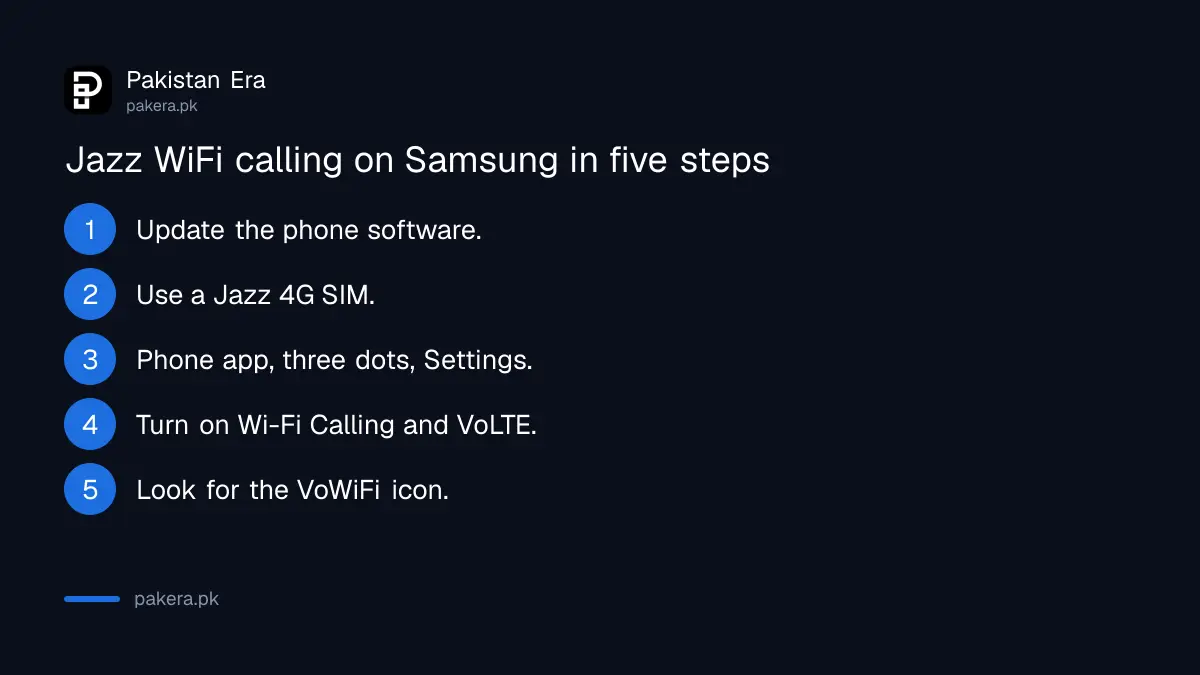
On a Samsung phone, open the Phone app, tap the three dots, choose Settings, and switch Wi-Fi Calling on. Jazz says the network turns the service on from its side first, then the switch works.
- Update your phone's software. Jazz says VoWiFi comes in normal updates, with no special update.
- Check you have a Jazz 4G SIM. If unsure, check whether your SIM is 4G and VoLTE ready.
- Open the Phone app, tap More options (three dots), then Settings.
- Turn on Wi-Fi Calling. Also turn on VoLTE in the mobile network settings.
- Connect to Wi-Fi with working internet and look for the VoWiFi icon next to the Wi-Fi bars.
On vivo, Oppo, Realme, Infinix and Tecno phones the switch usually sits under Settings, SIM or Mobile network, then the Jazz SIM. Names differ by brand. The same method for all three main networks is in how to turn on Wi-Fi calling in Pakistan.
Keep VoLTE on as well. Jazz says Wi-Fi calling works with VoLTE switched off, but your call will cut when you walk out of Wi-Fi range. With both on, the call moves to 4G.
Jazz's supported list has 143 models and no iPhone
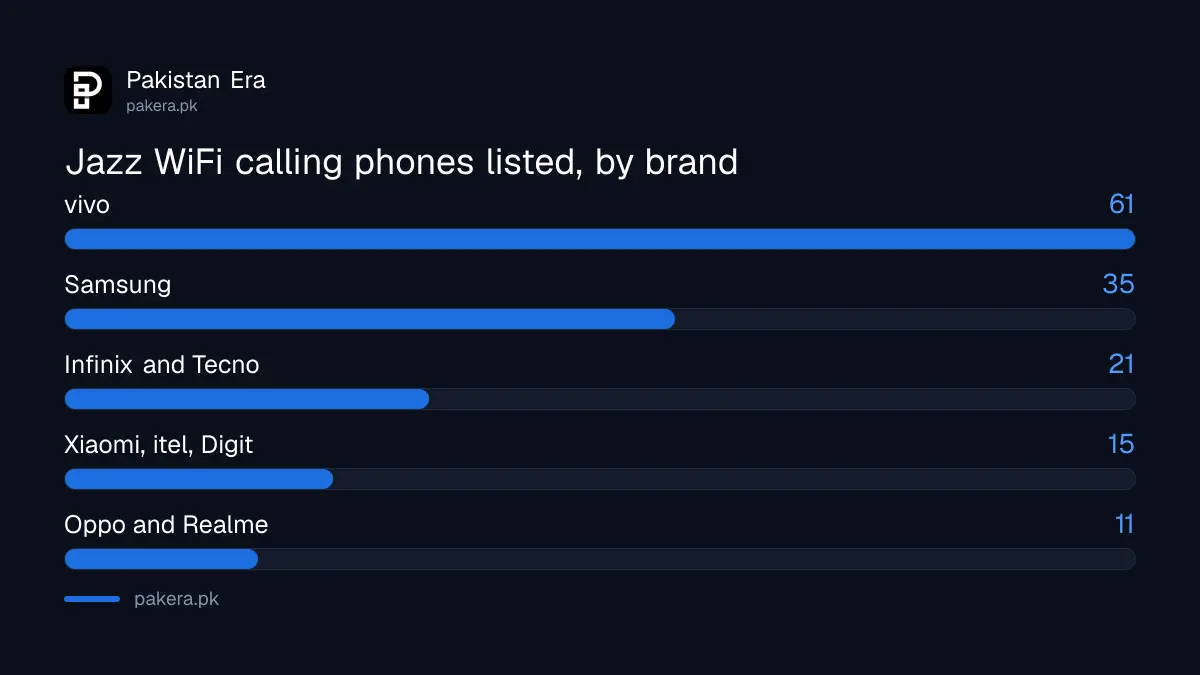
Jazz's JazzFi list covers Samsung, vivo, itel, Tecno, Infinix, Digit, Oppo and Realme, and Xiaomi. Vivo has the most entries at 61, and Samsung has 35. Apple is not on the list at all.
We counted the models on Jazz's page on 27 October 2026. Jazz also says WiFi calling has been "successfully tested" on Samsung, Oppo, vivo and Digit handsets.
| Brand | Models listed | Examples |
|---|---|---|
| vivo | 61 | Y21, Y22, Y35, V20, V25e, V27e, X50, X70 Pro, X80, iQOO models |
| Samsung | 35 | A02 to A73, A14, A24, A34, S20 to S25 series, Note20, Fold 2, Fold 4, Z Flip 3 |
| Infinix and Tecno | 21 | Hot 30 Play, Note 30 Pro, Camon 20, Spark 20 Pro, model codes such as X6515 |
| Oppo and Realme | 11 | Oppo A58, A78, Realme 8, 8 Pro, 9, 9i, 9 Pro, GT Master, C35 |
| Xiaomi, itel, Digit | 15 | Xiaomi 11T, 11T Pro, Redmi Note 12, Redmi 12, 12C, POCO X5 Pro; itel S23; Digit |
Some entries are model codes rather than names. To match yours, look under Settings, About phone, Model. Newer phones such as the Galaxy S26 or Redmi Note 14 are missing, which may mean the list is old rather than that they fail. If your phone shows a Wi-Fi Calling switch with a Jazz SIM, try it.
iPhone owners are the most common question. Jazz's page names no Apple model. We did not test an iPhone on Jazz, so we cannot say whether it works anyway.
When the icon does not appear, check six things
Jazz's own checklist: the phone supports VoWiFi and shows the option, the software is up to date, the Wi-Fi has working internet, Wi-Fi Calling is on, Wi-Fi is preferred for calls, and the phone has been restarted.
- No Wi-Fi Calling option at all. The phone is not supported or the firmware is old.
- Icon shows but calls fail. Jazz says check the Wi-Fi signal is strong, and that you have balance or bundle minutes. A zero balance blocks calls over Wi-Fi too.
- Only the VoWiFi icon, never VoLTE. Jazz says this means "Wi-Fi preferred" is selected. That is normal.
- Works at home, not at the office. Jazz's own advice is to change to another Wi-Fi connection and try again.
If all of that fails, the trouble may be weak indoor coverage that needs a different fix. PTA's advice on that is summed up in fixing poor call quality indoors. For anything else, Jazz asks customers to raise queries and complaints through its SIMOSA app.
WiFi calling stops when you travel abroad
Jazz says VoWiFi is not available to customers on international roaming. All VoWiFi calls are routed within Pakistan. So it cannot replace roaming on a trip to Saudi Arabia or the UAE.
Use roaming bundles or internet calling apps while abroad. If you want the same feature on another network, Ufone's version has its own code, set out in the Ufone WiFi calling code.
Common questions
Is there a code to activate Jazz WiFi calling?
Jazz gives no dial code. You switch Wi-Fi Calling on in your phone's settings after Jazz enables it from the network side.
Does Jazz charge for WiFi calls?
No extra charge. Jazz uses your bundle minutes, or the normal rate if you have no bundle.
Does Jazz WiFi calling work on iPhone?
Jazz's supported list includes no iPhone. We did not test one, so check your iPhone's settings for a Wi-Fi Calling option with the Jazz SIM.
Do I need Jazz internet for JazzFi?
No. Jazz says you need an active Jazz number and a Wi-Fi connection.
How do I know a call is going over Wi-Fi?
Jazz says a VoWiFi icon appears beside the Wi-Fi signal bar.
How do I turn off Jazz WiFi calling?
Switch off Wi-Fi Calling in your phone settings, or disconnect from Wi-Fi.
How we verified this
What we checked, where we read it, and what we could not confirm.
Last checked 27 October 2026. We read Jazz's JazzFi page, including its full supported phone list and every FAQ answer, and counted the models by brand. The counts and the note on missing newer phones are ours. We did not test Wi-Fi calling on any phone, and we could not confirm iPhone support either way.
About the author

Global Affairs & Political Economy Writer
Muhammad Hatim is a book lover who started writing because he enjoys it. At Pakistan Era he writes about international relations, geopolitics and the global economy, with a particular interest in South Asia and the forces behind current events.