MCB ATM Card Activation: SMS 6222 Code, ATM Steps and Every Other Method
Activate an MCB ATM card by sending ACT, your CNIC and the card's last 4 digits to 6222, then set a PIN at an MCB ATM. See the other methods and the fixes.
To activate an MCB ATM card, send ACT, a space, your 13-digit CNIC, a space and the last 4 digits of the card to 6222 from your registered mobile number. MCB replies with a 6-digit code. Take the card to any MCB ATM, enter that code and set your own 4-digit PIN.
The envelope arrives, the card looks ready, and the first ATM you try says "invalid card". A new MCB card does not work until you switch it on. We read MCB's debit card FAQ and its MCB Live FAQ on 24 October 2026. Below are all four routes MCB lists, what to do when the code does not arrive, and how to block the card if it goes missing.
MCB card activation takes one SMS to 6222 and one ATM visit
The standard MCB ATM card activation has two parts. First you get a 6-digit one-time code by SMS from 6222. Then you use that code at an MCB ATM, where you choose a 4-digit PIN. The whole thing takes about five minutes.
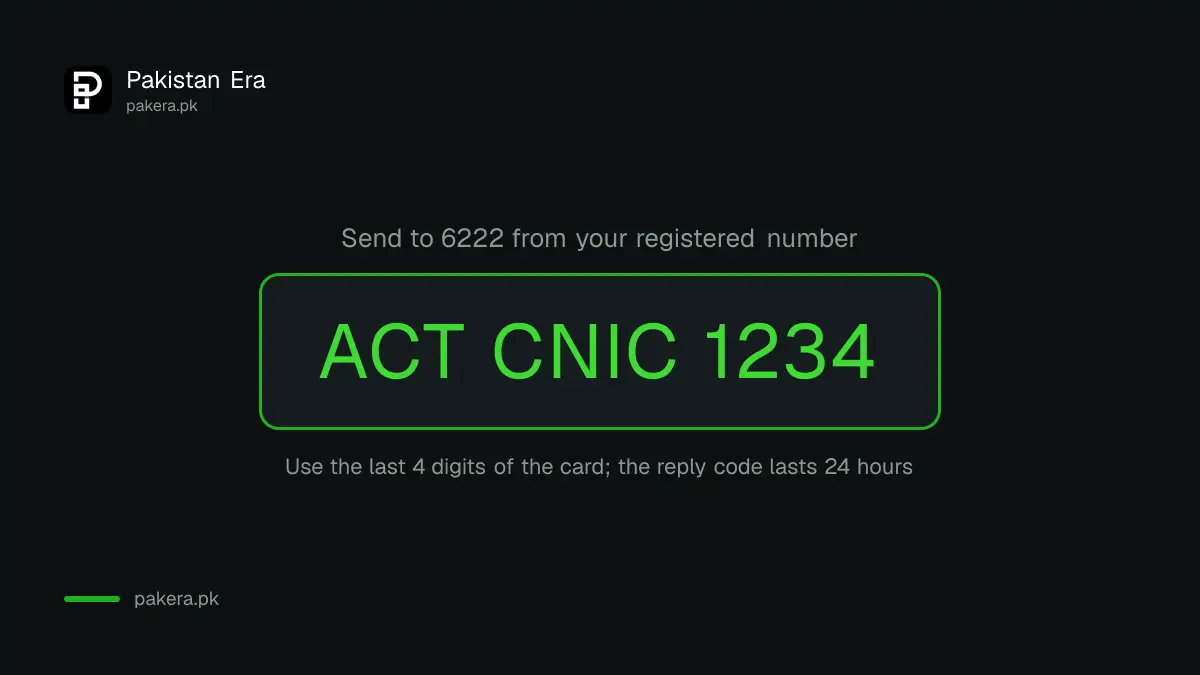
The SMS has three parts separated by spaces. MCB's own example is ACT 1234567899999 1234. The long number is the CNIC without dashes. The last four digits come from the front of your new card. Send it only from the mobile number that MCB has on record for your account. A message from any other number will not get a reply.
Steps at the MCB ATM
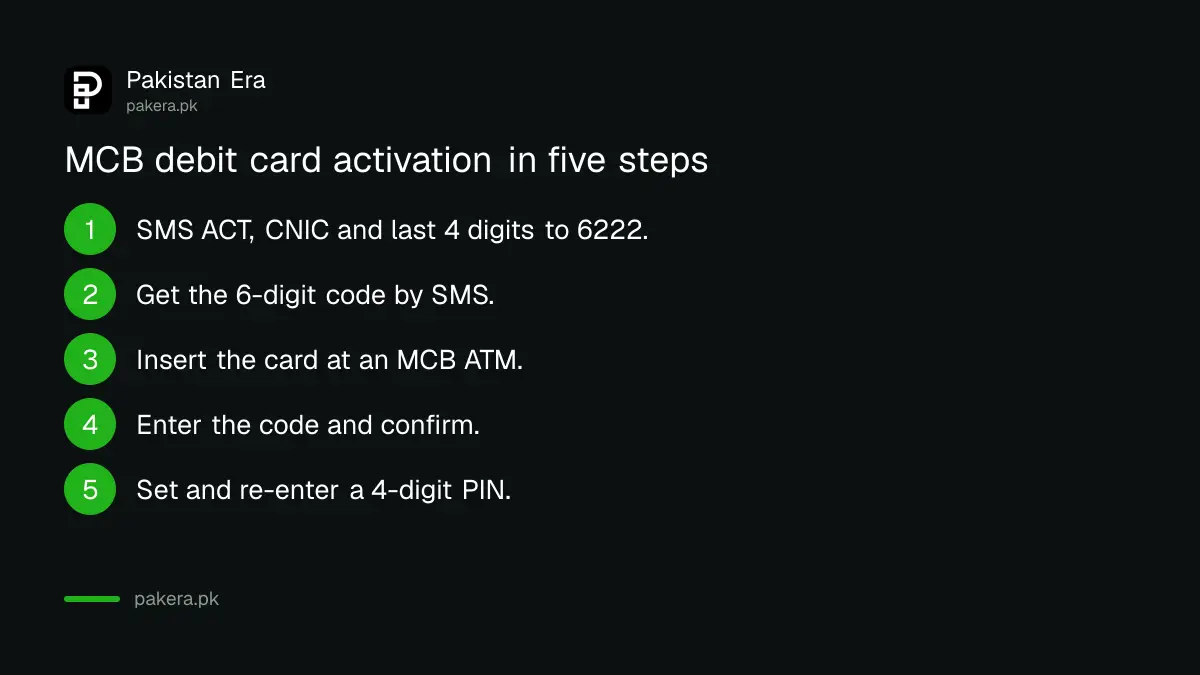
- Send ACT, your CNIC and the last 4 card digits to 6222.
- Wait for the 6-digit code. MCB says it stays active for 24 hours.
- Go to an MCB Bank ATM. A 1LINK ATM of another bank is not listed for activation.
- Insert the card and choose "Yes" when the screen offers card activation.
- Enter the 6-digit code and press confirm.
- Type a 4-digit PIN of your choice, then type it again to confirm.
Once the PIN is set, the card works for cash, bill payments and shopping. If the 24 hours pass before you reach an ATM, send the same SMS again. MCB says a fresh code comes by the same method.
MCB lists four ways to activate a debit card
MCB's FAQ names the SMS and ATM route first, then three others: the MCB Helpline, the IVR (the automated phone menu), and the MCB Live app for existing customers. All four end with an active card.
| Method | What you need | Best for |
|---|---|---|
| SMS 6222, then MCB ATM | Registered SIM, CNIC, card | Most new cards |
| MCB Live app | An MCB Live login | Existing customers with the app |
| MCB Helpline | Call from your registered number | When the SMS code does not arrive |
| MCB IVR self-service | Phone and card details | Activating without an agent |
MCB Live lists "Activate debit card" under card management, next to PIN change and temporary block. If you do not yet use the app, registering for MCB Live takes a CNIC, your registered mobile number and an in-app fingerprint check. You can register even without a card.
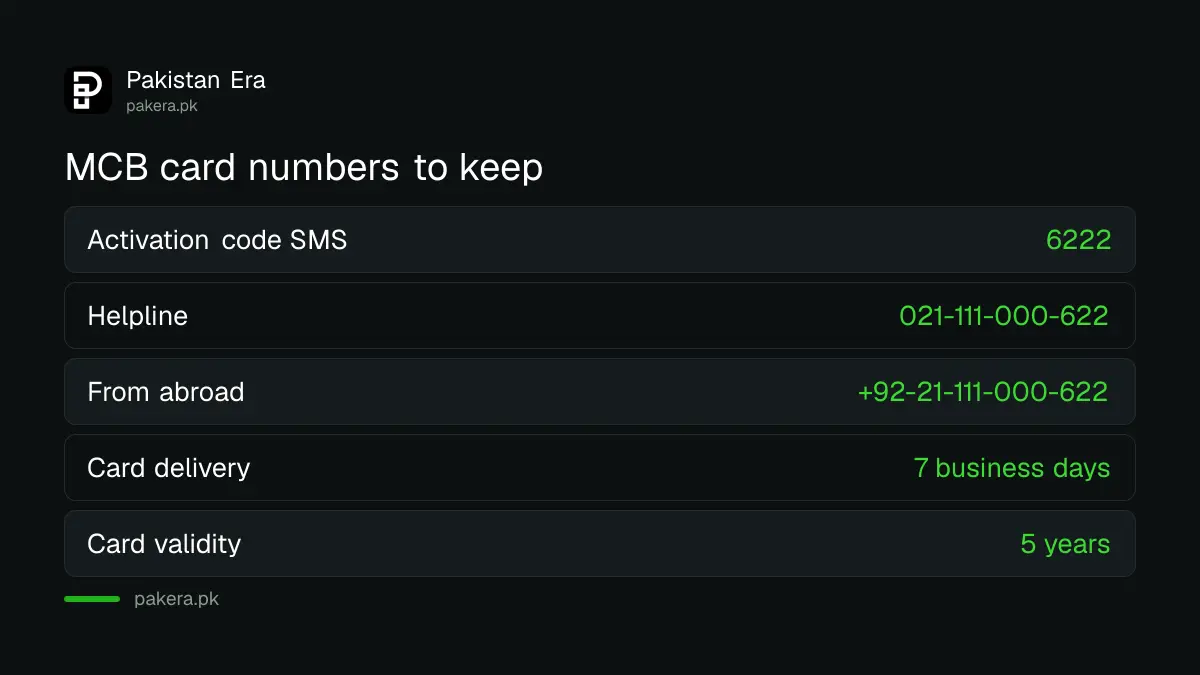
The helpline is 021-111-000-622 in MCB's card FAQ. MCB's contact page prints the same service as UAN 111-000-622, and its MCB Live FAQ writes 042-111-000-622. They are the same universal number with a different city code in front.
A missing SMS code is usually a number problem
If 6222 does not reply, the SMS probably did not come from the number MCB holds for you, or the format has a mistake. Check the spaces, write the CNIC without dashes, and copy the last 4 digits from the card.
Other fixes MCB gives in its FAQs:
- Make sure the short code 6222 is not blocked on your phone. Some spam filters block short codes.
- If you moved your number to another network, send MNP to 9460 so MCB updates its records.
- If your mobile number has changed, the bank needs the new one on file. Visit your branch with your CNIC.
- If nothing works, call the helpline from your registered number and ask for activation over the phone.
A wrong PIN is a separate issue. MCB says a forgotten PIN is reset through the helpline. If you know the current PIN and only want a new one, change it at any MCB ATM under More Options and then Change PIN.
Block a lost MCB card on 021-111-000-622 or in MCB Live
Report a lost or stolen MCB card at once on 021-111-000-622, or use MCB Live to block it temporarily. From abroad, MCB lists +92-21-111-000-622. A temporary block can be lifted in the app if you find the card at home.
A permanent block is final. Under MCB's one card per account policy, the bank blocks the old card before it issues a replacement, so you cannot keep using it while the new one is on the way. State Bank rules also say a bank must answer a lost card call within one minute, with card block as the first menu option.
Never share the 6-digit code or your PIN with anyone who calls you, even if they say they are from MCB. The bank's activation steps never ask you to read the code out to a caller.
New MCB cards arrive in 7 business days and last 5 years
MCB says a new or replacement debit card reaches the address on your account within 7 business days. The card stays valid for 5 years from issue. A card you have not activated should not start an annual fee either.
Under the State Bank's conduct rules, the annual fee can start only after you activate the card. So if you did not ask for a card and do not want it, you can refuse it rather than activate it. For the actual fee on your card type, MCB points to its schedule of bank charges.
Two settings are worth checking straight after activation. MCB says online shopping (e-commerce) is switched on by default, with an OTP check on each payment. You can turn it off at an MCB ATM, in MCB Live or through the call centre. International use is off until you switch it on, and MCB caps it at USD 30,000 a year per person.
Common questions
What is the MCB ATM card activation code?
Send ACT, your CNIC and the last 4 digits of the card to 6222, with a space between each part, for example ACT 1234567899999 1234. MCB replies with a 6-digit code you use at an MCB ATM.
How long is the 6222 code valid?
MCB says the code stays active for 24 hours. If it expires, send the same SMS again to get a new one.
Can I activate an MCB card at another bank's ATM?
MCB's steps say to visit an MCB Bank ATM. Other 1LINK ATMs are listed only for cash withdrawal and balance inquiry, so use an MCB machine for activation.
Can I activate my MCB debit card without going to an ATM?
Yes. MCB says existing customers can activate the card in the MCB Live app, and anyone can do it through the MCB Helpline or the IVR self-service menu.
Are MCB ATM withdrawals free?
MCB says all transactions at its own ATMs are free, including cash, bill payments, top-ups and funds transfers. Charges at other banks' ATMs and abroad follow the schedule of charges.
Can I keep two MCB debit cards on one account?
No. Under MCB's one card per account policy, only one primary card stays active. Signature cards and up to 3 supplementary cards are the exceptions.
How we verified this
What we checked, where we read it, and what we could not confirm.
We read MCB's debit card FAQs, its MCB Live FAQs and its contact page on mcb.com.pk on 24 October 2026. The SMS format, 24-hour code validity, ATM steps, delivery time, card validity, helpline numbers and limits above come from those pages. We did not send a live activation SMS, so we could not confirm the exact wording of MCB's reply or of the ATM screens. MCB does not print card fees in the FAQ, so check the schedule of charges for your card type.
About the author

Senior Writer, Public Services and Technology
Shahid joined us in 2024 as an author. He is a senior contributor to Pakistan's leading technology websites. He writes detailed articles, mostly covering his expertise in the latest tech, mobiles, apps, gadgets, and step-by-step guides. His ideology is to help people understand the latest trends and explain complex methods through very easy-to-understand guides.