MCB Live Registration: App Sign Up Steps, With or Without a Debit Card
Register on MCB Live with your CNIC, date of birth and registered number, no card needed. See the username rules, OTP fixes and the 2-hour wait explained.
To register for MCB Live, open the MCB Live app or mcblive.com, tap Register, enter your CNIC and date of birth as the bank has them, then your registered mobile number and the OTP. Create a username and password, pass the in-app fingerprint check, and wait 2 hours before you can send money.
Most people get stuck at one of three points: the OTP that never arrives, a username the app keeps rejecting, or the 2-hour lock after sign up. We read MCB's MCB Live FAQs on 24 October 2026. This page covers the steps for every kind of account holder, the username rules, and the fixes for each of those three problems.
MCB Live registration takes a CNIC, a registered number and a fingerprint scan
MCB Live works on the web at mcblive.com and in apps for Android, iPhone and Huawei, and registration is free. You need your CNIC, your date of birth as the bank records it, your registered mobile number and a phone camera.
You do not need a debit card. MCB's FAQ answers that question directly: an account holder without an MCB ATM or debit card can still register for MCB Live.
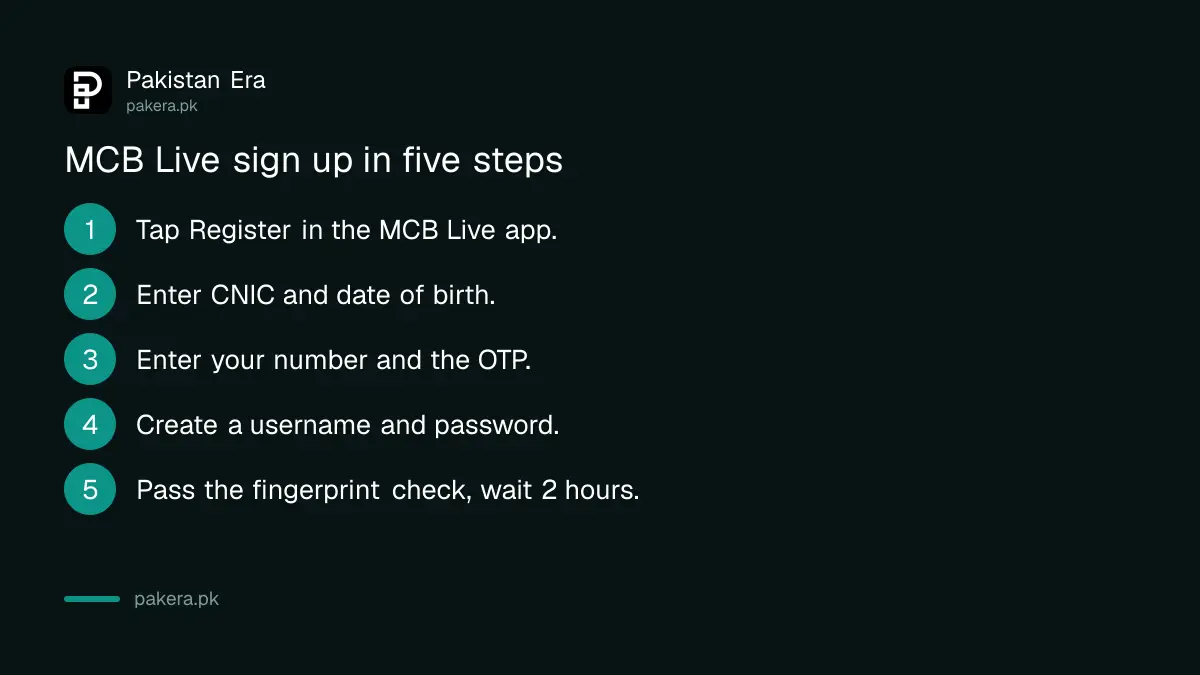
Steps for a local MCB account holder
- Download MCB Live from Google Play, the App Store or Huawei AppGallery, or open mcblive.com.
- Tap Register on the login page.
- Select CNIC as your ID type and enter the number and your date of birth as per bank records.
- Enter your registered mobile number, then the OTP that arrives by SMS.
- Create a username and password that follow the rules below.
- Accept the terms and conditions. MCB then confirms the registration.
- Complete the in-app biometric check. MCB allows up to 3 attempts. If it fails, visit any MCB branch.
After the biometric check, MCB enables payments once a 2-hour waiting period ends. You can look at balances and statements before that. Sending money waits for the timer.
Roshan Digital and overseas customers follow slightly different steps
MCB lists four registration paths. Local customers use CNIC, date of birth and SMS OTP. Roshan Digital Account holders in Pakistan add card details or their account number. Non-resident customers get the OTP and activation link by email instead of SMS.
| Customer type | Details asked | OTP sent to | How it is activated |
|---|---|---|---|
| Local account holder | CNIC, date of birth, mobile number | Registered mobile | In-app biometric or branch, then 2 hours |
| Roshan Digital, resident, with card | Same, plus card number, PIN and expiry | Registered mobile | Transact after 2 hours, or call for instant activation |
| Roshan Digital, resident, no card | CNIC, date of birth, account number, mobile | Registered mobile | Call the MCB Contact Center |
| Roshan Digital non-resident, or NRP | CNIC, date of birth, account number, email | Registered email | Activation link and code by email, or call |
The contact centre number in MCB's FAQ is 042-111-000-622. For instant activation on a Roshan Digital Account with a card, MCB says to call from your registered number.
Joint accounts have one catch. Only one primary account holder can create an MCB Live login for a joint account. The other holders cannot register separately on the same account.
The MCB Live username must be 8 to 20 letters and numbers
MCB Live rejects a username that breaks any of four rules. It must be 8 to 20 characters long, use letters and numbers only, contain no special characters such as @ or _, and contain no spaces. Most rejected usernames break the special character rule.
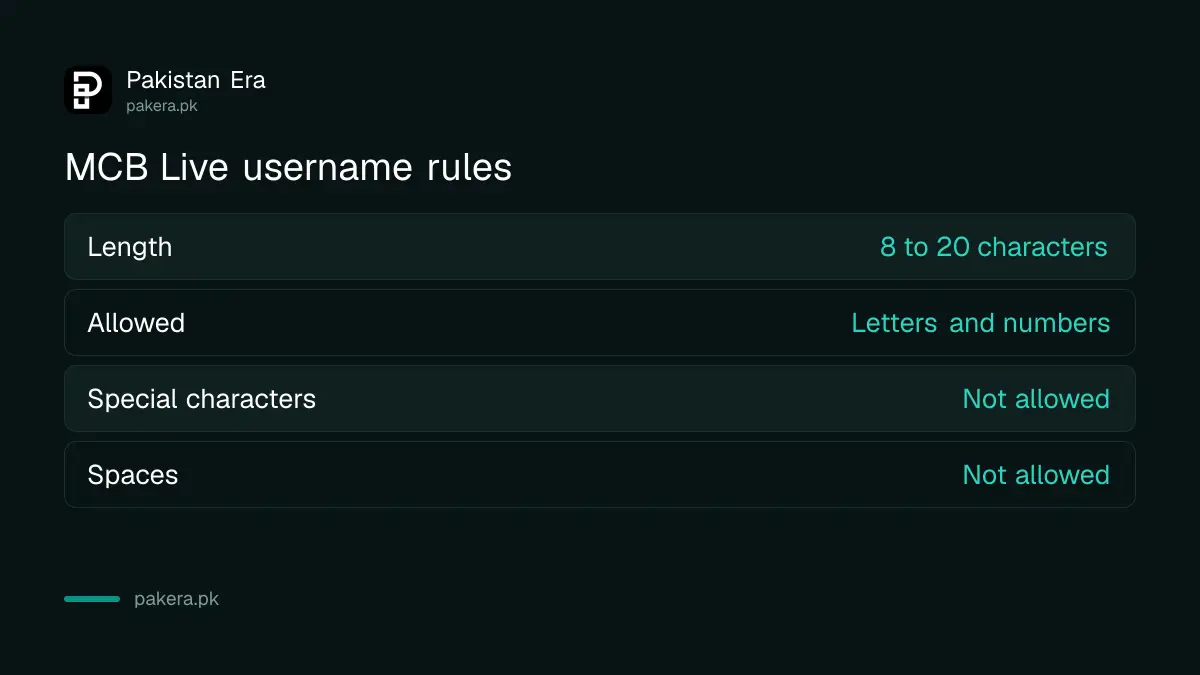
Something like ahmedkhan1990 works. Ahmed_Khan or ahmed.khan does not. If a valid username still fails, MCB says to call 042-111-000-622.
Pick a password you have not used on any other site. MCB's FAQ says the OTP and your login details must never be shared, even with MCB staff.
A missing MCB Live OTP has four usual causes
If the registration OTP does not arrive, check your signal first. Then send MNP to 9460 if you moved networks, unblock the short codes 6222 and 8222, and confirm the bank holds your current number. If all four are fine, call the contact centre.
MCB sends OTPs from 6222 and 8222. Spam filters on some phones quietly block short codes, so look in your blocked messages folder too. If your number on the bank's record is old, no OTP can reach you. That needs a branch visit with your CNIC, or a contact detail update if you are already logged in.
The OTP is now used only for non-financial steps: registration, adding a new device, password reset, limit changes and card management. For payments, MCB has moved to a 4-digit T-PIN (transaction PIN), which is why bank apps stopped sending an SMS code for each transfer. The app asks you to set the T-PIN the first time you log in. If you forget it, go to Menu, then T-PIN Settings, then Forgot T-PIN.
The 2-hour cooling period cannot be skipped
MCB applies a 2-hour security lock after registration, a new device, a password reset or a limit change. During that time payments are restricted and a countdown shows in the app. MCB says the cooling period cannot be bypassed.
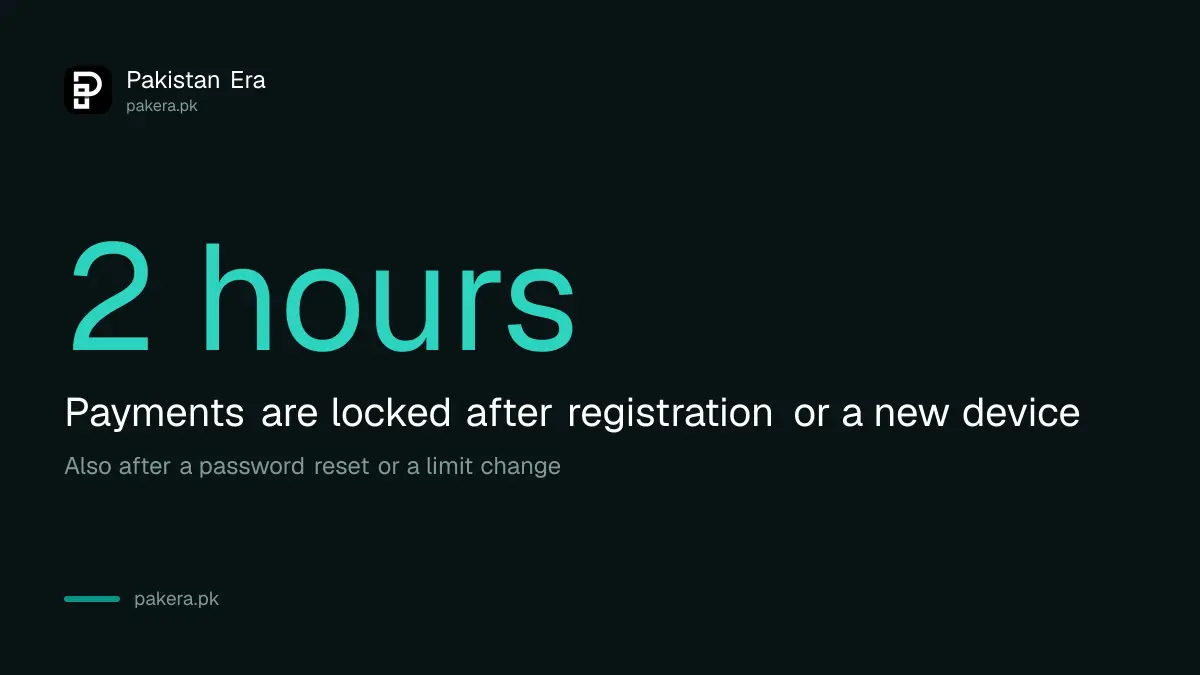
This is not an MCB quirk. State Bank rules ask banks and wallets to hold a 2-hour wait after a new phone or a password reset, so a thief with your password cannot empty the account at once. So register a few hours before you need to make a payment, not at the counter.
If the fingerprint check fails three times, the branch is the next step. People with worn fingerprints have other options under State Bank rules, and a fingerprint that will not match does not have to block your account.
Phones and browsers MCB Live supports
MCB lists Android 7.0 and above, iOS 11.0 and above, and Huawei devices. On the web it names recent versions of Chrome, Firefox, Edge and Safari. All your individual and joint accounts linked to your CNIC appear in the app on their own, so you do not add them one by one.
After registration you can turn on fingerprint or face login. Enter your username and password, tap Fingerprint/Face Login, choose Enable Now and scan. If you still need a card, MCB card activation can also be done from the same app once you are in.
Common questions
Can I register for MCB Live without an ATM card?
Yes. MCB's FAQ says you can register for MCB Live without an MCB ATM or debit card, using your CNIC, date of birth and registered mobile number.
Is MCB Live free?
Yes. MCB says there are no service charges for MCB Live subscription or activation.
Why can I not send money right after registering?
MCB applies a 2-hour cooling period after registration and biometric verification. Payments open when the countdown in the app ends.
What do I do if biometric verification fails in the app?
MCB allows up to 3 attempts in the app. After that, visit any MCB branch to complete the biometric check, or call 042-111-000-622 if it failed during a password reset.
Can two people register on one joint account?
No. MCB says only one primary account holder can create an MCB Live login for a joint account.
I forgot my MCB Live password. How do I reset it?
Tap Forgot Password on the login screen, verify the OTP, pass the in-app biometric check and set a new password. A 2-hour cooling period follows.
How we verified this
What we checked, where we read it, and what we could not confirm.
We read the MCB Live FAQs and the MCB Live product page on mcb.com.pk on 24 October 2026, and noted the web login at mcblive.com. Every step, rule and number above comes from those pages. We did not register a live account, so we could not confirm the exact screen wording, and MCB's FAQ does not say whether a local customer without a card is asked for any extra detail.
About the author

Senior Writer, Public Services and Technology
Shahid joined us in 2024 as an author. He is a senior contributor to Pakistan's leading technology websites. He writes detailed articles, mostly covering his expertise in the latest tech, mobiles, apps, gadgets, and step-by-step guides. His ideology is to help people understand the latest trends and explain complex methods through very easy-to-understand guides.