Bank App Not Sending SMS OTP? Check TPIN and Push Alerts Under SBP Rules in Pakistan
Bank app stopped sending SMS codes? SBP lets banks use a transaction PIN and push alerts since 1 January 2025. See which alerts still come and how to check.
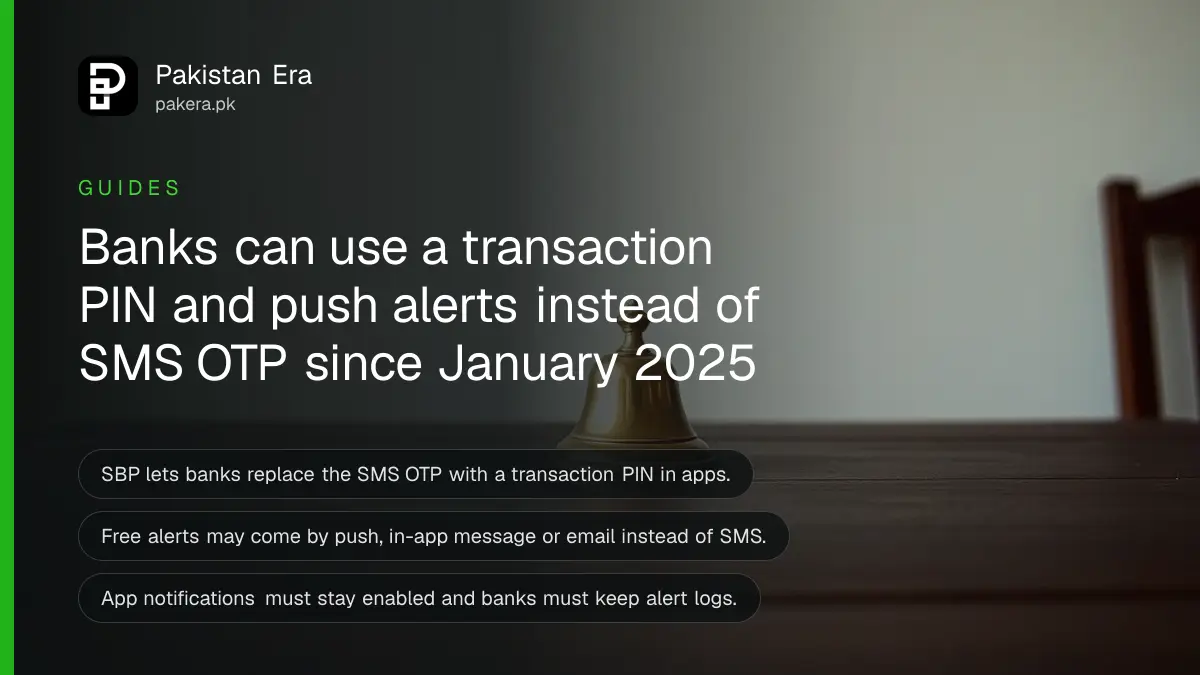
Short answer: Since 1 January 2025, State Bank of Pakistan (SBP) lets banks and microfinance banks that meet its 2023 security measures replace the SMS one time password (OTP) in their apps with a transaction PIN, and send free alerts by push notification, in-app message or email instead of SMS. Keep app notifications switched on.
If your bank app stopped sending an SMS code, nothing is wrong with your SIM. The bank may have moved to a transaction PIN, and the alert you are waiting for may be sitting in your notification bar, or may never show if you turned notifications off.
We read the SBP circular and the 2023 security annexes on 11 October 2026. This guide explains what changed, which alerts you should still expect, and how to avoid missing one.
SBP allowed a transaction PIN in place of an SMS OTP
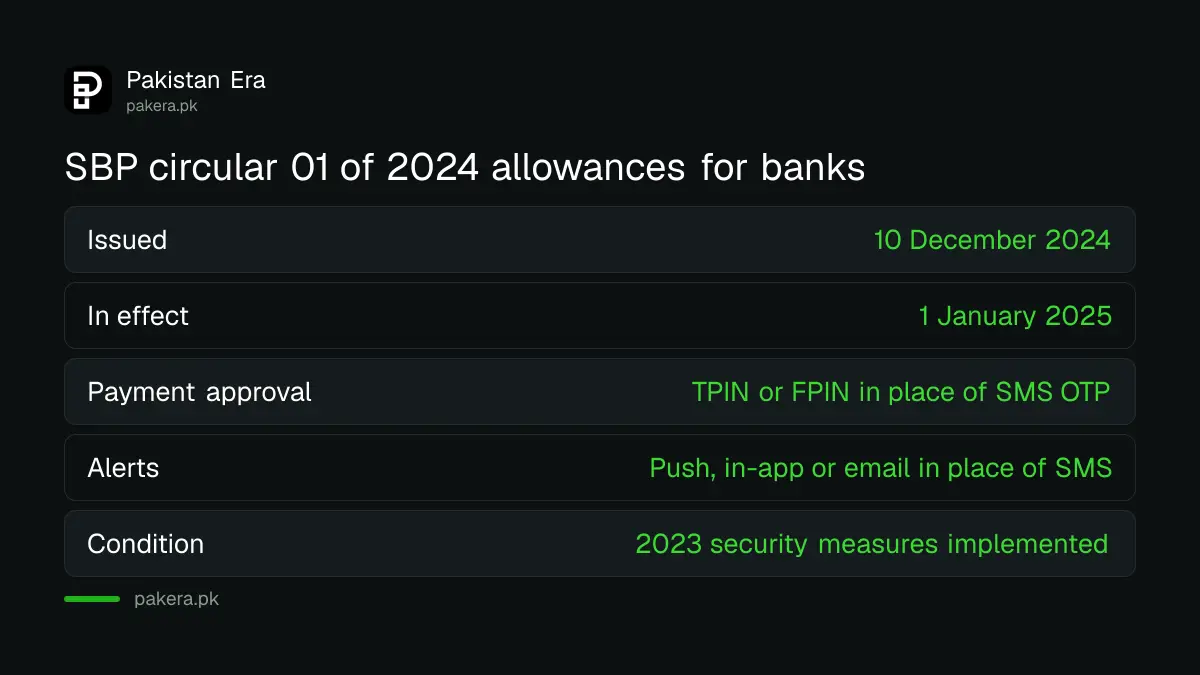
PSP&OD Circular No. 01 of 2024, dated 10 December 2024, tells banks and MFBs that have implemented the 2023 security measures that they may replace the SMS OTP, for payments made in their app or internet banking, with a Transaction PIN (TPIN) or Financial PIN (FPIN).
A transaction PIN is a separate PIN, set by you, that approves each payment inside the app. It is not sent to you, so no one can read it from a message. The change is a permission, not an order, so some apps still use an SMS code.
| Item | What the SBP circular says |
|---|---|
| Circular | PSP&OD Circular No. 01 of 2024, 10 December 2024 |
| Who may use it | Banks and MFBs that implemented the 2023 security measures |
| Allowed change one | TPIN or FPIN in place of an SMS OTP for app and internet banking payments |
| Allowed change two | Free alerts by push, in-app or email in place of SMS for app transactions |
| Start date | 1 January 2025 |
Push alerts must stay switched on
The circular says in-app and push notifications on customers' mobile apps must always remain enabled. It also says the bank must keep complete logs of the notifications it sent and make them available in disputes. If you turn them off, you lose your alerts.
That log matters. In a fraud case, the bank can show when it sent each alert. If it sent nothing, or sent it late, the 2023 liability framework puts the loss on the bank when an alert is delayed by the bank. The clocks and the full table are in claiming a digital fraud refund from your bank or wallet.
Check your phone so you do not miss an alert
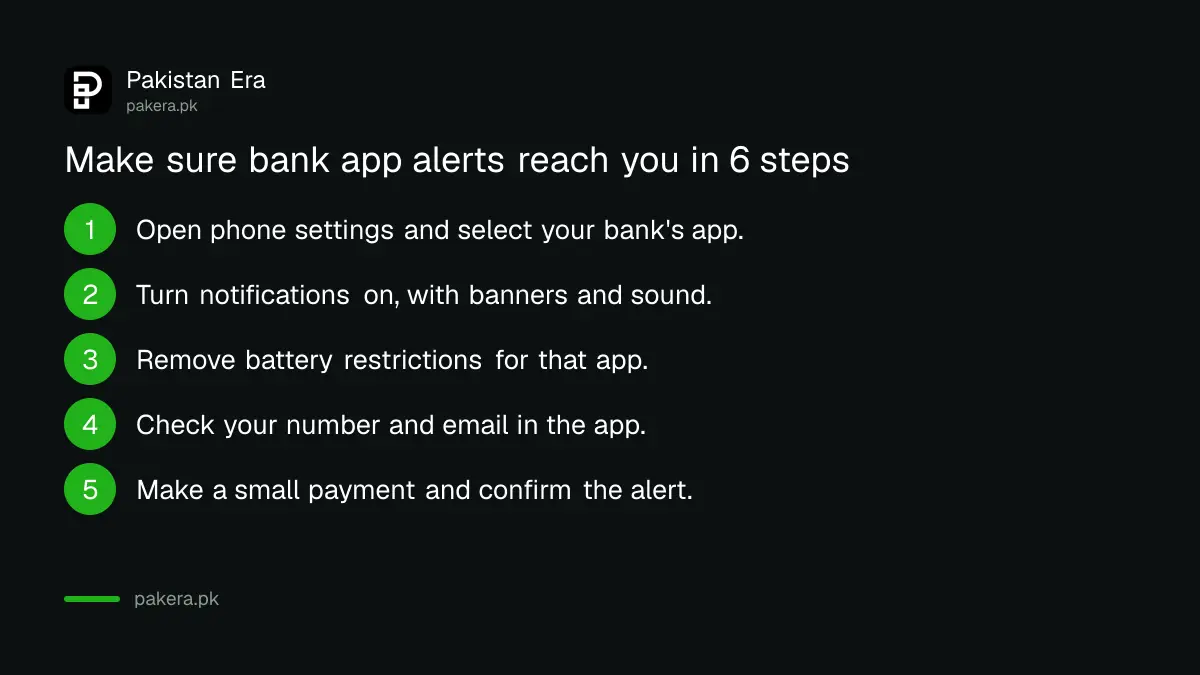
Open your phone settings, find the banking app, and confirm notifications are allowed, not muted and not restricted by battery saving. Then send yourself a small payment and see whether the alert arrives within a minute.
- Open phone settings, then Apps, then your bank's app.
- Turn notifications on and allow banners and sound.
- Switch off battery restrictions for that app so alerts are not delayed.
- Check that your mobile number and email in the app are current.
- Make a small payment and confirm the alert arrives.
- If it does not, ask the provider in writing how it delivers alerts.
Some alerts still come by SMS
The FAQ attached to the 2023 circular says providers must at least send an SMS for digital channel sign-up, new device registration, credential reset and key account changes. Banks must also send instant free alerts for sign-in from a new device, password reset, failed login and requests for a loan.
Alerts must not show your account balance, according to the 2023 annex. So a message that quotes your balance is not following that rule, and it deserves a second look.
If a new device alert arrives and you did not register a device, treat it as an attack. Block the digital channels and report it, as reporting fraud on your bank's mobile app sets out. A new phone you did register yourself is explained in why a new phone triggers a 2 hour wait.
A PIN or code is for you alone
The SBP rules say bank staff must not ask you to read out an OTP, and the same caution applies to a transaction PIN. A caller who asks for either is not your bank. Hang up and call the number printed on your card or inside the app.
Courier, prize and "account blocked" calls all aim for the same thing. The common versions are described in the fake courier OTP scam. Do not give a code even to someone who knows your name and CNIC.
Common questions
Why did my bank app stop sending an SMS OTP?
Since 1 January 2025 SBP allows banks and MFBs to use a transaction PIN in place of an SMS OTP for app and internet banking payments. Your bank may have switched.
Can my bank stop SMS alerts completely?
For transactions made in its app it may use push, in-app or email alerts instead, if it meets the SBP conditions. Some events still need SMS, such as new device registration.
What if I turned off app notifications?
You may miss alerts, and your fraud claim may be harder to prove. The SBP circular says app notifications must remain enabled.
Does a transaction PIN replace my app password?
No. A transaction PIN approves payments. Your app password or login still opens the app. Keep both private.
Do wallets such as JazzCash and Easypaisa follow this?
The circular is addressed to banks and MFBs. We did not test either app, so check how your wallet sends codes and alerts.
What if my bank sent no alert for a fraud?
Ask for the notification log in writing. Providers must keep it and make it available in a dispute.
How we verified this
What we checked, where we read it, and what we could not confirm.
Last checked on Sunday 11 October 2026. We read the SBP page for PSP&OD Circular No. 01 of 2024, and for BPRD Circular No. 04 of 2023 with its annexes. We did not open its notification templates, which sit in a separate annex. Banks may apply these options at different times, so your own app may behave differently.
About the author

Technology Journalist & Multimedia Producer
Ahmad Ali is a technology journalist and multimedia producer at Pakistan Era, joining the team in October 2026. He covers consumer technology and digital life for Pakistani readers, combining research with hands-on product testing.