Nayatel Bill Payment in Pakistan: Easypaisa, Upaisa, Card, 1Bill and 16 Banks (All 22 Routes)
Pay a Nayatel bill through Easypaisa, Upaisa, a card, 1Bill, TCS or 16 banks. See the Easypaisa steps, the app route, and what to do if a paid bill shows due.
You can pay a Nayatel bill in the Easypaisa app under Bill Payment, All Bills, Internet, Nayatel, using your NTL number, or through the My Nayatel app, a debit or credit card, Upaisa, TCS, 1Bill, or any of 16 banks Nayatel lists. Nayatel names 22 payment routes in all on its own payment page.
Below is the full list, the exact Easypaisa steps, the app route, and what to do if you paid but the bill still shows as unpaid. We read Nayatel's payment options page on 28 October 2026.
Nayatel accepts 22 payment routes, from Easypaisa to UBL ATMs
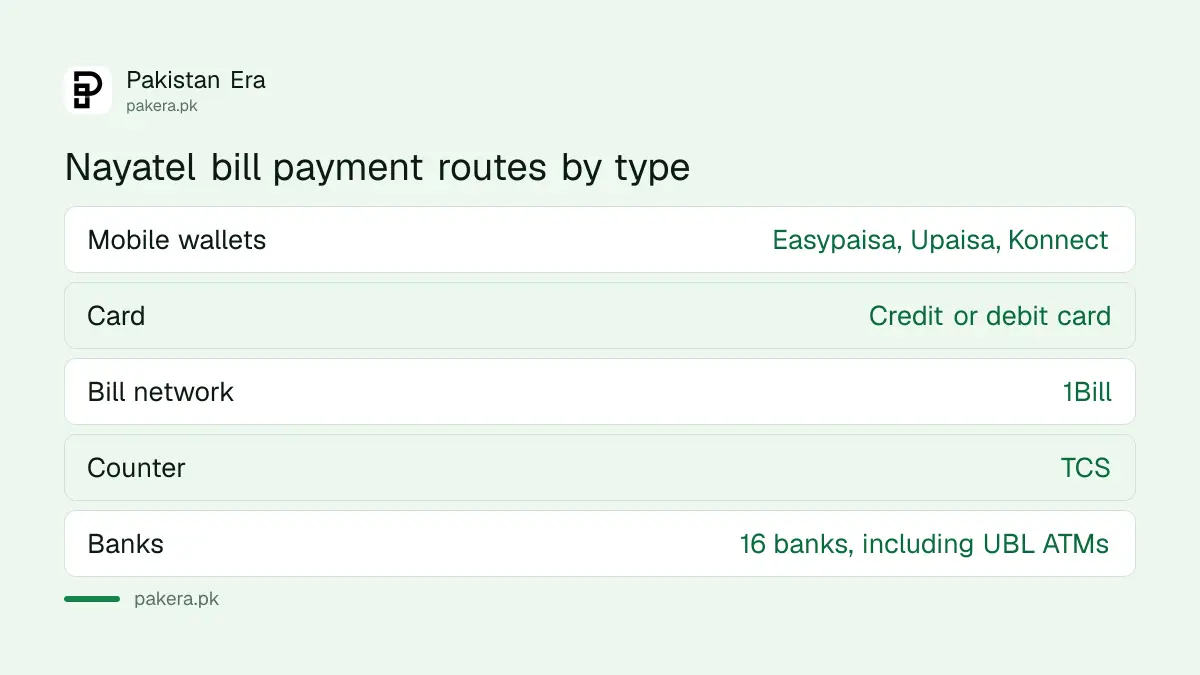
Nayatel's page splits its payment routes into seven "frequently used" options and a longer list of banks. The frequent ones are Easypaisa, Meezan Bank, Upaisa, credit or debit card, TCS, Habib Metropolitan Bank and 1Bill. The bank list adds 15 more.
| Type | Routes Nayatel lists |
|---|---|
| Mobile wallets | Easypaisa, Upaisa, Konnect by HBL |
| Card | Credit or debit card |
| Bill payment network | 1Bill |
| Over the counter | TCS |
| Banks | Meezan Bank, Habib Metropolitan Bank, HBL, NBP, Allied Bank, Askari Bank, Bank Alfalah, Bank Al Habib, Faysal Bank, JS Bank, Standard Chartered, Silk Bank, Bank Makramah, Apna Bank, Khushhali Bank, UBL (ATMs) |
JazzCash is not on Nayatel's list. Some people pay through JazzCash's own bill section anyway, but Nayatel does not name it, so if a payment there goes wrong you will be dealing with two companies instead of one.
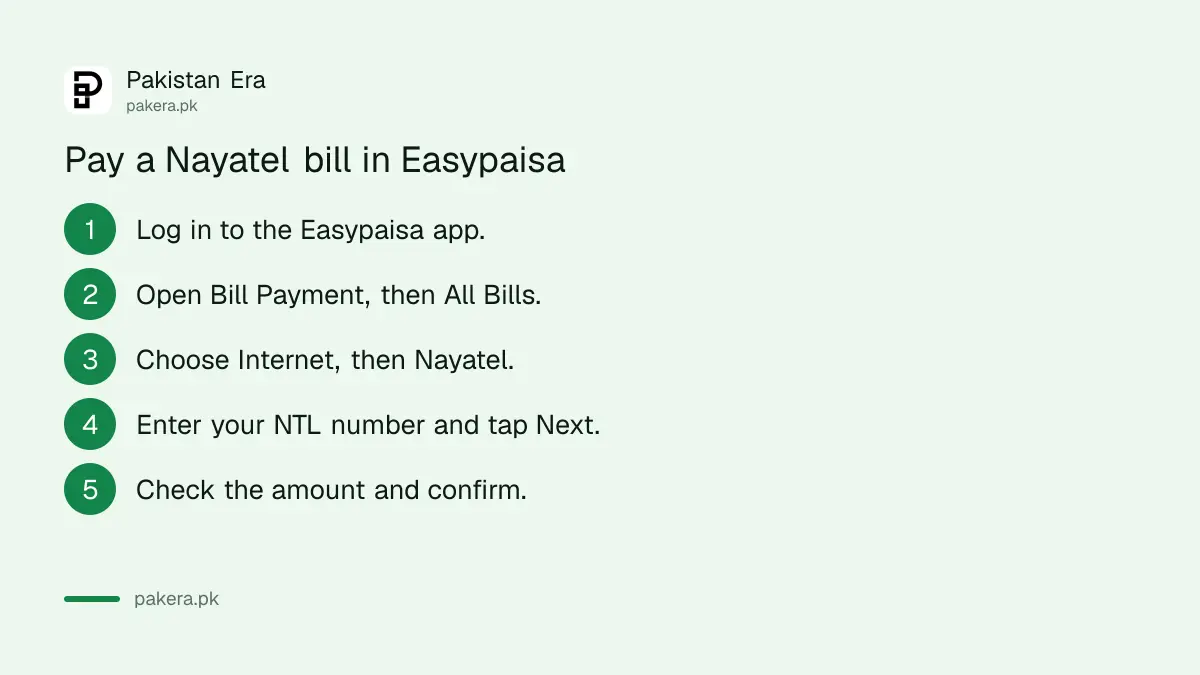
Pay a Nayatel bill in Easypaisa in four steps
Easypaisa is the only route Nayatel spells out step by step on its page. You need your NTL number, the account number Nayatel asks for. Look for it on your Nayatel bill, or ask billing on 1441 Ext 3.
- Log in to the Easypaisa app.
- Go to Bill Payment, then All Bills, then Internet, then Nayatel.
- Enter your NTL number and tap Next.
- Check that the amount shown matches your bill, then confirm the payment.
Step 4 matters more than it looks. Nayatel's own wording says to make sure the payable amount matches your charges. If the figure looks wrong, stop and call billing before you pay, because a refund takes far longer than a question.
Pay inside the My Nayatel app with a card or wallet
The My Nayatel app has its own Pay Bill button. Nayatel's FAQ gives the path: open the Billing section, choose Pay Bill, and follow the prompts with your preferred payment method. The app also shows your current bill amount.
Paying inside the app has one advantage. The payment is tied to your account directly, so you do not have to type the NTL number and risk paying someone else's bill. You can also sign in on the web at customer.nayatel.com.
- Open My Nayatel and log in.
- Go to Billing.
- Tap Pay Bill and pick a method.
- Keep the confirmation screen.
Bank apps, ATMs and 1Bill need the NTL number too
For bank apps and ATMs, look for Nayatel under bill payments, usually in the internet or broadband group, and enter the NTL number. Nayatel lists UBL by its ATMs, so a UBL card at a UBL ATM is a named route.
1Bill is a shared bill payment network that many bank apps use. If your bank is not on Nayatel's list, check whether its app has a 1Bill or "Internet" option that includes Nayatel. Nayatel does not publish a separate 1Bill code on the page we read.
The same habits apply to other home internet bills. The PTCL bill check and the Transworld bill payment use a very similar account number route.
Paid but the bill still shows unpaid
Payments through wallets and banks can take time to show on Nayatel's side. If your service is about to be suspended, or the amount was taken twice, contact billing with proof rather than paying again.
- Save the transaction ID or receipt from Easypaisa, your bank or the app.
- Wait a little: many routes update the same day, but Nayatel does not publish a posting time.
- Call 1441 and press 3 for billing, or email billing@nayatel.com with the receipt and your NTL number.
- If money left your wallet but never reached Nayatel, also complain to the wallet or bank.
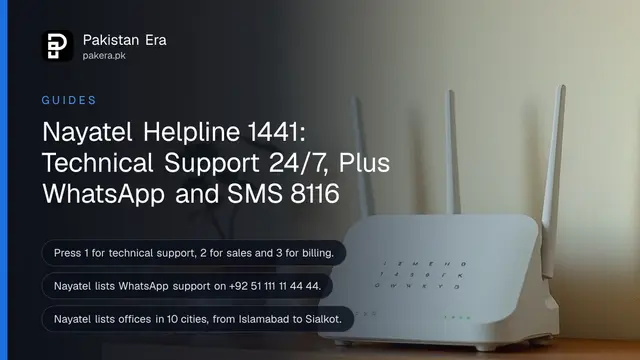
Billing works 9 am to 8 pm every day, with a Friday break from 1 pm to 2 pm, according to Nayatel's contact page. The other routes are in Nayatel helpline 1441 and WhatsApp.
Duplicate bills, receipts and the tax certificate
Nayatel's FAQ has entries on downloading duplicate bills, payment receipts and a tax certificate, under Account Management and the My Nayatel app. The answers did not load for us, so we cannot give the exact menu path.
Start in the My Nayatel app's Billing section. If you cannot find the document, ask billing on 1441 Ext 3. A tax certificate is useful now if you claim tax already deducted on your internet bill in your income tax return.
Before you renew, it is worth checking what you pay against the current Nayatel packages and prices.
Common questions
Can I pay my Nayatel bill with Easypaisa?
Yes. In the Easypaisa app go to Bill Payment, All Bills, Internet, Nayatel, enter your NTL number and confirm.
Can I pay a Nayatel bill with JazzCash?
JazzCash is not on Nayatel's own list of payment options. Use one of the 22 listed routes if you want Nayatel to handle any problem directly.
What is the NTL number?
It is the Nayatel account number that Easypaisa asks for. Look for it on your Nayatel bill, or ask billing on 1441 Ext 3 if you cannot find it.
Can I pay my Nayatel bill by card?
Yes. Nayatel lists credit and debit cards, and the My Nayatel app has a Pay Bill option.
Who do I call about a Nayatel billing problem?
Call 1441 and press 3, or email billing@nayatel.com. Billing is open 9 am to 8 pm daily.
Which banks accept Nayatel bills?
Nayatel lists Meezan, Habib Metropolitan, HBL, NBP, Allied, Askari, Bank Alfalah, Bank Al Habib, Faysal, JS Bank, Standard Chartered, Silk, Bank Makramah, Apna Bank, Khushhali Bank and UBL ATMs.
How we verified this
What we checked, where we read it, and what we could not confirm.
We read Nayatel's payment options page, its FAQs and its contact page on nayatel.com on 28 October 2026. Only the Easypaisa steps are written out by Nayatel; the steps for the other routes sat behind "Show me how" buttons that did not load for us, so we have described them in general terms. We did not make a payment. Nayatel does not publish how long each route takes to post.
About the author

Global Affairs & Political Economy Writer
Muhammad Hatim is a book lover who started writing because he enjoys it. At Pakistan Era he writes about international relations, geopolitics and the global economy, with a particular interest in South Asia and the forces behind current events.