How to Register and Track an Urgent Electricity Complaint on the NEPRA App in Pakistan
See how to register and track an urgent electricity complaint on the NEPRA Asaan Approach app. Get the six steps, what to keep and what to do if it fails.
The NEPRA Asaan Approach app lets you register an urgent electricity complaint on your phone and track it with a complaint number. Download it, sign in with your CNIC, pick Register Complaint, and enter the type, your mobile number and a reference bill number. Keep the complaint number it gives you.
NEPRA describes the app on its own website as a way to register and track the status of complaints of an urgent nature. We read that on 8 October 2026. The sign-in steps below were reported and we did not run them ourselves, so check them against what the app shows.
Use the app for urgent faults, not for slow disputes
The app is meant for urgent problems such as a power cut, a fallen wire, a sparking pole, low voltage or a billing error that needs quick action. NEPRA lists it as a tool for urgent complaints. Long disputes still follow the normal complaint route.
First try your electricity company. NEPRA expects the company to get the first chance to fix the problem. A complaint to the company creates the record that every later step needs. Our guide to complaining about a wrong electricity bill shows the order.
For safety faults such as a live wire on the ground, keep away and call the company helpline at once. Our guide to reporting a fallen wire, sparking pole or low voltage covers that case.
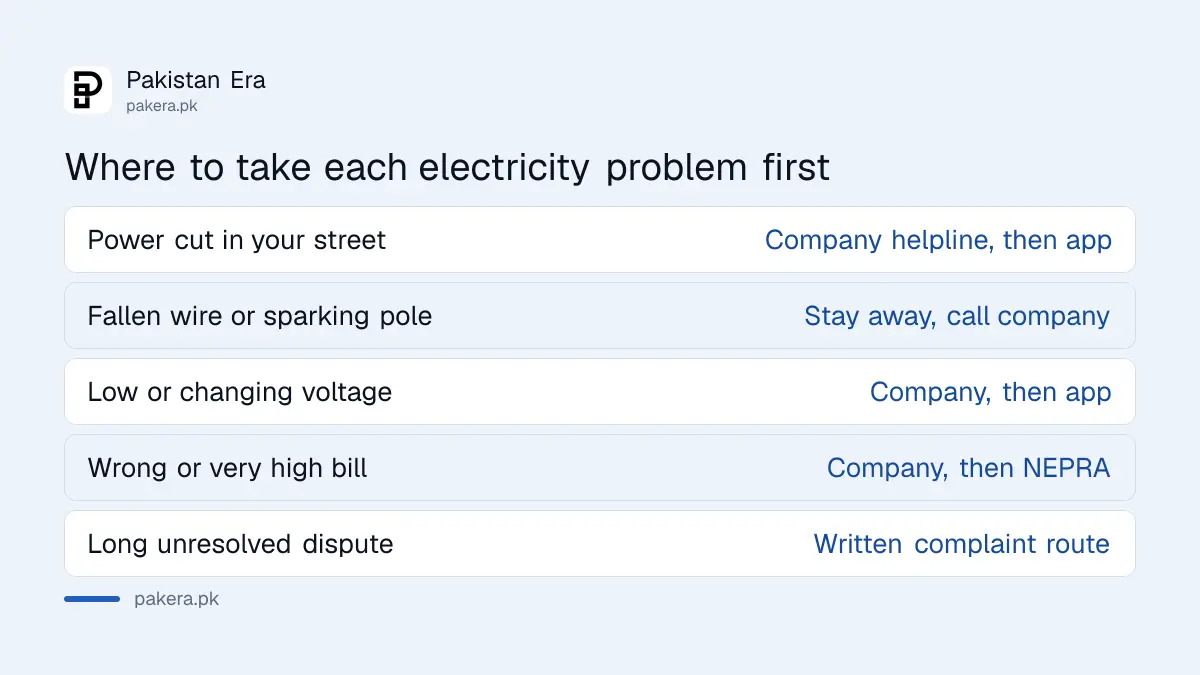
| Problem | Best first step |
|---|---|
| Power cut in your street | Company helpline, then the app |
| Fallen wire or sparking pole | Stay away, call the company at once |
| Low or fluctuating voltage | Company complaint, then the app |
| Wrong or very high bill | Company complaint, then NEPRA |
| Long unresolved dispute | Written complaint and NEPRA hearing route |
Register your complaint in six steps
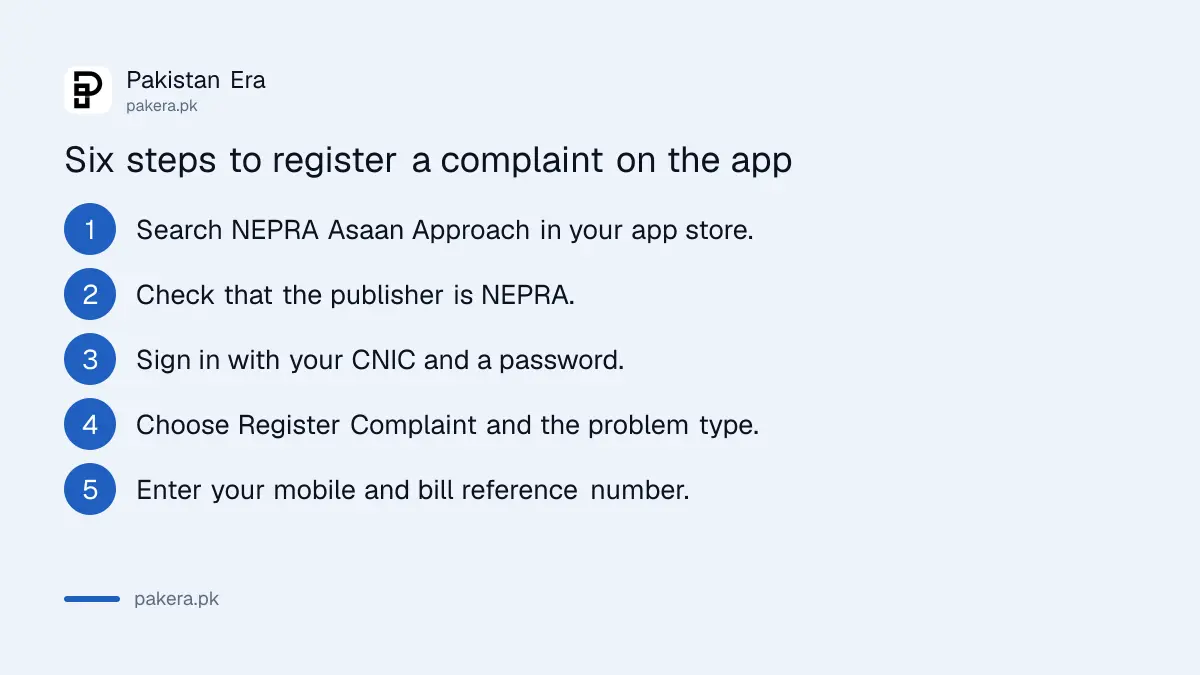
Download the app, create a login with your CNIC, choose Register Complaint, fill in the complaint type, mobile number and reference number from your bill, then submit and save the complaint number. Have a recent bill in front of you.
- Open the app store on your phone and search for NEPRA Asaan Approach.
- Check that the publisher is NEPRA before you install. Fake apps copy official names.
- Register or sign in with your CNIC and a password.
- Choose Register Complaint and select the type of problem.
- Enter your mobile number and the reference number printed on your electricity bill.
- Submit, then write down the complaint number and the date.
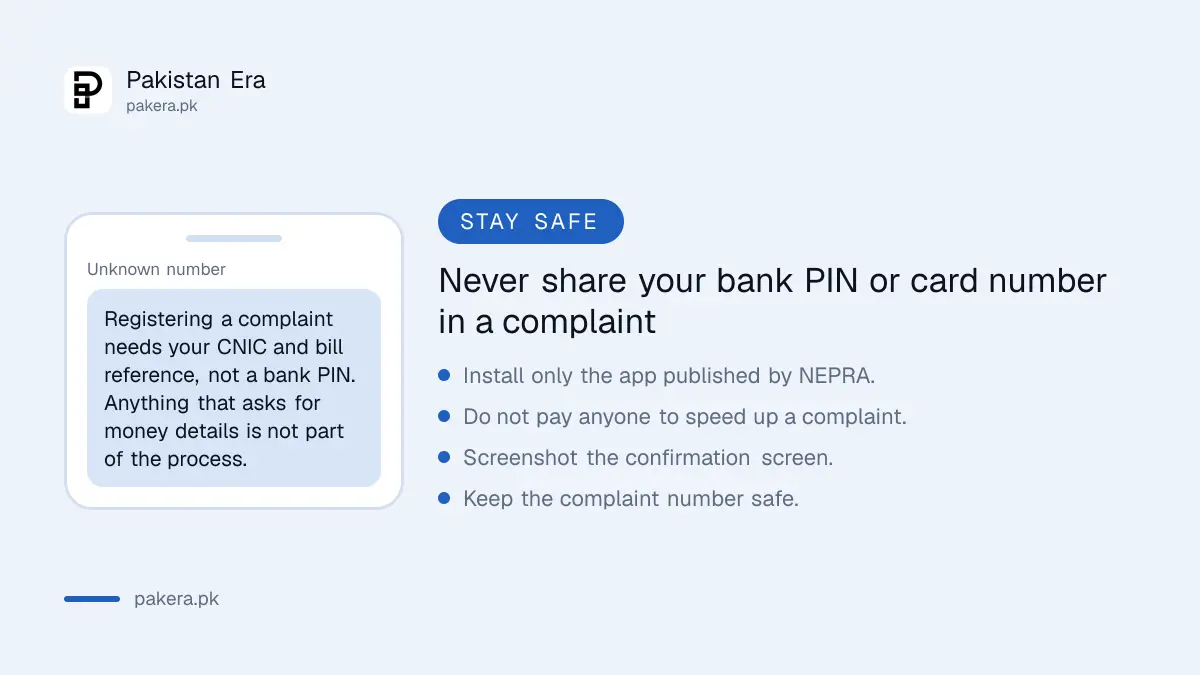
Never share your CNIC or password outside the app. NEPRA will not ask for your bank PIN or a card number to register a complaint. If anything asks for those, close it.
Track the complaint with the number you were given
To track a complaint, open the app, choose Track Complaint and enter the complaint number. It was reported that you only need that number to see the status, so keep it safe and also screenshot the confirmation.
If the status does not change, do not just resubmit. Duplicate complaints can slow things down. Instead note the date, quote the number to the company and keep records. Nothing is promised on timing by the app, so use the company's own deadlines.
NEPRA has set service deadlines for each electricity company. They are listed in our report on new deadlines for every electricity company. For Karachi, the route is slightly different, as shown in the guide to a K-Electric complaint through 118.
Other NEPRA contact points if the app fails
If the app will not open or the complaint is not moving, you can write to NEPRA or call its office. NEPRA's website lists its address as NEPRA Tower, G-5/1, Islamabad, and a phone number of +92 51 2013200.
We read both on NEPRA's own site on 8 October 2026, but did not call the number. Be patient and keep your records.
Keep your last three paid bills and a photo of the fault. For billing complaints, our guide to checking your meter reading shows how to prove a reading. A paid bill that still shows as unpaid has its own fix in the guide on paid bills showing unpaid.
Common questions about the NEPRA Asaan Approach app
Is the NEPRA Asaan Approach app free?
We did not check the app store listing for any charge. NEPRA presents it as a service for consumers. Be careful if any version asks you to pay.
Do I need a CNIC to use it?
It was reported that registration uses your CNIC and a password. Confirm in the app itself, because screens can change.
Can I use the app for a K-Electric complaint?
NEPRA describes it as a service for consumers across Pakistan. We have not tested it with a K-Electric connection, so also use K-Electric's own complaint line to keep a company record.
How do I know the complaint was received?
You should get a complaint number. If you do not, assume it did not go through and try again, then screenshot the confirmation.
Does the app replace a written complaint?
No. For a long dispute, send a written complaint to the company first. The app is for urgent matters and for tracking.
How we verified this
What we checked, where we read it, and what we could not confirm.
Last checked 8 October 2026. The description of the app as a way to register and track urgent complaints, NEPRA's address and phone number come from NEPRA's own website. The sign-in and form steps were reported and we did not install or test the app, so verify them in the app.
About the author

Tax, Bills and Technology Writer
Ali Akhtar is a young and curious voice here at Pakistan Era. He is currently pursuing his A-Levels and has a growing interest in Pakistan’s changing industrial landscape and educational trends. Ali likes to write in a way that helps him explain and explore the world around him. His writing reflects the perspective of the new generation navigating the evolving trends of Pakistan where technology, youth innovation, and shifting opportunities are reshaping the country’s future.