Pay Electricity or Gas Bill With Raast QR in Pakistan: 7 Steps, Now on 45 Million Bills
Raast QR codes are now on 45 million electricity and gas bills. Scan the code in your bank app, check the name and amount, confirm, and keep the receipt.
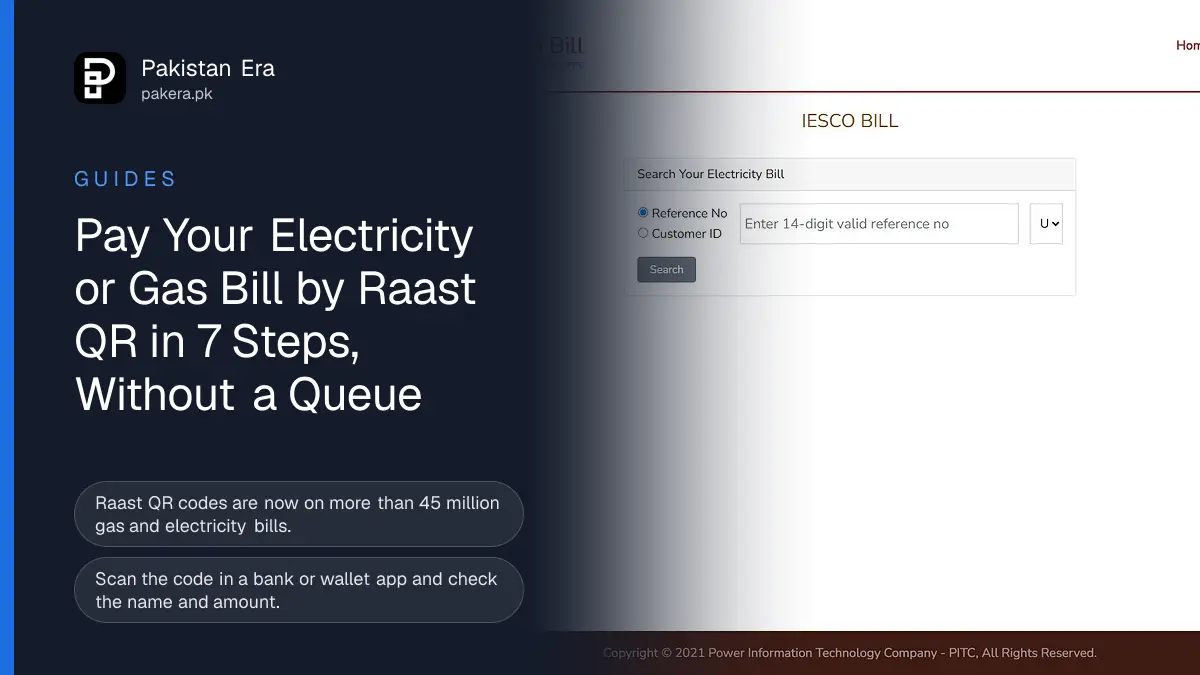
Short answer: To pay an electricity or gas bill with Raast QR in Pakistan, open your bank or wallet app, choose the QR scan option, scan the Raast QR code printed on the bill, check that the name, reference number and amount match, and confirm with your PIN. The Finance Division said on 12 November 2026 that Raast QR codes are now on all gas and electricity bills, more than 45 million of them. If your paper bill is lost, download a copy from your company's web bill page first.
We read the Finance Division's announcement in Press Information Department release PR No. 148 on the evening of 12 November. Then we opened the IESCO web bill page run by the Power Information Technology Company (PITC) to see how a reader without a paper bill would get one.
Raast QR codes are now on all gas and electricity bills
The Finance Division says Raast QR codes are printed on all gas and electricity bills in Pakistan, more than 45 million, so people can pay digitally from home. Raast is the State Bank's instant payment system. Money moves in seconds between banks and wallets.
The announcement came from a Cashless Pakistan meeting chaired by Minister of State Bilal Azhar Kayani. Our news report covers the full meeting, including the change for government payments from 16 November.
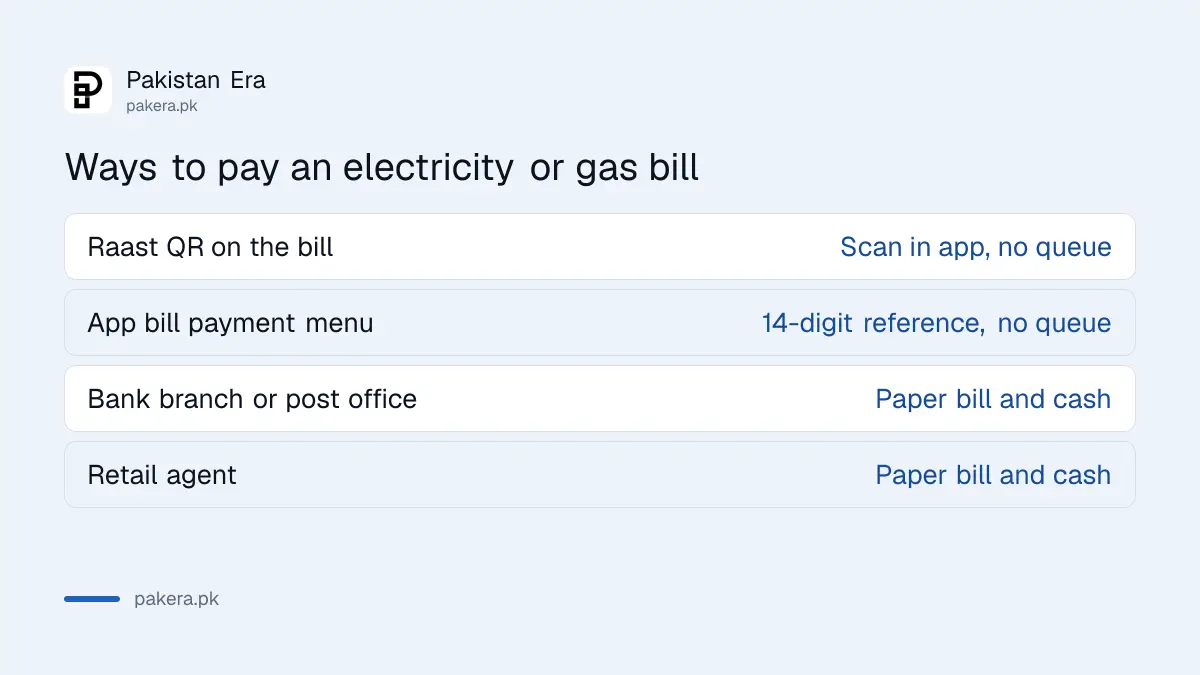
| Way to pay | What you need | Queue? |
|---|---|---|
| Raast QR on the bill | Bank or wallet app with QR scan, the bill in hand | No |
| Bill payment menu in an app | The 14-digit reference number | No |
| Bank branch or post office | The paper bill and cash | Yes |
| Retail agent | The paper bill and cash | Sometimes |
How to pay a bill with Raast QR, step by step
These steps follow the usual Raast QR flow in Pakistani bank and wallet apps. Menu names differ from app to app.
- Find the QR code on your bill. Look for a square code marked Raast near the amount or the payment section.
- Open your bank or wallet app and log in.
- Tap the scan or QR option. In some apps it sits on the home screen; in others it is under Payments or Raast.
- Point the camera at the code on the bill. Keep the paper flat and in good light.
- Check the details the app shows: company name, consumer name or reference number, and the amount.
- Confirm with your PIN or OTP.
- Save or screenshot the confirmation, and keep it until next month's bill shows the payment.
Step 5 is the one that matters. If the name or reference does not match your bill, stop and do not pay. Our guide on how to pay by Raast QR in a bank app covers the scan screen in more detail.
Download the bill first if you do not have the paper copy
You need the printed QR to scan it, so a missing bill is the first problem. On 12 November we opened IESCO's web bill page at bill.pitc.com.pk. It loaded at once and showed one search box, "Search Your Electricity Bill", with two choices: a 14-digit reference number or a Customer ID, plus a language list. The reference number is printed at the top of every old bill.
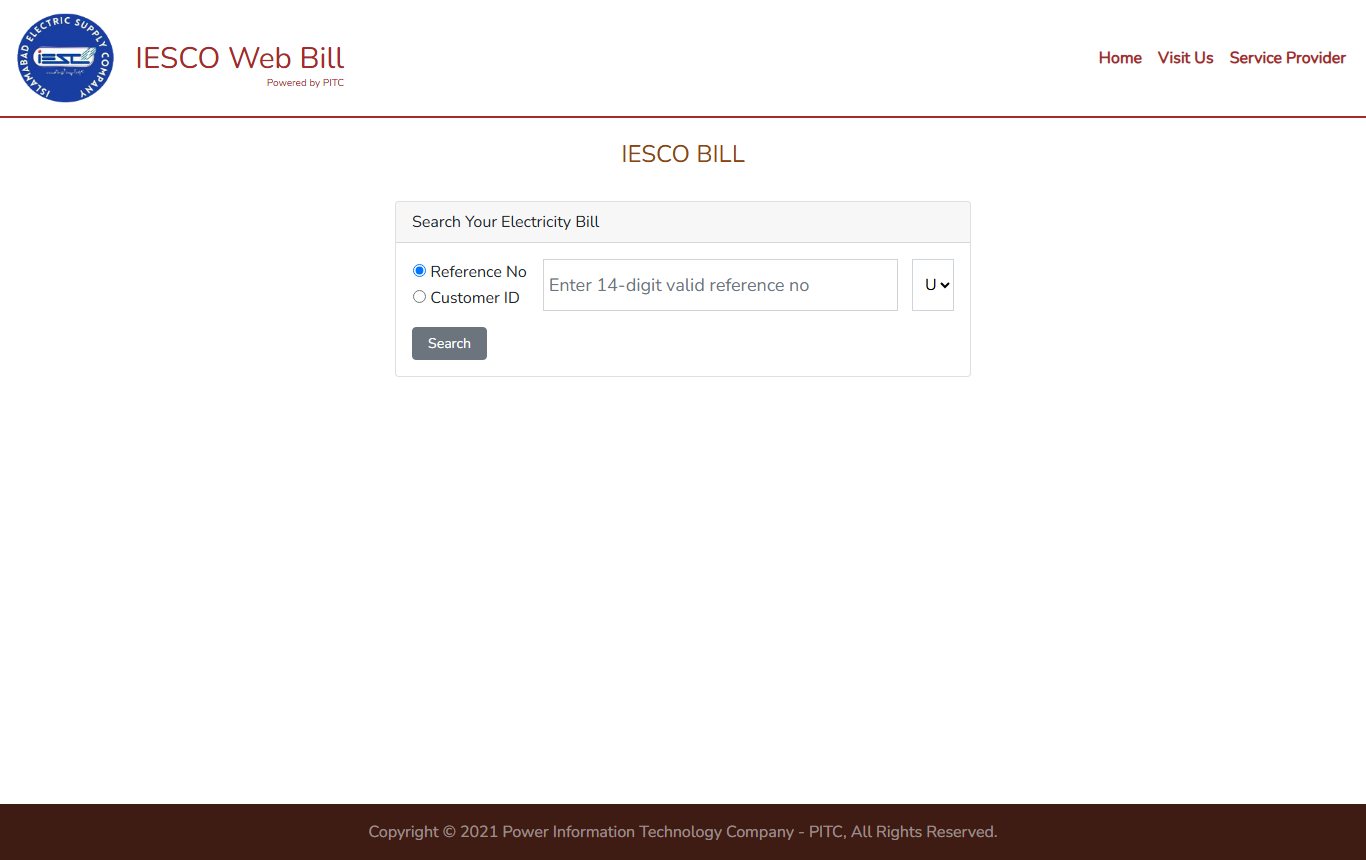
The page footer says it is run by the Power Information Technology Company, PITC, which serves the government electricity companies. Our guide to checking your electricity bill online lists the page for every company. A downloaded bill can be printed, or opened on a second screen and scanned from there.
Check these points before you pay
A QR code is easy to fake. A sticker over the real code, or a code sent on WhatsApp, can send your money to someone else. Keep to these rules:
- Scan only the code printed on your own bill, never one sent by message or stuck on a wall.
- Check the company name and the reference number on the app screen before you confirm.
- Pay before the due date. Late payment adds a surcharge, explained in our guide to the late payment surcharge.
- Do not share your PIN or OTP with anyone who calls about your bill.
What the 12 November release leaves out
The 12 November release is a summary, and three things are not in it. It does not say which bank apps can scan the bill code, though any app on Raast should. It does not say whether K-Electric bills in Karachi are included in the 45 million. And it does not say how long a Raast bill payment takes to show on the company's records.
If a payment does not show on your next bill, contact your bank first with the confirmation, then your electricity or gas company.
Common questions
Can I pay my electricity bill with a Raast QR code?
Yes. The Finance Division says Raast QR codes are on all gas and electricity bills. Scan the code with a bank or wallet app that supports Raast.
Is there a fee for paying a bill by Raast QR?
The 12 November 2026 release mentions no customer charge. The State Bank has been asked to study a merchant fee scheme, which applies to sellers.
What if my bill has no QR code?
Pay through your app's bill payment menu with the 14-digit reference number, or at a bank branch.
How do I get my bill if I lost the paper copy?
Open your company's web bill page and search with your 14-digit reference number or Customer ID.
Can I pay a gas bill by Raast QR?
The Finance Division says gas bills carry Raast QR codes too, and the same scan steps apply.
Is it safe to scan a QR code someone sends me?
No. Scan only the code printed on your own bill, and check the name and reference before you confirm.
Sources: Press Information Department, PR No. 148, 12 November 2026, on pid.gov.pk; IESCO web bill page at bill.pitc.com.pk, opened 12 November 2026. Last checked 12 November 2026.
About the author

Global Affairs & Political Economy Writer
Muhammad Hatim is a book lover who started writing because he enjoys it. At Pakistan Era he writes about international relations, geopolitics and the global economy, with a particular interest in South Asia and the forces behind current events.