How to Pay a Shop by Raast QR in Pakistan From Your Bank or Wallet App
Pay a shop by Raast QR from your bank or wallet app: scan, check the shop name, confirm the amount, keep the receipt. See the SBP rules and what to do if wrong.
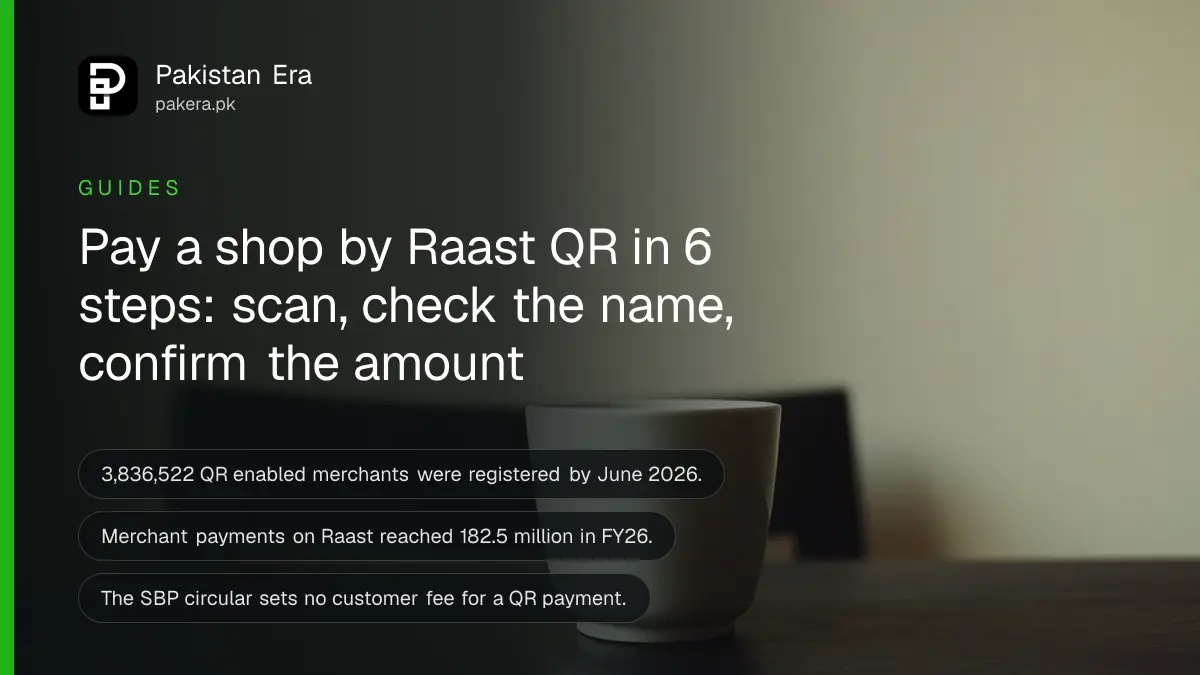
Short answer: To pay a shop by Raast QR, open your bank or wallet app, choose Scan or QR payment, scan the shop's code, check the shop name and amount on the confirm screen, and approve with your PIN or app code. Keep the receipt until the shop confirms it got the money.
Raast QR is the way many Pakistani shops now take payment without cash or a card machine. The State Bank of Pakistan (SBP) counts 3,836,522 QR enabled merchants registered with banks at the end of June 2026, up from 1,092,044 a year earlier. Payments to merchants on Raast reached 182.5 million in FY26.
We read the SBP's FY26 payment systems report and its circular on the merchant QR subsidy on 12 October 2026. We did not scan a code in every bank and wallet app, so button names below are general. Your app may call them something slightly different.
You need a bank or wallet app that offers QR payment
You need an account or wallet that supports Raast, a working app, and enough balance. Most large bank apps and the big wallet apps have a Scan or QR option. If you cannot find it, search the app's help page for "QR payment".
Raast works inside Pakistan only, which we cover in our note on Raast working inside Pakistan only. A shop's Raast QR will not take a foreign card or a foreign account. If you have no Raast ID yet, our guide on using Raast and creating a Raast ID covers that first step.
Scan, check the name, then confirm the amount
After you scan, the app shows who you are about to pay and how much. Check the shop name matches the shop in front of you. Then check the amount. Only then approve. The name check is the one step that protects you.
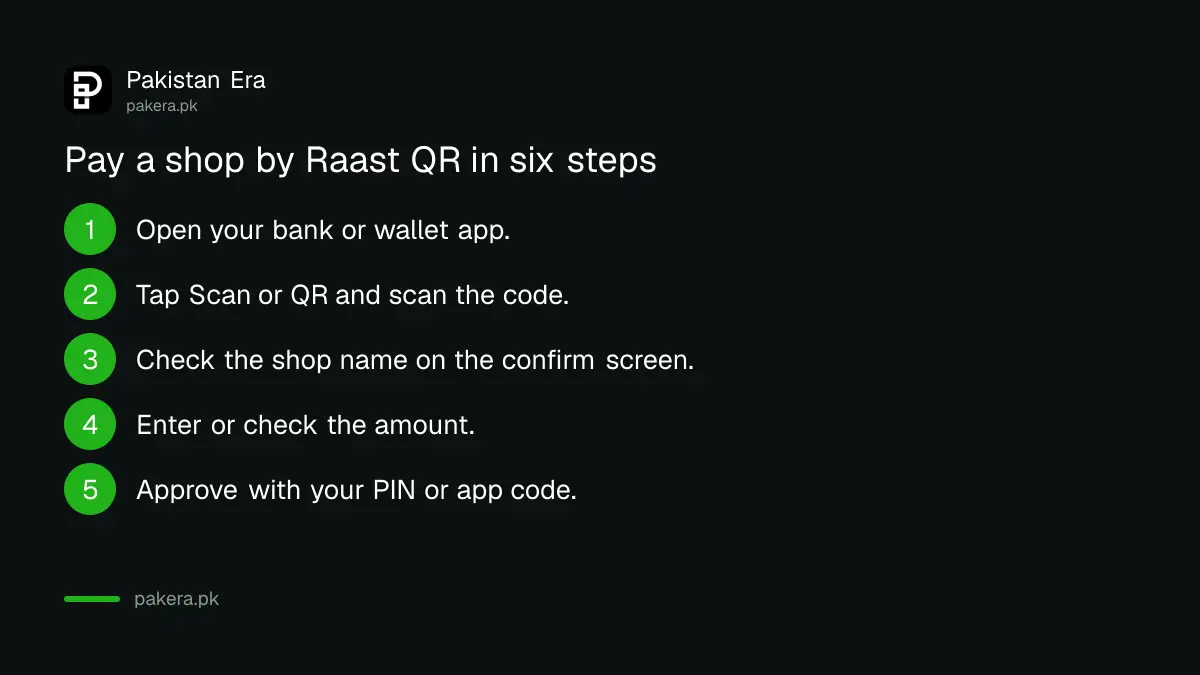
- Open your bank or wallet app and log in.
- Tap Scan, QR or Pay by QR, and point the camera at the shop's code.
- Read the merchant name on the confirm screen and compare it with the shop.
- Enter the amount if the code does not carry one, and re-check the digits.
- Approve with your MPIN, PIN or app code.
- Take a screenshot of the success screen, and show it to the shop.
A success screen on your phone is your proof, not the shop's
The shop should see the payment on its own app or by SMS before it hands over goods. A screenshot can be faked, so a careful shopkeeper checks the shop's own message. Our guide on verifying a payment before handing over goods explains this from the seller's side.
As the buyer, wait until the shop says it has the money. If you leave and the shop later says nothing arrived, your receipt and transaction number are what your provider will ask for.
What it costs you, and what the rules say
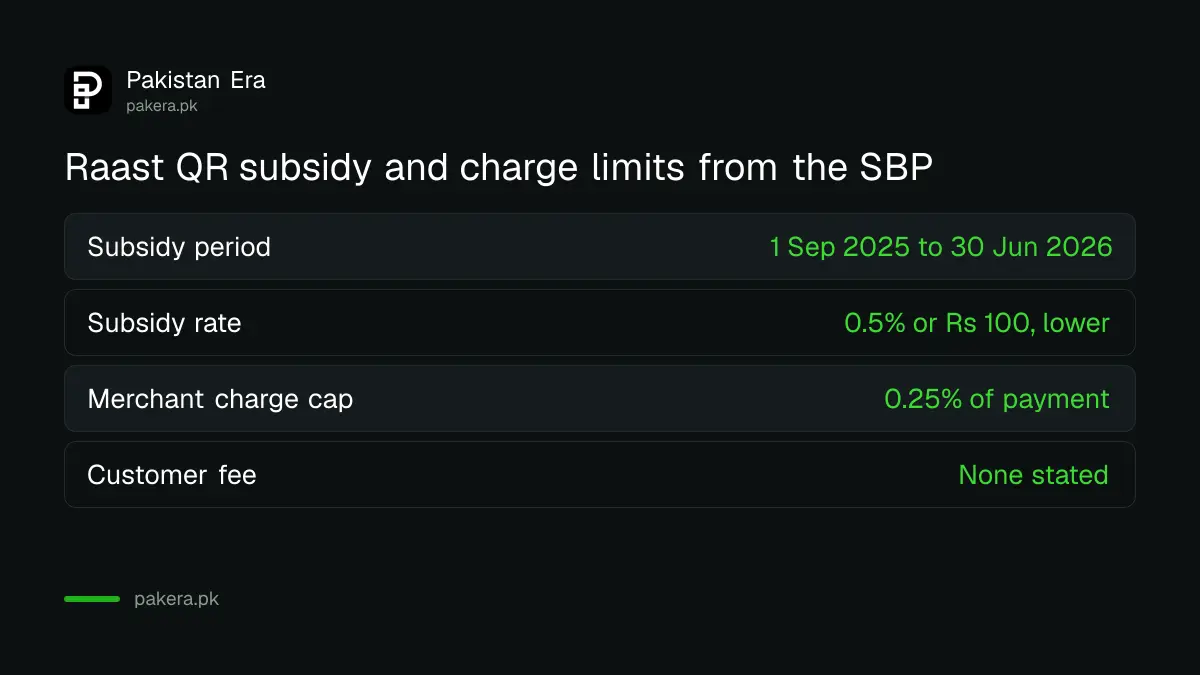
The SBP circular on merchant QR payments does not set a fee for the customer. It lets banks and wallets charge the merchant up to 0.25 per cent of the payment value. Your own provider's fee page decides what you pay, so check it before a large payment.
The circular also set a government subsidy for payments made from 1 September 2025 to 30 June 2026. It pays 0.5 per cent of each payment, or Rs 100 if that is lower, and splits it between the shop's institution and the customer's. We could not find a notice that extends it past 30 June 2026.
| Item | What the SBP says |
|---|---|
| Subsidy period | 1 September 2025 to 30 June 2026 |
| Subsidy rate | 0.5% of the payment or Rs 100, whichever is lower |
| Who gets the subsidy | Shared equally by the merchant's and the customer's institution |
| Merchant charge allowed | Up to 0.25% of the payment value |
| Customer fee in the circular | None stated |
If you paid the wrong amount or the wrong shop
Contact your bank or wallet at once, give the transaction number, and ask for a reversal in writing. A payment you made yourself is not an unauthorised transaction, so a refund depends on the shop and on your provider.
Start by asking the shop to return the money. If it will not, our guide on getting back money sent to the wrong number shows what to send the provider. If someone else made the payment without your consent, that is fraud and a different route applies, which we describe in our guide to claiming a digital fraud refund.
Common questions
Is Raast QR free for the customer?
The SBP circular sets no customer fee, but your bank or wallet may have its own. Check its current fee page before a large payment.
Can I pay a Raast QR from any wallet?
Only from apps that support Raast QR scanning. Most large bank apps and the main wallets do, but we did not test every app, so look for the Scan option in yours.
Does a QR payment work without internet?
The apps we know of need your phone to be online, and we found nothing from the SBP about offline QR payments. If your connection drops, check your balance and history before you try again, so you do not pay twice.
How many shops take Raast QR?
The SBP counts 3,836,522 QR enabled merchants registered with banks at the end of June 2026. We cover the wider numbers in our report on Raast payments in FY26.
Why does my app ask for a code or TPIN?
Some banks now confirm payments in the app instead of by SMS. Our guide on TPIN and push alerts instead of SMS OTP explains why.
How we verified this
What we checked, where we read it, and what we could not confirm.
We read SBP PSP&OD Circular No. 03 of 2025 on Raast P2M QR subsidy and the SBP Annual Payment Systems Review FY26 on 12 October 2026. See the SBP circular for the subsidy terms. Screen names vary by app and we did not test each one. Fees are set by your provider and we did not read any provider's fee page for this guide.
About the author

Technology Journalist & Multimedia Producer
Ahmad Ali is a technology journalist and multimedia producer at Pakistan Era, joining the team in October 2026. He covers consumer technology and digital life for Pakistani readers, combining research with hands-on product testing.