How to Pay Income Tax Online With a PSID in Pakistan
Pay income tax online in Pakistan: make a PSID on FBR IRIS or Tax Asaan, pay it by bank app or ATM, and keep the CPR. Steps, timings and fixes inside.
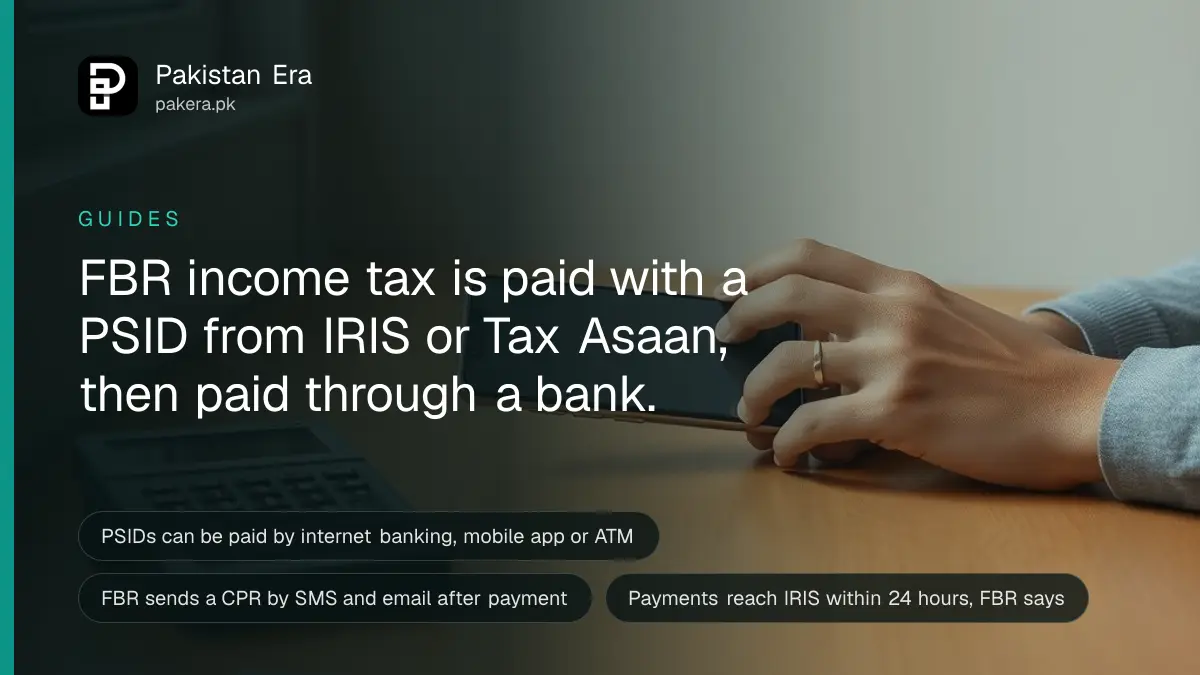
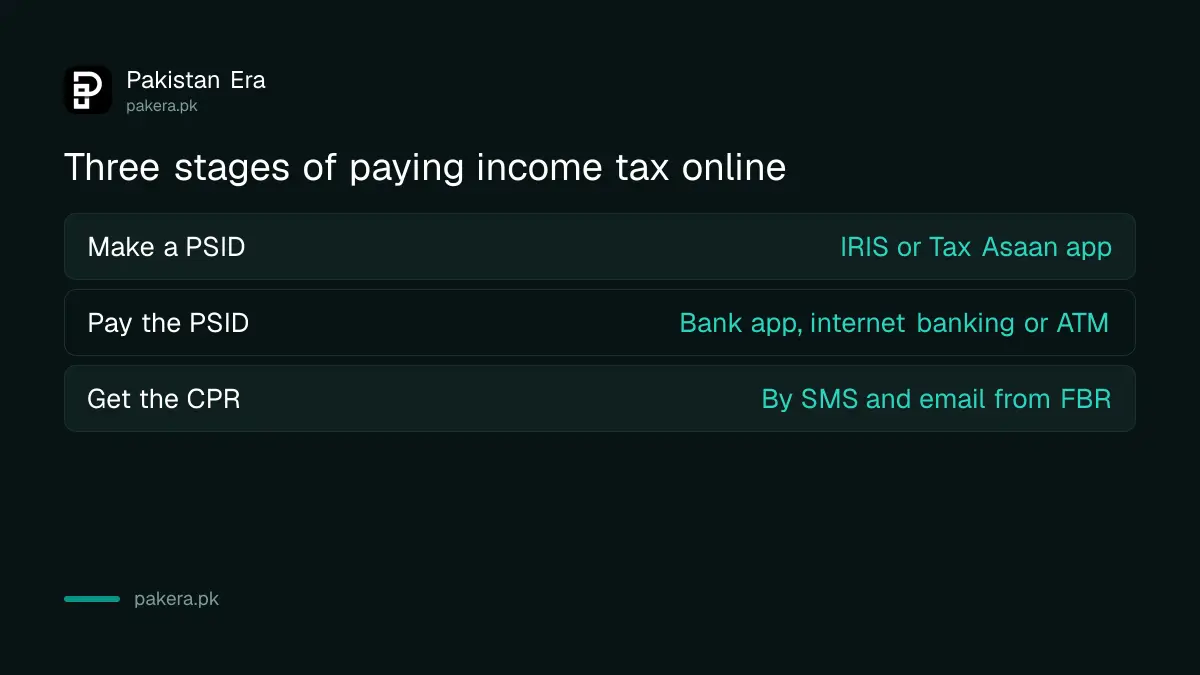
To pay income tax online in Pakistan, you first make a Payment Slip ID (PSID) on FBR's IRIS portal or the Tax Asaan app, then pay that PSID through your bank's app, internet banking or an ATM. FBR then sends a Computerized Payment Receipt (CPR) by SMS and email. The CPR is your proof of payment, so keep it.
FBR moved payment creation inside IRIS 2.0 in November 2024 and called it ePayment 2.0. It covers income tax, sales tax, federal excise duty and withholding taxes. We read FBR's own payment pages, the launch statement and the Tax Asaan help guide. On 1 October 2026 at 6:38 pm, the IRIS home page and its payment page both opened for us in under a second.
| Term | What it means |
|---|---|
| PSID | Payment Slip ID, the number you pay against; FBR's e-payment FAQs describe it as a 17-digit unique number |
| CPR | Computerized Payment Receipt, FBR's proof that the tax reached it |
| ADC | Alternate Delivery Channels: internet banking, mobile banking and ATMs |
| ePayment 2.0 | The payment system inside IRIS 2.0, launched in November 2024 |
A PSID is the number your bank needs to pay FBR
A PSID is a payment slip number that FBR's system creates for one payment. It is built from your registration number, the tax type, the tax year and the amount. Your bank uses it to send the money to the right place.
Each payment needs its own PSID. If you pay income tax for your return and later pay the surcharge to join the Active Taxpayers List, those are two PSIDs. FBR's surcharge page says the ATL surcharge goes under the "Misc" payment nature when you make the PSID.
FBR's launch statement says ePayment 2.0 works for both registered and unregistered taxpayers. So you can make a PSID before you have filed anything.
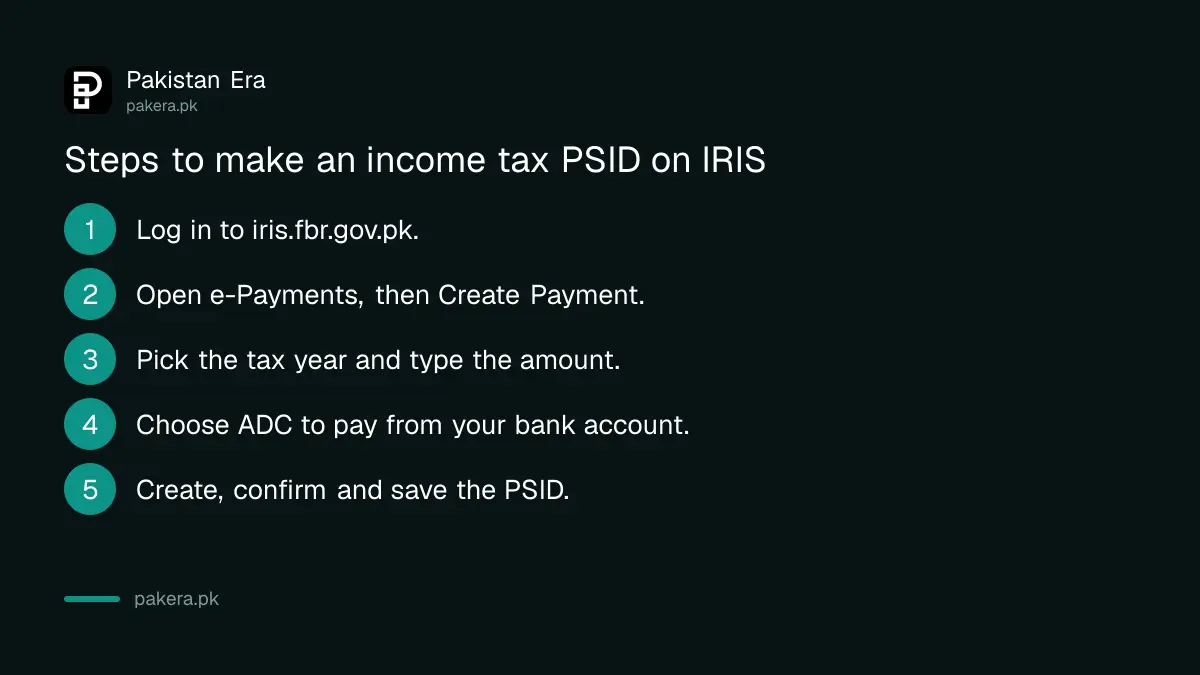
How to make a PSID on IRIS step by step
Log in to IRIS, open the e-Payments section, choose Create Payment and pick the income tax option. Enter the tax year and amount, choose how you will pay, then create and confirm the slip.
- Log in to iris.fbr.gov.pk with your CNIC or NTN and password.
- Open e-Payments, then Create Payment. For your yearly return, FBR's page names the option "Income Tax Annual Return".
- Select the tax year. For the return due now, that is tax year 2026.
- Type the tax amount due. Use the tax payable shown in your return.
- Choose the payment mode. Pick ADC if you will pay online or at an ATM from your bank account.
- Click Create, then confirm. Check every figure first. Save or print the PSID.
If you are filing a return at the same time, pay first and keep the CPR ready. FBR says a payment can take up to 24 hours to show in IRIS, so do not leave it to the last evening.
The Tax Asaan app makes a PSID without logging in
FBR's Tax Asaan app can create a PSID for income tax, sales tax or federal excise, with or without signing in. You need your registration number, the tax year, a phone number and an email address.
FBR's help guide for the app sets out these rules:
- Registration number and tax year are required for an income tax PSID. The tax month field stays off, because it is only for sales tax.
- Without signing in, you must give an email to pay through ADC. Signed-in users must give both phone number and email for ADC.
- One payment mode per slip. The choices are cash, cheque, pay order and ADC.
- No edits after submit. Use the Back button before you submit if anything is wrong.
- My Payments shows your payments from the last 30 days, for signed-in users only.
After you submit, the app sends the PSID by SMS and email and lets you share it, for example to a relative who will pay for you. The same app files simple returns too, as set out in how to file a return on Tax Asaan.
Paying the PSID through your bank
Pay the PSID through your bank's internet banking, mobile app or ATM, from your own account. FBR's launch statement says these channels remove the need to visit a branch. The branch counter is still an option.
Bank apps differ. Look for the tax or government payments option, enter the PSID, and check the amount shown before you confirm. If the amount is wrong, stop and make a fresh PSID rather than paying the wrong one.
FBR's own pay income tax page still mentions depositing the printed slip at a National Bank or State Bank branch. That route remains for anyone without online banking.
The CPR is your proof, and it reaches IRIS within 24 hours
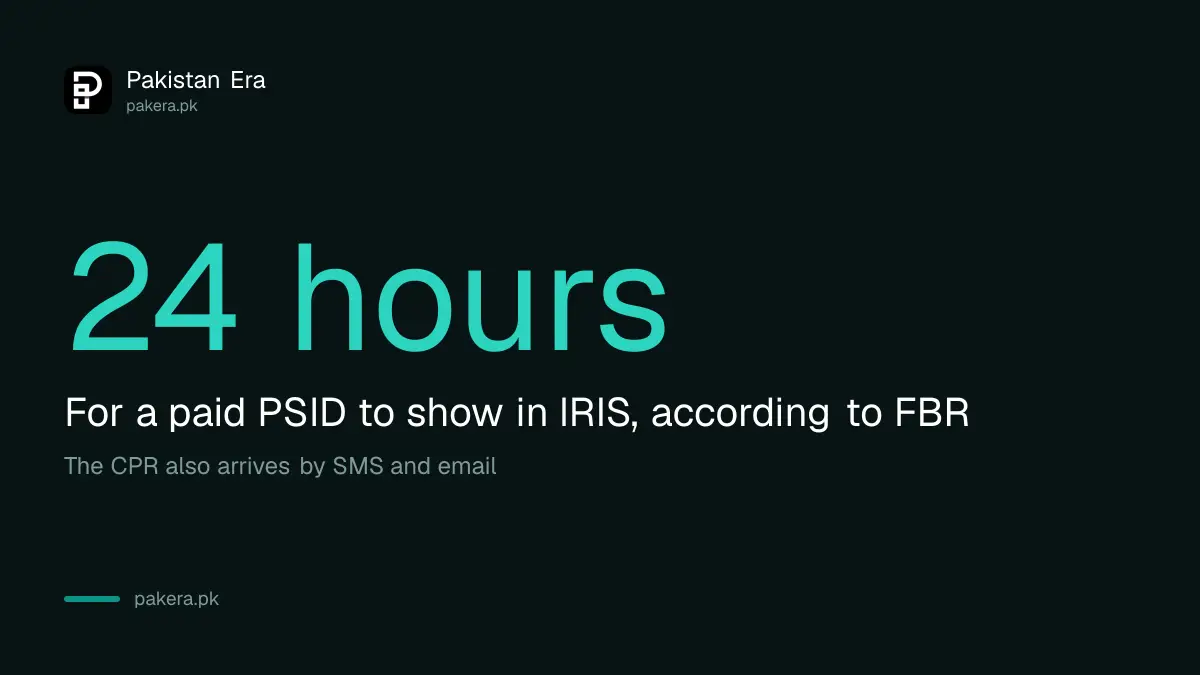
Once the payment goes through, FBR sends a CPR by SMS and email. FBR says the payment shows in IRIS within 24 hours of deposit. Keep the CPR with your tax records for every year you paid.
If the CPR has not arrived after a day, search the PSID in IRIS, which has a PSID search feature. If the bank took the money but FBR shows nothing, ask your bank first for the transaction record.
Late payment costs money. FBR's page says not paying tax by the due date can bring a penalty, a default surcharge or both. Section 205 of the Income Tax Ordinance sets the default surcharge at 12% a year or KIBOR plus 3% a year on the unpaid amount. FBR has extended the return deadline to 15 October 2026, so there is still time to pay before filing.
Common questions
What is a PSID number in FBR?
It is the Payment Slip ID for one tax payment. You create it on IRIS or Tax Asaan, and your bank uses it to send the money to FBR.
Can I pay income tax with a mobile banking app?
Yes. FBR says PSIDs can be paid through internet banking, mobile banking and ATMs, without visiting a branch.
How long does the CPR take to show in IRIS?
FBR says the payment is reflected in IRIS within 24 hours of deposit.
Can I make a PSID without an IRIS login?
Yes. The Tax Asaan app creates PSIDs with or without signing in. You need your registration number, tax year and an email address.
Can I change a PSID after creating it?
No. FBR's Tax Asaan guide says payment details cannot be edited after you submit. Make a new PSID with the correct details.
Can someone else pay my PSID?
The Tax Asaan app lets you share a PSID by SMS, email or WhatsApp. The tax still goes against the registration number on the slip.
How we verified this
What we checked, where we read it, and what we could not confirm.
Last checked at 6:38 pm PKT on 1 October 2026, when iris.fbr.gov.pk and its payment page both answered normally. We read FBR's pay income tax pages (e-Payments, CPR, ADC, late payment and ATL surcharge), FBR's ePayment 2.0 launch statement, the Tax Asaan e-payment guide on FBR's help site, FBR's e-payment FAQs for the 17-digit PSID, and section 205 of the Income Tax Ordinance 2001. We did not make a real payment, so the bank app steps are general; menu names differ between banks.
About the author

Tax, Bills and Technology Writer
Ali Akhtar is a young and curious voice here at Pakistan Era. He is currently pursuing his A-Levels and has a growing interest in Pakistan’s changing industrial landscape and educational trends. Ali likes to write in a way that helps him explain and explore the world around him. His writing reflects the perspective of the new generation navigating the evolving trends of Pakistan where technology, youth innovation, and shifting opportunities are reshaping the country’s future.