PlayStation Account Hacked in Pakistan: Recover Your PSN Account, Use Backup Codes and Lock It Down
Recover a hacked PlayStation account from Pakistan: Trouble Signing In, Online Assistant if the email changed, 10 backup codes, 2SV and Deactivate All Devices.
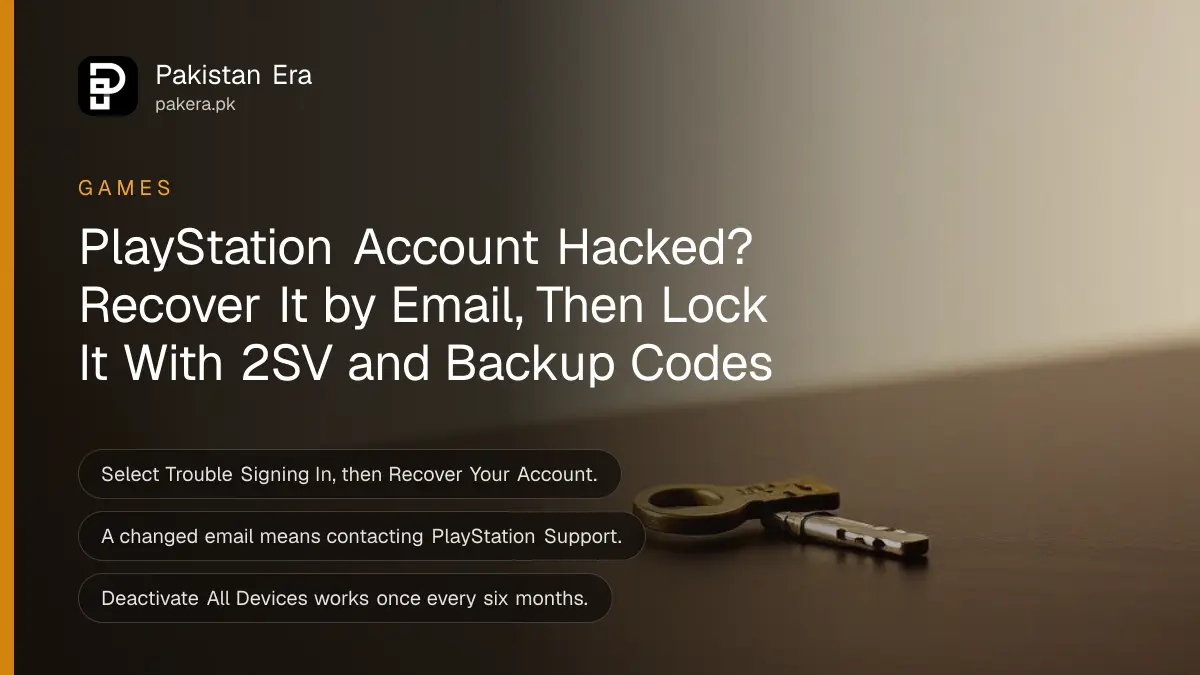
If your PlayStation account was hacked, go to the PlayStation sign-in page, select Trouble Signing In? and then Recover Your Account, and follow the steps sent to your email. If the hacker changed your email, or you cannot open it, contact PlayStation Support through Sony's Online Assistant. Once you are back in, change the password, turn on 2-step verification and sign out every other console.
Pakistani PS5 owners mostly use UAE, US or other foreign accounts, because Sony has no Pakistan region. The recovery steps are the same for every region. What matters is the email address on the account and whether you kept your backup codes.
Recover a hacked PlayStation account with your email
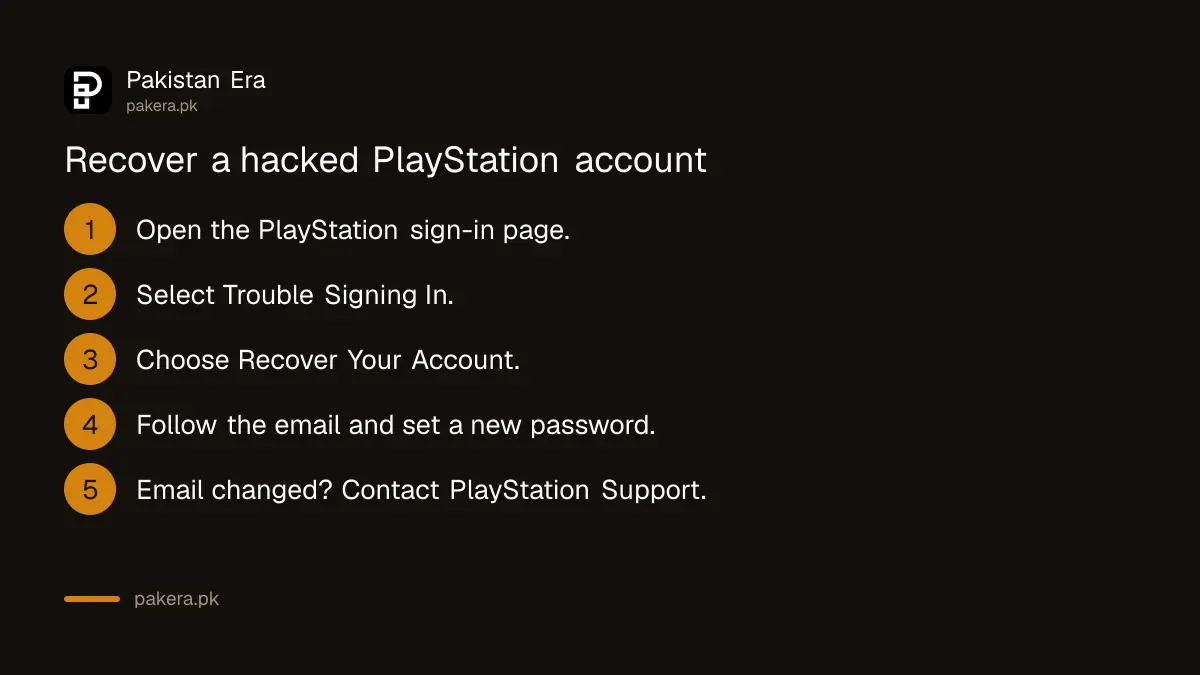
If you can still open the email address on the account, Sony's recovery is quick. Select Trouble Signing In?, then Recover Your Account, and follow the instructions in the email Sony sends. If no email arrives, search all folders for "PlayStation", including spam.
- Open the PlayStation sign-in page in a browser, or the sign-in screen on your PS5.
- Select Trouble Signing In? and then Recover Your Account.
- Enter the sign-in ID, which is the email address on the account.
- Open the email from PlayStation and follow the steps to set a new password.
- Sign in and check the account email, online ID and payment details.
Sony lists a few reasons the reset email may not come. The email address may be misspelt, so check that the address on the Forgot Your Password? page is the one you sign in with. A child account can only be reset by the family manager. Network problems can also delay the email, so check the PlayStation status page.
What to do when the hacker changed your email
If the sign-in ID, online ID or password changed and you did not do it, Sony asks you to contact PlayStation Support through its Online Assistant. The same applies when you cannot open your email, or have forgotten which email you used. Support then checks that you own the account.
Before you start the chat, have your original sign-in email, your online ID and any purchase receipts ready. They help link the account to you. If your account sits in a foreign region, the Online Assistant still works for it. Region accounts have their own limits, set out in our page on PlayStation Network accounts in Pakistan.
Lost your 2SV phone? Use a backup code
If 2-step verification is on and you lost the phone that gets the codes, sign in with one of your 10 backup codes. Each code works once. On the verification screen, select Trouble Receiving Code? and then Sign In Using a Backup Code.
- Sign in to Account Management in a browser with your email and password.
- On the code screen, select Trouble Receiving Code? > Sign In Using a Backup Code.
- Enter one backup code and select Verify.
- Once in, turn 2SV off and on again with your new phone. This also gives you a fresh set of backup codes.
On a PS5, go to Settings > Users and Accounts > Account > Sign In, enter your email and password, and type a backup code on the 2SV screen. If you have no backup codes and no phone, contact PlayStation Support. A text-message code is valid for 10 minutes, so use Resend Code if it expires.
Lock your PlayStation account after recovery
After you get back in, close every door the hacker used. Change the password to one you use nowhere else, turn on 2SV with an authenticator app, sign out of consoles you cannot reach, and set a password at checkout so nobody can spend from your wallet.
Turn on 2-step verification
- Sign in to Account Management and select Security.
- Next to 2-step Verification Status, select Edit.
- Choose Authenticator App or Text Message.
- Scan the QR code with the app, or enter your mobile number.
- Enter the code, select Activate, and save your backup codes somewhere safe.
On a PS5 the same setting is at Settings > Users and Accounts > Security > 2-Step Verification. Sony also offers passkeys, which sign you in from your phone without a password. An authenticator app such as Google Authenticator or Microsoft Authenticator works without SMS, which suits a foreign-region account used from Pakistan.
Sign out of consoles you cannot reach
In Account Management, select Device Management > PlayStation Consoles > Deactivate All Devices. Sony allows this once every six months, and it removes every console at once. To sign out from consoles you cannot reach, change your password as well. Afterwards, turn console sharing back on for your own PS5, as set out in our page on PS5 console sharing and GTA 6.
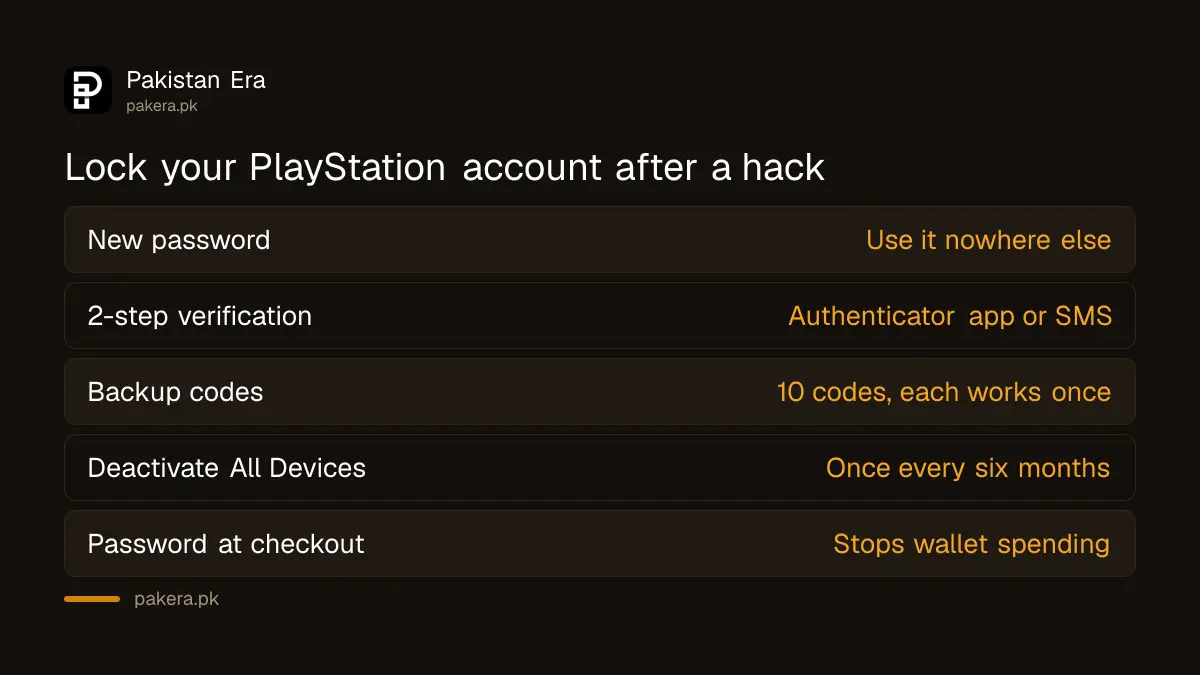
| Step | Where to find it | What it stops |
|---|---|---|
| New unique password | Account Management > Security | The hacker's old login |
| 2-step verification | Security > 2-step Verification Status | Logins with a stolen password |
| Deactivate All Devices | Device Management > PlayStation Consoles | Consoles the hacker activated |
| Require Password at Checkout | PlayStation account settings | Spending from your wallet |
| Login passcode on PS5 | Console user settings | Others using your console profile |
Sony notes that Require Password at Checkout does not work if you have set up passkeys. Also secure the email account behind your PlayStation login, because whoever controls that email can reset everything. Our page on Gmail account recovery in Pakistan covers the email side.
How PlayStation accounts get hacked
Sony warns about three common tricks: QR codes that promise free gift cards or in-game items, direct messages from "players" offering to fix a reported account, and websites that offer free virtual currency in exchange for your login. Never share your sign-in details, even with friends.
The same scams follow every big release. Around GTA 6, fake "free download" and "free Shark Card" offers are common, and our GTA 6 scam warning shows what they look like. Signing in on a shared console at a gaming zone or a friend's house is risky too. Sign out at the end of the session.
Common questions
How do I recover my PlayStation account if the email was changed?
Contact PlayStation Support through Sony's Online Assistant. Sony handles changed sign-in IDs and passwords you did not make through support, not through the email link.
Can I recover my PSN account without my email?
Yes, but only through PlayStation Support. Sony's self-service recovery needs access to the email on the account.
How many PlayStation backup codes do I get?
You get 10 backup codes, and each one works once. Turn 2SV off and on again to get a new set.
How often can I deactivate all devices?
Sony allows Deactivate All Devices once every six months. It removes every console linked to the account at once.
Will I get my games back after recovery?
Your purchases stay on the account, so they come back when you recover it. If the hacker spent money, raise each charge with PlayStation Support.
Should I use SMS or an authenticator app for PlayStation 2SV?
Sony offers both. An authenticator app works offline and does not depend on your mobile network or SIM, so it keeps working if you change your number.
How we verified this
What we checked and where we read it.
We checked these Sony pages on 17 November 2026: How to recover your account for PlayStation, How to set up 2-step verification, Help with 2-step verification issues, How to deactivate a PlayStation console, and How to use security best practises on PlayStation.
About the author

Technology Journalist & Multimedia Producer
Ahmad Ali is a technology journalist and multimedia producer at Pakistan Era, joining the team in October 2026. He covers consumer technology and digital life for Pakistani readers, combining research with hands-on product testing.