How to Accept Raast QR Payments in Your Shop in Pakistan
How a shopkeeper in Pakistan registers for Raast QR with JazzCash Business or Alfa Business, what it costs, when the money arrives and what customers do.
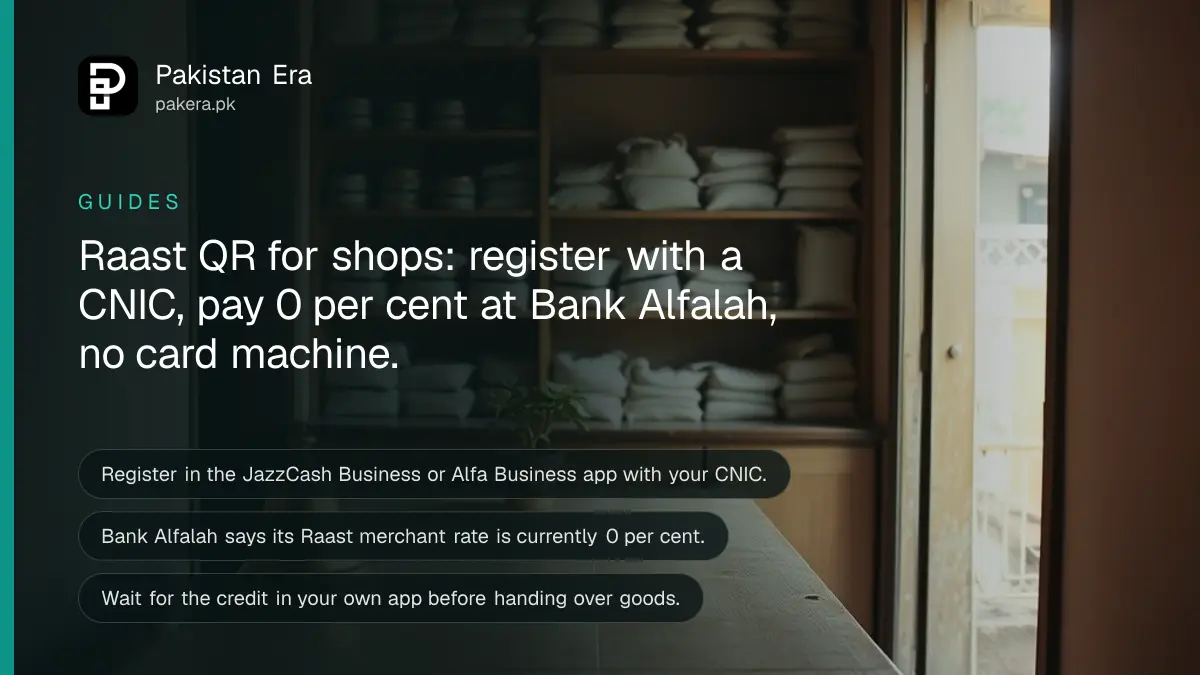
To take Raast QR payments in your shop, open a business account with a bank or wallet that is a Raast merchant provider, such as JazzCash Business or Bank Alfalah's Alfa Business app, finish the CNIC check, and print the QR code the app gives you. Customers scan it from any bank app or wallet.
Most shopkeepers in Pakistan still say no to digital payments because they think it needs a machine, a visit to the bank or a fee on every sale. For a Raast QR code, the providers we read say none of that applies.
We read the State Bank of Pakistan (SBP) circular that created the service, plus the merchant pages of JazzCash and Bank Alfalah, on 7 October 2026. This is the shopkeeper side. If you are the customer, setting up your own Raast ID and paying by QR is a separate job.
Raast QR needs a business account, not a card machine
You need an account with a bank or wallet that SBP allows to onboard merchants. It gives you a QR code. Customers scan it and the money goes into your account. JazzCash says no extra hardware is needed, only a printed or digital QR.
SBP calls these providers Raast Merchant Service Providers. Its circular of 5 December 2023 says they must check each business before onboarding it, give it a static or dynamic QR code, and offer other ways to be paid too: a Request to Pay and a merchant alias such as a till code.
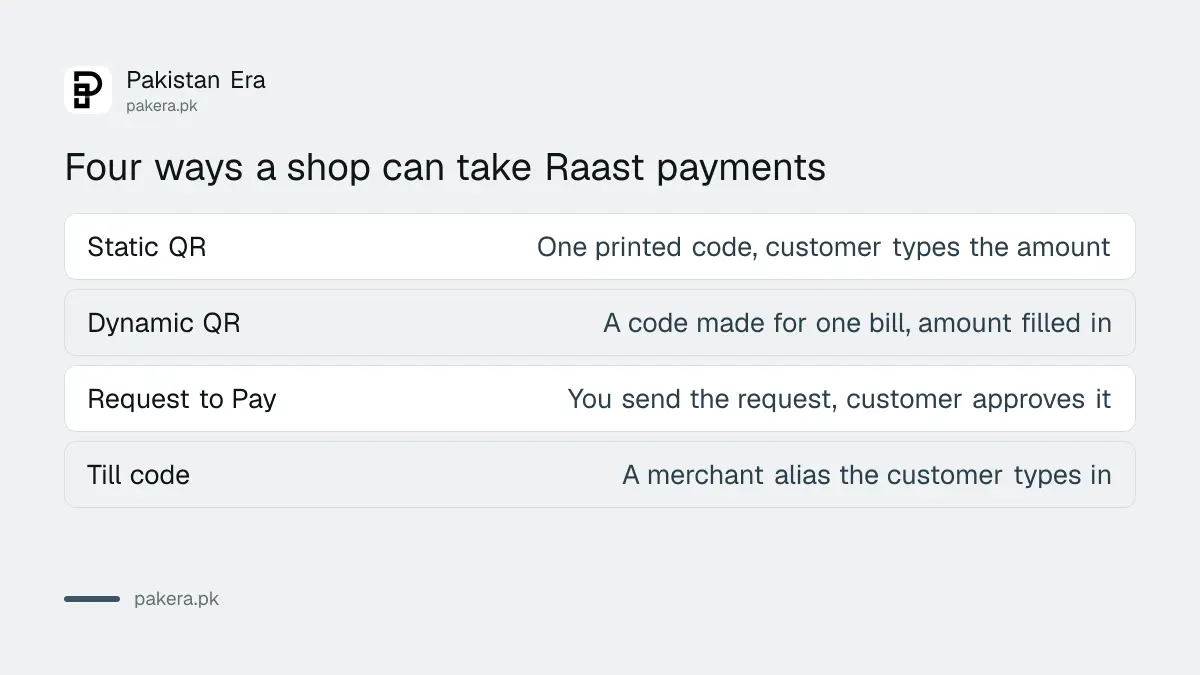
A static QR is the same code every day. The customer types the amount. A dynamic QR is made for one bill, so the amount is already filled in. A shop with a printed code on the counter uses the first. A shop that bills on a phone or till uses the second.
Register through JazzCash Business or Alfa Business in a few minutes
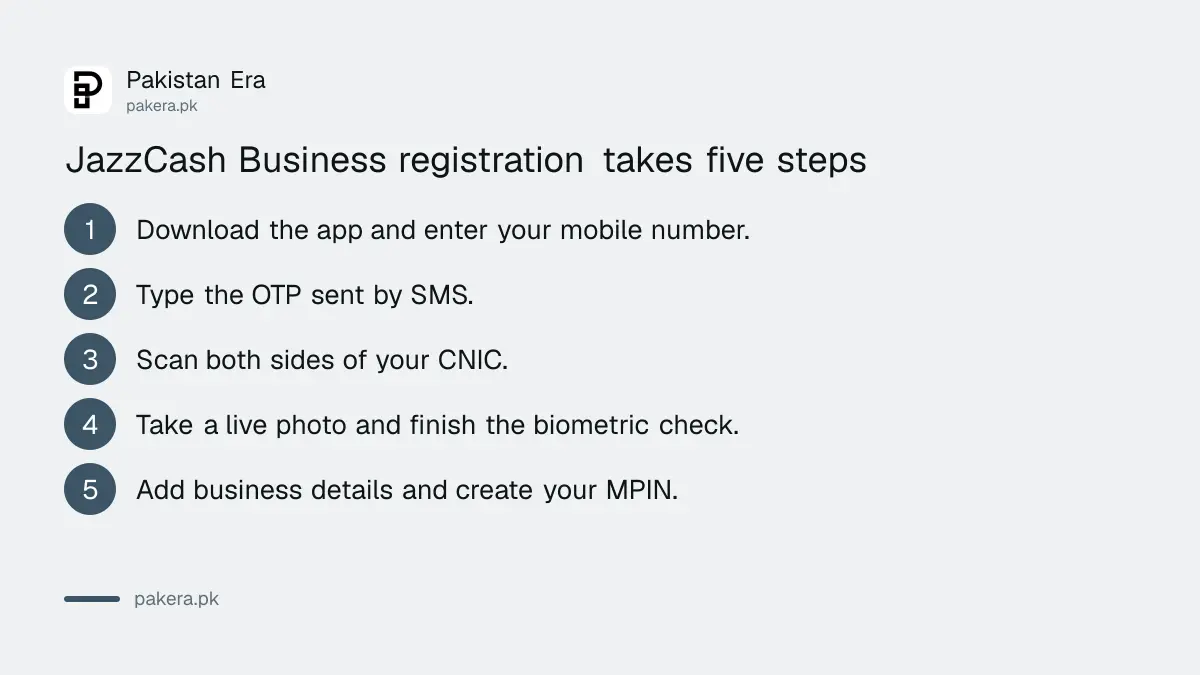
Download the provider's business app, verify your mobile number, scan your CNIC, take a live photo and add your business details. Basic onboarding takes minutes, but final approval depends on checks. Larger firms get assisted onboarding.
JazzCash's own onboarding page lists the steps for its Business app. Any eligible Pakistani with a valid CNIC who runs a business can apply, and you can keep a personal account and a business account on the same CNIC.
- Download the JazzCash Business app and enter your mobile number.
- Type the OTP (the one time code) that arrives by SMS.
- Scan the front and back of your CNIC and enter the number and issue date.
- Take a live photo, then finish the biometric check.
- Add your business information and confirm with a second OTP.
- Create your MPIN. When the account is approved, your Raast QR is generated.
Bank Alfalah's route is similar. Individuals and small businesses download the Alfa Business app, tap Register now, enter personal and business details, upload documents and start accepting payments. Sole proprietors, partnerships, limited companies, NGOs and government bodies email the bank for assisted onboarding. Check the address on the bank's Raast P2M page before you write, because we could not test it.
Easypaisa also lists a merchant QR page, but its site blocked us on 7 October. We cannot say how its onboarding works, whether its QR is the Raast one, or what it charges. Ask your own bank or wallet which QR it issues.
What Raast QR costs a shopkeeper
Bank Alfalah says its Raast merchant fee is currently 0 per cent. SBP's circular lets providers charge a reasonable fee but encourages them to waive it. JazzCash says only that applicable fees are shown in its app. Read that screen before you sign up.
| Source | What it says about merchant cost |
|---|---|
| SBP circular, 5 December 2023 | Providers may charge merchants a reasonable fee, but are encouraged to waive it at first |
| Bank Alfalah Raast P2M page | Merchant discount rate currently 0 per cent, merchants not charged for Raast QR |
| JazzCash Raast QR page | Applicable fees are disclosed within the app |
| Customer, all providers | The circular says customers must not be charged for paying |
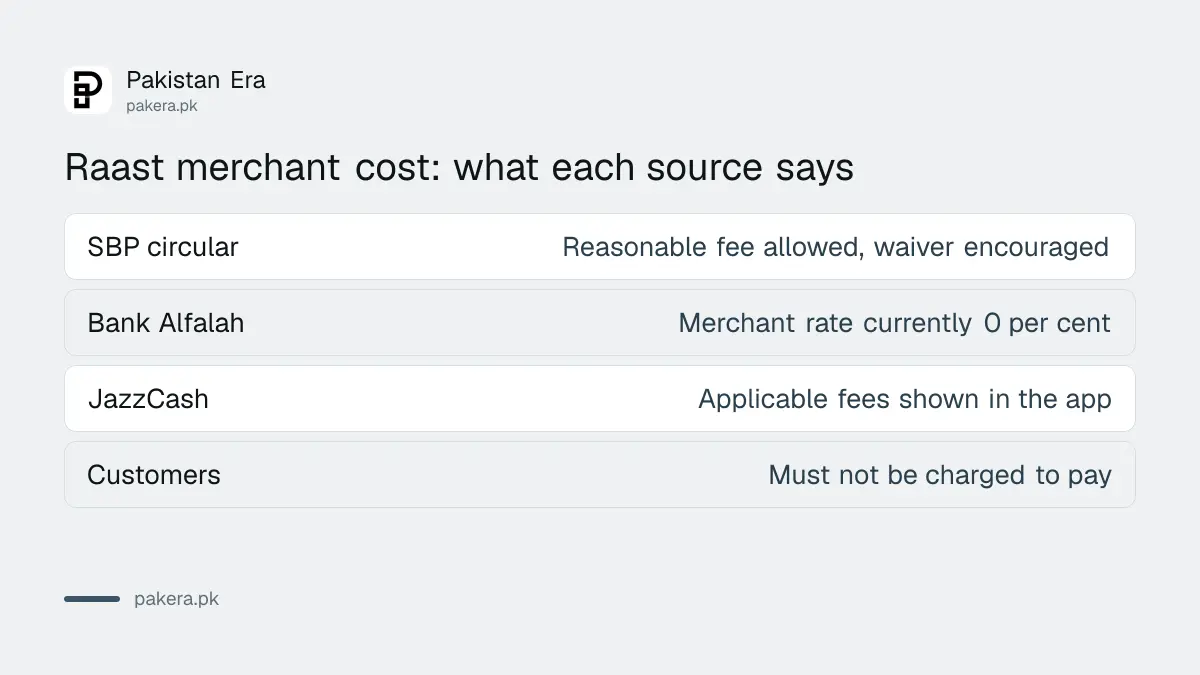
Bank Alfalah's page is not fully consistent on this point. One answer says the rate is 0 per cent. Another line calls it a lower rate. So treat zero as the position today, not a promise, and ask in writing if the fee matters to your margins.
Settlement can be real time or next day, so ask which
JazzCash says Raast QR money is credited to your JazzCash Business account in real time. Bank Alfalah's page says both instant settlement and a T+1 cycle, meaning the next working day. SBP lets providers credit in real time or on terms agreed with the merchant.
That wording is vague, and the difference matters for a shop that restocks daily. Ask your provider two things before you commit. When does the money reach my account, and does that include weekends and holidays?
JazzCash lists a Scheduled Settlement feature for business users. Bank Alfalah says money can go to a settlement account or to a bank IBAN, the long account number. Per transaction limits also apply. Bank Alfalah states Rs 300,000 per transaction for its own customers paying through Alfa, and JazzCash says limits follow SBP rules.
What your customer does at the counter
The customer opens any Raast enabled bank app or wallet, taps the scan option, scans your QR, checks your business name and the amount, and confirms. You then see the payment confirmation in your own app before you hand over the goods.
- Show the QR, or send a dynamic QR for the exact bill.
- The customer scans it and checks that your shop name appears.
- The customer confirms in their app.
- Wait for the confirmation in your own app. Do not rely on the customer's screen.
SBP's circular requires providers to send you a confirmation or rejection straight away and to give real time account statements. Do not hand over goods until your own app shows the credit. A screenshot is easy to fake.
Refunds and complaints go through your provider
If a customer asks for a refund, the circular says they can request it through Raast and you accept or reject it in your provider's merchant interface. For disputes, contact your provider. JazzCash lists helpline 8000, and Bank Alfalah lists 021-111-225-111.
If a customer paid the wrong shop by mistake, the steps in getting a wrong bank transfer back apply to them. For the bigger picture, the SBP figures in where merchant payments are heading show how fast shops are moving.
Common questions
Do I need a POS machine for Raast QR?
No. JazzCash says only a printed or digital QR code is needed, with no additional hardware.
Is Raast QR free for shopkeepers?
Bank Alfalah says its merchant rate is currently 0 per cent. SBP allows providers to charge a reasonable fee, so read your provider's terms.
Can customers pay from any bank app?
JazzCash says customers can pay from any participating bank app or wallet. SBP required every bank and wallet to be able to read Raast QR codes from 1 March 2024.
What do I need to register?
A valid CNIC is mandatory for JazzCash Business, and more documents may be asked for depending on your business type. Companies and NGOs go through assisted onboarding.
Can I take Raast QR if I already have a personal wallet?
Yes, at JazzCash. It says you can hold a personal and a business account on the same CNIC.
How we verified this
What we checked, where we read it, and what we could not confirm.
Last checked 7 October 2026. We read SBP's circular on the launch of the Raast Person to Merchant service, dated 5 December 2023, on sbp.org.pk. We read JazzCash's Raast QR page and its Business account onboarding page on jazzcash.com.pk, and Bank Alfalah's Raast P2M QR page on bankalfalah.com. We did not open an account or make a test payment with any provider, so every step above is as the provider describes it. Easypaisa's site returned a 403 error to us, so we have not described its service. Fees, settlement timing and limits change by provider and by agreement, and Bank Alfalah's page gives two settlement answers. Confirm them with your provider before you print the code.
About the author

Technology Journalist & Multimedia Producer
Ahmad Ali is a technology journalist and multimedia producer at Pakistan Era, joining the team in October 2026. He covers consumer technology and digital life for Pakistani readers, combining research with hands-on product testing.