Pakistan Railways RABTA Verification SMS Not Received: Fix It Before the Third Try Blocks You
RABTA verification SMS not received? Pakistan Railways allows three resends, then blocks the number and email for good. Check these fixes before you try again.
A new Pakistan Railways RABTA e-ticket account works only after you verify your mobile number by SMS and your email by a link. If the code does not arrive, you can resend it up to three times. After three failed tries, Pakistan Railways blocks that phone number and email for personal accounts permanently, so fix the cause before the third resend.
RABTA is the railway's official online booking system at pakrailways.gov.pk and in the RABTA app. The rules below come from the railway's own terms for e-ticketing accounts. Most lockouts happen because people keep pressing "resend" without checking why the first SMS never came.
| Rule for RABTA accounts | What it means for you |
|---|---|
| Mobile verified by SMS, email by link | Both must be done before you can book |
| Up to three resends | The third failure blocks the number and email for good |
| Mobile and email locked after verification | You cannot change them later |
| Real CNIC required | Use your own correct CNIC number |
| Personal use only | Commercial booking gets the account blocked |
Check the number and the phone before you press resend
Every resend uses one of your three chances. Before you press it, make sure the mobile number you typed is correct and that your phone can receive SMS. You can still change the number and email at this stage, because they are not verified yet.
The railway's terms allow a change of mobile number or email before verification. That is your best fix for a typing mistake. Correct the number first, then ask for the code.
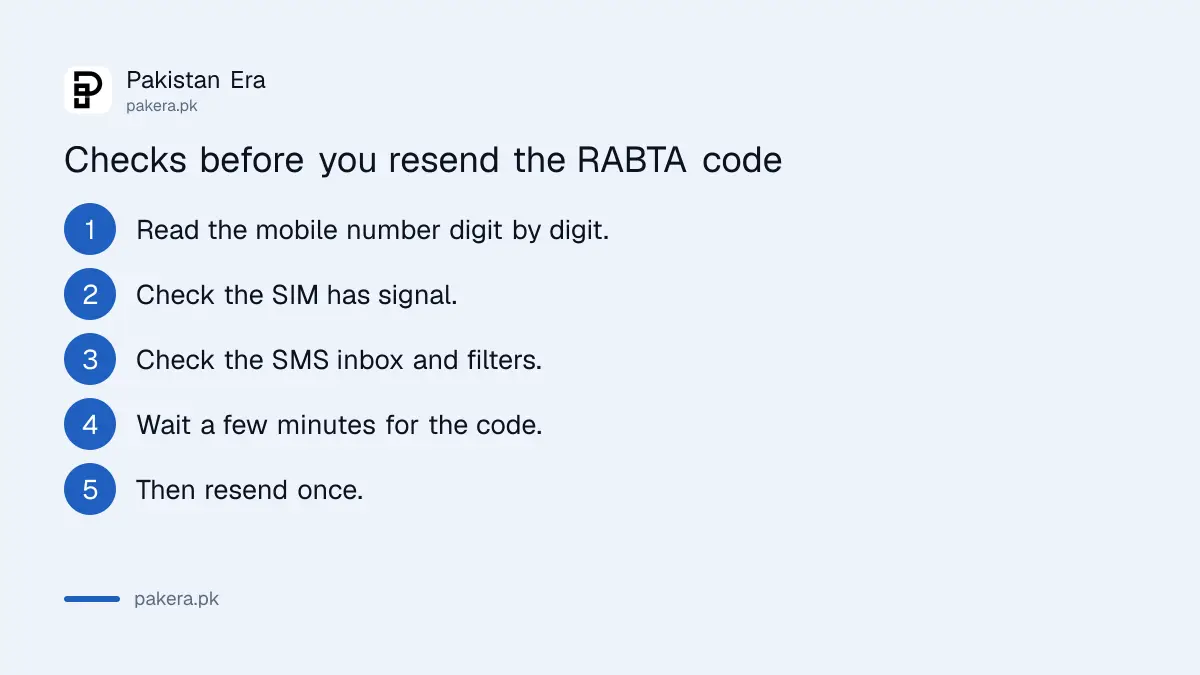
- Read the mobile number on the sign-up screen digit by digit. Fix it if it is wrong.
- Check that the SIM is in the phone and has signal. Restart the phone if needed.
- Open the SMS inbox. Check that it is not full and that unknown or promotional senders are not filtered into a separate folder.
- Wait a few minutes for the first code. Network delays are common in the evening.
- Only then press resend, once.
Email verification needs the link, not a code
The railway sends a verification link to your email when you create the account. Open that email and click the link. If it is missing, check the spam and promotions folders before asking for it again, because email resends count toward the same limit.
Use an email account you can open on the same phone. Many people sign up with an old email they cannot log in to, then cannot verify. Since the email cannot be changed after verification, pick one you will keep for years.
| Problem | Fix |
|---|---|
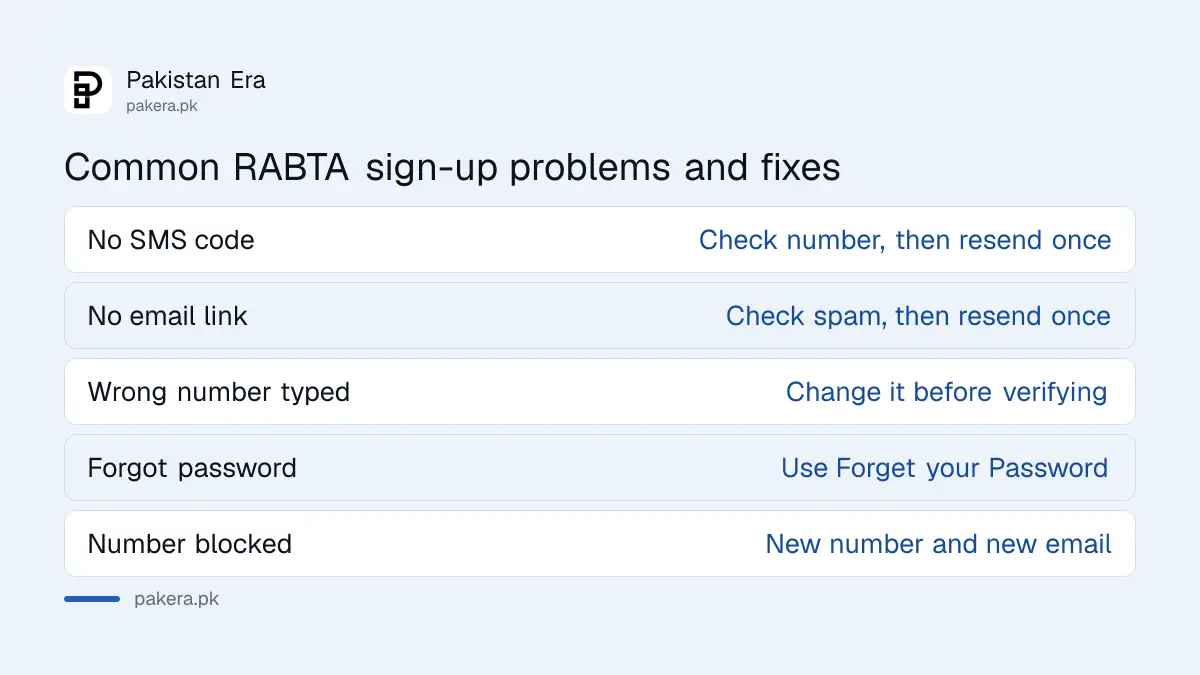
| No SMS code | Check the number, signal and SMS inbox, then resend once |
| No verification email | Check spam and promotions, then resend once |
| Wrong number typed | Change it before verification, then ask for the code |
| Forgot password | Use "Forget your Password" on the RABTA login screen |
| Number and email blocked | Register with a different number and email |
A blocked number and email need a fresh registration
After three failed verification attempts, the railway's terms say the phone number and email are blocked permanently for personal accounts. The terms give no unblocking process. To book online again, you need a different mobile number and a different email.
Use a number registered in your own name, such as a second SIM. Keep the CNIC on the new account your own, because the terms require a real CNIC number at sign-up.
If you only need one trip, you do not have to wait for a new account. Any computerised reservation office sells paper tickets, paid in cash. The Pakistan Railways fare check shows the price before you go.
Your mobile and email cannot be changed after verification
Once the mobile number and email are verified, the railway does not let you change either one. Choose a number you will keep. If you lose that SIM, ask your operator for a duplicate SIM on the same number rather than opening a new account.
This matters for refunds too. When you cancel an online ticket, the railway sends a cancellation message, and the payment provider will not refund you without it. A lost number can mean a lost refund. The deductions for each timing are in the guide to cancelling a Pakistan Railways e-ticket.
Personal accounts are for family travel, not resale
You can book tickets for yourself, friends and family from one RABTA account. Booking for commercial purposes is not allowed, and the railway blocks accounts reported for misuse permanently. Travel agents are not allowed to book either.
Tickets are also not transferable. The person named on the ticket must be the person travelling. If you book for a relative, enter their name exactly as on their CNIC.
For help that the app cannot give, call the railway helpline on 051-9201100, which the railway lists for reservations and travel help. The Pakistan Railways helplines 117 and 1333 handle complaints.
Common questions
Why is my RABTA verification code not coming?
Usually a wrong number, weak signal or a full or filtered SMS inbox. Fix those first, then resend once. You have three tries in total.
How many times can I resend the RABTA code?
Up to three times. After three failures, the railway blocks that phone number and email for personal accounts permanently.
Can I change my mobile number on RABTA?
Only before it is verified. After verification, the mobile number and email cannot be changed.
Can I book tickets for my family from my account?
Yes. The terms allow tickets for yourself, friends and family. Booking for commercial purposes is not allowed.
My number is blocked. Can Pakistan Railways unblock it?
The terms describe the block as permanent and give no unblocking process. Register again with a different number and email, or buy tickets at a reservation office.
Do I need a CNIC to make a RABTA account?
Yes. The terms require your real CNIC number at registration.
How we verified this
What we checked and where we read it.
Last checked 25 November 2026. The account, verification, blocking, CNIC and refund rules come from the e-ticketing section of the railway's terms and conditions page. The helpline number and the ban on travel agents come from the Pakistan Railways FAQ. We opened the RABTA login page at pakrailways.gov.pk, which shows a "Forget your Password" option. The phone checks in the first section are general steps for SMS delivery, not railway rules.
Free on WhatsApp
Get last dates and rule changes on WhatsApp
We post new last dates, fee changes and fixes for common problems, a few short posts a day.
Follow Pakera on WhatsAppOther followers cannot see your number.
Pakera Solves It
Which online process wasted your time this week?
A portal that will not load, a form nobody explains, a complaint that went nowhere. Tell us. Every week we pick one, solve it step by step and publish the answer.
About the author

Senior Writer, Public Services and Technology
Shahid joined us in 2024 as an author. He is a senior contributor to Pakistan's leading technology websites. He writes detailed articles, mostly covering his expertise in the latest tech, mobiles, apps, gadgets, and step-by-step guides. His ideology is to help people understand the latest trends and explain complex methods through very easy-to-understand guides.