Screen Mirroring Phone to TV in Pakistan: iPhone, Samsung and Android to Any Smart TV (Every Method)
Mirror your phone to a TV with Screen Mirroring on iPhone, Smart View on Samsung or Cast screen in Google Home on Android. Find your pairing and the fixes here.
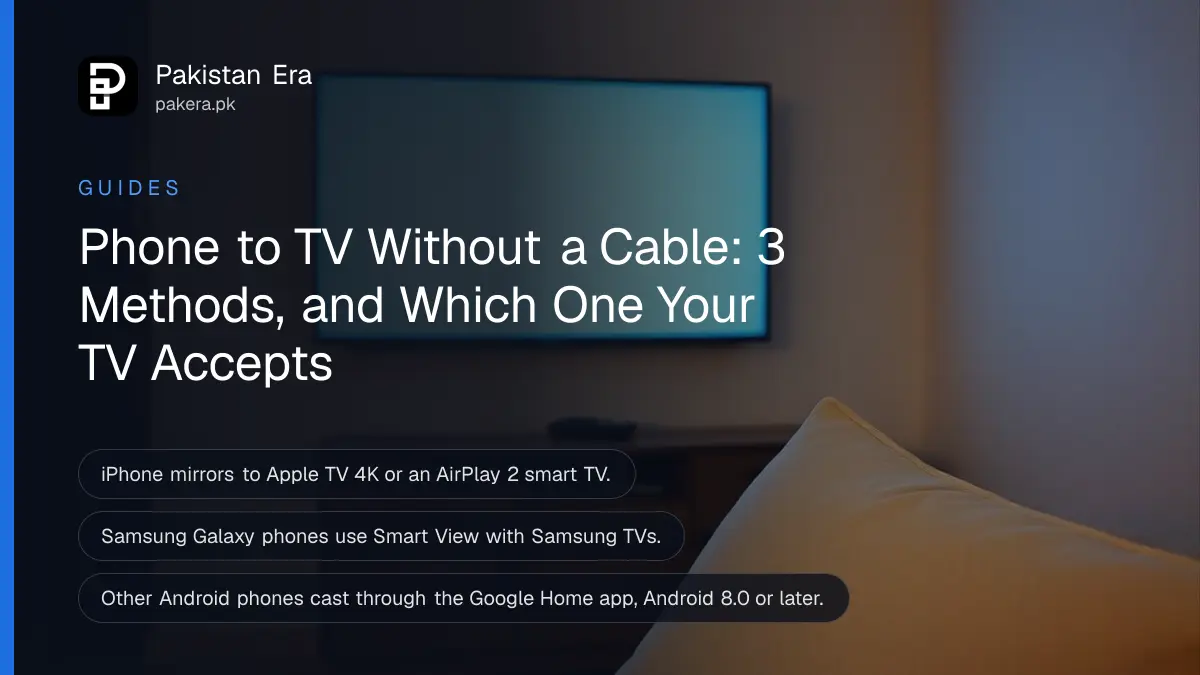
To mirror your phone to a TV, put both on the same Wi-Fi, then tap Screen Mirroring in Control Center on iPhone, Smart View in Quick Settings on a Samsung Galaxy, or Cast, then Cast screen in the Google Home app on other Android phones. Which one works depends on your TV: iPhones need an Apple TV or an AirPlay 2 TV, and Android phones need a Samsung TV, a Google TV or a Chromecast.
Most failed attempts are not broken TVs. They are the wrong pairing, a phone on mobile data while the TV is on Wi-Fi, or a TV that does not speak the phone's language. We read Apple's, Samsung Pakistan's and Google's own help pages on 25 October 2026. Below is the right method for each phone and TV, and the fixes when the TV does not appear.
The right method depends on both the phone and the TV
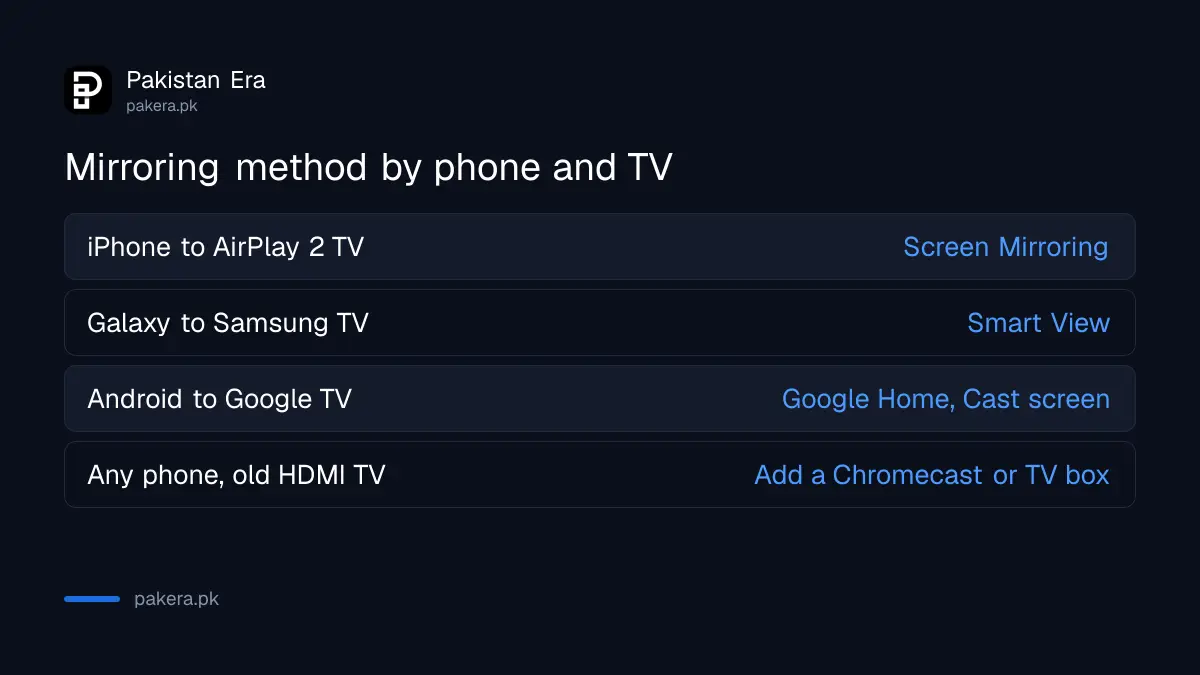
iPhone mirrors through AirPlay, Samsung Galaxy phones use Smart View, and other Android phones cast through Google Home. Match your phone to your TV in the table below, then follow that section. Both devices must be on the same Wi-Fi network in every case.
| Phone | TV | Method |
|---|---|---|
| iPhone | Apple TV 4K or AirPlay 2 smart TV | Control Center, Screen Mirroring |
| Samsung Galaxy | Samsung Smart TV | Quick Settings, Smart View |
| Any Android 8.0 or later | Chromecast or Google TV device | Google Home app, Cast, Cast screen |
| iPhone | Plain Android TV with no AirPlay | Not supported by Apple's method |
iPhone mirrors through Screen Mirroring in Control Center
On iPhone, open Control Center, tap Screen Mirroring and choose your Apple TV 4K or AirPlay 2 smart TV. If a code appears on the TV, type it on the iPhone. To stop, open Control Center, tap Screen Mirroring and tap Stop Mirroring.
Apple keeps a list of AirPlay 2 smart TVs on its Home accessories page. Check your model there before you assume the feature is broken. For a single video, you do not need full mirroring: tap the AirPlay button inside the video app and pick the TV. Your phone stays free for messages while the video plays.
Apple adds two limits worth knowing. Some apps block screen capture, and you cannot record your screen and mirror it at the same time. Turn off screen recording first if mirroring refuses to start.
Samsung Galaxy phones use Smart View with Samsung TVs
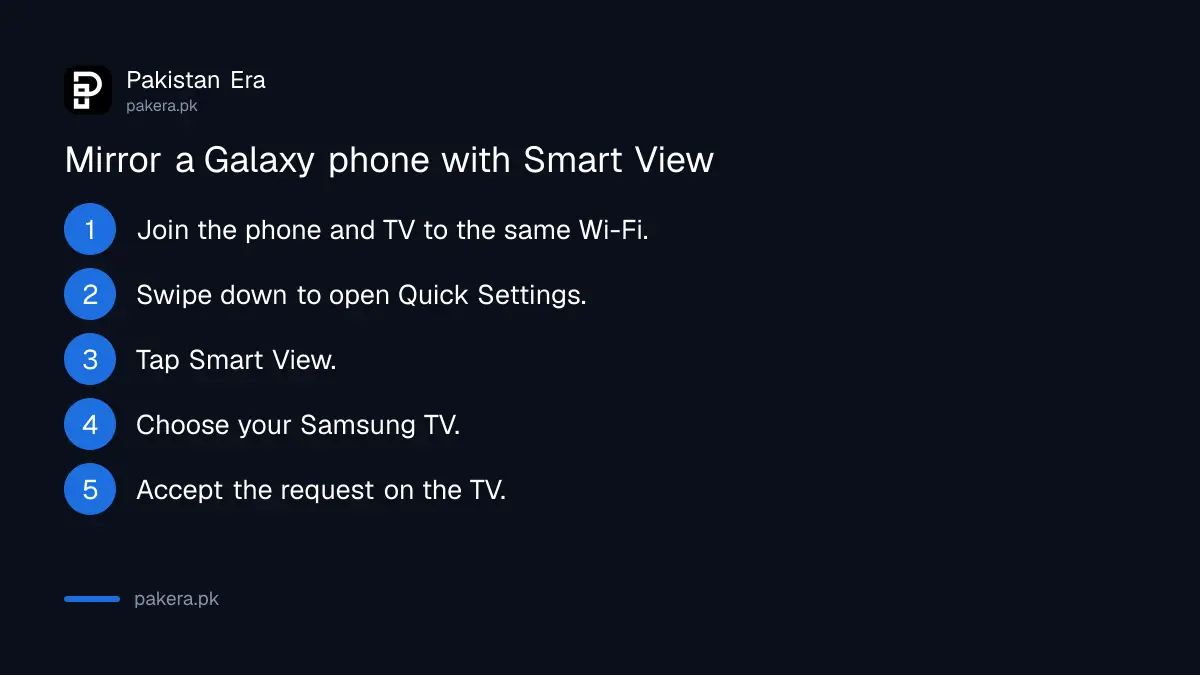
On a Galaxy phone, swipe down from the top for Quick Settings, tap Smart View and choose your Samsung TV. Samsung Pakistan also gives a second route: Settings, Connected devices, Smart View, pick the TV and tap Start now.
- Connect the phone and the Samsung TV to the same Wi-Fi.
- Swipe down from the top of the phone screen to open Quick Settings.
- Tap Smart View or the screen mirroring icon.
- Choose your TV from the list.
- Accept the request on the TV with the remote if it asks.
Samsung says the TV must support screen mirroring and Smart View, and both devices should run updated software. If the connection fails or keeps dropping, Samsung's first fix is to restart both. A Samsung TV that has not been updated in a year is a common culprit; its update is under Settings, General, Software Update on the TV.
Other Android phones cast to Google TV or Chromecast through Google Home
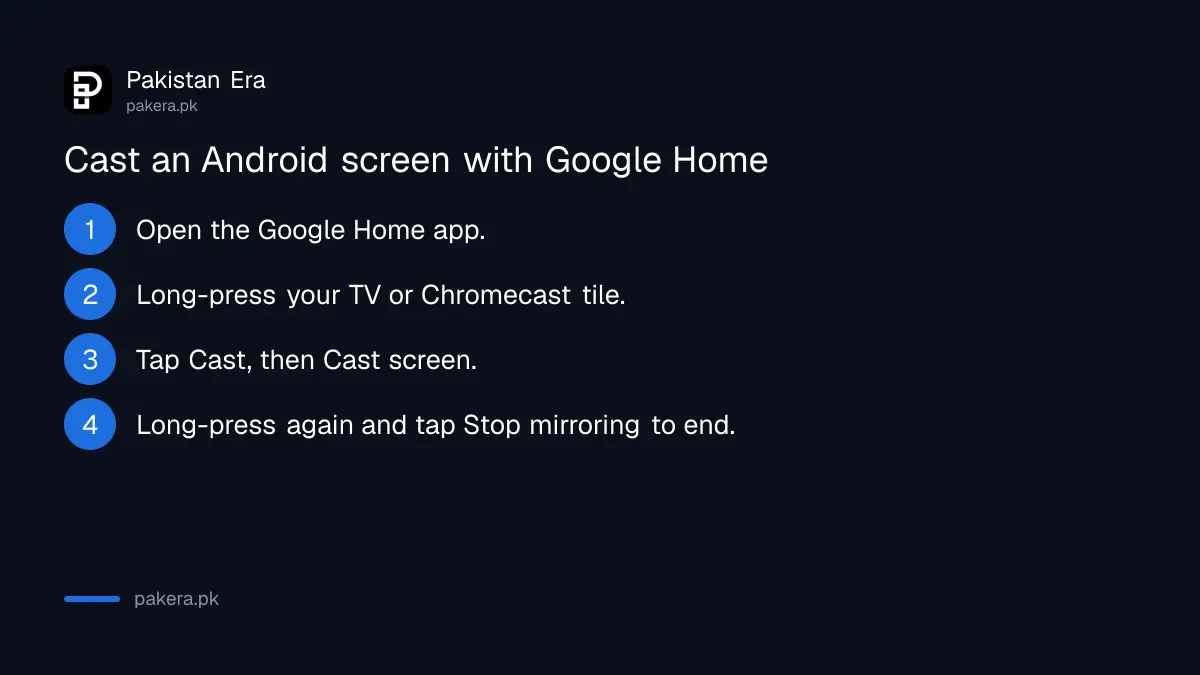
Open the Google Home app, long-press the tile for your TV or Chromecast, tap Cast and choose Cast screen. Google says this needs Android 8.0 or later and the same Wi-Fi network. To stop, long-press the tile again and tap Stop mirroring.
Google also asks you to allow the microphone permission for Google Play Services, and suggests battery saver so the phone does not run flat mid-match. Many brands also put a Cast or Screen cast tile in Quick Settings, which skips the app; the name varies by phone.
Watching cricket from a phone app on the big screen is the most common reason people try this in Pakistani homes. The live apps for the Pakistan ODI tri-series stream better through a TV app or a cast button inside the app than through full screen mirroring, because the phone does less work.
Most "TV not showing" problems come from Wi-Fi or an old TV
If the TV does not appear in the list, check that both devices are on the same Wi-Fi band and network, restart both, and update both. If the TV is not a smart TV at all, a Chromecast or Android TV box adds casting through HDMI.
- Phone on mobile data: turn on Wi-Fi and join the same router as the TV.
- Two routers or a repeater at home: put both devices on the same network name.
- iPhone and a TV without AirPlay 2: Apple's method will not work; check Apple's list for your model.
- Lag or freezing: move the router closer or cast from inside the app instead of mirroring the whole screen.
- Old LED TV with HDMI only: an Android TV box or a Chromecast plugged into HDMI gives it casting.
Load shedding adds one local twist. When the power returns, the router can take a minute or two to come back. The TV may join a neighbour's open network or none at all, so check the TV's Wi-Fi before blaming the phone.
Common questions
How do I connect my phone to my TV without a cable?
Use Screen Mirroring on iPhone, Smart View on a Samsung Galaxy, or Cast screen in Google Home on other Android phones. Both devices need the same Wi-Fi.
Can I mirror an iPhone to a Samsung TV?
Yes, if the Samsung TV supports AirPlay 2. Apple lists supported TVs on its Home accessories page.
Why is my TV not showing in Smart View?
Samsung lists different Wi-Fi networks, outdated software and an incompatible TV as causes. Restart both devices and update them.
Which Android version do I need to cast my screen?
Google says Android 8.0 or later for casting the screen to a Google streaming device.
How do I stop screen mirroring on iPhone?
Open Control Center, tap Screen Mirroring, then tap Stop Mirroring.
Does screen mirroring use mobile data?
Mirroring runs over your home Wi-Fi. Streaming a video still uses the internet connection, so a video app uses Wi-Fi data as normal.
How we verified this
What we checked, where we read it, and what we could not confirm.
Last checked 25 October 2026. We read Apple's stream and mirror to Apple TV 4K or a smart TV page for iOS 27, Samsung Pakistan's Smart View page, and Google's Chromecast help on casting an Android screen, on that date. Samsung's page does not list which TV years support Smart View, and we did not test specific TV brands sold in Pakistan.
About the author

Technology Journalist & Multimedia Producer
Ahmad Ali is a technology journalist and multimedia producer at Pakistan Era, joining the team in October 2026. He covers consumer technology and digital life for Pakistani readers, combining research with hands-on product testing.