Smartwatch Not Connecting to Phone in Pakistan: Fixes for Apple Watch, Galaxy Watch and Other Wear OS Watches
Smartwatch not connecting to your phone? Bring them close, check Airplane mode and Bluetooth, restart, then pair again. Fixes for Apple Watch, Wear OS and more.
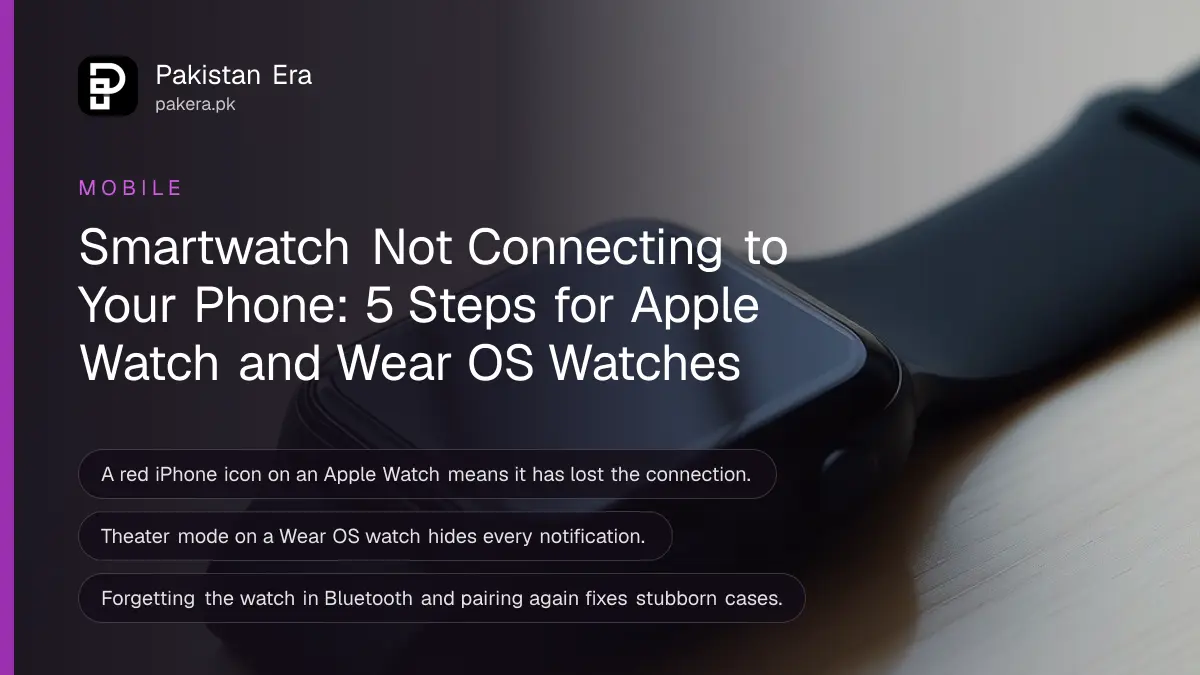
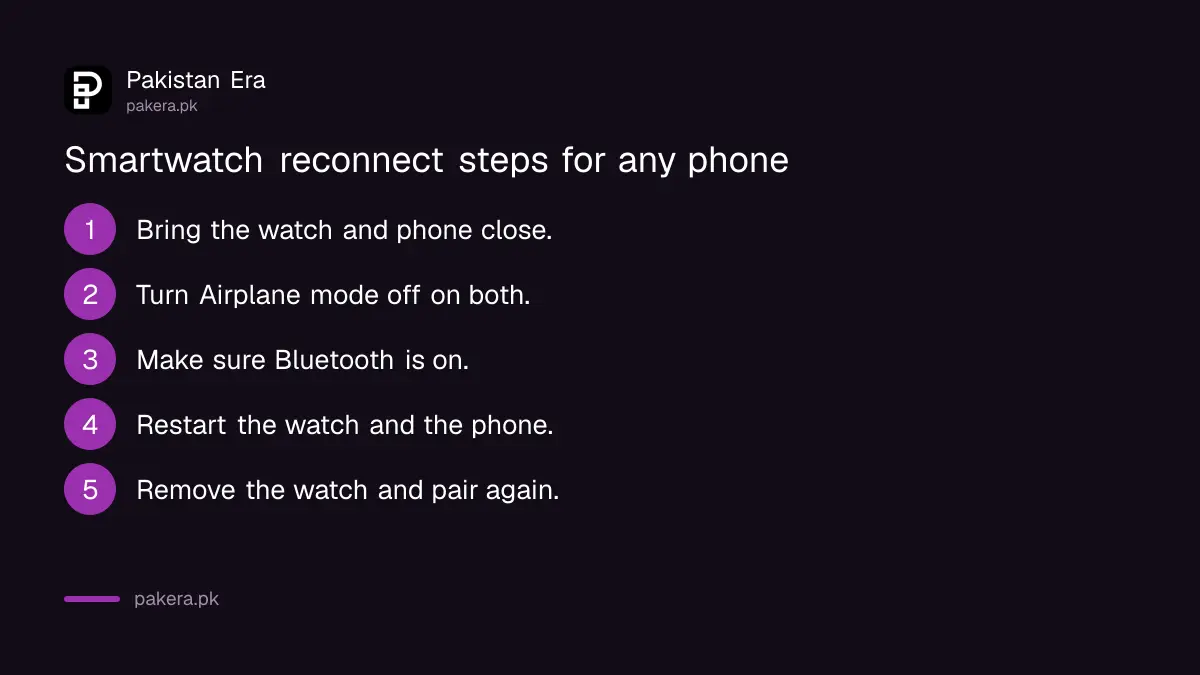
When a smartwatch will not connect to your phone, bring the two close together, turn off Airplane mode on both, make sure Bluetooth is on, and restart the watch and the phone. If that fails, remove the watch from the phone and pair it again. Those steps come from Apple for the Apple Watch and from Google for Wear OS watches, and they fix most cases.
This page covers the Apple Watch, Wear OS watches such as the Pixel Watch and recent Samsung Galaxy Watch models, and the budget watches that pair through their own app. We read Apple's and Google's watch help pages on 31 October 2026. Notifications that stop arriving get their own section, because that is often the real complaint behind "not connecting".
Check the connection icon before you change anything
An Apple Watch shows a red iPhone icon or a red X in Control Center when it is disconnected, and a green iPhone icon when it reconnects. A Wear OS watch shows "Disconnected". If you see neither, the link is fine and the problem is notifications.
| Step | Apple Watch with iPhone | Wear OS watch with Android |
|---|---|---|
| 1. Bring them close | Keep the watch near the iPhone | Move the watch and phone closer |
| 2. Phone settings | Control Center: Airplane Mode off, Wi-Fi and Bluetooth on | Settings > Connected devices > Bluetooth on |
| 3. Watch settings | Side button, Control Center: Airplane Mode off | Swipe down, Settings > Connections: Airplane mode off |
| 4. Restart | Restart the watch and the iPhone | Swipe down, Restart, then restart the phone |
| 5. Pair again | Unpair, then pair again | Forget the watch in Bluetooth, then Add a new watch |
Apple Watch: Airplane Mode, Bluetooth, restart, then unpair
On the iPhone, open Control Center and check that Airplane Mode is off while Wi-Fi and Bluetooth are on. On the watch, press the side button and turn Airplane Mode off. Restart both. If it still fails, unpair and pair again.
- Keep the Apple Watch and its paired iPhone close together.
- On the iPhone, swipe down from the top-right corner to open Control Center. Airplane Mode off, Wi-Fi and Bluetooth on.
- On the watch, press the side button to open Control Center and make sure Airplane Mode is off.
- Restart the Apple Watch, then restart the iPhone.
- Still red? Unpair the watch from the iPhone, then pair it again.
Take a backup before you unpair. Apple says a computer backup keeps Health and Activity data from an Apple Watch only if you choose an encrypted backup, and you can also check how to back up an iPhone and check the last backup before you start.
One Pakistan-specific point: when we checked Apple's carrier list for an earlier page, no Pakistani network was on it, so cellular Apple Watch models work through the iPhone here. The details are in our page on the Apple Watch Series 12 and Ultra 4 in Pakistan.
Wear OS watches: Bluetooth memory and the companion app
On the Android phone, turn Bluetooth on under Settings, Connected devices. On the watch, swipe down, open Settings, then Connections, and turn Airplane mode off. Update the phone, the watch and the Wear OS or companion app, then restart both.
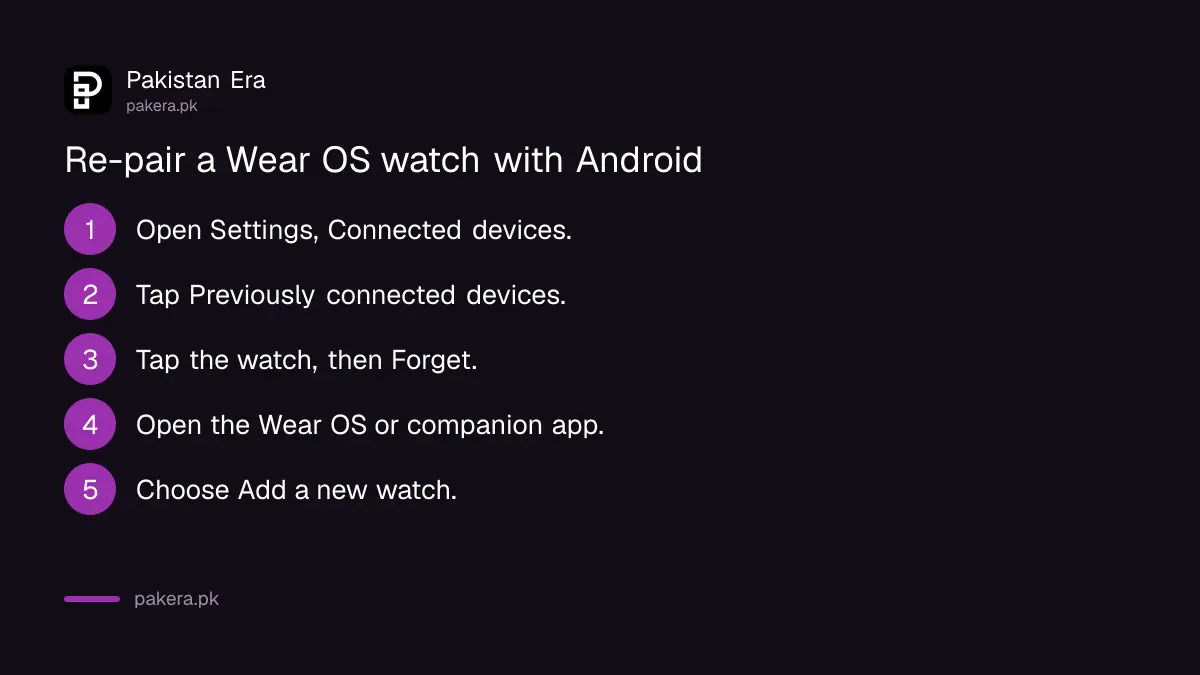
If the watch still will not stay connected, Google's setup page suggests clearing the old pairing. On the phone, open Settings, Connected devices, Previously connected devices, tap the watch, then Forget. Then open the Wear OS app or your watch's companion app, tap the down arrow at the top, choose Add a new watch and follow the steps.
Google says the steps vary by manufacturer, device and software version, and that some watches call the menu Connectivity instead of Connections. Setup can take several minutes. Google suggests trying again only if "Getting watch details" or "Finishing" is still on the phone after 20 minutes.
A factory reset of the watch is Google's last step when nothing else works. It erases the watch, so do it only after the steps above.
No notifications on the watch is usually a phone setting
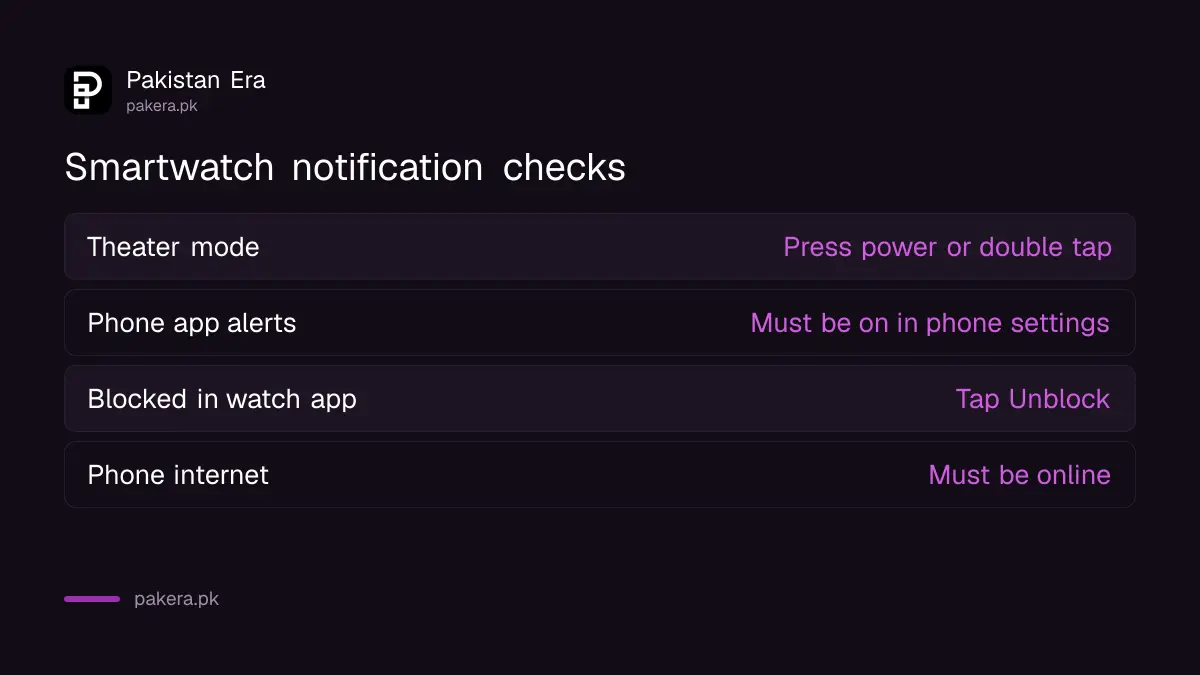
A watch uses the phone's notification settings. If the phone does not alert you for an app, the watch will not either. Check the app's notifications on the phone, then check the blocked list in the watch app, then Theater mode.
- Theater mode. Google says a Wear OS watch in Theater mode shows no notifications and keeps the screen off. Press the power button, or tap the screen twice quickly, to leave it.
- Phone notifications. On Android, open Settings, Apps and notifications, Notifications, App notifications, and turn the app on.
- Blocked apps. In the Wear OS app or companion app, open Notifications, then Block app notifications, and tap Unblock next to the app.
- Internet. Make sure the phone itself is online. A phone with no data cannot pass on a WhatsApp message.
Battery saving settings can also hold back the watch's app in the background. The Pixel steps in our battery drain fixes show where the per-app battery setting sits.
Budget watches pair through their own app, not Bluetooth settings
Many cheaper smartwatches sold in Pakistan do not run Wear OS. They pair through their maker's own app, named in the box or the manual. The same checks apply: Bluetooth on, both devices close, restart, remove and pair again inside that app.
The app usually needs permission for Bluetooth, nearby devices and notifications on the phone. If one was refused during setup, the watch connects but stays silent. Open the phone's app settings and allow them. This is general advice from the Apple and Google steps above, since the budget brands do not publish their own help pages in a form we could check.
Bluetooth-only watches need no PTA registration. A watch with a SIM slot or eSIM does, and the rules are in smartwatch PTA registration.
Common questions
Why does my Apple Watch show a red iPhone icon?
It means the watch and iPhone are not connected. Bring them close, check Airplane Mode and Bluetooth, and restart both.
How do I reconnect a Galaxy Watch or Pixel Watch to a new phone?
Forget the watch in the old pairing, then open the Wear OS or companion app and choose Add a new watch.
Why am I not getting WhatsApp notifications on my smartwatch?
Check that WhatsApp notifications are on in the phone's settings, that the app is not blocked in the watch app, and that Theater mode is off.
Will unpairing my watch delete my data?
It can remove data stored on the watch. Back up the phone first, so Health and Activity data can be restored.
How long does Wear OS setup take?
Google says several minutes. If it is still on "Finishing" after 20 minutes, update the apps and pair again.
How we verified this
What we checked, where we read it, and what we could not confirm.
Last checked 31 October 2026. We read Apple's page If your Apple Watch isn't connected or paired with your iPhone (published 7 July 2026) and Google's Wear OS Help pages Your watch won't stay connected, I'm not getting notifications on my watch, and Fix issues with setting up your watch, on 31 October 2026. Samsung's own Galaxy Wearable steps and the apps of budget watch brands were not checked, and Samsung's menu names may differ. We did not test a watch ourselves.
About the author

Technology Journalist & Multimedia Producer
Ahmad Ali is a technology journalist and multimedia producer at Pakistan Era, joining the team in October 2026. He covers consumer technology and digital life for Pakistani readers, combining research with hands-on product testing.