Transworld WiFi Password Change in Pakistan: Router Login, Self-Care Reset and Fixes
Change your Transworld WiFi password from the router page in 6 steps, find the router login address, reset the self-care password and fix logins that fail.
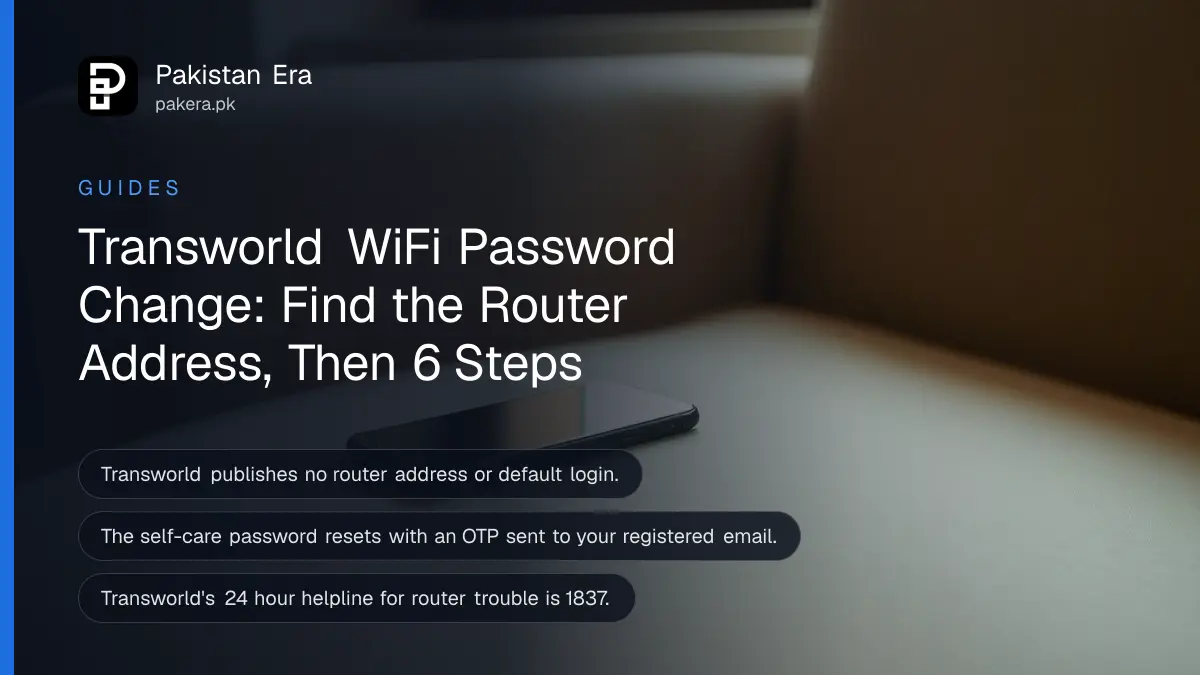
To change your Transworld WiFi password, open your router's settings page at its gateway address (read it from your phone's WiFi details), sign in with the admin login on the device sticker, and save a new key under the wireless or WLAN settings. Transworld does not publish router steps or a default login, so if the sticker login fails, call its 24 hour helpline on 1837.
The Transworld self-care and My Transworld app password is a separate thing, and Transworld does publish steps for that one. We read Transworld Home's FAQ, customer care page and self-care login page on 24 October 2026. Below are both methods, how to find the router address on any device, and what to try when the page will not load.
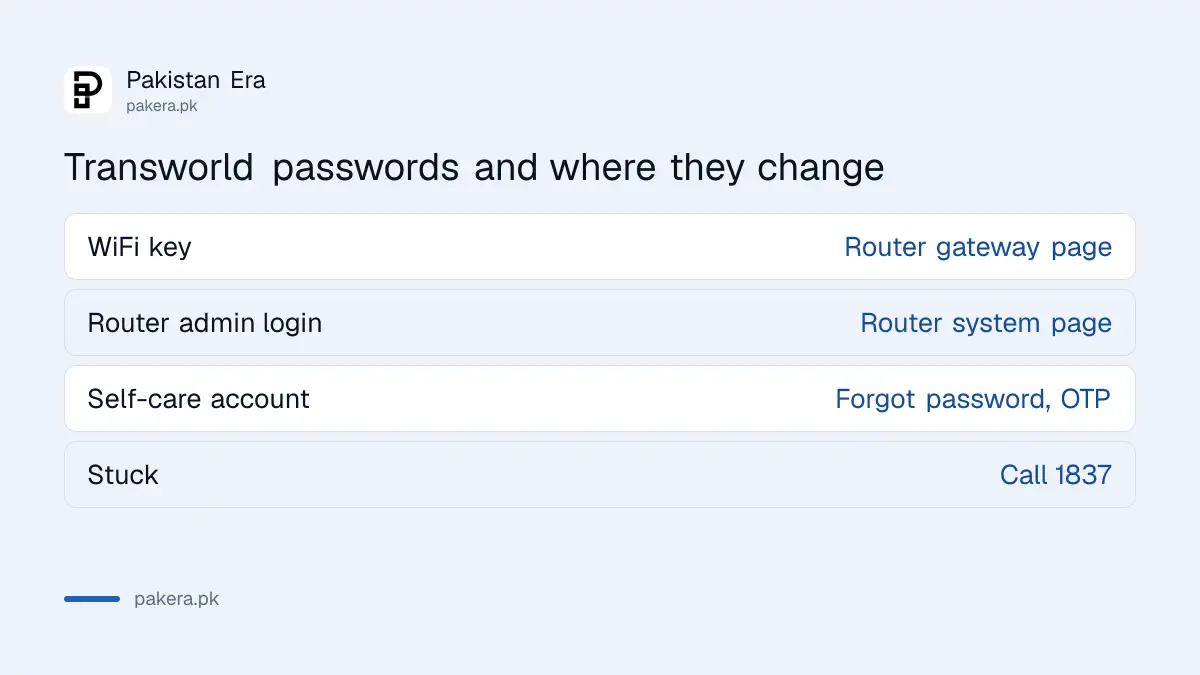
Transworld WiFi password and account password are not the same
Your WiFi password protects the home network and is stored on the router Transworld installed. Your account password opens the self-care portal and My Transworld app, where you pay bills and download invoices. Transworld's FAQ explains how to reset the account password, not the WiFi one.
| Password | Where it changes | Transworld steps published? |
|---|---|---|
| WiFi network key | Router page at its gateway address | No |
| Router admin login | Router page, administration or system section | No |
| Self-care and My Transworld app | customer.transworld-home.com or the app, "Forgot password?" | Yes, in the FAQ |
If you only want a guest or a tenant off your network, the WiFi key is the one to change. If you cannot log in to pay a bill, it is the account password.
Find the Transworld router login address on your device
The router login address is your network's default gateway. Every device on the WiFi already shows it. Read it from your own phone or laptop rather than copying an address from a website, because different router models use different numbers.
- Android: Settings, WiFi, tap your Transworld network, then open advanced details and read Gateway.
- iPhone: Settings, WiFi, tap the i beside the network, and read Router.
- Windows: open Command Prompt, type
ipconfig, and read Default Gateway. - Mac: System Settings, Wi-Fi, Details, TCP/IP, and read Router.
The number usually looks like 192.168.1.1, 192.168.0.1 or 192.168.100.1. Type it into the address bar of Chrome or any browser while you are on the Transworld WiFi or a LAN cable. On mobile data the page will never load, which catches out a lot of people.
Change the Transworld WiFi password in 6 steps
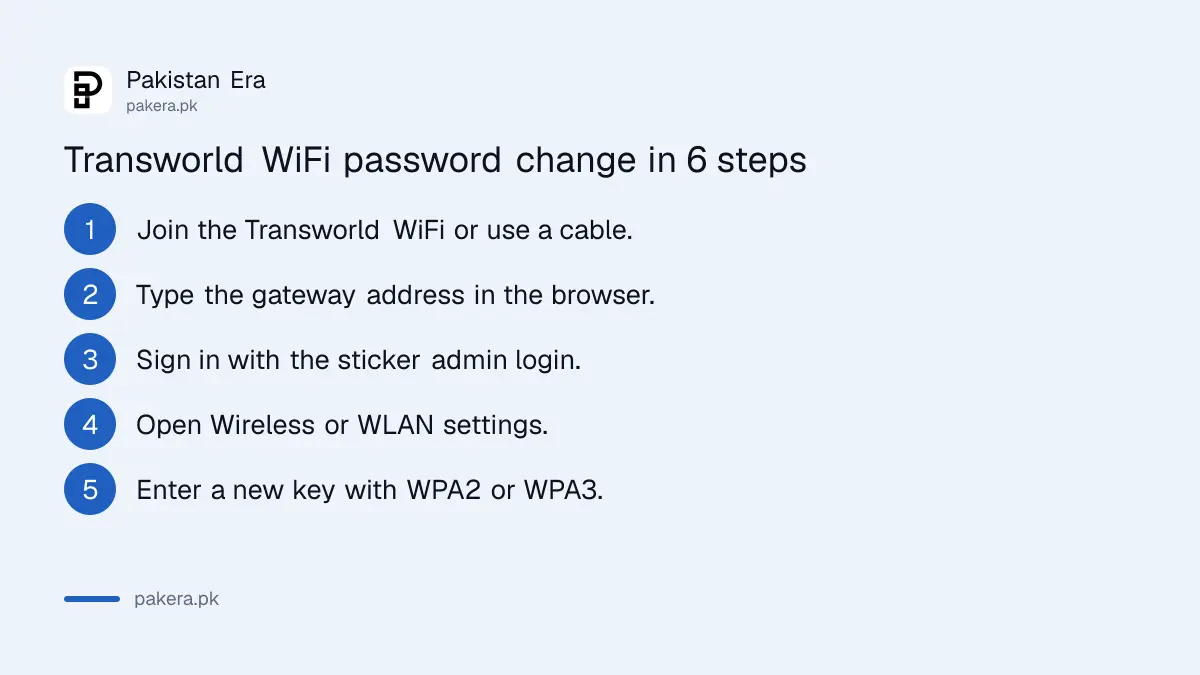
Sign in to the router page, open the wireless or WLAN section, type a new key in the password or pre-shared key field and save. All your devices drop off and reconnect with the new key. If there are two networks, 2.4 GHz and 5 GHz, change both.
- Join your Transworld WiFi, or connect a laptop by LAN cable.
- Type the gateway address into the browser address bar.
- Sign in with the admin username and password printed on the router sticker.
- Open Wireless, WLAN or WiFi settings.
- Replace the key in the password, passphrase or pre-shared key field. Choose WPA2 or WPA3 security.
- Save or Apply, then reconnect each device with the new key.
Use at least 12 characters. A few unrelated words with a number is easy to type on a TV remote and hard to guess. While you are in there, change the router's admin login too, because a default login is the first thing anyone on your network will try. Our notes on securing a home router's admin password cover that step.
Reset the Transworld self-care and My Transworld app password
Transworld's FAQ gives the steps: open the My Transworld app or customer.transworld-home.com/login.php, enter your customer ID, tap "Forgot password?", fill in the details and enter the OTP sent to your registered email, then set a new password.
- Open the My Transworld app or customer.transworld-home.com/login.php.
- Enter your customer ID. It is on your bill and in Transworld's messages.
- Tap "Forgot password?" and fill in the requested details.
- Enter the OTP Transworld sends to your registered email address.
- Tap "Set Password" and choose the new password.
The OTP goes to your registered email, not your phone. If that email belongs to a former tenant or an old office account, the reset will fail, and you will need 1837 or csd@tes.com.pk to update it. Once you are in, the same account lets you pay and download bills, as set out in Transworld bill payment and download.
When the Transworld router page will not open
Most failures have simple causes: the device is on mobile data, the address went into a search box, or someone changed the admin login. Fix those first. Call 1837 before pressing the reset hole, because a factory reset can remove the settings your connection needs.
| What happens | Why | Fix |
|---|---|---|
| Page times out | Not on the Transworld WiFi | Switch off mobile data, rejoin the WiFi |
| Google results appear | Address typed in the search box | Type it in the address bar |
| Login rejected | Admin password was changed | Call 1837 for help |
| Some devices still use the old key | Second band not changed | Change both 2.4 GHz and 5 GHz |
| Weak signal upstairs | Walls and floors, not the password | Move the router or add mesh |
A weak signal in far rooms is a coverage problem. Transworld sells a mesh WiFi unit at Rs 13,350 before tax, according to its FAQ, but try a better spot for the router first.
Transworld contacts for password and router help
Transworld's 24 hour call centre is 1837, its email is csd@tes.com.pk, and its UAN is 111-837-837. Service centres in Karachi, Lahore and Islamabad can also help in person, Monday to Thursday and Saturday from 9 am to 6 pm.
Have your customer ID ready when you call. If a technician has to reconfigure the router, ask them to set the admin login to something only you know, and write it down somewhere safe. Families who share WiFi with visitors often should set up a separate guest network, explained in guest Wi-Fi with a QR code.
Common questions
What is the Transworld router login IP?
Transworld does not publish one. Read your default gateway from the phone's WiFi details or with ipconfig on Windows, and type that number in a browser.
What is the default Transworld router username and password?
Transworld does not list it. Look for a sticker on the router. If the login there fails, call 1837.
Can I change the Transworld WiFi password from the My Transworld app?
Transworld's FAQ does not say so. It lists the app for bills, plan changes, add-ons and service requests. Use the router page for the WiFi key.
How do I reset my Transworld self-care password?
Enter your customer ID at customer.transworld-home.com/login.php or in the app, tap "Forgot password?", and use the OTP sent to your registered email.
Why do my devices still connect with the old Transworld password?
The router probably has two networks, 2.4 GHz and 5 GHz, and only one was changed. Change the key on both.
Will a Transworld technician change the password for me?
Call 1837 and ask. Transworld's FAQ does not mention password changes, but its support team handles router and connection issues.
How we verified this
What we checked, where we read it, and what we could not confirm.
Last checked 24 October 2026. We read Transworld Home's FAQ (account password reset, contacts, mesh price), its customer care page and the self-care login link. Transworld publishes no router address, default login or WiFi password steps, so the router method here is the general one that works on any home router, not a Transworld instruction. The addresses we name are common examples. We did not log in to a Transworld router ourselves, so menu names may differ on your model.
About the author

Tax, Bills and Technology Writer
Ali Akhtar is a young and curious voice here at Pakistan Era. He is currently pursuing his A-Levels and has a growing interest in Pakistan’s changing industrial landscape and educational trends. Ali likes to write in a way that helps him explain and explore the world around him. His writing reflects the perspective of the new generation navigating the evolving trends of Pakistan where technology, youth innovation, and shifting opportunities are reshaping the country’s future.