How to Set Up Guest Wi-Fi and Share It by QR Code at Home or Shop in Pakistan
Set up a guest Wi-Fi network at home or in a shop in Pakistan and share it by QR code, as PKCERT advises. Keep visitors off your own devices. Five easy steps.
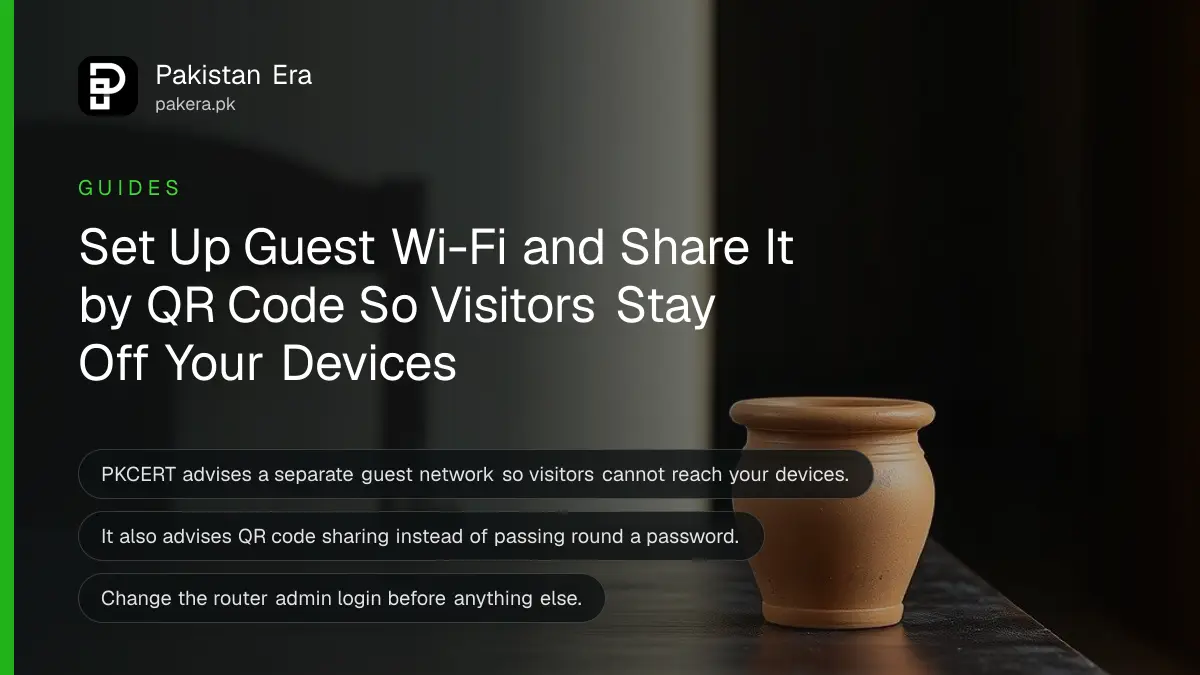
Set up a separate guest Wi-Fi network for visitors, give it its own password, and share it with a QR code instead of reading the password aloud. Pakistan's National CERT lists a guest network and QR sharing as two of its Wi-Fi security practices. Your own devices stay on the private network.
A cousin visits and asks for the Wi-Fi password. Then a neighbour asks. Then the plumber. Within a year, thirty phones have joined your network, and you cannot say which ones. We read the Wi-Fi security page of the National CERT of Pakistan (PKCERT) on 15 October 2026, and its guest network advice solves exactly this. This page explains how to apply it at home or in a small shop.
A guest network keeps visitors away from your own devices
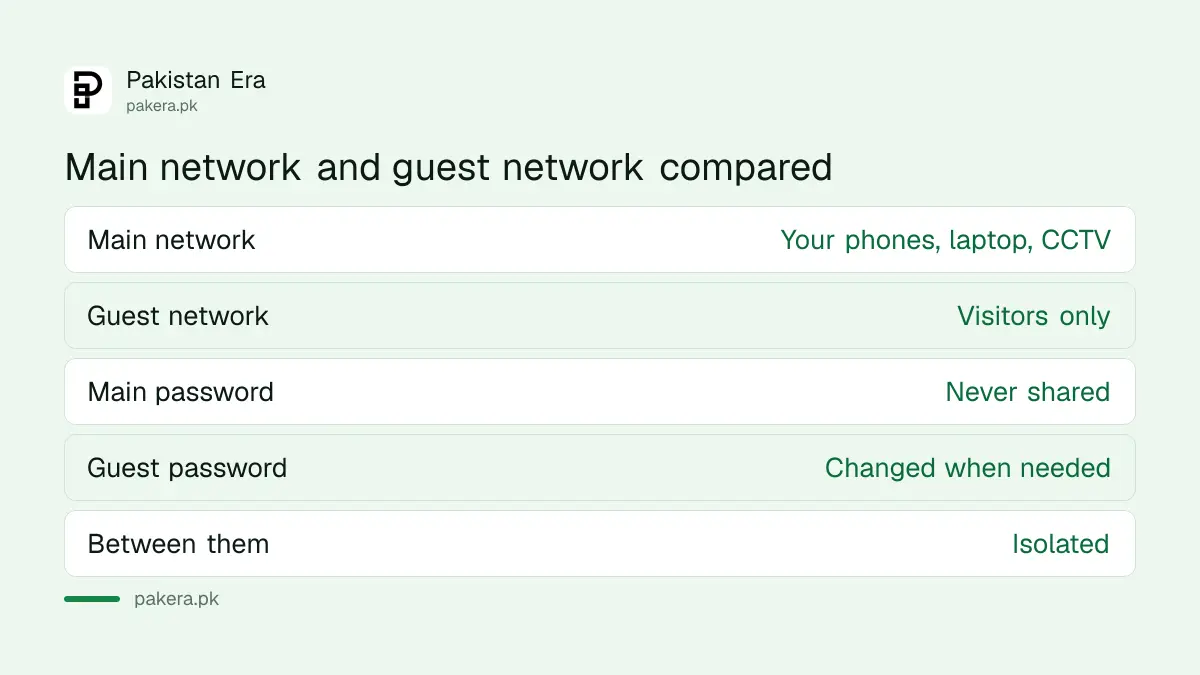
PKCERT says to offer guests a dedicated guest network. The guest network is isolated, so visitors cannot stumble into your private network. Your laptop, CCTV, printer and office files sit on the main network, where visitors cannot reach them.
This matters most in a shop or home office. A customer's infected phone on the same network as your billing computer is a risk. On a guest network, that phone is walled off.
Turn on the guest network in the router settings
Most modern routers have a guest network option. The screen differs by brand and by internet provider, so we cannot give one fixed path. Look for a menu called guest network, guest Wi-Fi or similar after you sign in to the router.
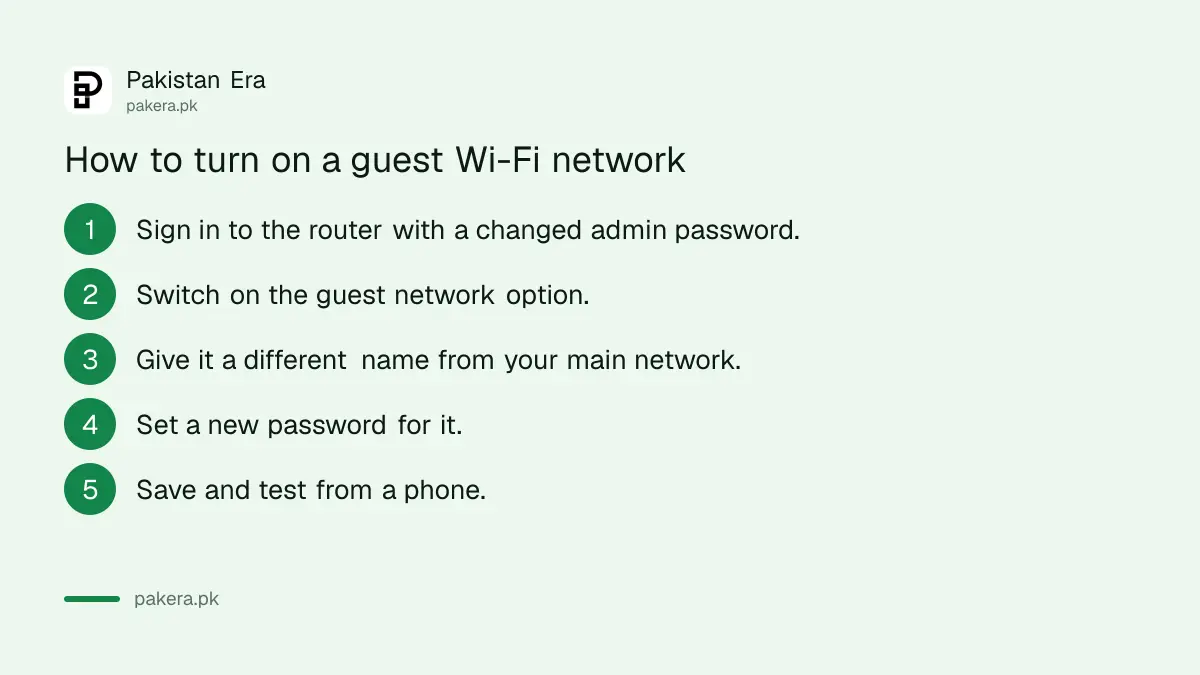
- Sign in to the router with its admin password. If you still use the default one, change it first.
- Find the guest network option and switch it on.
- Give it a different name from your main network, such as "Home Guest".
- Set a new password that is different from the main one.
- Save, and test by joining it from a phone.
If your router belongs to the internet company, the steps to change a PTCL Wi-Fi password show how to reach the settings page on one common type. Our page did not test every router, so the guest option may be missing on very old models. In that case, ask your provider whether the router supports one.
Share the guest Wi-Fi with a QR code, not a spoken password
PKCERT suggests QR code based network connection instead of sharing Wi-Fi passwords. It says the approach gives each guest an access method that reduces the risk of password sharing. A visitor scans the code with the phone camera and joins in seconds.
Many phones can create a Wi-Fi QR code from the saved network, and several free tools can make one from the network name and password. Print the code and place it at the counter or the sitting room. We did not test the exact phone menu, so use the share option next to the saved Wi-Fi network if your phone has it.
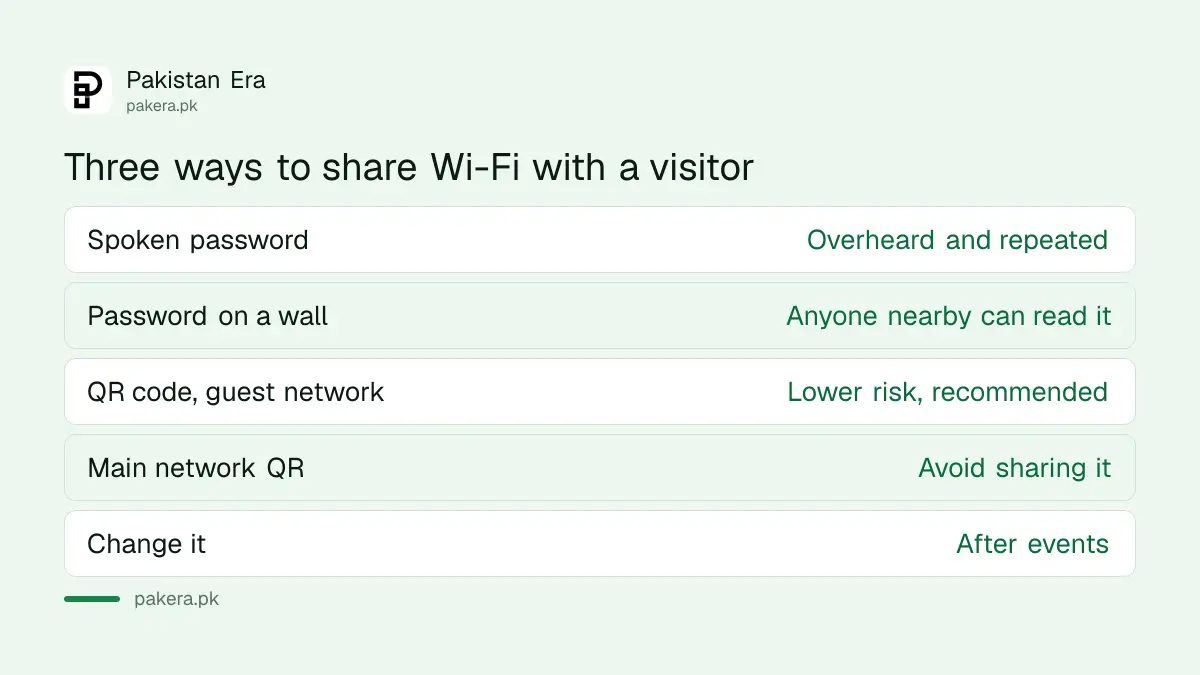
| Method | Risk | PKCERT view |
|---|---|---|
| Spoken password | Overheard, repeated to others | Not advised |
| Password written on a wall | Anyone in the street can read it | Not advised (our reading) |
| QR code for a guest network | Lower, and only the guest network is exposed | Recommended |
Only the first row and the last row are direct from PKCERT. The wall note is our reading of the same risk. If you suspect a guest password has spread, change it. Because it is only the guest password, none of your own devices need to be reconnected.
Other router settings PKCERT lists
PKCERT's Wi-Fi sheet covers more than guests. It advises WPA3 encryption, regular router firmware updates, new default router login details, a router firewall, and turning off remote administration. It also lists hiding the network name and MAC filtering, which control which devices may join.
We would treat the last two as extras, not as your main protection. Hiding the name does not encrypt anything, and a strong password with WPA3 matters more. Also limit how far the signal travels, since PKCERT suggests limiting physical access and signal strength so that fewer outsiders can try to connect.
If you run a cafe or shop that offers Wi-Fi to the public, separate rules apply, and the report on PTA rules for public Wi-Fi hotspots explains them. If you only share your phone's data, see the steps to share a mobile hotspot.
Common questions about guest Wi-Fi in Pakistan
What is a guest Wi-Fi network?
It is a second network on the same router, with its own name and password, which keeps visitors apart from your private devices. PKCERT recommends it.
Does a guest network slow my internet?
It shares the same internet line, so many guests can slow it. Some routers let you limit guest speed. We did not test this on any router.
Is a Wi-Fi QR code safe?
It is safer than telling people the password, because the code can open only the guest network. Keep the printed code away from the street.
How often should I change the guest password?
Change it whenever it has been shared widely or after a party or event. This is our advice. PKCERT does not set a schedule.
Do I need WPA3?
PKCERT advises enabling WPA3 encryption. If your router does not offer it, choose the strongest option it lists, and think about an upgrade.
Should I hide my Wi-Fi name?
PKCERT lists it, but it only hides the name and does not protect the data. A strong password and WPA3 are more important.
How we verified this
What we checked, where we read it, and what we could not confirm.
Last checked 15 October 2026. The advice on guest networks, QR code sharing, WPA3, firmware updates, default credentials, firewall, remote administration, hidden names, MAC filtering and signal limits comes from the Wi-Fi security page of the National CERT of Pakistan at pkcert.gov.pk, read from its published infographic on 15 October 2026. The comparison table's wall row, the guest speed remark and the password change schedule are our own reading. We did not test any router or QR tool.
About the author

Technology Journalist & Multimedia Producer
Ahmad Ali is a technology journalist and multimedia producer at Pakistan Era, joining the team in October 2026. He covers consumer technology and digital life for Pakistani readers, combining research with hands-on product testing.