Turn On RCS Chats in Google Messages in Pakistan: 4 Steps, Every Status Explained and the Fixes
Turn on RCS chats in Pakistan: Google Messages, profile, Messages settings, RCS chats. What Connecting and Not supported mean, the 5 checks and the carrier fix.
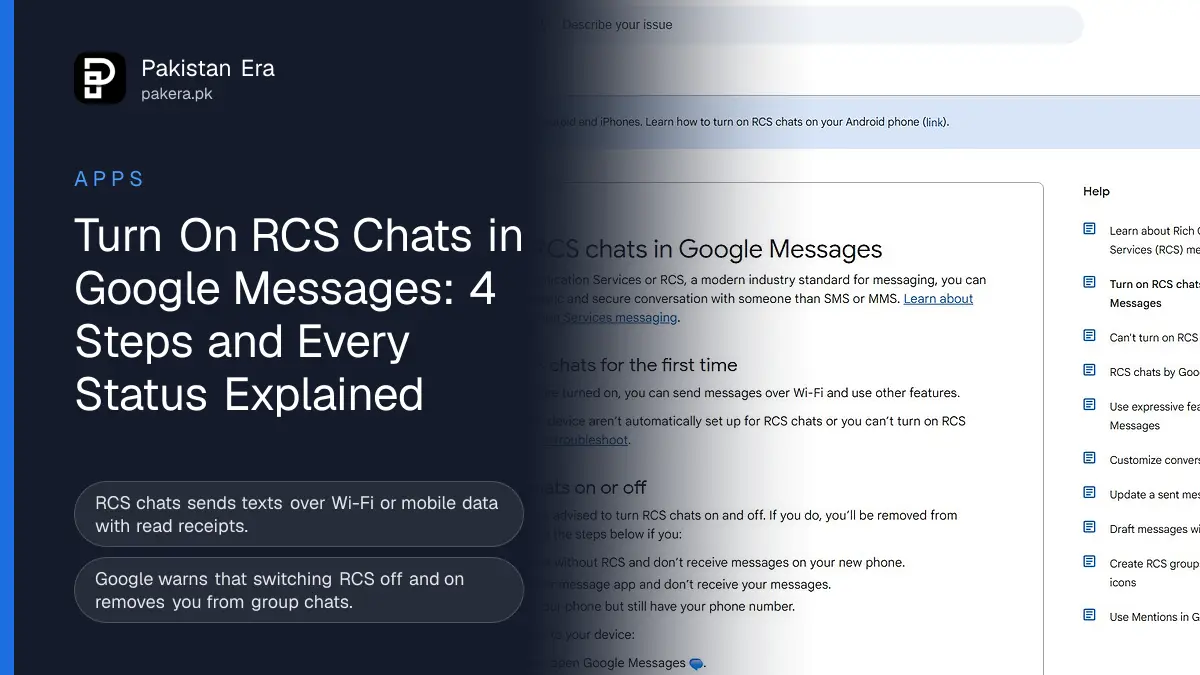
To turn on RCS chats in Pakistan, open Google Messages, tap your profile picture, then Messages settings, RCS chats, and switch RCS chats on. The status should change from Connecting to Connected. If it stays on "Trouble connecting" for more than 30 minutes, Google says to tap Details and Submit feedback.
RCS stands for Rich Communication Services. It is the upgrade to normal SMS that lets your phone's messages app show typing dots, read receipts, high quality photos and group chats, sent over Wi-Fi or mobile data. We read Google's three RCS help pages on 12 November 2026 and took a screenshot of the main one. The feature matters more in Pakistan than it seems. Many Android phones sold here come with Google Messages as the texting app, and many people never open its settings at all.
What you need for RCS chats to work
Google's troubleshooting page lists five things: Google Messages as your default SMS app, an internet connection on a phone that can also receive SMS, Android 5.0 or higher, the latest Google Messages and the latest Google Play Services. Both people in a chat must have RCS turned on.
| Requirement | Where to check it |
|---|---|
| Google Messages is the default SMS app | Phone Settings, Apps, Default apps, SMS app |
| Internet plus SMS on the phone | Mobile data or Wi-Fi on, SIM active |
| Android 5.0 or higher | Settings, About phone |
| Latest Google Messages | Settings, Apps, Google Messages, App details |
| Latest Google Play Services | Play Store, update Google Play Services |
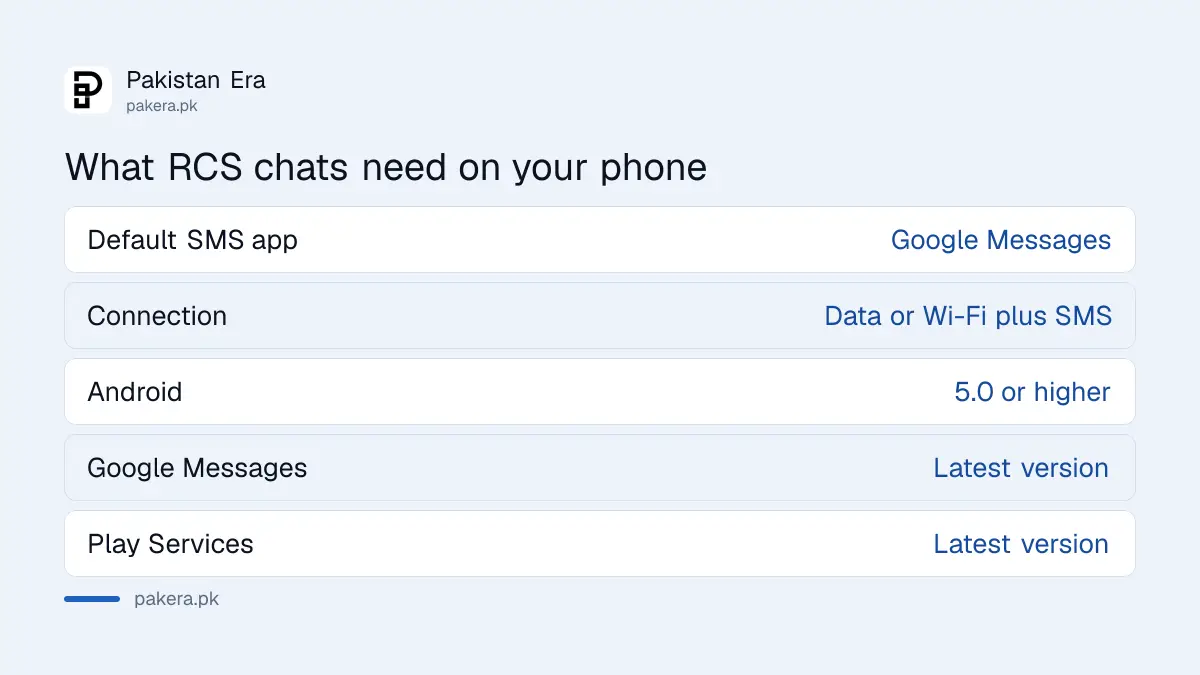
Your mobile network also matters. Google's page says that if you see "RCS chats are disabled by your carrier", you have to contact your carrier. If you hit that message, the operator's helpline is the only fix.
Turn on RCS chats in 4 steps
The switch is inside Google Messages, not in your phone's main settings. Here are the steps as Google gives them.
- Open Google Messages.
- At the top right, tap your profile picture or initial, then Messages settings.
- Tap RCS chats. On some phones this is called Chat features.
- Switch RCS chats on and wait for the status to read Connected.
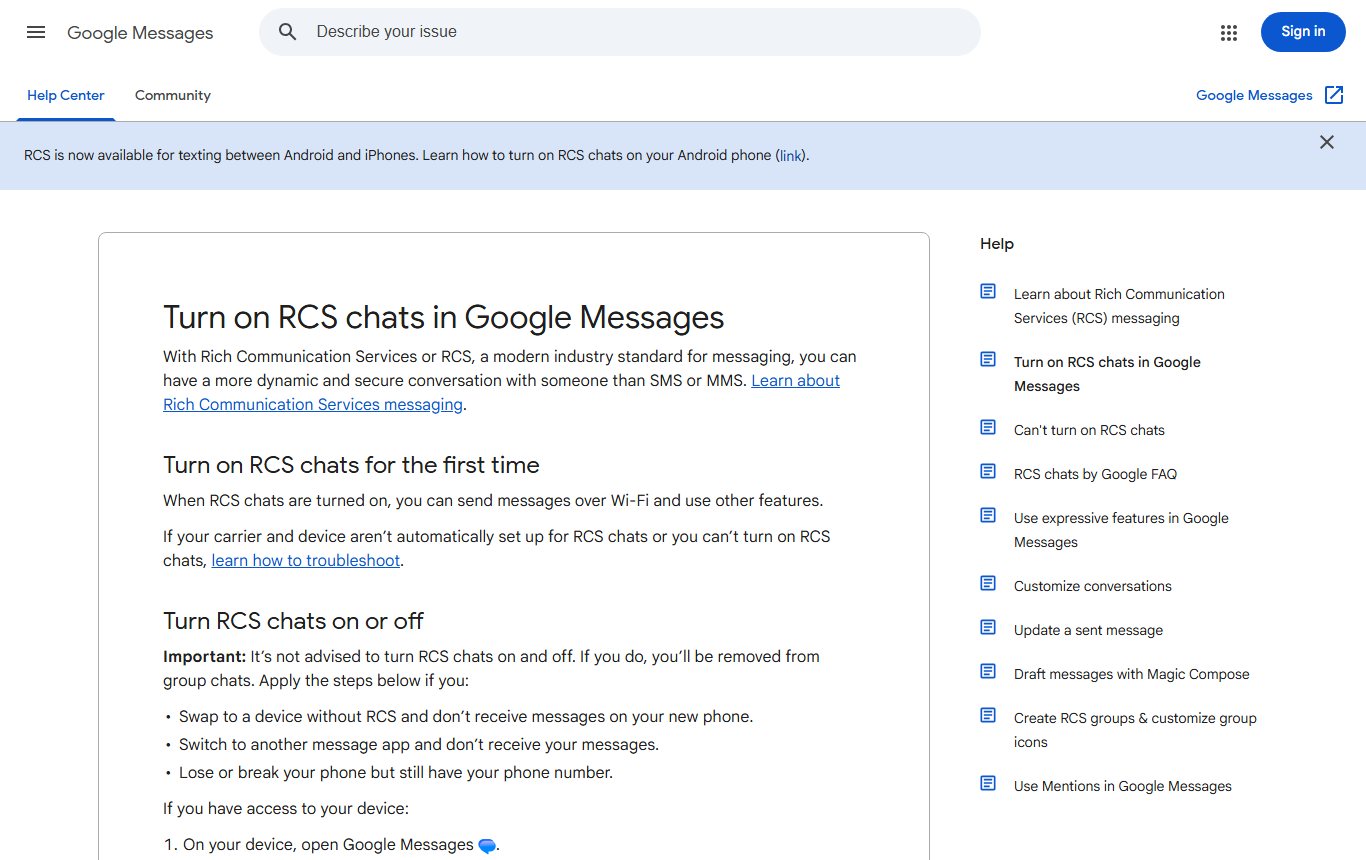
Google adds a warning we had not expected to find so high on the page: it is not advised to keep turning RCS on and off, because each time you do, you are removed from group chats. So switch it on once and leave it. Only turn it off if you move to a phone without RCS, switch to another messages app, or lose your phone.
What each RCS status means
Google lists four statuses under Settings, RCS chats. Connected means it works. Connecting means your number is being verified. Trouble connecting means verification has a problem. Not supported means RCS cannot be used, and Google says to check your internet connection.
| Status | What to do |
|---|---|
| Connected | Nothing. RCS works with others who have it on |
| Connecting | Wait while your number is verified |
| Trouble connecting. Awaiting retry | Wait. After 30 minutes, tap Details, then Submit feedback |
| Not supported | Check mobile data or Wi-Fi |
| Disabled by your carrier | Contact your mobile network, then tap Retry |
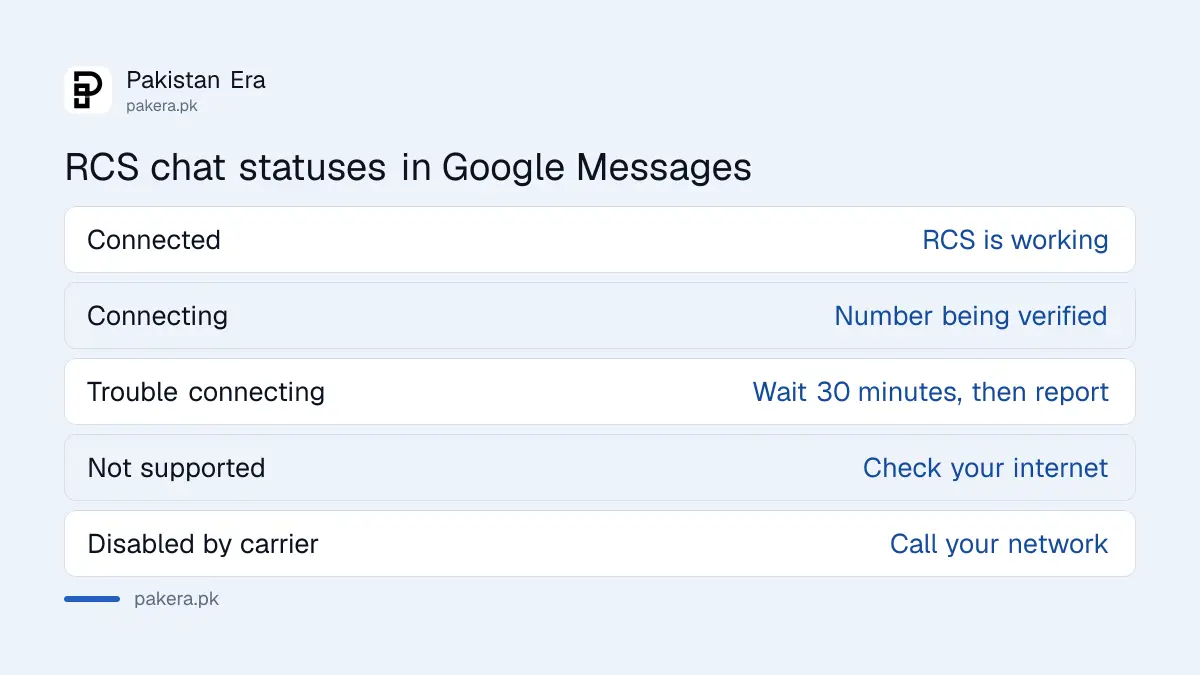
Verification uses your phone number, so the SIM must be able to receive an SMS. A prepaid SIM with no balance or a number that has been switched off can leave you stuck on Connecting.
Fix RCS chats that will not turn on
Work through Google's list in order. Most problems are fixed by the first two checks.
- Make Google Messages your default SMS app. Samsung phones may still have Samsung Messages set as default.
- Turn on mobile data or Wi-Fi and make sure the SIM can receive SMS.
- Update Google Messages. Open phone Settings, Apps, Google Messages, App details, and tap Update if it shows.
- Update Google Play Services from the Play Store.
- Check Android is 5.0 or higher. Any phone sold in recent years passes this.
- If the status says disabled by your carrier, call your operator. When they fix it, tap Retry.
If you have lost the phone but kept the number, Google has a deactivation web portal to turn RCS off, so texts reach your new phone as SMS. The link is on the help page in our sources.
Read receipts, typing dots and resending
Inside RCS chats you can choose what others see. Google gives separate switches for Send read receipts and Show typing indicators, both under Messages settings, RCS chats. You only see other people's read receipts if they have turned theirs on too.
If a message fails over data, Resend messages in the same menu lets you pick how to send it again. Google gives a clear warning here: if you choose "SMS with a link", your photo or video could be reached through a public link that Google does not control. For anything private, wait for data instead.
The send button shows how each message will go: by Wi-Fi or mobile data, by SMS, or by MMS. RCS messages travel over data, so on a weak connection they may wait. That also means they use your data bundle rather than the SMS count on a Jazz SMS package or similar offer.
Keep RCS chats safe from scam messages
RCS makes texts look more like a chat app, and scammers use that too. Google Messages has spam and scam protection, which you can set to Enhanced, Standard or none under Messages settings, Protection and Safety. Our guide to turning on Google Messages spam protection covers each level. Never open a link in a text that claims to be from a bank, the FBR or a courier until you have checked the sender.
Frequently asked questions
Does RCS work in Pakistan?
RCS runs through Google Messages, and Google lists no country limit on its help pages. Your network can still disable it. If you see "disabled by your carrier", contact your operator.
Does RCS use my SMS package?
RCS messages are sent over Wi-Fi or mobile data, as shown on the send button. Messages that fall back to SMS or MMS are charged as normal texts.
Why does my RCS status say Connecting?
Your number is being verified. Wait. If it turns into Trouble connecting for more than 30 minutes, tap Details and Submit feedback.
Can I send RCS messages to an iPhone?
Google's help centre says RCS is now available for texting between Android and iPhones. Both sides need RCS turned on.
Should I turn RCS off and on to fix a problem?
No. Google advises against it, because each time you are removed from group chats.
Where is the RCS chats setting?
Google Messages, your profile picture, Messages settings, RCS chats. On some phones it is named Chat features.
How we verified this
What we checked and where we read it.
Last checked on 12 November 2026. Steps, statuses and warnings are from Google's Turn on RCS chats in Google Messages and Can't turn on RCS chats pages. We read both in full and screenshotted the first.
About the author

Technology Journalist & Multimedia Producer
Ahmad Ali is a technology journalist and multimedia producer at Pakistan Era, joining the team in October 2026. He covers consumer technology and digital life for Pakistani readers, combining research with hands-on product testing.